Anyone having issues with the oxygen tank in the full diving suit?
 Choppski
Posts: 680
Choppski
Posts: 680
in The Commons
All the other pieces work fine, but the oxygen tank flattens out if the character has almost any morphs. I can just parent it, but then the breathing tube doesn't fit the mask. I am never clear when it says wearable vs accessory vs wardrobe if I am supposed to fit things differently. But with the full load and individually fitting it, the tank goes flat.

Daz 3D is part of 
Connect
DAZ Productions, Inc.
7533 S Center View Ct #4664
West Jordan, UT 84084
Licensing Agreement | Terms of Service | Privacy Policy | EULA
© 2026 Daz Productions Inc. All Rights Reserved.
Comments
Yes, I have the same issues you describe. Flattens like a pancake. The only way I can see for it to look proper is to parent it to the backpack or the figure, but like you said the breathing tube moves away from its proper place.
EDIT: Converts reasonably well to G8 Male with minor distortion on the breathing tube, but the tank itself converts fine. I bought this for G8 figures anyway.
maybe can be fixed with the geometry editor and weight brush
I don't own it
open tool settings tab
choose the nearest spine bone select all the tank with the geometry editor and add weightmap and fill the weight mapping 100%
good to know it is not just me.
I will try that.
Any morphs, or morphs that ncrease the torso size?
It does appear to be most affected by broad-chested, or larger male figures I own (a few of the orcs, Thimor, Nikolai). However, there were a few thinner built male figures that also caused the distortion (Unforgettable, Base Anime Male, CB Milo). And it seems that the supported shapes do not seem to cause this issue, at least what very few I have. I only have a small number of G9 Females and all worked fine except for one (Pixie 9).
edit: I tried Wendy's suggestion but absolutely nothing happened at all, unless I did something wrong. But this is how I usually fix conversion issues.
Yeah and if I don't use the m3d hero or any converted morphs or morphs that make the torso large or chest broad, then it stays round.
can you dial the M3D morph out to 0 under hidden on the tank?
Sigh... when a product works better on a the G8 figure base than it does on the G9 base it was designed for, it's just another in my long list of reasons to continue avoiding using G9 whenever possible.
I have only a couple of morphs that do this, AM Body Weight being one, and it dos seem semii-reasonable - that moves the back out (so the nearer part of the mesh gets squished as it is closer to the surface and so more strongly affected) while also spreading sideways (so when the model follows that it gets stretched wider). This seems to be due to the (sliightly odd) Rigidity Groups - removing those (with the Geoemtry Editor) and then Edit>Figure>Shape>Clear Generated Morphs to get rid of the existing, flattening morph did stop the odd behaviour but it would also mean that a lot of morphs with a less uniform effect would distort the model. I suspect the issue is that the reference group seems to eb the same as the Rigidity Group, which is a bit odd, but I don't know what the tradeoffs found in creating the model were. Converting to another figure will remove the Rigidity maps and projected morphs, which is why you don't see the same thing there.
What you might try is removing the Rigidity Groups, clearing the generated morphs, and then apply each problem morph (as long as it is a single morph) to an otherwise zeroed base figure. If the default morph projection looks OK you could then export the tank as OBJ, using the same name as the morph on the base figure (the name isn't the labvel, you can get it from Parameter Settings - the gear icon on the slider for the morph). The reload the origiinal tank, with its Rigidity maps, and use Morph loader pro to import the exported OBJ files as new morphs - when you set the morph on the base figure it will use the imported shape, not the problematic projected morph, though you may need to adjust the rigging to accomodate the new shape, but you should still have protection from distortion due to other morphs.
You are a genius. I went to preferences, selected show hidden properties and zeroed the figure converter morph. Seems to work.
RE: Full Diving Equipment for Genesis 9
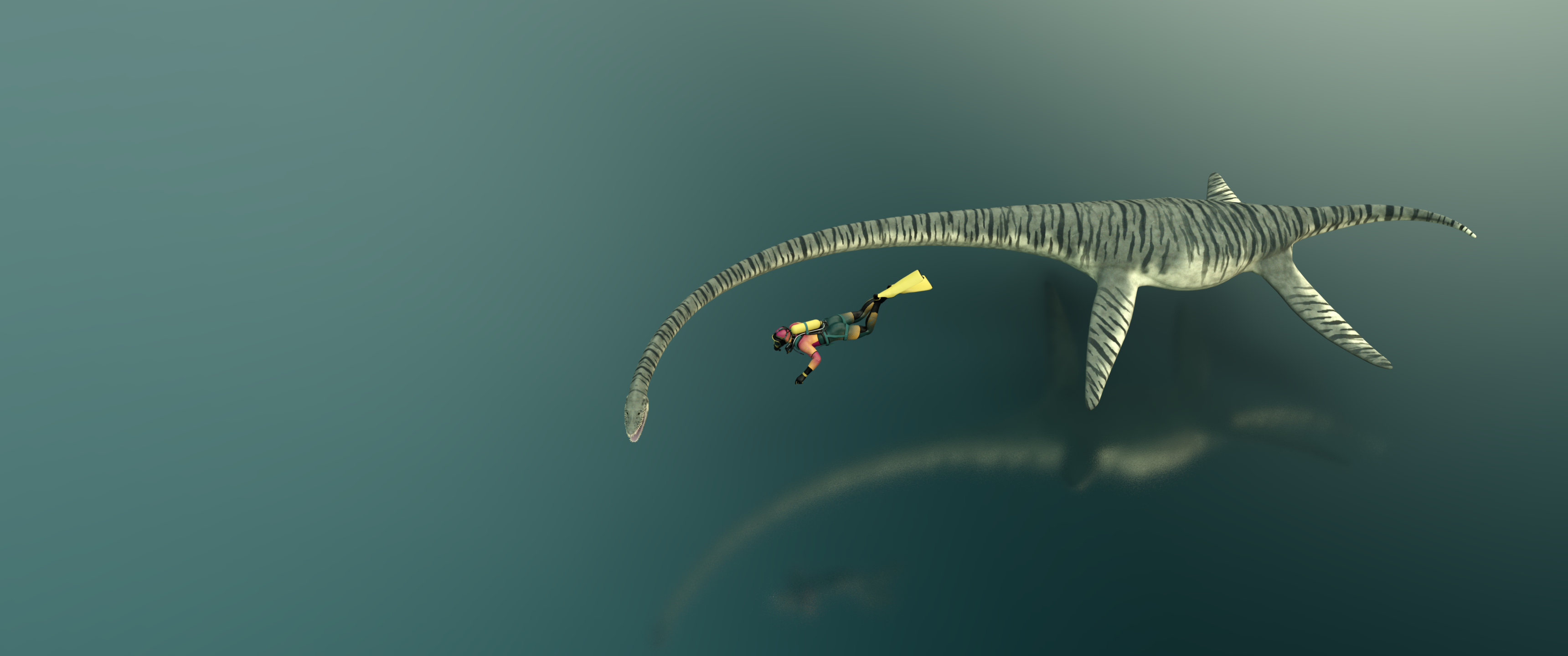
I had searched for one, but missed this thread, so started a new one - in it I said I had used KOO Joshua and the tank was more like a bladder. After being directed to this thread and reading through I went into my scene and merely dialed out just the KOO Joshua body and the tank restored itself. WOOHOO! I also tried the full kit on Mira 9 as a test and she did not require any adjustments.
Thanks for the fixes. Great to know, that this issue is fixable.