[Released] Look At Me III [Commercial]
 RiverSoft Art
Posts: 6,968
RiverSoft Art
Posts: 6,968
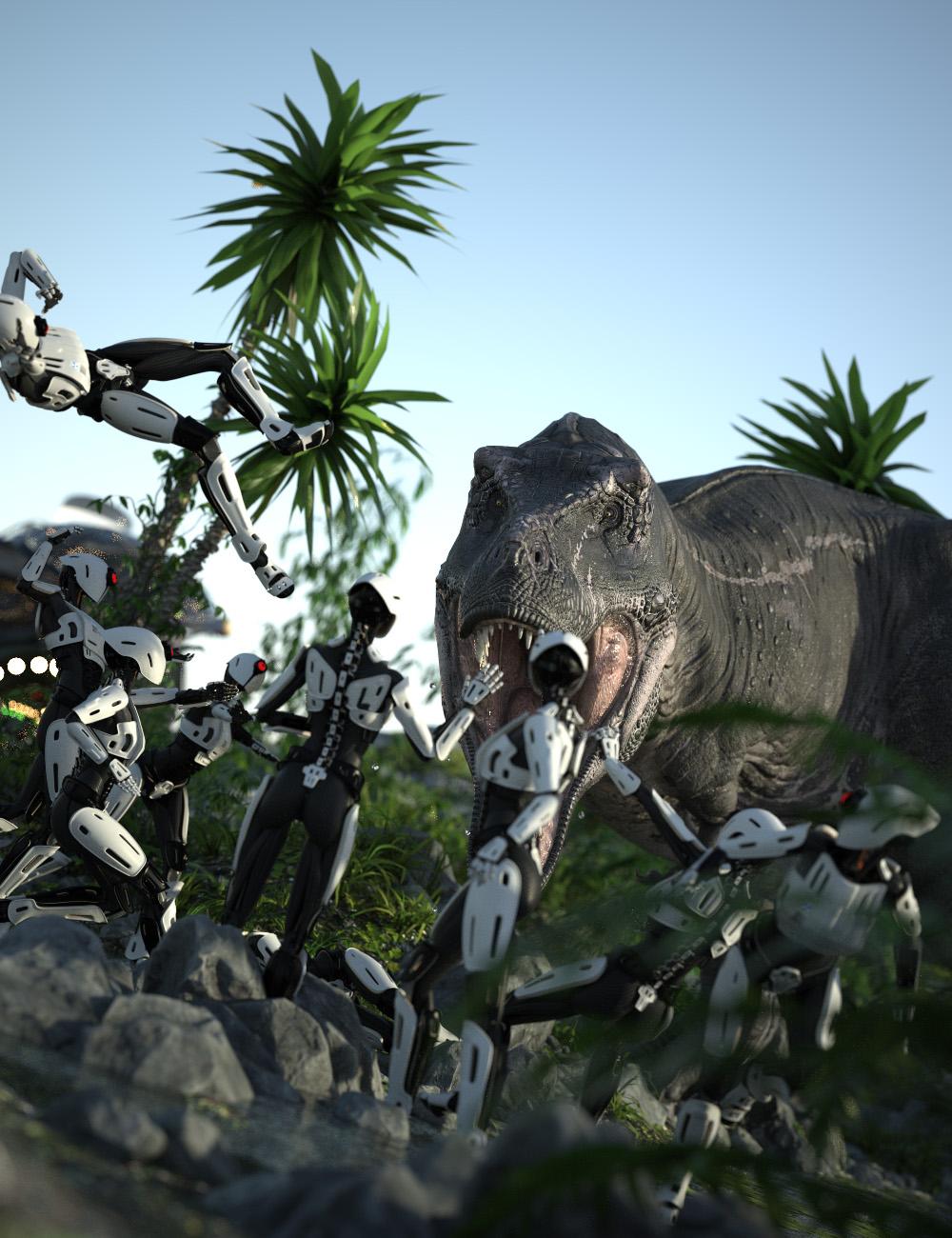 Look At Me III is a major upgrade to the popular Look At Me II Pose Control, offering a suite of scripts that let you precisely control your characters’ eye, head, chest, and abdomen movements for natural, expressive poses. With Look At Me III, you can quickly orient selected figures to face any target in your scene—such as the viewport, a specific node, or even each other—making posing for renders and animations both fast and intuitive. Fine-tune each movement for realistic results, whether you’re working with humans, animals, or fantasy creatures.
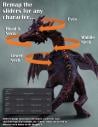
Designed to work out of the box with nearly any character or figure—from Victoria 4 to Genesis 9, Horse 2 to Dragon 3—Look At Me III now lets you pose any character type. You can even assign sliders to different bones for maximum flexibility.
- Five Custom Scripts for controlling where your characters look:
-
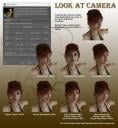
- Look at Camera III: Direct eyes, head/neck, chest, and abdomen toward the active viewport camera. Supports multiple characters simultaneously.
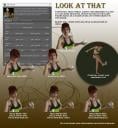
- Look at That III: Make characters look at the last selected node—on themselves or any object in the scene. Works with multiple characters.
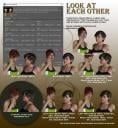
- Look at Each Other III: Pose two figures to gaze into each other’s eyes, with individual control for each. New options let you choose which eye to target.
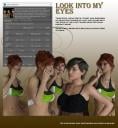
- Look into My Eyes III: Selected figures look into the eyes of the last figure chosen (who remains unposed). Supports multiple characters.
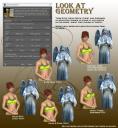
- NEW! Look at Geometry III: Characters can now look at a specific vertex on any node in the scene. Works with multiple figures.
- Universal Compatibility: Works out of the box with almost any character or figure.
- Expandable: Easily extend scripts to support new character types and custom bone names.
- 99 Levels of Undo/Redo: Experiment freely with poses.
- Daz Studio 2026 Support: Fully compatible with the latest version.
- Faster, More Intuitive Workflow: Improved performance and usability.
- Preview Camera: Get a precise overview of your pose before applying it.
- Automatic Settings: Your preferences are saved and restored for convenience.
No poses are included with the package.
Tutorial





Daz 3D is part of 
Connect
DAZ Productions, Inc.
7533 S Center View Ct #4664
West Jordan, UT 84084
Licensing Agreement | Terms of Service | Privacy Policy | EULA
© 2026 Daz Productions Inc. All Rights Reserved.
Comments
I am so ready for this!
Considering "Look at Me II" is my most used script, I'm eagerly looking forward to this!
Multiple Characters. Yes.
Yes, step in right direction. Congrats.
Mine too! I think you will love the improvements
Look At Me II could already handle multiple characters.
Thanks
It does? I always get then "you must select 2" error because I misclick in scene data. Just assumed. (I always put figures in a group as it makes it quick to make an entire figure invisible quickly.) But LAM2 can't use the group to find the figure.
I'm excited for this!
No, it cannot use the group. You need to CTRL-click multiple figures
Thanks! I think you will enjoy it.
Great news
My credit card is on standby.
I think you will like it.
Can wait!
A must-to-have script, as always ! When will the product be released ?
*CAN* wait? Unfortunately, you have to wait a little.
That is up to Daz. I am assuming sometime this month.
I meant I can't wait.. very much looking forward to it.
Looks great. Congrats on the release.
https://www.daz3d.com/look-at-me-iii
Thanks! I hope you enjoy it.
Thanks @Artini!
After I bought it, I then looked at the promos. Saw it was good for DS6 too and I enjoyed the phases of the poses, very interesting how just the subtle movements you did change the mood of the interactions. Great promos and I love this line of products by you.
Being that DS6 is now in beta it would be nice if all new script products stated whether they supported it or not. It's the main reason I bought this one, I do have DLAM II and use it regularly, I am starting to use DS6 more and a lot of older scripts don't work with it.
Still on 4.24+ using Look at me ii a lot. On the fence but bought this update and now am glad. More responsive in capability and speed. Thanks!
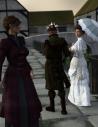
Just popping in to say I love that last promo pic. Way to subvert expectations.
Just put a null where they shouldn't look. And Look At That. :)
EDIT: Look At Geometry III does this. And needs a feature request: In the camera section, being able to change the DrawStyle would be useful. Selecting Geometry works best in one of the mesh draw styles. But looking at a figure's eyes in mesh display isn't easy.
Thank you! I think this one turned out great!