Quick Preview plugin doesn't appear after install
 Piquant
Posts: 361
Piquant
Posts: 361
I bought "Quick Preview" (plugin) today and installed it a few times throuogh DIM, but it never appears in the DAZ3D interface, anywhere. I've studied the attached instructions and looked for it where it shows it should be, but, no go. Has anyone succesfully installed this? If so, how?

quickpreview01daz3d.jpg
1000 x 1300 - 200K
Post edited by Piquant on

Daz 3D is part of 
Connect
DAZ Productions, Inc.
7533 S Center View Ct #4664
West Jordan, UT 84084
Licensing Agreement | Terms of Service | Privacy Policy | EULA
© 2026 Daz Productions Inc. All Rights Reserved.
Comments
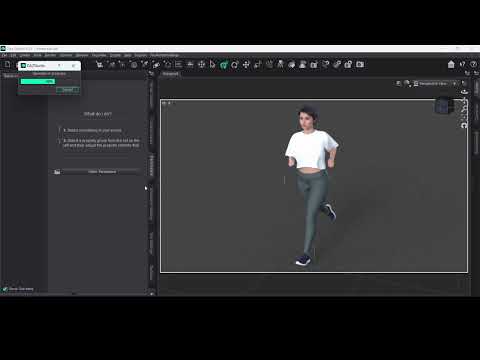
Please check the following: The plugin serial key is applied and the plugin is enabled.
Restarting DAZ Studio
.Refresh the GUI so it appears. "Window" -> "Workspace" -> "Update and Merge Menus"
After entering Serial no. and relauching DS, it'll appear under Render menu item ~
Good to know:
https://www.daz3d.com/quickpreview
Quick Preview (Plugin)– Record Your Daz Studio 3D Viewport as Video or GIF
Enter the serial number, eh? I see that now. Thank you.
Great to see a new and improved version in the works for DS6.
I bought tboth versions, they are a bit different in features, The main question is, will version 4.x reveive an update to match the features of ver 6.x?