
Daz 3D is part of 
Connect
DAZ Productions, Inc.
7533 S Center View Ct #4664
West Jordan, UT 84084
Licensing Agreement | Terms of Service | Privacy Policy | EULA
© 2026 Daz Productions Inc. All Rights Reserved.
Comments
Lingering Glance
Intermediate
2nd Entry this month. Joys of being a teacher means a lot of time in the Summer! This one I was working on before I made the final version of the other. I just wanted to use some Steampunk resources. I imagined a couple being separated. She looking back and knowing she had to go. He, reluctant to let go and let her leave. There may be more story to be told but I wanted to play with a different night time style of render. I had to add a few extra light sources to try to make sure I didn't make the mistakes of the first!
Thanks @Elliandra ,
I have been slowly starting to work on it again.
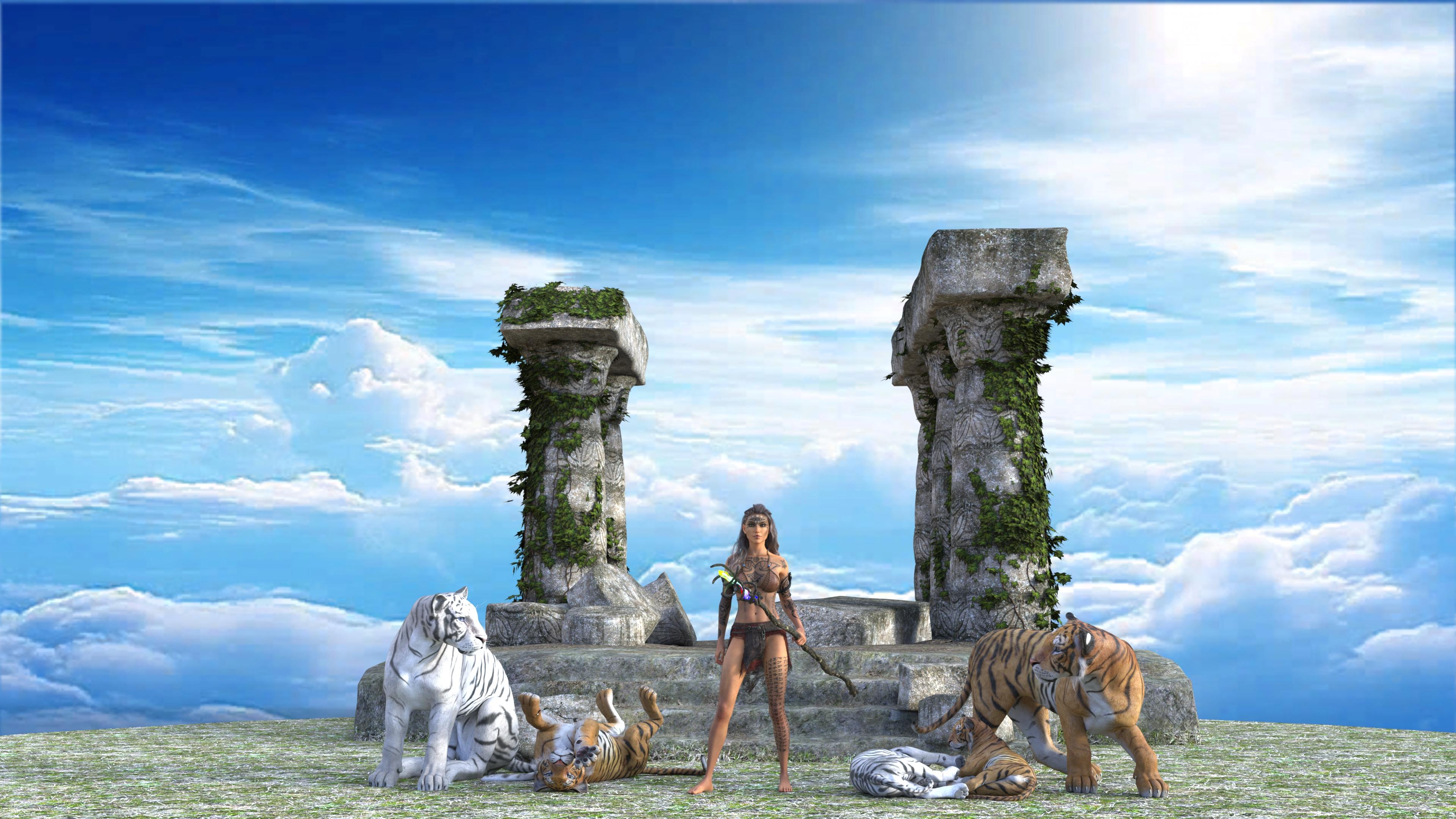
@Elliandra Went in and adjusted the Enviorment map on one of them. Changed the way the Tiger on the right was posed and used a different DM's Memorial. Changed the sky to a blue sky with clouds. Since I forgot to save the first scene with the original post I had to start from scratch and redo it all. Remembered to save this one right off and the bat. I did use your Tiger pose on the White tiger on the left side. Basically the same as before with some tweaks to what I used in the first one. I like this set of them even better. Second photo is the one I tweaked the enviorment map on.
(It's best to save your scene before doing any of the following tests)
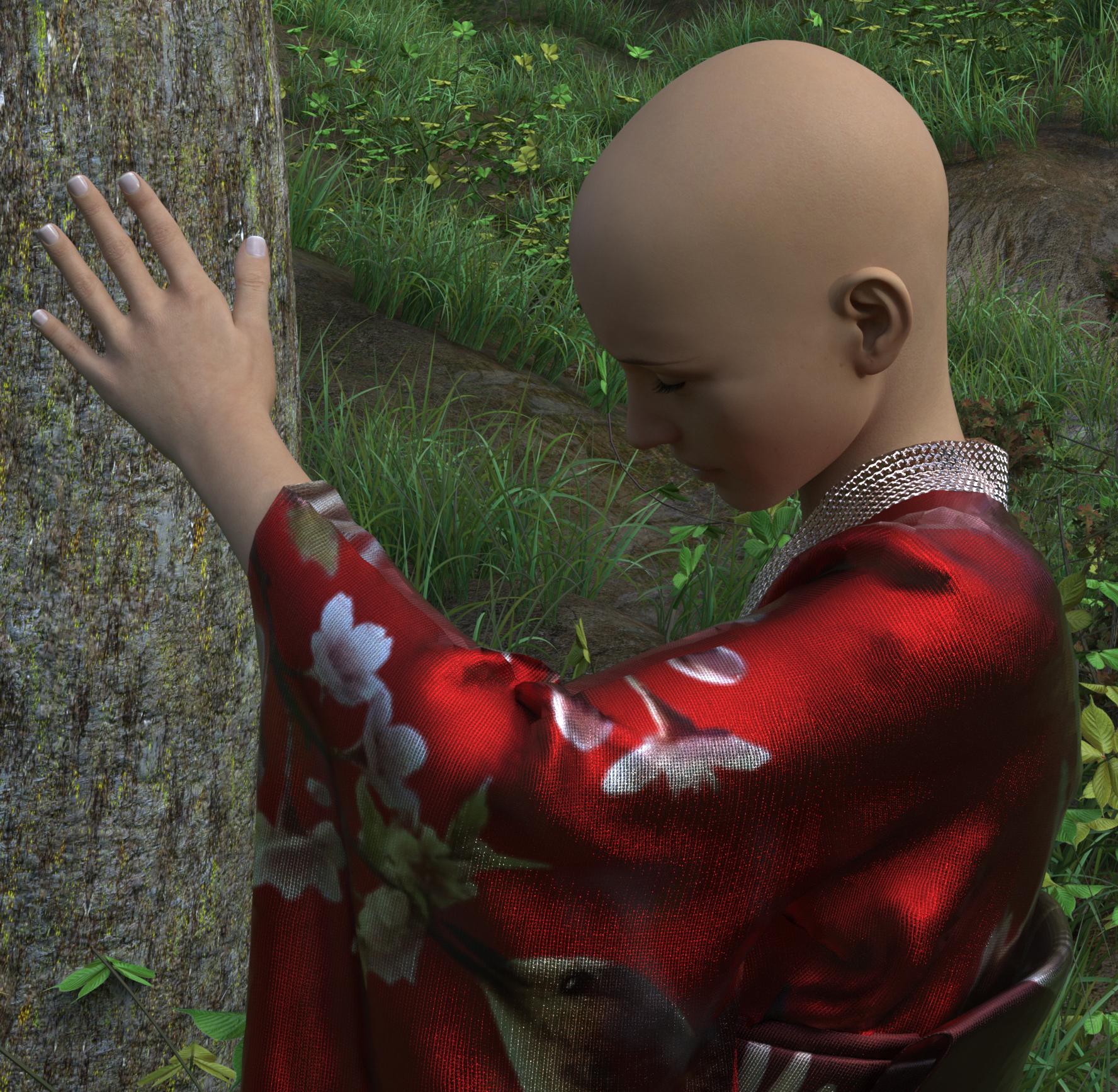
Did you try to move the tree itself ?
You can also try to play with the various values on the Should Bend bone to see which one gets you the hand closer to the tree: here, your goal should not necessary to get the hand raised exactly as you want, but to get it close enough to the tree.
Then, with the Bend value of the forearm you'll likely be able to raise or lower the hand.
Final tweaks will be done on the hand itself, except if you want to twist it, here, you should use the Twist value of the forearm: it offers a greater amount of freedom.
Another solution, with the universal tool active, select the hand, click on the various axis visible on the hand and move the hand alongside each axis until you're satisfied with the overall result: Daz Studio will take care of moving the rest of the arm if needeed.
In the same vein, you can also drag the hand directly by clicking on it, keeping the click active and moving your mouse. In your situation, I would do it with the 'viewport virtual camera' facing the character, with the tree between the camera and the character.
With the last two solutions, it's best to be subtle: if you move the hand out of the range of movements allowed by the current pose, Daz Studio will start to move every bone needed and not pinned to get the hand where your mouse cursor is.
Jay Versluis is explaining what I wrote better than I did in this video:
Made a few changes and like this version a lot more.
THE BRUTE - Intermediate
@FromAdelaide Oh yes, I like it too. The changes are quite subtle but the slightly different angle and the framing make it even better.
Thank you. Nice lighting for Lingering Glance, like the colour you would get from the old style sulphur globes.
@Alias52
Beautiful lighting! I also really like how he's grasping her hand like he doesn't want to let go. The female from teh background couple looks like she needs to be turned towards the camera some more (she looks a tad "squished"?), the male looks good. I really dig the old dude watching over all the action from the upper right lol
Sunkissed Papayas
Image 01 - The lighting looks really nice! It matches with the lighting on your figures really well.
Image 02 - I would suggest rotating the sky so that the bright section on the left of the image is on the right to line up with the main lighting on the figures in the scene like the bright bloom on the first image is ;)
@FromAdelaide
Wow great adjustments! The new angle is really nice as well with the glow from the fog in front lighting him and his armor/axe up really nicely!! The new tree added is also a really nice way to even out the background so you don't get that big blank spot anymore!
Image #2 Redone. Sky flipped.
Thank you Eliandra, I really enjoyed doing this one.
Lingering Glance
Intermediate.
I know what you mean about the woman. She needed a bit of a tweak to look more natural. I have her looking down now, so that she can see the steps she is walking down and, hopefully, she looks less squashed.
Sunkissed Papayas
Looks great! It's like they are on a mountain top!
@Alias52
Oh yea much more natural now! Great job!!
Thanks for playing everyone the Challenge is now over for this month but don't forget to take a look at September's Challenge!
I'll have the Showcase up in a little while!!
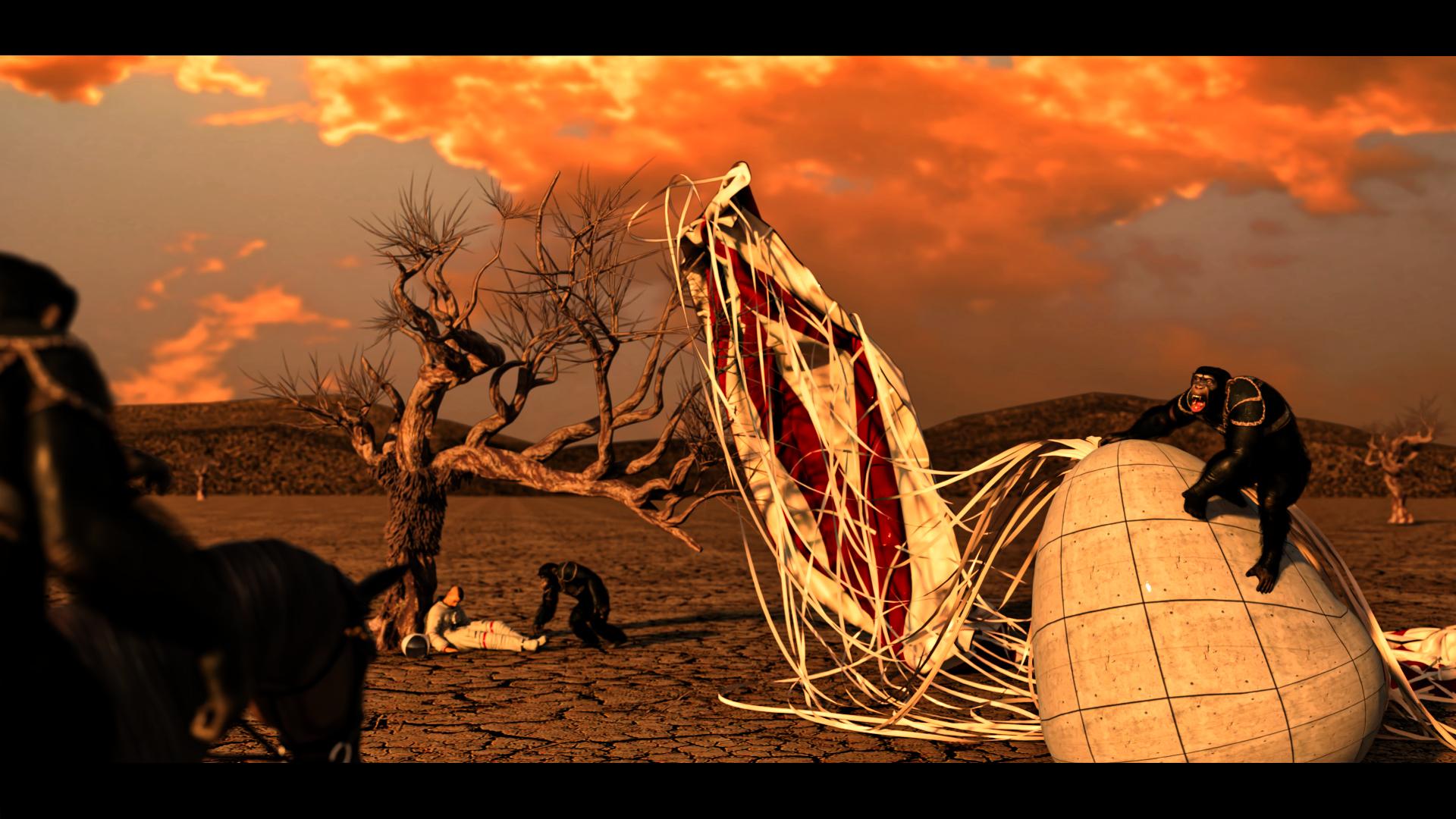
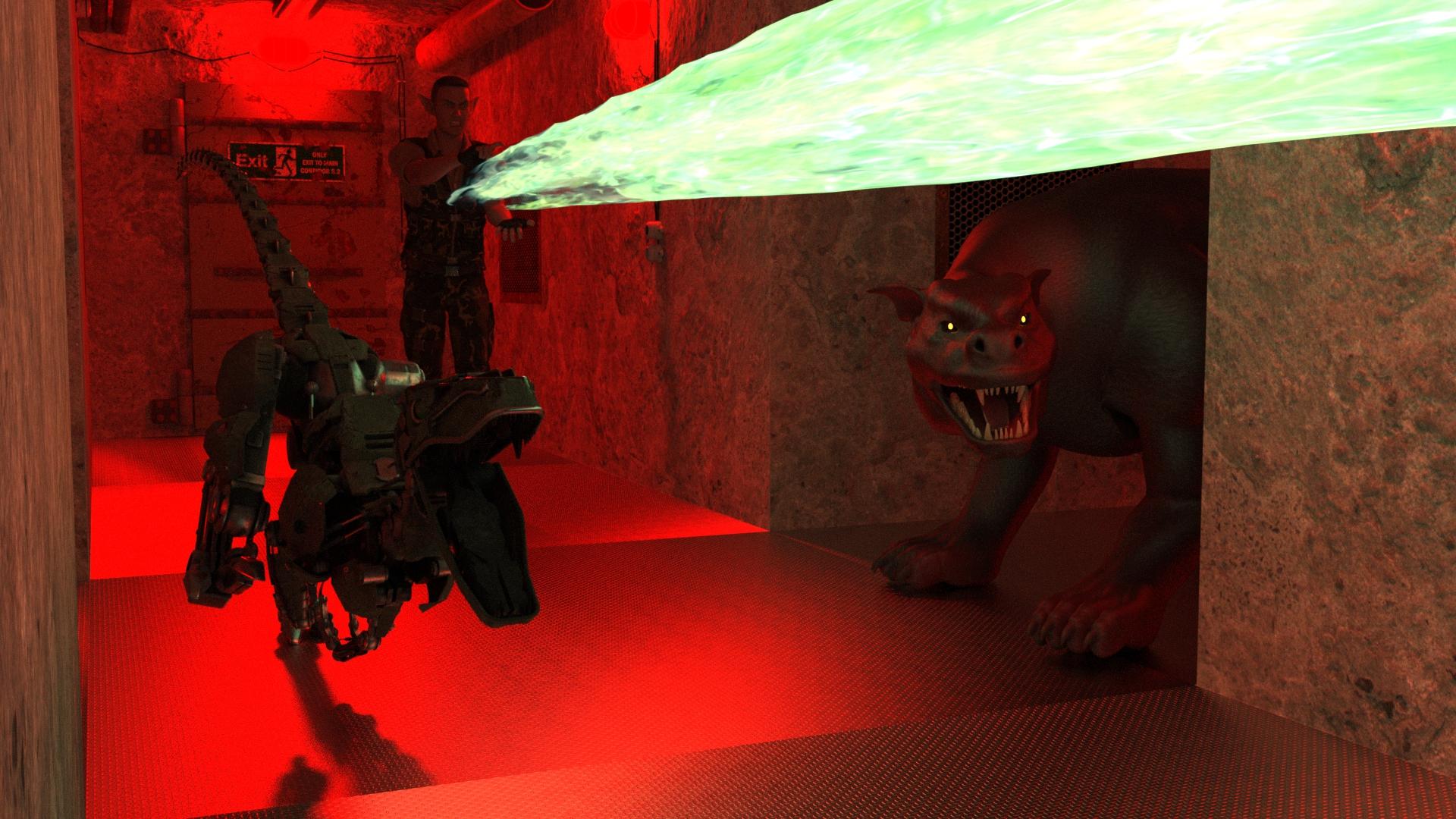
Showcase for the New User Challenge - Open Render - August 2024
New User Welcome:
@ee_hee269 - Breakfast with a snack view 1
Beginners Challenge:
Sunkissed Papayas - Pagan Priestess Druid Queen Iseult
@yuyu.atem - The Lady and The Tree
Intermediate Challenge:
@FromAdelaide - Barbarian

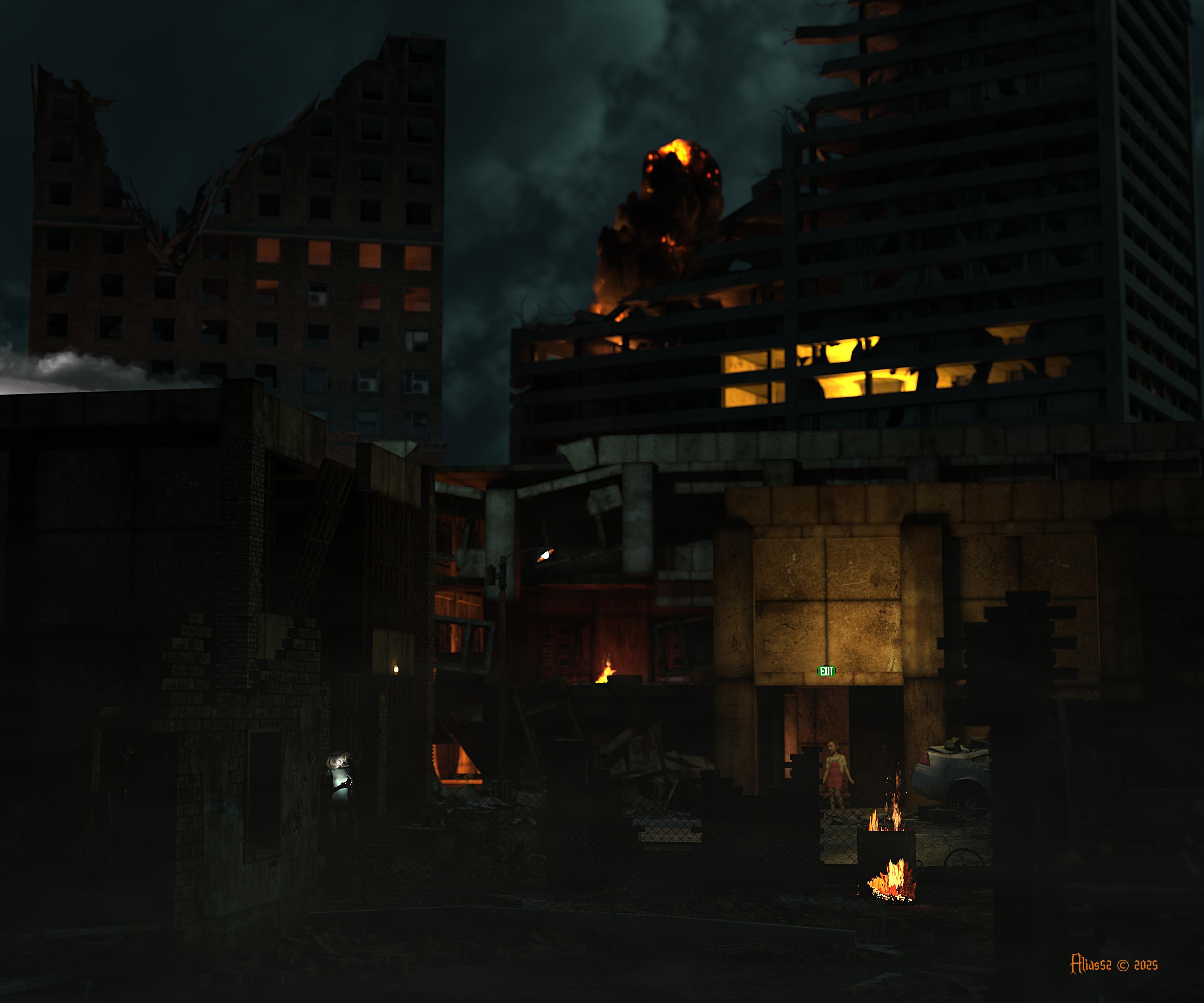
@Alias52 - Life Goes On
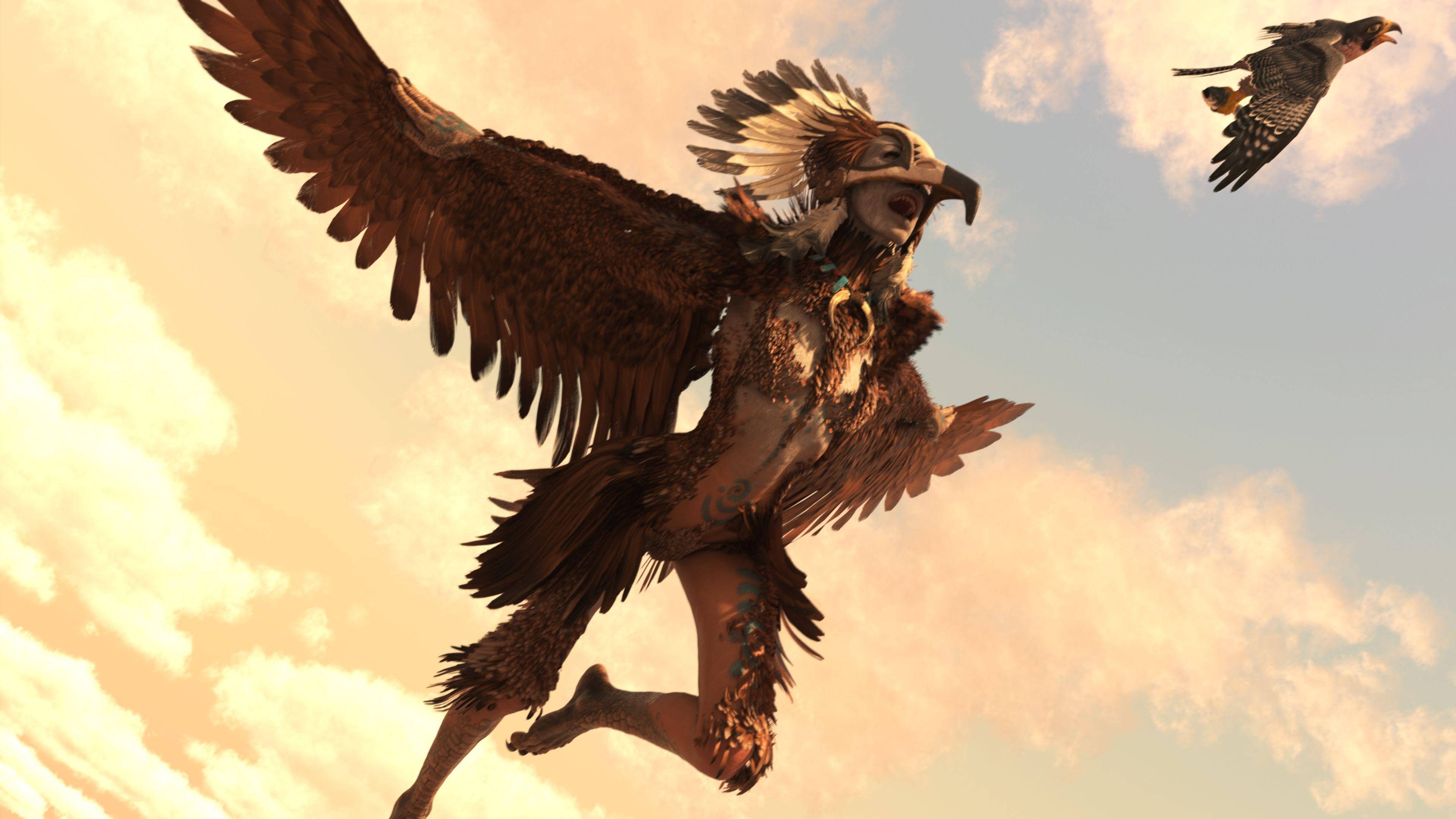
@Aki3d - Planet of the Apes
@Shinji Ikari 9th - ESO Patrol
Made Me Giggle:
I had to add this one in as an honorable mention!!
@ee_hee269 - Breakfast with a snack view 2

Congratulations to everyone who participated in August's New User Challenge they were all fantastic!!!
Thanks, Elliandra, for the pick and help.
Congratulations, everyone!
Thank you. Great work by everyone.
Great work everyone! Big thanks to all. Keep sharpening those minds and skills. I look forward to seeing future work. Also also, I had a 3rd image to complete the story but rules said only 2. Now that this event is over here's the missing piece:
@ee_hee269
Awesome image!! You can always include the extra images just add a note that they are not included in the submissions!
@Alias52 @Elliandra thank you very much for your advices! I was very buisy recently so I couldn't try your suggestions yet, but I will, for sure!
Small question about challenge's rule: from what I understood, it is not allowed to publish elswere the images that we present during the challenge, but now that the challenge is ended, is it allowed to publish our images on our gallery? And also on other site, like DeviantArt or Renderosity gallery?
Thank you in advance!
@yuyu.atem
Yes once the challenge is over you can post them where ever you please!
Great! Thank you very much!
No problem at all!!
Thank you!