Alienator Pro II problems
 hergal3d
Posts: 48
hergal3d
Posts: 48
Hello.
I have a problem with Alienator Pro II. I purchased the Permian and Carboniferous collection biomes from EVERYPlant to create prehistoric scenes with Ultrascenery 2 and Daz Studio 4.24. With models other than EVERYPlant I have no problems because the objects are replaced correctly by Alienator Pro. The plugin seems to work well when I link the objects but the rendered result does not take the replacements into account and shows me images without the objects I wanted to integrate. I noticed that the EVERYPlant models are very detailed and perhaps Alienator Pro is not able to replace them correctly.
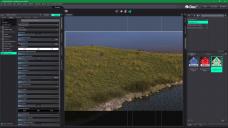
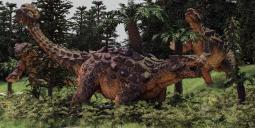
In file 01 you can see that in the rendered scene there are no trees represented in file 02. I have attached file 03 where you can see that the rendering of the Ankylosaurus is represented with plants from other libraries, correctly replaced by Alienator Pro in a prehistoric scene that I created.
Is there a solution to this problem?
Thanks in advance,
Pino from Italy

Daz 3D is part of 
Connect
DAZ Productions, Inc.
7533 S Center View Ct #4664
West Jordan, UT 84084
Licensing Agreement | Terms of Service | Privacy Policy | EULA
© 2026 Daz Productions Inc. All Rights Reserved.
Comments
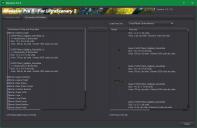
Hi, if you look at info in screen shot #2, you see that the plants are very very small, just about 4x7x3 inches in US measurements or 10x18+9 cm or Ds units.
So either they are wrongly scaled, or they are setup not as a single prop, but as multiple separate props abd Alienator Pro II just grabs the first item it finds in the loaded object.
How does a loaded tree look in the scene list?
As many objects?
As a group node with many objects inside?
Does it load with the scale parameter set to something very large, like 1000%, that could also be an issue, as UltraScenery2 requires that 100% scale is scale you want!
If any any of these things are true, you can do this quick fix:
Load the tree
Save the materials as a mat file
Export as an obj with the correct scaling
Import the obj
apply the materials
save out as a Daz studio prop
The use that new prop.
Hope this helps!
Hi Totte, thanks for the reply.
Each model appears single in the scene list and the scale parameter is set to 1%. I tried to increase this parameter to 100% but the objects stack on each other under the ground and in a horizontal position. So this trick is also impossible.
I followed your advice to save the objects in .obj at 100% of the proportions, unfortunately the problem was not solved. In the screenshot you see the tree saved with the new settings, but importing it into Alienator the dimensions remain the same as before. I tried to export the model with other unit parameters (such as Lightwave, Poser, etc.) but the result does not change. I suspect that the EVERYPlant models are blocked to prevent them from being modified by other vendors.
Load it manually into DS (clean scene), check how large it is and does it have a size % set to anything else than 100%.
Ultra Scenery creates an instance target and set size toi 1% to hide it, then scale the instances to 100% -/+ whatever scale randoms set in the Biome.
I suspect they load at like 1000% or 5000% (Blender as original source) as they are not exported scaled to DS units (which would explain your problems).
If so, contact the seller and tell them the items should always be scaled so 100% is the size you expect it to be.
Hi Totte. I loaded an EVERYPlant model on an empty Daz Studio scene: the scale is 100%. I don't understand why Alienator resize the EVERYPlant libraries to 1%.
This is a screenshot
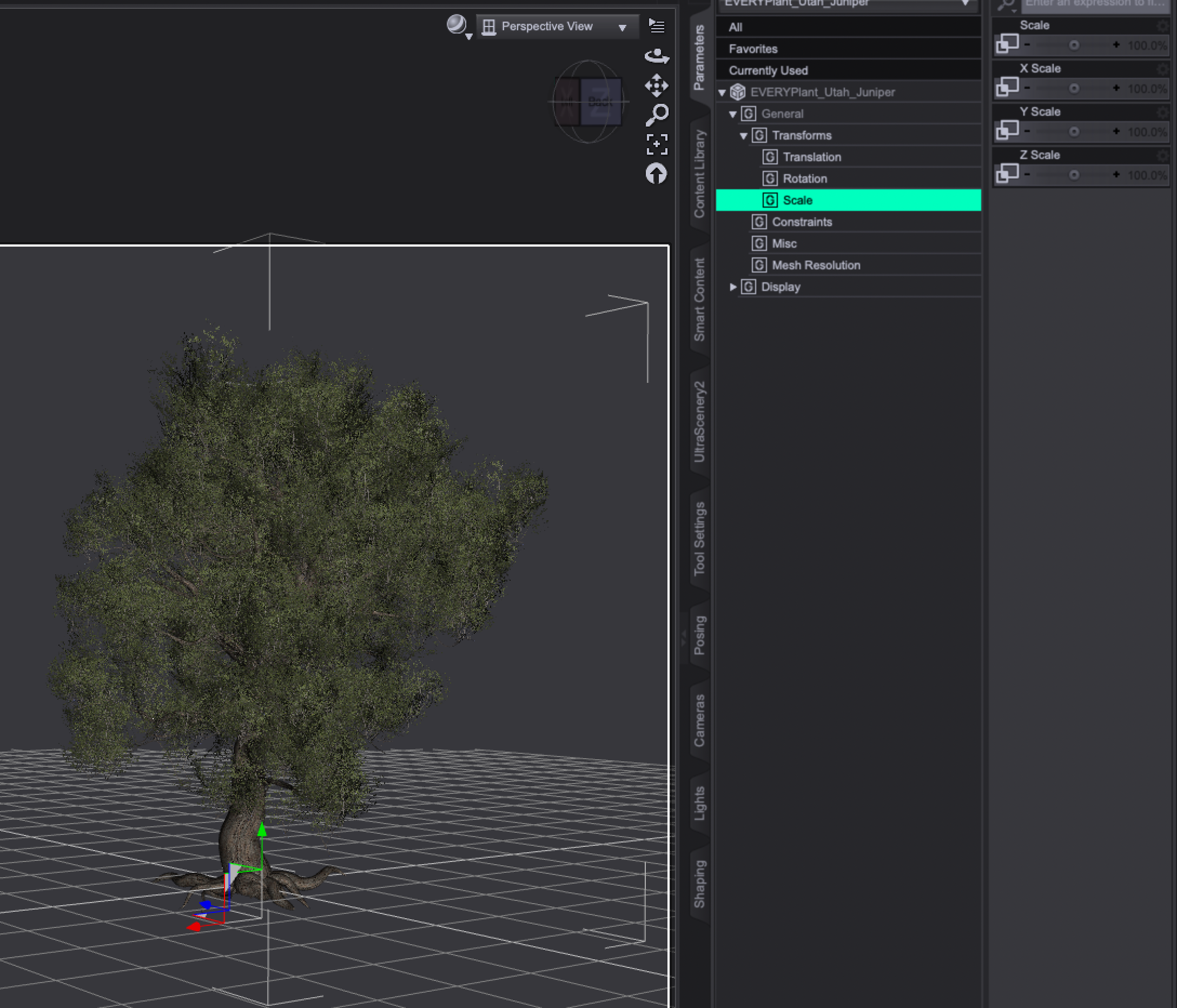
If you look more closely at that screenshot, you'll see that although overall scale is 100%, the x y and z scales are obviously much larger. I think that might be your problem.
To do another test I loaded a model from the Mesozoic Plants and Trees collection and an EVERYPlant model: both models are set to 100% scale, I did not manipulate anything.
MelanieL, I had already seen these values and had brought them to 100% but the model is scaled to such an extent that it disappears and positions itself horizontally.
The non EVERTYTree is scaled at 100%, as your previous screenshot showed, the X, Y & Z scales are at 1000%. You need to tell whoever made these for Daz Studio to fix the problem, it's NOT an AP II problem, it's a problem with those plants.
I told you before, all scale values should be at 100% when the tree has the correct scale, otherwise the content is broken / bad / not properly setup.
Hi Totte. I changed the scale of 3 EVERYPlant objects in the three X-Y-Z axes from the original 10000.0% to 100% and saved them as props. The objects have shrunk so much, almost to the point of disappearing. I created a simple scene in UltraScenery 2 and then imported the 3 objects into Alienator Pro II. As you can see from the screenshot, nothing changed, the dimensions remained identical to the unscaled models. The rendering did not show the objects replaced by Alienator on the scene but placed them horizontally and in very small dimensions far below the ground. I don't understand anything...
And that is because the mesh is wrongly scaled. The 10000% scale is because the mesh itself has the wrong scale (when the person importing them to Daz Studio and making a product of them).
So you need to contact the producer of the product and tell them to resave the plants at the correct scale (They need to import them into Daz Studio so they are perfectly scaled at 100%, not import them at the wrong scale and then rescale them i Saz Studio.
If you look closely as I pointed outv before, the original scale of the trees are 10cm x 12cm x 8cm (not much of a scale), but multiplybthat with 10000 and you get 10m x 12m x 8m which is the scale they should have.
Or, you export them to obj, then import them at scale=10000% and they will look correct (then you reapply the mateirals and save as > Figure/Prop and then use those newsly saved props in studio ( but that is what the maker of these trees needs to do).
I guess that the person who made them has no real experience with Daz Studio in the first place.
Anyway, I will send a message to Renderosity staff to report the problem to EVERYPlant, but I don't think they will fix it because the plants if imported without AP II are scaled without problems (see the rendering of the Arthropleura with EVERYPlant objects without manipulations)
I've run into similar issues with other props. Creating a tiny or huge prop, and then scaling it to a different size in Daz Studio, is a kludge and not the right way to create props for Daz Studio. The person who created the props you are having problems with, created the mesh in a scale that was inappropriate for Daz Studio (a tree is NOT a few centimeters tall!). So, instead of fixing the mesh size in their modeler before creating the Daz Studio prop, they just just applied a scale factor to the X,Y, and Z axes in Daz Studio to make the tiny tree prop LOOK bigger. That "works" for just loading the tree in Daz Studio and rendering it. It does not work for plugins or scripts that use a prop at its true mesh size. Alienator Pro II is one of those scripts that use a prop at its true mesh size.
If you think Renderosity won't correct the underlying problem with the mesh size of the trees, you can fix those props yourself. You would need to export the trees at the scaled size, reimport them, reapply the materials and save a new prop with the correct mesh size for Daz Studio. Your newly saved prop would work correctly in Daz Studio without the kludgy X,Y,Z scaling and would work correctly with Alienator Pro II. If you need more specific instructions to fix it, ask here and we can help.
Thanks for the help, Barbult. I wrote to Renderosity for the problem encountered, I hope that EVERYPlant can fix the errors on the meshes. I followed your advice to scale the model in X-Y-Z coordinates to 100% (see the screenshots), I saved it in .obj format and the file became quite heavy (about 46 mb). I then imported it and applied 10000% (Lightwave 1 unit = 1 mt) because with the DS scale the model remained unchanged and then I saved it in Prop Asset. The textures were automatically and correctly applied to the .obj file and therefore I did not have to save them separately to then apply them to the model. At this point I created a test ground with trees with US 2 and loaded the Alienator menu to import the model to replace with the vegetation. I immediately noticed that the dimensions were very different from the unscaled originals and applying them to the test vegetation the result was correct At this point, given the amount of transformations to be done for each individual model, I don't think EVERYPlant will do anything

I ask Totte who is an excellent programmer: is it possible for you to create a batch file (like Photoshop) or an action to automatically save the models that need to be resized? Considering that the EVERYPlant libraries to be converted are about 30 and that inside there are 20 versions of vegetation, to convert about 600 models it could take me a few years
I think other users like me would appreciate a script like that because it could be useful.
Sorry for my bad English
Always for Totte, if you want I can send you an EVERYPlant library to do any tests
@hergal3d: I can look into creating that kind of tool, it sounds useful in a case like this.
And I have a bit of progress with my proof of concept!
It's coming along nicely..


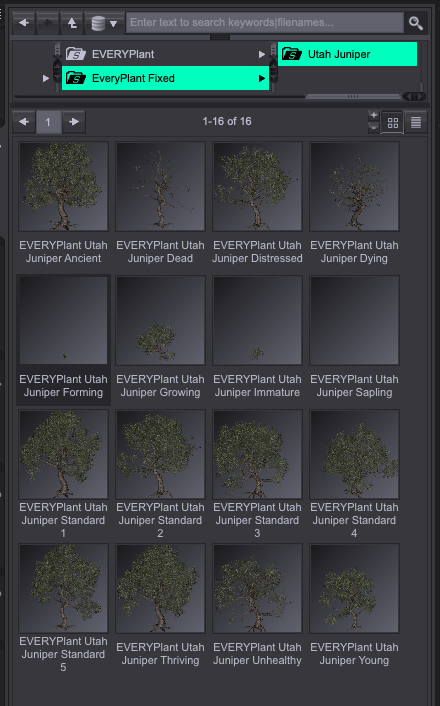
And in Alienator Pro II and Ultra Scenery II
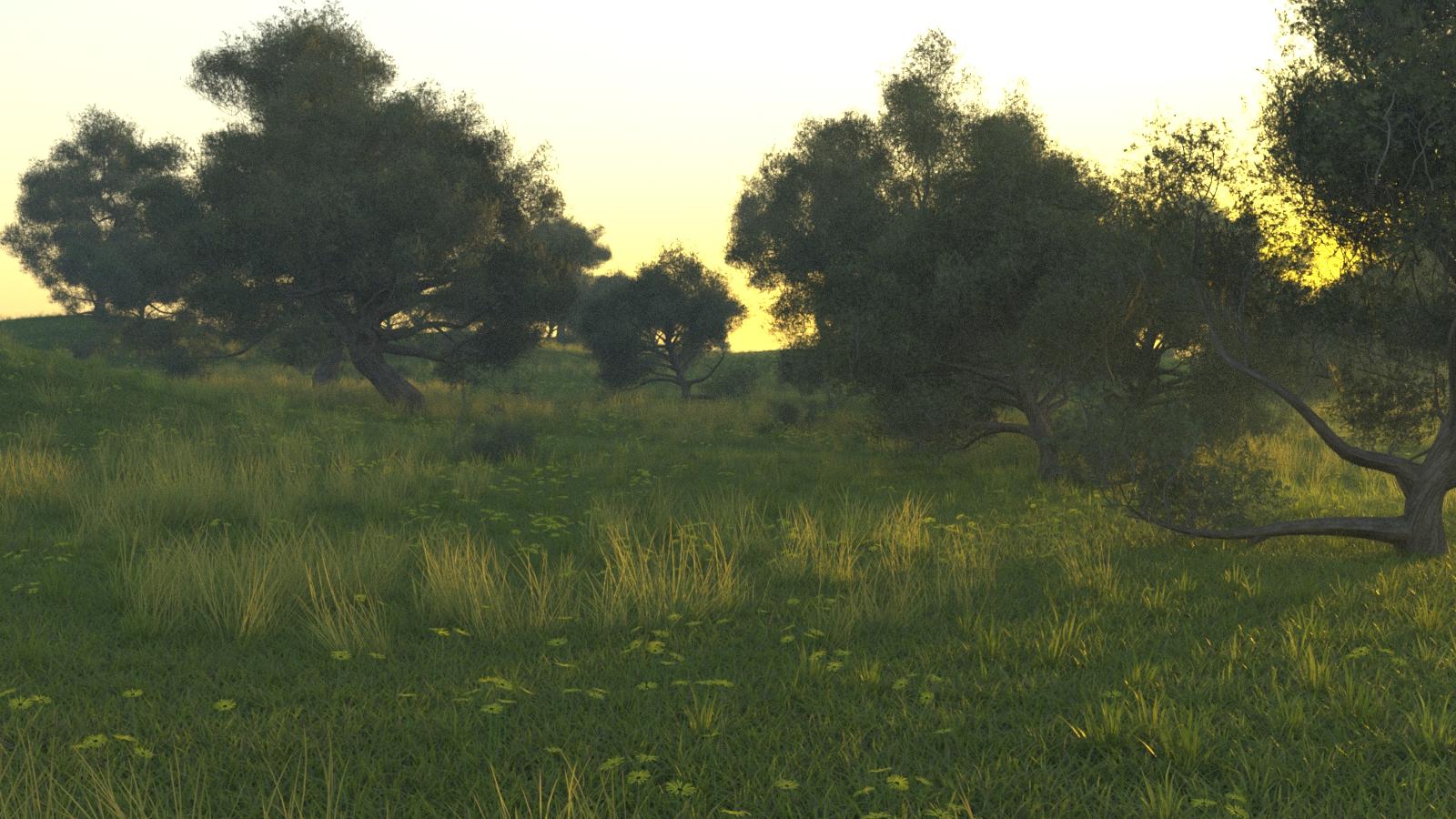
As with all projects, 90% of the work takes 90% of the estimated time, and 10% of the work takes another 90% of the estimated time....
Oh, so true.
Been doing this for almost 40 years and that rule of thumb never fails!
Unless you have testers who clamber for more features. Then the last 10% takes 200% of the estimated time.
Hi Totte, how's everything going? Are you making progress on the new toolkit?
Basic stuff works, but then we have things like Base/High resolution, SubD etc that needs to transfer correcty which is far worse than I first anticipated, and I've been busy elsewhere too, but slowly getting there....
Thanks for the feedback. Good work