Not rendering when using GPU alone
 Pedro
Posts: 0
Pedro
Posts: 0
I saw that using only the GPU is faster for rendering so I tried to do that. I went to the render settings and disabled the CPU (on photorealism and interactive) and disabled CPU fallback. I closed and reopened Daz, tried to render but it ended immidiately and I got a black image.
I tried a bunch of stuff. First of all, it works if I select the CPU again so it's not a problem with lights, cameras or stuff like that; I lowered the high and medium resolutions to 512 and 256 and I even set the image to be around 200x100px in order to make sure I wasn't just running out of memory. It still gave me the same outcome. I have a Ryzen 5 9600 and a RTX 5070.
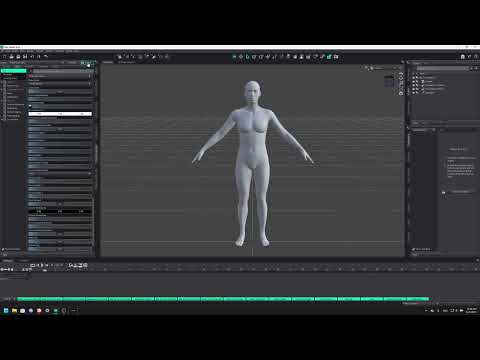
I decided to record the problem. In this particular recording, I only did a default G9 character. You can see that it just doesn't render. I got a transparent image instead of a black one. My guess is that the scene I wanted to render was an environment and this one is just a character. Either way, the video I recorded shows how it works when using the CPU and GPU but not just the GPU (CPU Fallback didn't seem to change anything so it's just unchecked)

Daz 3D is part of 
Connect
DAZ Productions, Inc.
7533 S Center View Ct #4664
West Jordan, UT 84084
Licensing Agreement | Terms of Service | Privacy Policy | EULA
© 2026 Daz Productions Inc. All Rights Reserved.
Comments
Please provide the details in text, rather than expecting people to dig through a video. In this case I eventualy managed to spot that you are using a 50x0 card - these cannot be supported in Daz Studio 4.x.x.x, for rendering you will need to use the DS 2025/DS 6 Alpha - that should be available in your downloads, though you will need to use 4.x.x.x when you need access to thrid-party plug-ins and some scripts.