Prop/Pose rotation problem

I'll do my best to explain this, apologies if I sound like an idiot.
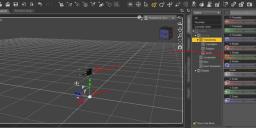
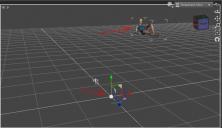
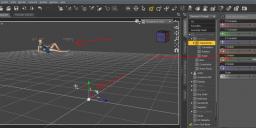
Sometimes I want to use a prop or a pose but it loads like it's in the center of a clock and when you rotate it on Y it spins like the minute hand way outside of frame and you have to zooooooom out just to find the thing and then drag it back into your environment and then spend 5 years trying to put a laptop on a desk. Is there any way to settle it down? Cancel the hard to work with Y rotation?


Daz 3D is part of 
Connect
DAZ Productions, Inc.
7533 S Center View Ct #4664
West Jordan, UT 84084
Licensing Agreement | Terms of Service | Privacy Policy | EULA
© 2026 Daz Productions Inc. All Rights Reserved.
Comments
Try selecting the node one level lower in the object for the rotation. For human figures, that would be the hip, others will vary. The examples you show have that next level node translated away from the figure's origin. The generally accepted way of posing is to transform the hip, then use it again to maintain relative position to the origin. Preset poses should act on the hip, not the base figure, so that subsequent poses do not always "reset" the position. Not that it always works out that way, though...
It sometimes happens if the prop is designet for a specific environment, and therehave been modelled in place. Although not very convenient for the user.
If you open Joint Editor, you get one green and one red 3-arrow. Move them to where you want the origin to be.
For poses hold Ctrl while doubleclicking and you get a menu, where you can untick translations.
Thank you both!