Released: Code 66 Toolbox - Volume 5 [Commercial]
 Totte
Posts: 15,258
Totte
Posts: 15,258
It's a new year, and new tools for your Daz Studio is soon hitting the store.
The Code 66 Toolbox - Volume 5 has another set of tools to make your everyday life with Daz Studio easier.

Flat Maps Optimizer
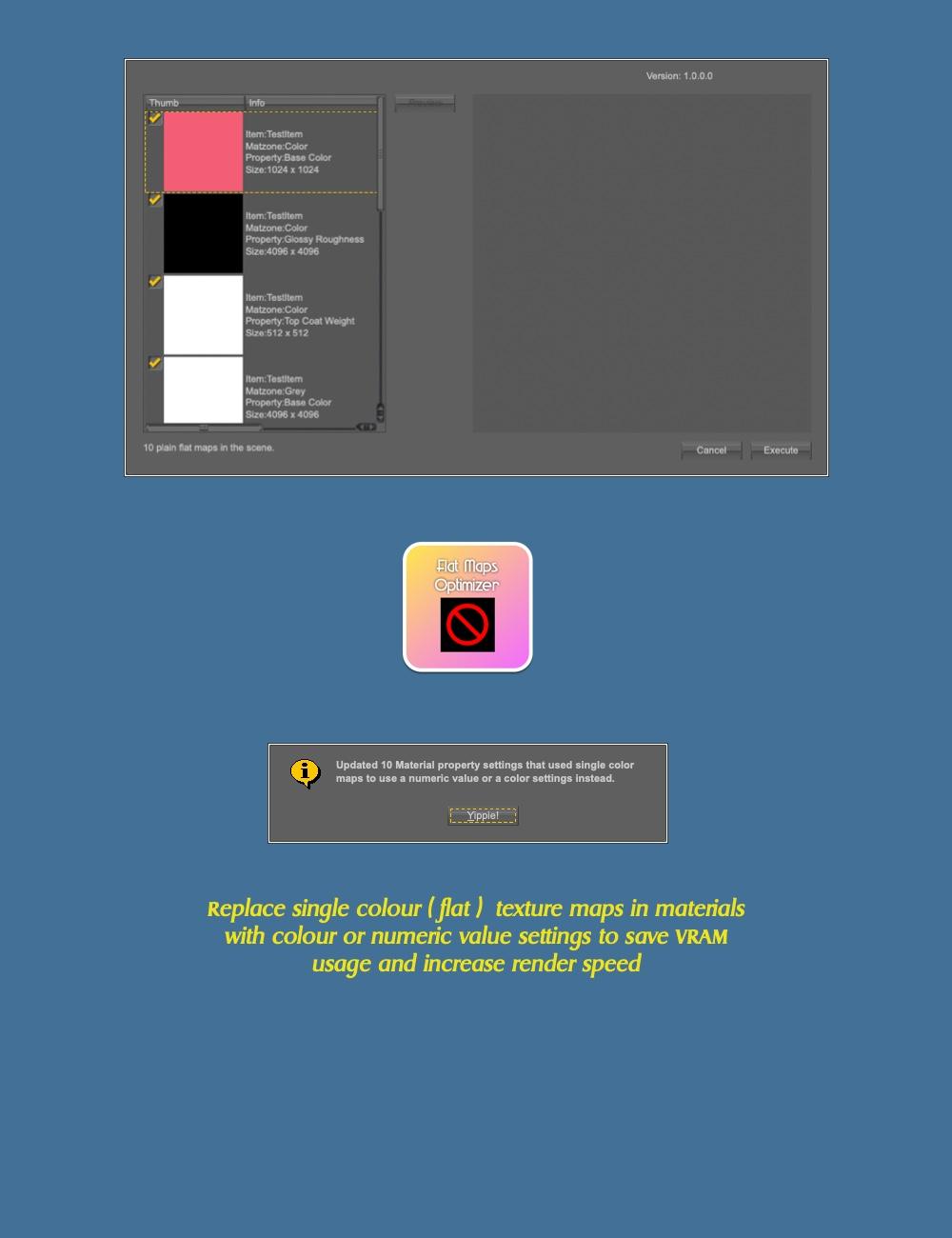
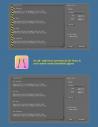
To save you VRAM and rendertime, materials properties that consists of of a single colour texturemap, for those properties that can take either a color (like Base Color), or a number (like Roughness), you can now replace those unneeded texture maps with a color or a number.
Bone Symmetriser
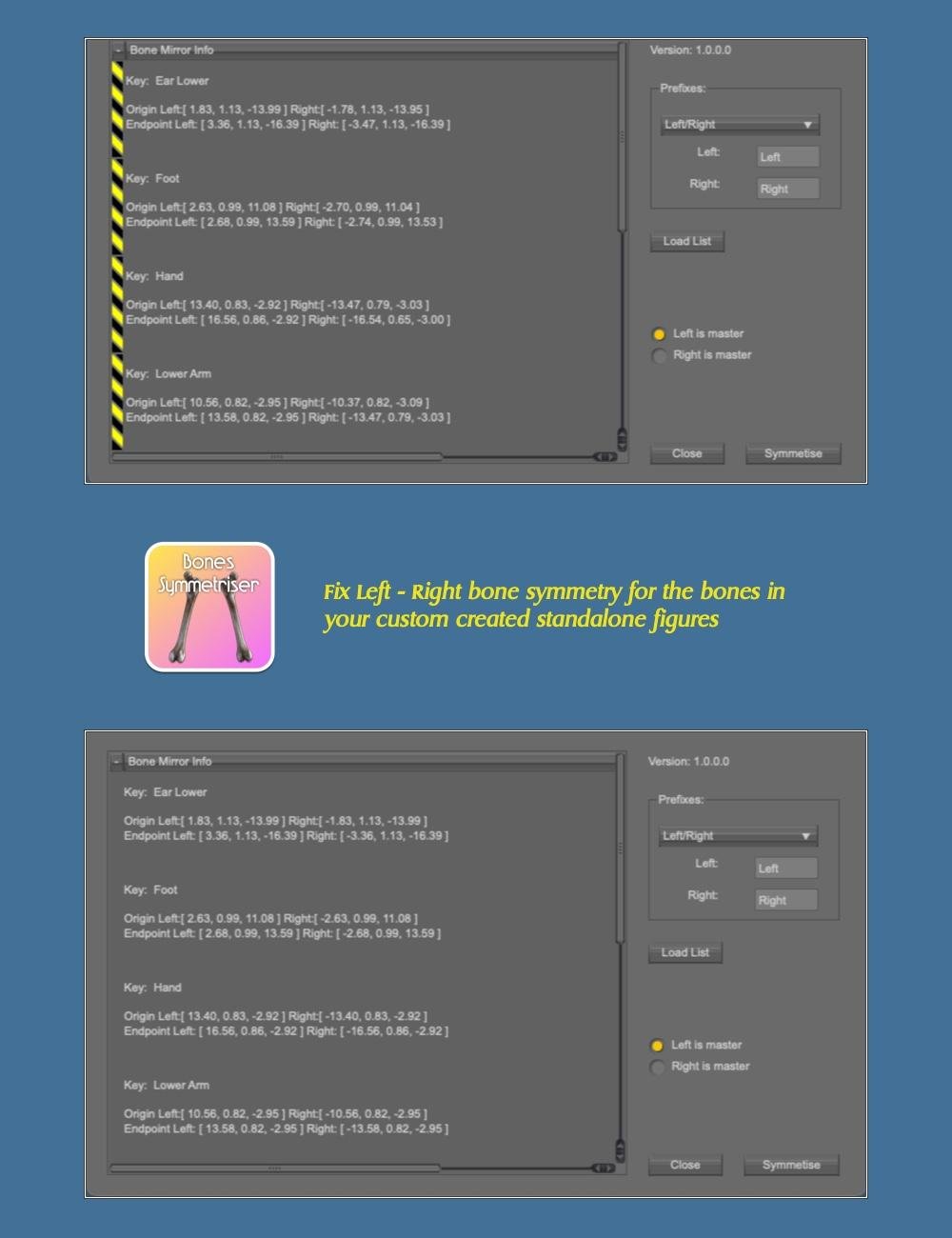
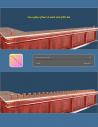
If you rig your own figures, Bone Symmetriser will help you assure that bones on the left and right side are setup the same, so you can for example mirror poses and they will work correctly.
Lineup Between
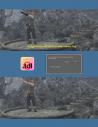
This small but powerful tool will make it easy to create lines of objects, not only in 2D space, but fully in 3D space. It can be used to fill the bar with beer glasses, line tracer bullets from your machinegun or even build makeshift staircases.


Clear TDL Files
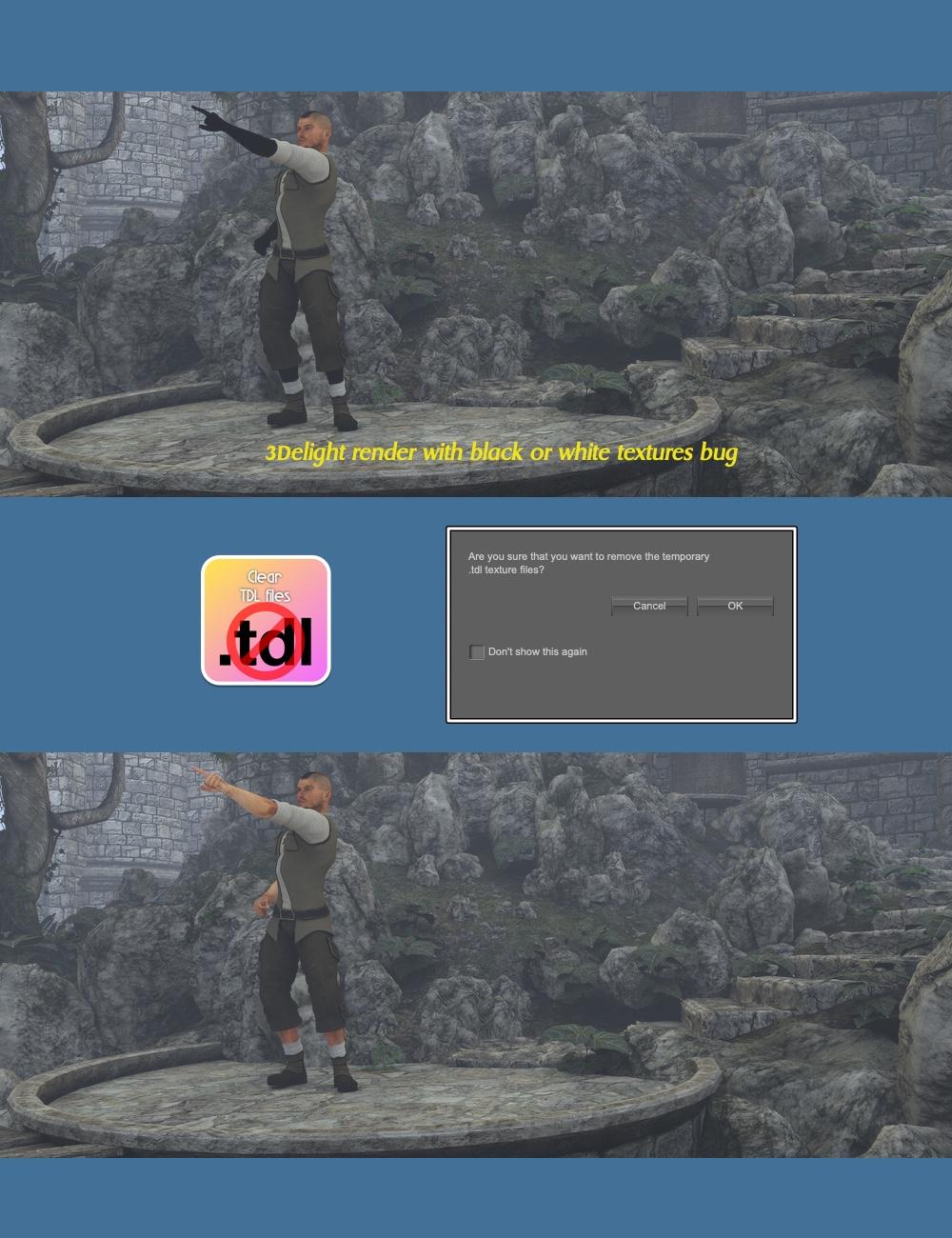
Yes, you heard me right, a tool for all of you who still use 3Delight to render, and from time to time catch the Black/White texture bug. Instead of having to restart DS or locate the damaged .tdl files, just use this tool and rerender.
 ,
,
Remove Hidden
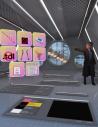
When setting up scenes, we all add stuff to the scene, or add environments where we hide things that are in the way or is not needed, or we cannot decide to have them or now. With Remove Hidden, all Hidden items and children to hidden items can be removed, quickly. No more hunting through a huge scene file trying to find them.

Quick Scene Clear
Just a small tool to erase the current scene, to start over.



Daz 3D is part of 
Connect
DAZ Productions, Inc.
7533 S Center View Ct #4664
West Jordan, UT 84084
Licensing Agreement | Terms of Service | Privacy Policy | EULA
© 2026 Daz Productions Inc. All Rights Reserved.
Comments
Looks extremely useful!
Thanks, I really hope so!
I will probably buy this one as actually understand what most are for and can use some
Can I just say how much I appreciate your 'Add Action Menu' icon in the Toolboxs? I am setting up a new computer, and when I got to the Scripts, your Toolboxs were so easy and neat. I just wish there was a Toolbox to organize your older scripts, like the UltraScenery ones and other folks scripts, into a similar way so it is neat and easy to load. My eyesight is not that great and typing in a shortform of what each script function was took a lot of time.
Even if I may only use one or two of the scripts in this toolbox, it will immediately be bought and loaded.
Thank you Totte
The way I organize other scripts, like Ultra Scenery, I use the built in Add to Scripts or Favourites action thing in DS.
I Select the scripts in the Content Library, right click, Create Custom Action: Send Scripts -> Scripts and other things to Favourites, and then always put each "kit" inside their own Sub folder. Then I can "arrange them" of I make mistakes, with Custom Actions Manager in Toolbox 3
Argh! I will have to wake up enough, drink more coffee, and look at the files and your comments and figure out what I didn't see then. And then check out Toolbox 3. Thanks Totte.
Your TDL results are the same as the before.... so a bit confused as to what I'm looking at....
Look at the skin (limbs) - when TDLMake crashes - textures becomes 100% Black or White.
And here it is: https://www.daz3d.com/code-66-toolbox--volume-5
Does Flat Map Optimizer looks up automatically for such maps in the scene
or I need to find and select them by myself, first?
It analyzes the who scene for maps like that and it's rather fast actually,
Ok, thanks for the answer, Totte.
I noticed on the DIM that Code 66 Toolbox - Volume 5 has been updated, any info on the current version?
I purchased this product yesterday, especially because of the Flat Maps Optimizer. Unfortunately, it ignores Normal maps with exactly one color?
@Totte Would it be possible to updgrade the script (maybe optional checkbox), so it also cares for such superfluous Normal maps which do nothing than wasting VRAM resources?
Normalmaps with exact one color is a but tricky to remove as theoretically, if you have two walls meeting in a corner and the normal maps closes the gap, removing those normal maps will cause a light leak.
Is vol 5 NLA? Cannot find it in the store.
it's here: https://www.daz3d.com/code-66-toolbox--volume-5
Remove Hidden is one of the tools I use from this tookbox quite often.
Even if these maps have their "default" (blue) color? Hmm... but replacing them by a small (maybe 64x64 pixels) map should work in this case, I think.
Thank you
But the basis is to replace single colour maps with a colour controller.
A normal map doesn't move geometry. How does it close gaps?
Niormal map makes it look like that ( I know that was one reason, another was that you cannot set a single color as a normal map )
Ok, understandable.
Would it be possible to at least list those Normal maps with their path, maybe by an info where you could copy the list as text? Only an idea...
I can look at it
@Totte Would be nice if you have time. Thanks.