Halloween 2023 Cup with cat-shaped handle

I made a freebie for Halloween 2023.
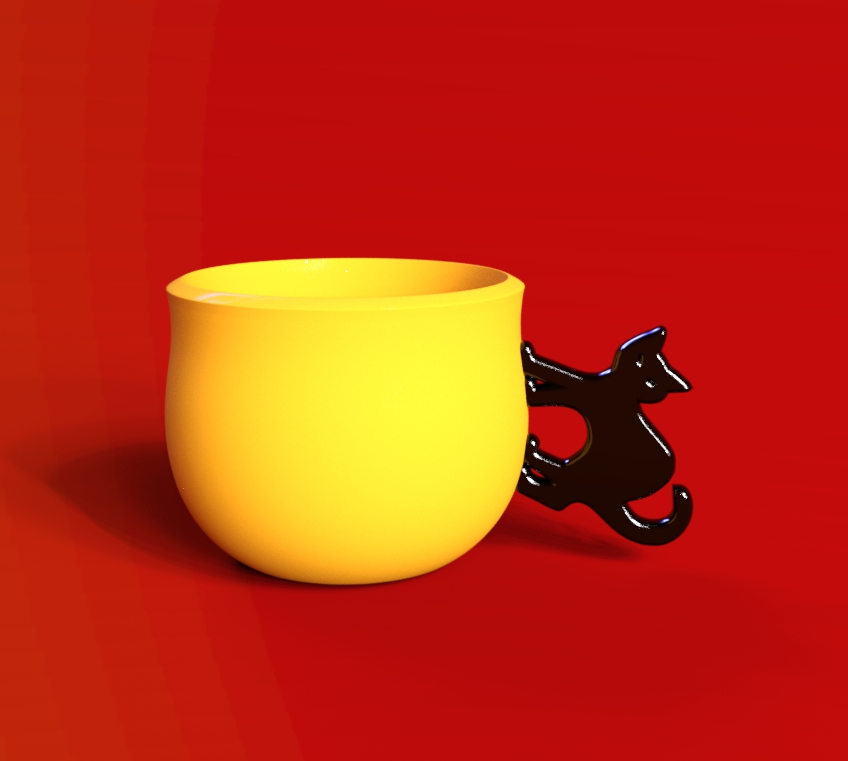
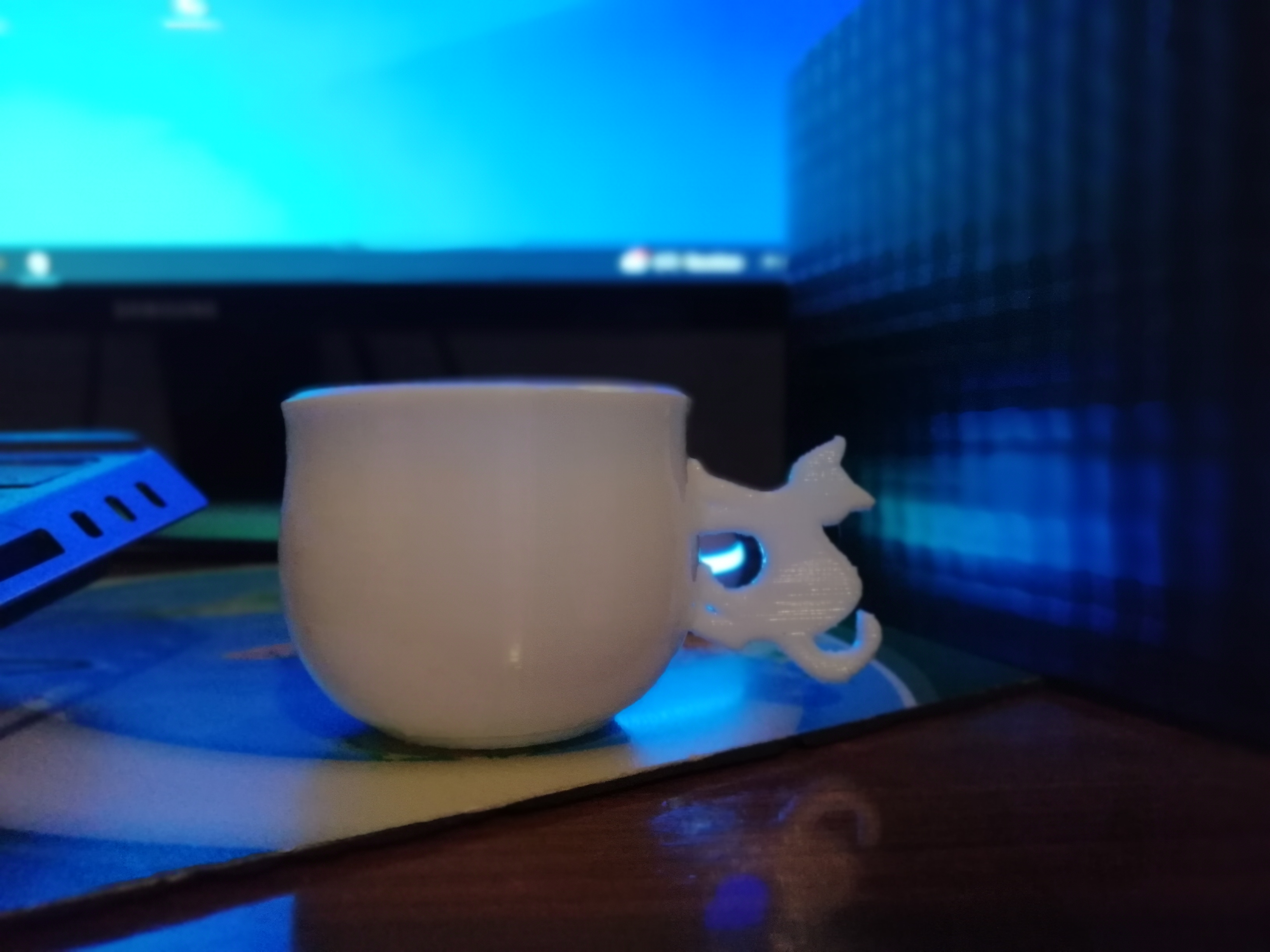
This is a cup with a cat-shaped handle which I made for halloween 2023. It's in DAZ Studio, Blender, Obj and STL format (the last for those who want to print the cup with a 3D printer).
This is my first freebie, I hope you find it useful.
Below is the rendering and photo of the cup printed with a 3D filament printer.
link
https://www.thefantasiesattic.net/halloween/2023/index.html
day 1
Render
Photo
Post edited by emanuela1 on

Daz 3D is part of 
Connect
DAZ Productions, Inc.
7533 S Center View Ct #4664
West Jordan, UT 84084
Licensing Agreement | Terms of Service | Privacy Policy | EULA
© 2026 Daz Productions Inc. All Rights Reserved.
Comments
LOL I grabbed it that first day, it's adorable and thank you.
Hello,
I created metadata for these three beautiful cups, so if someone else want to have them too on their own computer, they are in the archive attached to this message.
I have done them two times: one for the default folders structure used by @emanuela1 (in the archive, it's in the folder named 'Default') and one for the folders structure I'm using on my own computer (in the folder named 'Elor'). If you have your own folders structure, sorry, you'll have to create the metadata yourself (you're also more likely to not care that much about metadata though).
Note: I didn't make a DIM compatible installer, just created the metadata and you'll have to import them using tools available in Daz Studio.
If you installed the cups keeping the default folders structure, you'll have to merge the content of the 'Default/Runtime/Support folder into the Runtime/Support folder of the library you have them installed (or in any active library, Daz Studio doesn't really care that much about that as long as it's in an active library but I think it's best to have the metadata files in the same library as the rest of a product's files).
The safest way to do the merge is by copying and pasting the three files 'LOCAL_USER_EM_Halloween_Cat_Cups.dsa', 'LOCAL_USER_EM_Halloween_Cat_Cups.dsx' and 'LOCAL_USER_EM_Halloween_Cat_Cups.jpg' inside the chosen 'Runtime/Support' folder especially if you're using a Mac (Finder is not great at merging folders).
If you want to use the folders structures I'm using:
1. Copy the content of the Props folder into the Props folder of the library where you installed the cups (you're unlikely to have an Emanuela folder here already, but beware if it's the case).
2. Move the three duf files located into 'cup3size' into '/Props/Emanuala/Halloween Cat Cups'
3. Rename them according to the name of the PNG files you'll find here (it's the thumbnails I created for them), so:
Then you'll have to copy-paste the three files 'LOCAL_USER_EM_Halloween_Cat_Cups.dsa', 'LOCAL_USER_EM_Halloween_Cat_Cups.dsx' and 'LOCAL_USER_EM_Halloween_Cat_Cups.jpg' inside the chosen 'Runtime/Support' folder.
Once everything is done, you should be able to delete the 'cup3size' folder.
Regardless of which folders structures you want to use, the next steps are:
1. Open your Content Library, right click on the tab to get the following menu and select Content DB Maintenance
2. Select Re-import Metadata
3. UNSELECT everything by unchecking User Data and All Products, to avoid overwritting existing metadata (it'll also be much faster to only import one product metadata than your whole library…).
4. Select 'LOCAL USER EM Halloween Cat Cups' and click accept:
Once done, you'll be able to find the cups either by typing 'Halloween' (or any of the other words, but halloween is likely a less used word that cup or cat) or by searching using the author name as a key, so by typing key::Emanuela. The cups will also appears if you're looking for Props or Props/Kitchenware:
As they are no material presets, it's likely not that useful, but the correct Compatibility Bases are set for each cup (it'll save a step to someone who created material presets and wants to add metadata to them, but you'll have to learn how to do it yourself, this message is already far too long).
The product picture is based on an old render I did two years ago (The Tooth Buster) and you can replace the default product's picture by another one if you prefer: you can do so by replacing the file 'LOCAL_USER_EM_Halloween_Cat_Cups.jpg' located in 'Runtime/Support'. It's best to have a 10:13 picture ratio and I'm using a 380x494 picture. Once done, Smart Content will use the new picture the next time you're opening the product or searching for it.
Edit:
I don't know if it's necessary or not, but it won't hurt: do what you want with the content of the metadata archive, except pretending you did the various pictures included (no need to credit anyone though, except Emanuala1 for creating these three cups).
Thanks Elor! I'm glad you liked my cups and I thank you very much for this work you did for the metadata.
I noticed that the download link is still active, if there are any problems let me know, so I'll republish the cups here in the forum.
Thank you so much for your first freebie. It is elegant and very useful :)
Thanks, Payat Parin, I'm glad you like it!:) Beautiful render, let's hope the cat didn't get too burned by the coffee!