Why can't I drag folders? (Poser)
 Upirium
Posts: 728
Upirium
Posts: 728
I don't know what has changed...
I bought a new ext hardrive and transfered everything to that hardrive. I have most of my runtimes stored there
I can still load things from it but I can't seem to drag my folders anymore in my Poser library.
I have new folders created in the library and then I drag them into it
but now I can't drag them
It just opens the folders.
I try clicking and dragging but it doesn't move.
Why can't I move things?
I restarted Poser like twice now.
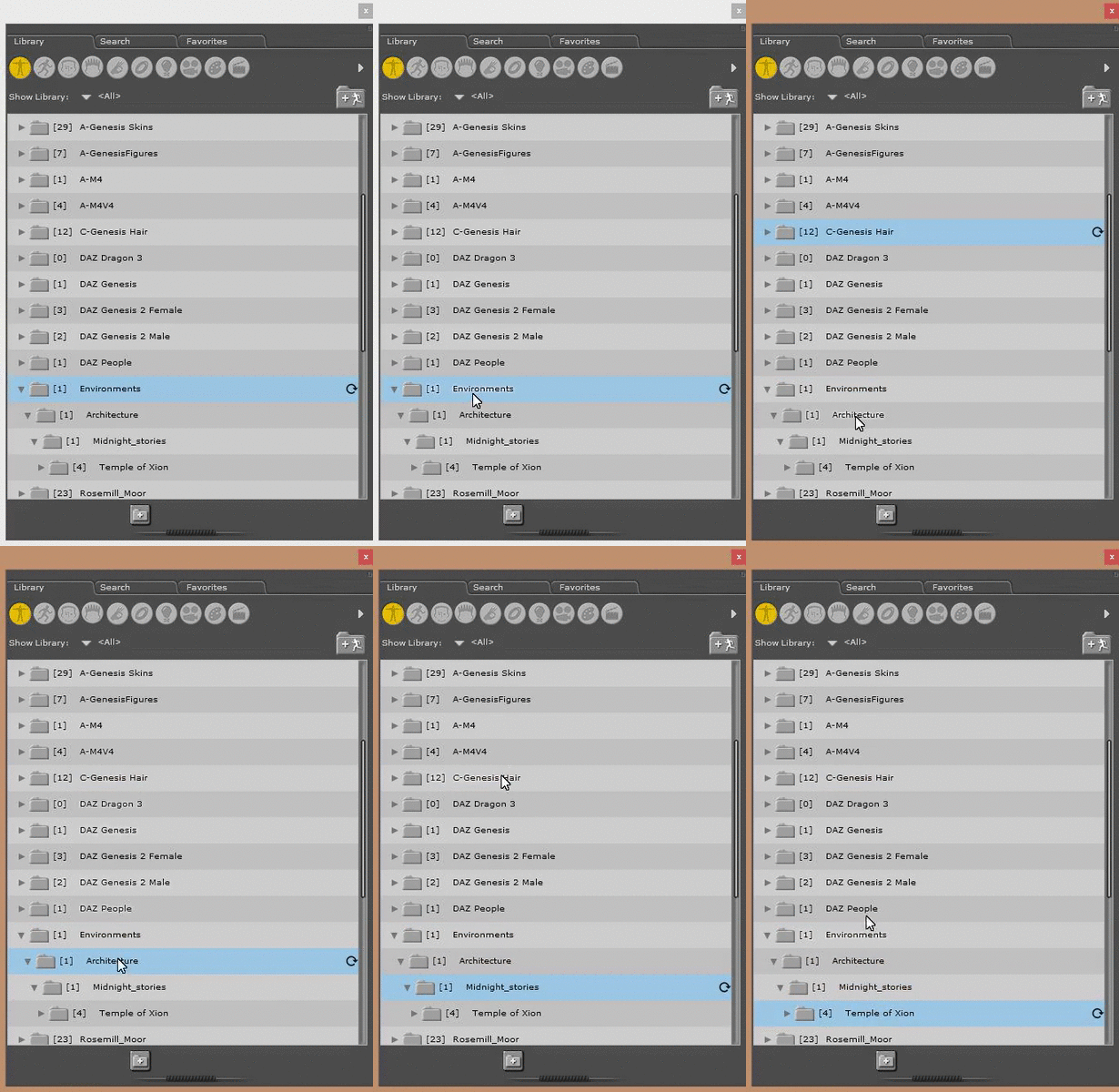
Here's a gif of me trying and failing
I'm holding the mouse button but it just highlights them?

Daz 3D is part of 
Connect
DAZ Productions, Inc.
7533 S Center View Ct #4664
West Jordan, UT 84084
Licensing Agreement | Terms of Service | Privacy Policy | EULA
© 2026 Daz Productions Inc. All Rights Reserved.
Comments
You sure it's not an issue with your mouse or its software? I have Poser Pro 2014, and I can drag with no problem.
I mean everything was working just fine until just now
My mouse is still working.
I can click things with it
I can drag desktop folders with it...
but not in the library?
Make sure your Adobe Air is updated.
Also make certain Windows Explorer hasn't suddenly decided to stop working. I've had that happen a couple of times.