
Daz 3D is part of 
Connect
DAZ Productions, Inc.
7533 S Center View Ct #4664
West Jordan, UT 84084
Licensing Agreement | Terms of Service | Privacy Policy | EULA
© 2026 Daz Productions Inc. All Rights Reserved.
Comments
I wouldn't think so, because the freebies are right in the same catalogue as their regular stuff. I think it is just their regular stuff and we were lucky enough to find free coupons, lol. But yes, it's the same process...it all comes in one big .obj file that needs to be broken up. There is a process I used that someone put on DeviantArt that helped a lot. It wasn't difficult, just super, super tedious.
well the Unreal Village looks pretty crap in DAZ
so won't be recomending that one
This one is good, though I'll have to see how well it takes to Iray -
That's Medieval Tavern 2 by Dante78 on Rendo.
srated work on this conversion - roof segments 02
damn now I need to buy that Dante one
pro tip from my other Dante sets, change diffuse colour on all to white, it is grey
Yes, that's what I do. And I'll also add the color map to the bump channel if there is no bump or normal map.
The other thing about the Dante78 sets is you should not read too much from the promos. From the promo renders pretty much everything is brown, but when I load them in DS they are actually quite colourful, particularly when I do as Wendy suggests and set the diffuse colour to white. I have no idea why Dante78 renders all his promos in brown, and I suspect they are all rendered in his modelling app, not in DS or Poser. I assume he likes the brown look to make them appeared more medieval, but in my opinion he makes them look worse than they should be.
I have quite a few of the Kitbash setys and find them very ewasy to use and convert. I use a simple 4 step process 1. Load into Blender 2. select and export each building/prop I want as obj 3. load all into DAZ Studiom and use Multi Map Loader (https://www.daz3d.com/multi-map-loader) to load all maps into their correct slots. 4. A little basic tweaking of material settings and save as Scene subset. The first time it took a while to do but now I can convert a complete kitbash set to DS in about an hour. Well worth the time in my opinion. If I only need a single model it takes me only a few minutes to do. Here are a couple of the Valhalla models in DS after conversion. I have posted more detail about the process in one of the Kitbash threads: https://www.daz3d.com/forums/discussion/comment/6715041/#Comment_6715041
Ciao
TD
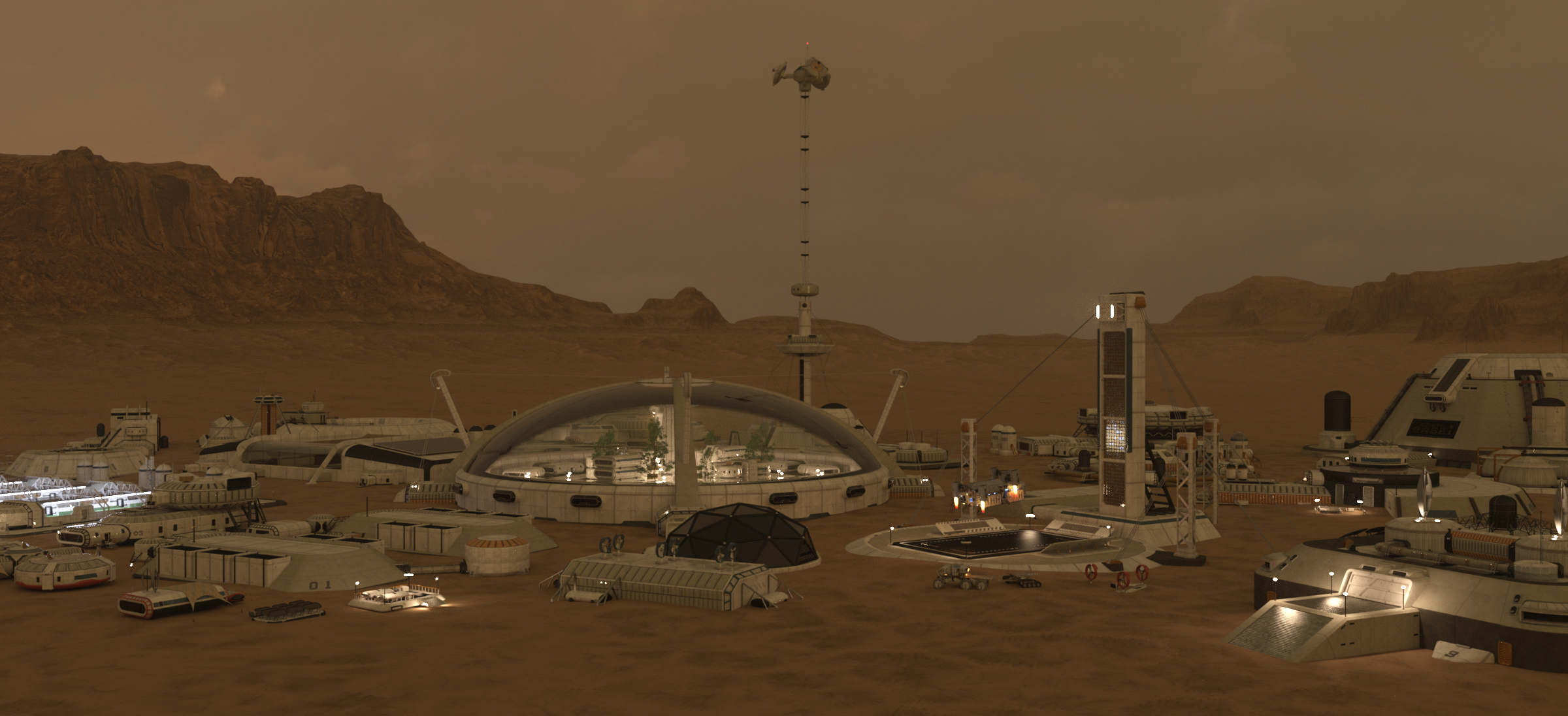
P.S. Just as example here is another set, the Moonbase, converted to DS.
video
turns out I own that Dante Taven and it is a bit compact
not exactly the mead hall you seek
this is in Unreal Engine and I can see why they have the diffuse tint,
I will need to edit that back into my materials as a tad too gaudy and bright