Neat advert feature--what did they do to get it??
 Ryuu@AMcCF
Posts: 810
Ryuu@AMcCF
Posts: 810
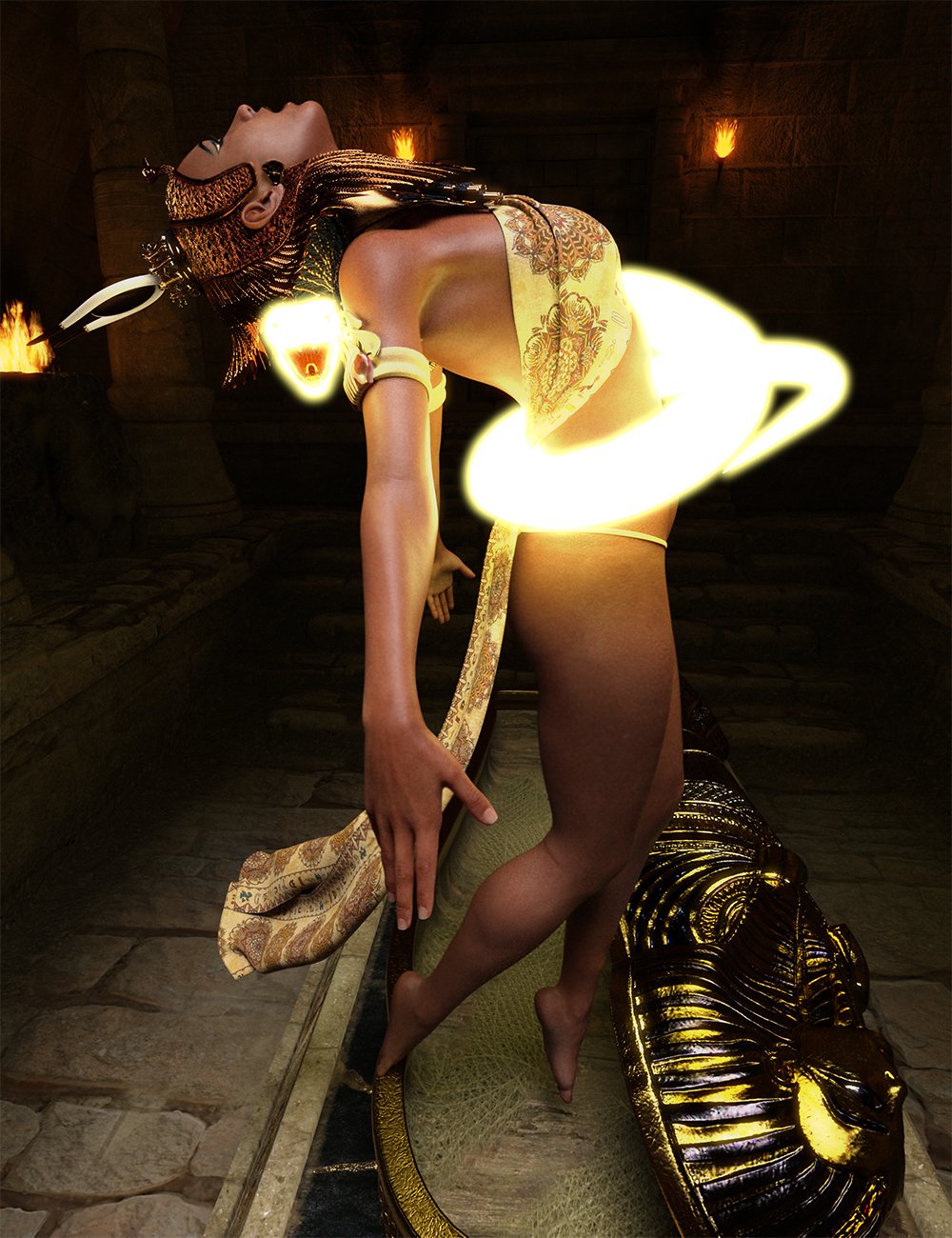
I like the glowing snake they did for the Serpent Maiden Poses advertisement, but how the hell did they get the snake to have such a glow like that!??
I'm assuming it has something to do with giving it an emission channel in its Surfaces tab, but I can't figure out how to do that.
Post edited by Chohole on

Daz 3D is part of 
Connect
DAZ Productions, Inc.
7533 S Center View Ct #4664
West Jordan, UT 84084
Licensing Agreement | Terms of Service | Privacy Policy | EULA
© 2026 Daz Productions Inc. All Rights Reserved.
Comments
emissive shader
Do you mean the fact that it's glowing, or the nice bloom effect? If the former, then an emissive shader as nicstt said. If the latter, then the bloom filter in the render settings tab.
The thing is, I can create primitives in DS that come with emission channels built-in (which can do the bloom effect, too). However, I cannot figure out how to do boolean subtraction operations in DS (I don't think we can, actually).
So, I created the object shape I wanted using Bryce and imported it into DS--except I can't give it the same emissive channel as the primitives that come with DS. I tried copying the DS shade channels info to the imported object, but it won't take no matter what I try.
Bloom
You must apply the same shader base as the surface you are trying to copy, i.e., if the surface you want to copy has an Iray shader, you need to first apply the Iray Uber Base to the target surface, then copy and paste the surface settings from the source.
Note: Primitives are created with the same base shader as the currently selected render engine.
Thanks everyone for your advice! And this somewhat relates to another thread I had regarding the UV mapping issues I was having with bringing textures from Bryce into DS.
NorthOf45, I'm not sure of what happened--the first time I tried to bring the object in, I was having all kinds of problems in getting any mapping to take on it. Then Richard Haseltine gave me a lead to follow and I was able to finally able to import a diffuse map it in DS, but unfortunately, there was still no option for applying Iray emissions to it. That's when I created this thread...Then, oddly, when I tried again after your post, the damned thing worked! Emission now exists as an option and works great now--still not sure what changed though to fix it, so I'm worried that the issue will appear again in the future where I don't know if I can reproduce the fix. Even so, thanks a million!
Here's the scene I was trying to create with it:
If you applied a shader preset, it is possible that the one you tried had disabled the use of emmission properties at all. When creating shaders, you can hide some parameters from the user.
If you encounter this again, you can open the DUF in a texture editor and manually enable the surface parameters that are missing. As for exactly what parameters to look for...Richard might be better at chiming in on that because I forget. If the DUF is compressed and opens in the text editor with nonsensical symbols, you need to uncomrpress the DUF with something like 7-zip. This will turn it into a text file, but you can make and save your edits, and then change the file extention back to .duf to make it work in Daz again.