SOLVED ?? How do I turn a plane into a shadow catcher for the ground ??
 Diomede
Posts: 15,467
Diomede
Posts: 15,467
How do I turn a plane into a shadow catcher for the ground?
I have a simple scene with one Daz figure and a tree prop. I have a landscape spherical HDR representing a clearing in a forest. My tree prop appears to be floating above the ground. In other programs I would insert a simple plane and apply a shadow catcher shader. Is there a way to do that in Daz Studio? If so, what is it?
Post edited by Diomede on

Daz 3D is part of 
Connect
DAZ Productions, Inc.
7533 S Center View Ct #4664
West Jordan, UT 84084
Licensing Agreement | Terms of Service | Privacy Policy | EULA
© 2026 Daz Productions Inc. All Rights Reserved.
Comments
Yes - select the plane, then in the Content Library go to Daz Studio Formats.[content directory]>Scipts>Utilities>Create Advanced Iray Node Proeprties In the Parametrs pane tuern on Enable Iray Matte
Thank you. Would not have discovered that on my own
I find this video helpful:
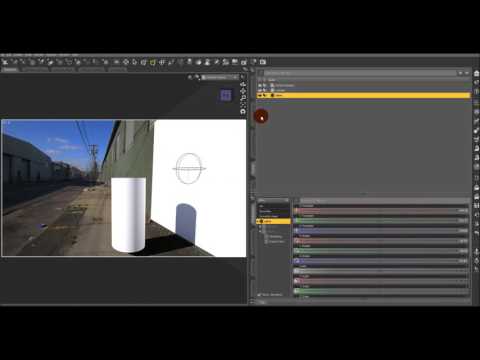
you can also manually move the iray environment groundplane too,
by default it sits at the base of the lowest thing in the scene
I seem to recall that method with the Iray node never worked. Maybe it worked with an old version but not newer ones or something. Though things may have changed recently. I always go for the Canvas route. Or you can Draw Ground in the Render Settings and not need a ground plane object.
Thank you Seven193, Wendy, and ebergerly for the extra info.