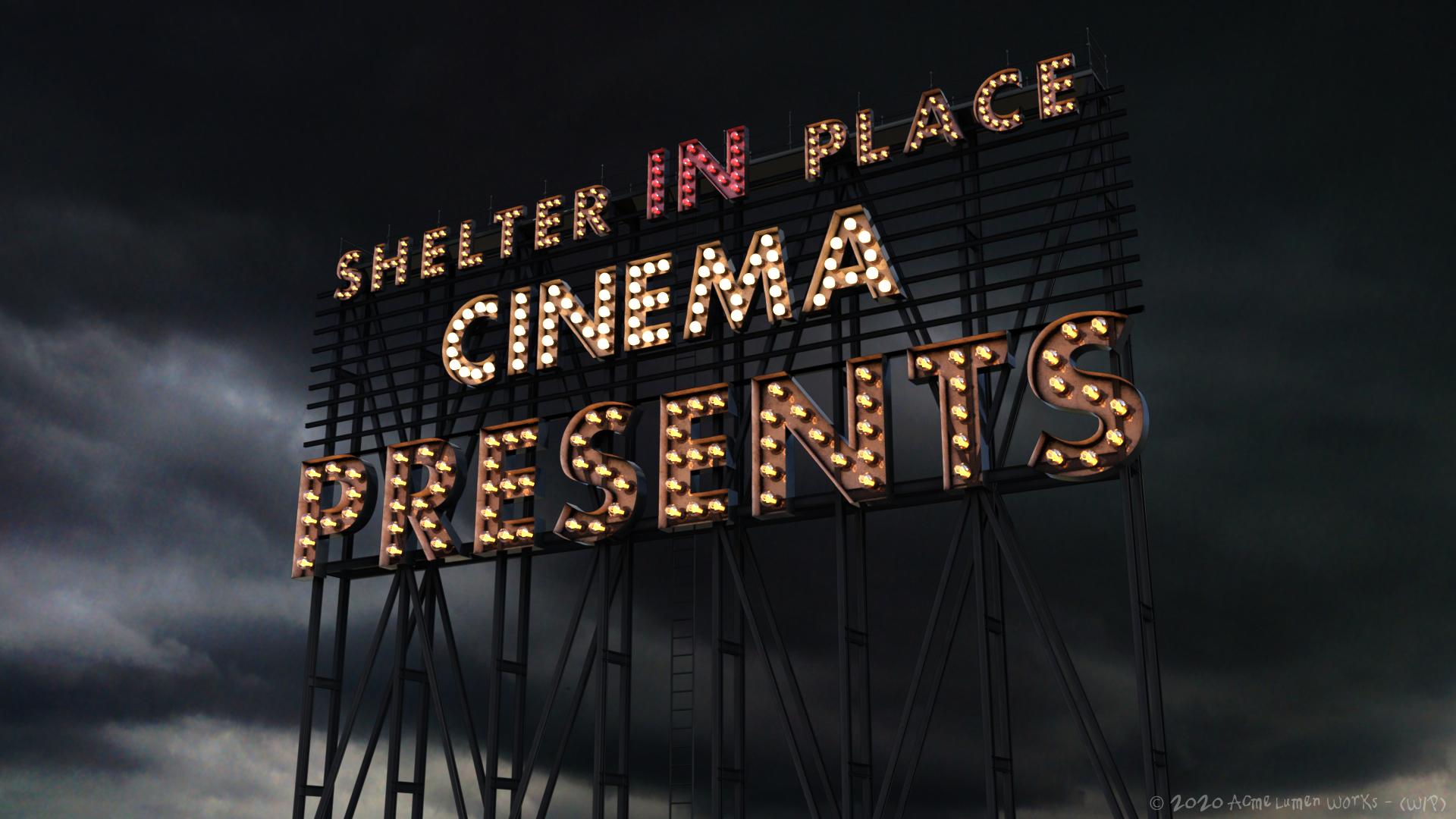
The Lights on Broadway are ... not so bright
 Doc Acme
Posts: 1,153
Doc Acme
Posts: 1,153
Thought this had gotten resolved some months ago, but apparently not.
https://www.daz3d.com/broadway-light-bulb-letterings
I'm trying to apply material to get bulbs ON and get this error for missing textures:
users/admin/desktop/broadway_light_bulbs_letterings_ansiko/runtime/textures/ansiko/broadway light bulbs letterings/blbl_baselamp_basecolor.png
users/admin/desktop/broadway_light_bulbs_letterings_ansiko/runtime/textures/ansiko/broadway light bulbs letterings/blbl_baselamp_height.png
users/admin/desktop/broadway_light_bulbs_letterings_ansiko/runtime/textures/ansiko/broadway light bulbs letterings/blbl_baselamp_roughness.png
If I search where they should be, it does in fact find:
D:\DAZ 3D\Studio\My Library\Runtime\Textures\ANSIKO\Broadway Light Bulbs Letterings\Blbl_baseLamp_BaseColor.png
but also:
C:\Users\16267\Documents\DAZ 3D\Studio\My Daz Connect Library\data\cloud\1_58843\runtime\textures\ansiko\broadway light bulbs letterings\
I can "get them found" if I first select actual Surface & not just the scene item it seems. Fortunately they seem to stay found at least until I use a new letter.
I tried full uninstall back to re-D/Ling the product (which did fix the missing product icon) but search is still finding these:
C:\Users\16267\Documents\DAZ 3D\Studio\My Daz Connect Library\data\cloud\1_58843\runtime\textures\ansiko\broadway light bulbs letterings\blbl_baselamp_basecolor.png
D:\DAZ 3D\Studio\My Library\Runtime\Textures\ANSIKO\Broadway Light Bulbs Letterings\Blbl_baseLamp_BaseColor.png
There's LOTS of other things in that Users folder. Is this going to require a manual cleaning or is there some other way?
I did figure out a workflow & forged ahead on the current project, but just don't want to have to re-remember how I got there next time:


Daz 3D is part of 
Connect
DAZ Productions, Inc.
7533 S Center View Ct #4664
West Jordan, UT 84084
Licensing Agreement | Terms of Service | Privacy Policy | EULA
© 2026 Daz Productions Inc. All Rights Reserved.