hi doees anyone know how to use dforce with marvelous designer
 lasagnaman
Posts: 1,001
lasagnaman
Posts: 1,001
hi iam trying to use dforce on my clothing for daz studio imported from marvelous designer
does anyone know how thats done if someone can give me a tutorial thanks so much
Post edited by lasagnaman on

Daz 3D is part of 
Connect
DAZ Productions, Inc.
7533 S Center View Ct #4664
West Jordan, UT 84084
Licensing Agreement | Terms of Service | Privacy Policy | EULA
© 2026 Daz Productions Inc. All Rights Reserved.
Comments
This is what I do:
SickleYield has a Youtube Channel with lots of tutorials on Daz Studio topics. There is a series on using Marvelous Designer with Daz3D stuff.
Channel - https://www.youtube.com/channel/UCbjaMLaZ-jxP5PQBJxviviQ
Part 1 of a MD and Daz Studio series -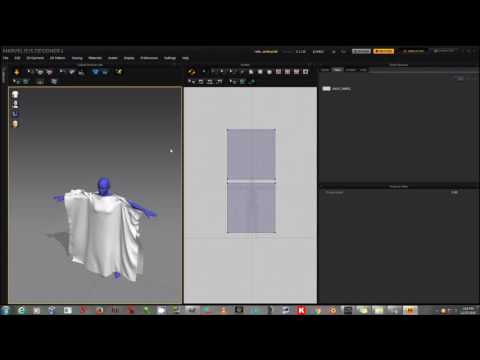
You have probably tried this but some people prefer to import the posed DAZ character (as an avatar) into MD, drape the clothing there and then export the clothing OBJ file back to DAZ Studio where it is positioned on the pre-posed character just as it was when exported to MD. Of course, there is no scope for adjustments within DAZ Studio using this method but you can always re-pose and re-drape in MD.
I believe @barbult has experimented with both methods.
To answer the OP, you can't use Dforce with Marvelous Designer. One sims cloth in Studio, the other is a virtual sowing room, with draping.
The mesh you have imported into studio (just like any mesh), can have a dforce modifier attached to it; this is under the Simulation Settings tab > menu > dforce > Dforce Modifer: Dynamic Surfaces addon