OFS Cat Fur, how to adjust the length of fur? [solved]
 Catherine3678ab
Posts: 8,556
Catherine3678ab
Posts: 8,556
@ Oso3D or anybody who knows, under Milcat I have OFS Cat Fur which I applied to the new cat figure. Fine so far but how does one adjust the length of fur?
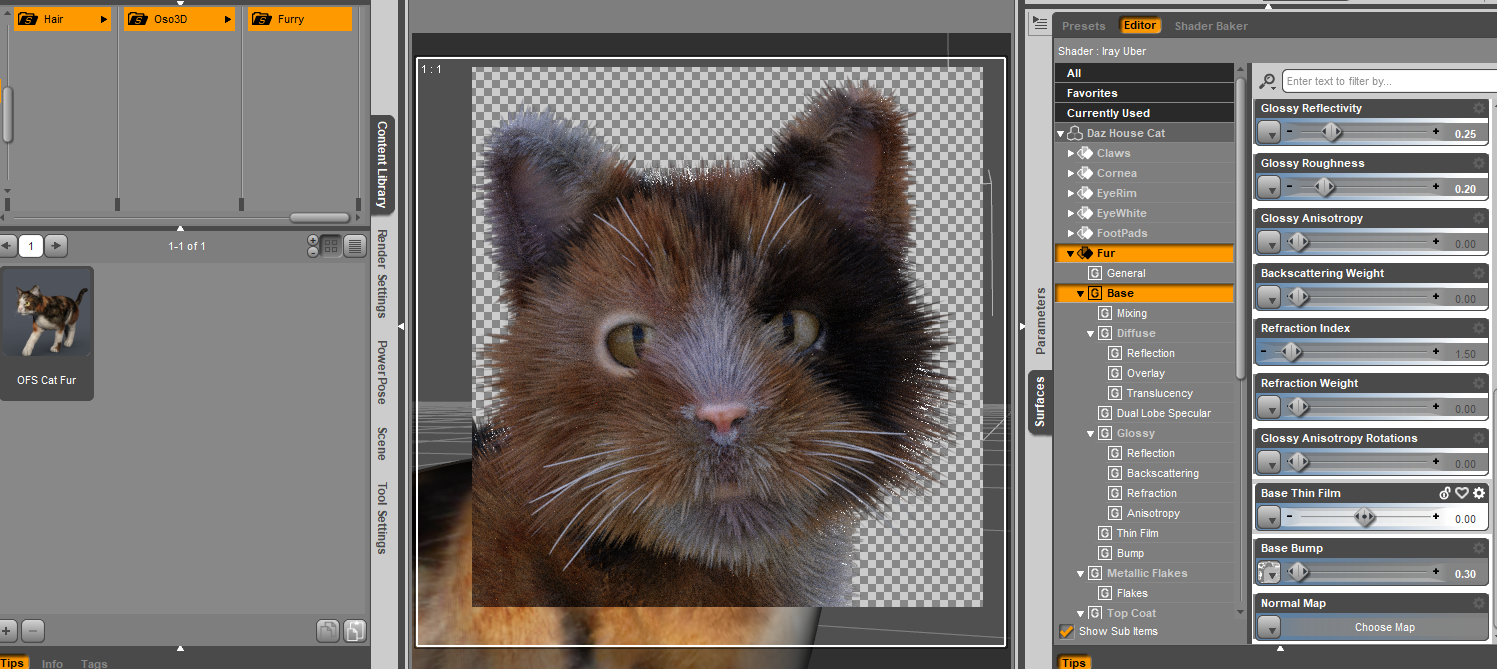
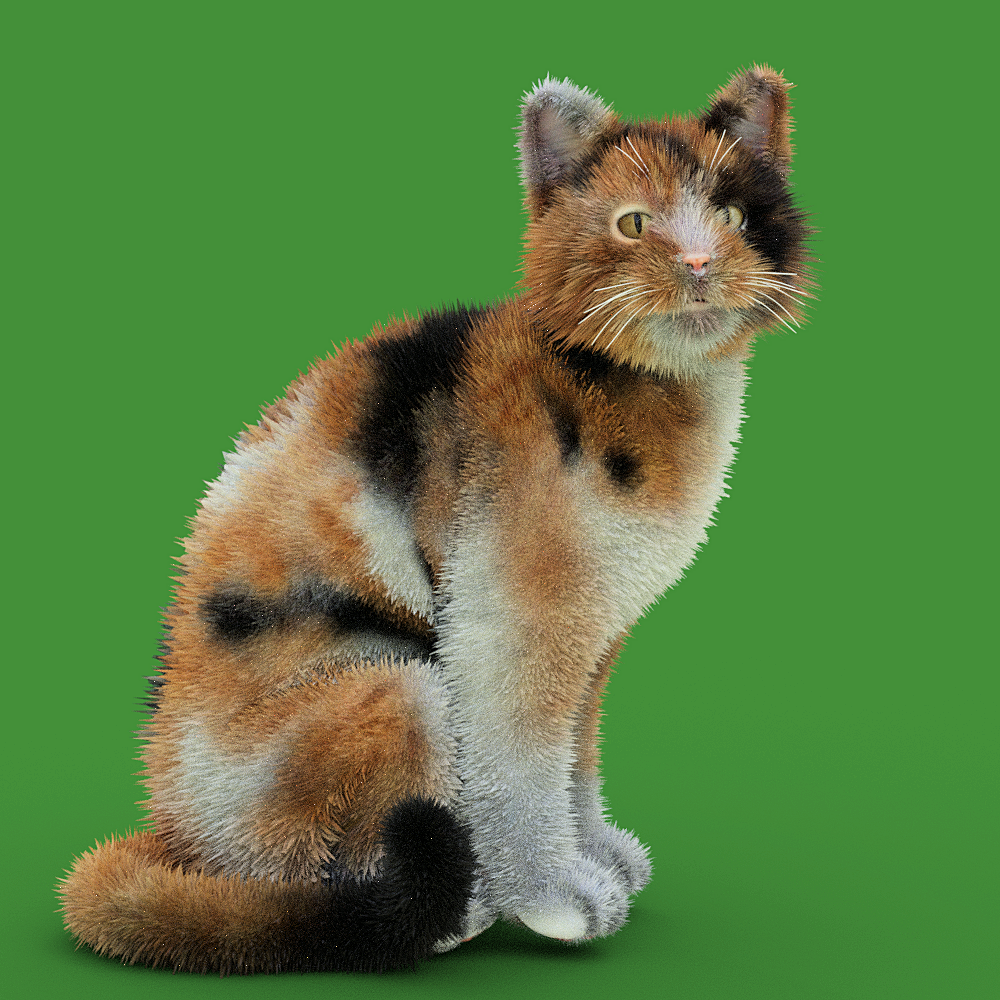
Furry Cat.png
1000 x 1000 - 1M
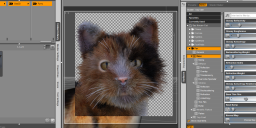
How to adjust fur length.png
1497 x 669 - 678K
Post edited by Catherine3678ab on

Daz 3D is part of 
Connect
DAZ Productions, Inc.
7533 S Center View Ct #4664
West Jordan, UT 84084
Licensing Agreement | Terms of Service | Privacy Policy | EULA
© 2026 Daz Productions Inc. All Rights Reserved.
Comments
Fur Length will control the highs and lows. Just adjust the number down.
Then there's Fur Length Maximum and Fur Length Minimum which, well, control the distribution of fur points vs base of the fur.
Ideally the fur is set juuust inside the figure, but this is a matter of taste.
Well that makes sense but please, where is that "fur length" control?
I reloaded a fresh instance of D/S and the cat and the fur and for a second it appeared at the top of the surfaces, then it vanished, then eventually I found it scrolling down the list on the surface tab with only one surface selected. But it was not there the first time 'round. Have no idea why D/S is acting like this, but anyways found the controls when they are allowed to appear, thank you.
@ Oso3D ... and also the same question for the mildog's fur.
Found that one!
...................
The shorter fur now on the cat :-)
I just got this. I couldn't get fur to show up at all, then realized it won't show in preview, only full render. I wish it would show in preview, for faster previews.
I assume that that is dforce hair. If so you need to enable prerender in the parameter settings, General > Simulation > Hair > Pre-render
Thanks but this only adds hair to the rasterized previews. I'd like it to show up in the iray preview.