Snowcapped mountin backdrop?
 Prince Wao
Posts: 373
Prince Wao
Posts: 373
I'm building a winter scene with snow shader used to cover the ground, but I need a mountain backdrop which actually has snow on the mountains. I have quite a few mountain backdrops, sky domes and boxes, but none are snowcapped. I've searched the store but can't find anything suitable. I also don't want anything with trees on them as the ones I have with trees have default shadows which go in the opposite direction of the shadows in the set. Any suggestions?

Daz 3D is part of 
Connect
DAZ Productions, Inc.
7533 S Center View Ct #4664
West Jordan, UT 84084
Licensing Agreement | Terms of Service | Privacy Policy | EULA
© 2026 Daz Productions Inc. All Rights Reserved.
Comments
How about an HDRI and this https://www.daz3d.com/mountainscapes-backdrops-volume-2-snow-edition
you just want a render, not a geometry?
uou could pick up this bryce set to do your mountain renders
if you aren't on a mac >.<
says: Bryce 7 Pro is not currently compatible with MacOS 10.7 and above. Please do not use it with these platforms. Bryce WILL work with 10.6.
https://www.daz3d.com/bryce-7-pro
https://www.daz3d.com/bryce-7-1-pro-grand-mountains
Thanks but HDRIs are no good as I already have the scene 90%+ complete, including ground and low hills, props and characters, the lighting set, etc, so all I need to complete it is a snow-covered or snow-capped mountain backdrop. I currently just have a sky, but it needs some feature otherwise it's empty space. The only alternative would be to add more and higher hills, but being snow-covered they'd be featureless and so trees would be required, but I don't have or know of any tree props which come complete with snow. As the ground is snow covered it doesn't make sense that either trees or higher mountains would be snow free.
Yes, a Bryce backdrop would be good, but I don't use Bryce.
rotate the HDRi around until you have trees with shadows in the right direction and render that and add it in the background as a layer in gimp or photoshop
and you can learn to use Bryce too, you learned to use DAZ studio and how to use a computer after all.
Would this be of any help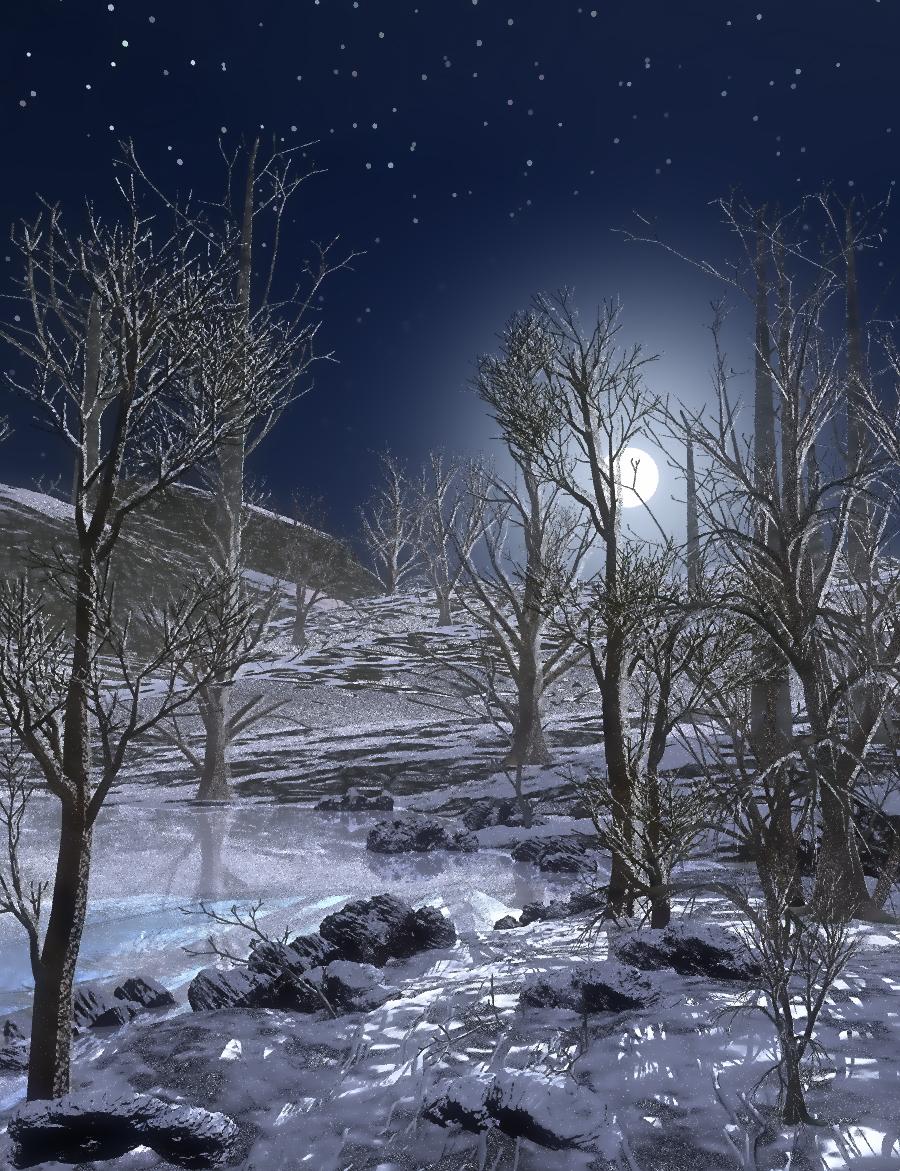
Or maybe this one

There is this one:
Easy Environments: Snowy Mountains - https://www.daz3d.com/catalog/product/view/id/021610
Here's a quick 360° view of the included HDRI only:
https://www.screencast.com/t/lG3M3lJE2Er
The product nemesis linked won't affect your lighting or need an HDRI that you're not using, it just loads a flat or curved plane into your scene which you place behind your existing props. And it's PC+ so fairly cheap.
Alternatively you could get an alpha'd image from here: https://www.textures.com/browse/snowy-mountains/78085 - you need to sign up to the site but it's free and they only require an email address (I've received barely any emails from them, so they are not spam-generators) - a free account will allow you to download 15 images per day. You would need to load the pic onto a plane and create a transparency map for it in an image editor program. A sort of more laborious but free version of the mountainscapes product.
This set has a decent mountain range backdrop.
https://www.daz3d.com/french-ski-resort
Thanks for the suggestion of Snowy Mountains, Taoz, as that's kind of thing I was after. I did searches for snow, snowcapped, etc, but never for snowy, so I never found that, but I did find and buy Frost World which has done the job! Frost World has the advantage of having falling snow and separate clouds layers: https://www.daz3d.com/frost-world

Thanks to everyone else for their suggestions.