dForce Long Morphing Hair problems
 Taoz
Posts: 10,373
Taoz
Posts: 10,373
I'm having problems with the dForce Long Morphing Hair - I can see the hair in the viewport but when I render I only see the scalp. I've tried all the presets and mats, also with the hair selected under Surfaces, but nothing works. Anyone else having this problems? Tried both DS 4.12.0.86 and 4.12.1.40.
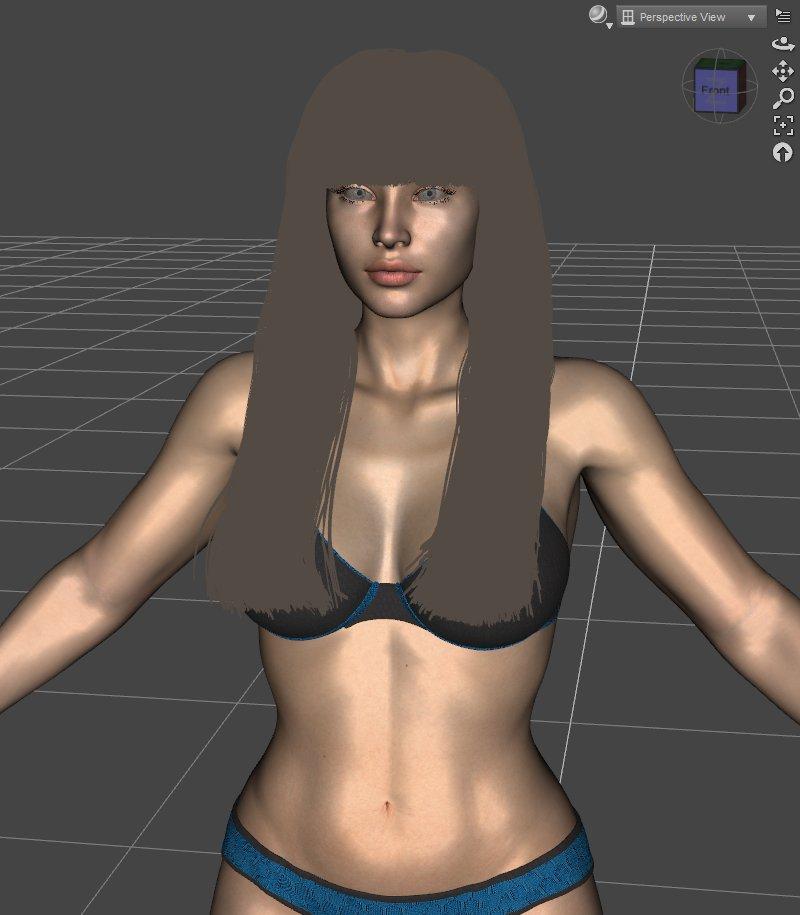
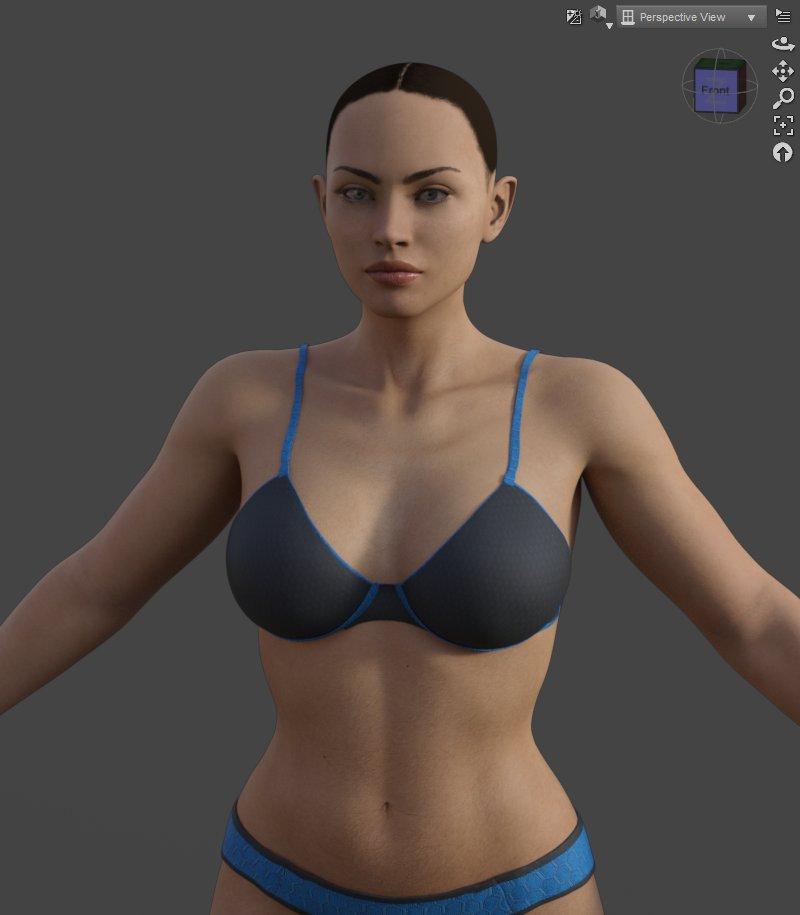

dforce_long_morphing_hair_01.jpg
800 x 915 - 67K
dforce_long_morphing_hair_02.jpg
800 x 915 - 46K
Post edited by Taoz on

Daz 3D is part of 
Connect
DAZ Productions, Inc.
7533 S Center View Ct #4664
West Jordan, UT 84084
Licensing Agreement | Terms of Service | Privacy Policy | EULA
© 2026 Daz Productions Inc. All Rights Reserved.
Comments
This is a quirk if dforce hair. You have to change a couple of settings to make it show in the viewport or preview mode. It'll still render fine as it is, you just don't get the preview of it.
This is what I do:
Select the hair in the scene tab (if I remember correctly, you have to click the arrow and expand the scalp section of the hair to find the actual hair, which appears patented to the scalp). Then go to the parameters pane and look for Preview PR Hairs. That will need to be turned on. Then find Line Tessellation, which is set to 0 by default. Change that to 2. That makes the hair show in my viewport and preview mode.
I usually change the settings to check how the hair looks, then put them back to the defaults, otherwise my viewport and DS in general gets really laggy. That probably varies depending on your system, though.
Ah, yes that did it. Thanks!
That hair is using a lot of RAM/VRAM though - currently I only have 8 GB RAM and that simple scene uses so much RAM when rendering in a separate window that total RAM goes over 100% and it starts swapping for a while. When it start rendering after several minutes VRAM use is 5.9 GB.
In preview mode however it seems to use a lot less of both, total RAM use is about 85% and VRAM 4.2 GB, and it starts rendering in about a minute. Looks like it's the separate render window that uses all that RAM, if I close it after the render is finished VRAM use drops from 5.9 GB to 2.7 GB. If I leave it open it remains at 5.9 GB.