
Daz 3D is part of 
Connect
DAZ Productions, Inc.
7533 S Center View Ct #4664
West Jordan, UT 84084
Licensing Agreement | Terms of Service | Privacy Policy | EULA
© 2026 Daz Productions Inc. All Rights Reserved.
Comments
Quite a few of us, yes.
That being said, it's not the only modeler for any of us I don't think, and not the main modeler of most.. (It is my main modeler backed up by Marvelous Designer, Z-Brush, and UV Layout) but there are some things that are just very easy to do in Hex, especially considering the bridge from DS, rather than having to export and import all the time. And Z-Brush has a bridge to/fro DS as well but there are some things that are easier to do with a traditional modeling program vs painting... and if some morph painting is needed Hex can do that too if it's within reasonably polygon count so I rarely have to bust out Z-Brush, just for making HD morphs really 'cause that many polys will choke Hex.
But I will reitterate what I said earlier.. I use Hex primarily because it's the one that clicks with my brain the best, and I've tried a LOT of them, even the super expensive ones. There are a lot of fun little things Hex can't (as easily) do vs Maya/Max/Blender level programs.. and the only thing I didn't really get on with Silo about is the camera controls (lack of on-screen ones) but that was enough to have me run back to Hex since I'm already so comfortable with it.
blenders UV tools are good, but I needed a tutorial on them. there are 3rd party enhancements (some free, some a few $) that make them even better, but any new feature I get acquainted with in Blender a tutorial is not far behind to take out the guess work.
@ Ati
I think V4 was built in Modo, and between Silo and Hex I can't imagine too many are choosing Hex. It was great for me trying to start in 3D and wrap my head around some concepts but it deserves a serious and long overdue overhaul, that and I was one of those users who was plagued by instability on any platform I tried it on so I never got more than 15 minutes into a project before I was looking at an empty desktop.
Fisty, thanks for the information. I'll watch a few videos about its user interface. I have some Dreamlight tutorials, but I always skipped the Hexagon parts, since I am not using that. I use Blender, it does most of the things I need, but somehow I'm never in the "Hey, let's start Blender, and model something" mood. It may just be my lack of experience with it, but I only start it when I absolutely have to. Even though I'd really like to model more.
Do you mean the crashes? That's what I'm seeing a lot on the forum about it.
Windows XP SP3, Windows 7, OS 10.6
I think I narrowed it down to if I started clicking too fast and getting in a groove it would crash. Not everyone has these issues but this was 3 different systems and nothing else I used was even close to the volatility Hex was showing until I gave up and tried Blender for the 3rd time with the understanding if I didn't get it then I was not meant to learn 3D. Fortunately that did not happen.
I started with the Steam version and am running the normal version now. The Steam version starts steam first if its not already running, then launches Silo. The normal version immidiatly launches Silo and does so extrmely fast. Other than that, they are identical. To me, the normal version is worth it to not have to bother with Steam. If you are an avid gammer and you have games through Steam and its running all the time, then maybe save a few $$$ and get that version.
Silo is the UI friendly modeler that is not stupidly expensive. All it is is a modeler. The one thing I really liked about the UI for Silo is that it does not rely on a bunch of icons for you to guess which one does what. Instead all the options and functions are labled so you dont have to guess it or wait for a popup to tell you what that icon is. Something else I like about it is the multipurpose functionality. eg, The same basic functions that you use when building the model are the same you use when working on the UVs.
A list of Silo videos on youtube - Sorry I dont know of any written tutorials.
EDIT: Anthony Ward freebies for Silo including a PDF on UV Mapping - http://www.antcgi.com/2011/12/15/free-stuff-12-book-downloads/
Basic Tools in Silo:
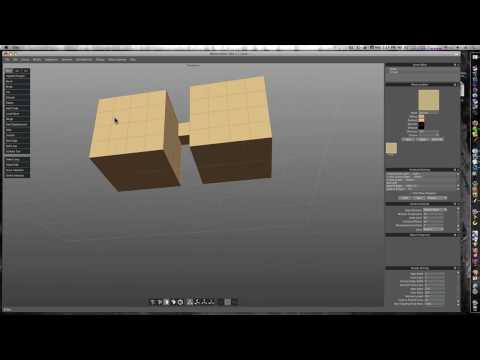
Hard Surface Modeling: Teaching work flow with keyboard shortcuts
 (Part 1 of 14 - incomplete series but still good)
UVs in Silo:
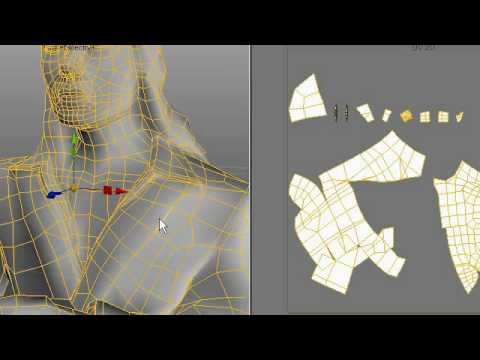 (3 parts)
Basics of modeling a Car: (watched this one before making my cars)
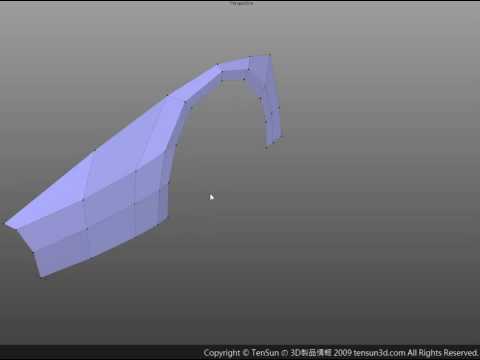
Tutorials by Glen Southern
Glen's Silo Fundamentals:
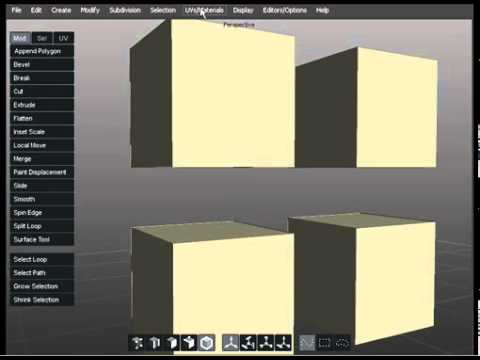 (11 parts)
Creature Modeling: Teaching basic tools
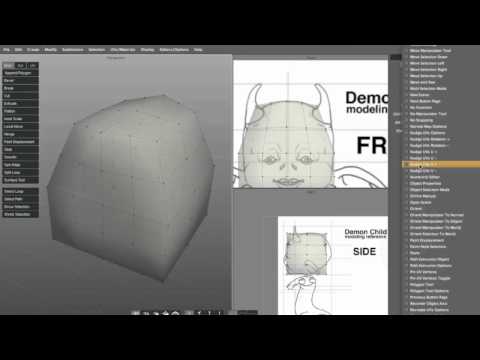 (part 1 of 5)
Glen Southern's Alien:
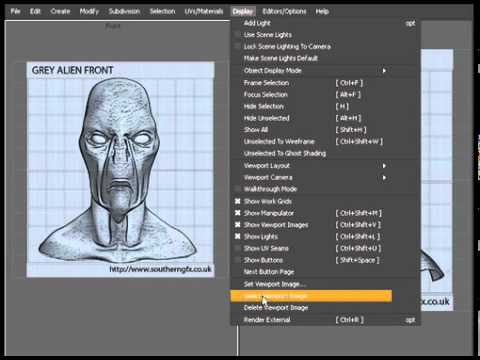 (9 parts)
Glen Southern's Minotaur:
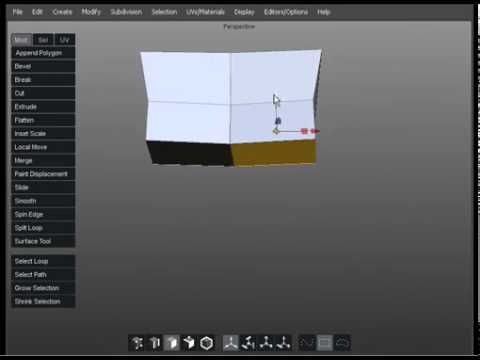 (10 parts)
Model a head with good topology:
 (14 parts)
And everything in my store that I have modeled was modeled in Silo 2.
http://www.daz3d.com/wiredless-mp3-player-and-headset
http://www.daz3d.com/braces
http://www.daz3d.com/llamaghini-amenazador
http://www.daz3d.com/llamaghini-gallopngo
http://www.daz3d.com/braces-for-genesis-2-female-s
http://www.daz3d.com/laser-sword-and-poses
There is a book called "3D Modeling in Silo: The Official Guide" by Antony Ward and David Randall. It's published by Focal Press, ISBN 0240814819
Amazon UK and US both have it in stock at the moment. I would post a link, but not sure if I'm allowed to.
There's a Kindle version as well.
...Hex still freezes up on me after 10 - 15 min (Win7 SP1) even after making it large address aware.
If I go with Silo, I'll wait until it goes on sale through their site.
Greetings,
Does Silo have something akin to Hexagon's 'Soften' brush? It's super-useful for fixing bad autofits, but Hexagon is frustrating as hell to use, because it keeps popping up the 'validation error' message whenever I let up on the mouse button.
I'd be happy to do it in Silo, if I could, even without a bridge. (If Silo had a plugin-in API, I'd be all over writing a bridge to it...that'd be a really fun itch to scratch!)
-- Morgan
You can try the displacement brush but i dont know if its the same thing as i have never used either tool so i cannot compare. Anthony Ward has a video tutrorial on that somewhere but its not free.
I forgot about his stuff, here is a link to his Silo freebies including a PDF on UV mapping in Silo - http://www.antcgi.com/2011/12/15/free-stuff-12-book-downloads/
Yay - pdfs! Thank you!
Another site to watch for specials is MacHeist I picked up Silo through them for $20 a while back. I know they say Mac but the serial number worked on windows also...I use steam for games but it can be frustrating when you go to play and it automatically updates and you have to wait...