Deformed loaded figures on Genesis 8 Male
 amalliach_858df2e8
Posts: 47
amalliach_858df2e8
Posts: 47
Hello there,
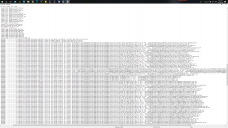
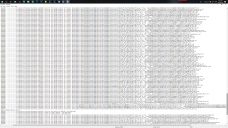
I have a problem with all the figures from genesis 8. Everything worked fine, and suddenly none of the characters loads correctly. I attached a print screen to see how the figures load, and also what isin the LOG file. I tried to re install genesis 8, I can t seem to figure out how to solve this, and I can load any figure..I really need this to be fixed. For example, I want to load the Alistair figure, and..it didn,t. Neither with another character.
Please, anyone knows how to fix this? Thank you so much..

Daz 3D is part of 
Connect
DAZ Productions, Inc.
7533 S Center View Ct #4664
West Jordan, UT 84084
Licensing Agreement | Terms of Service | Privacy Policy | EULA
© 2026 Daz Productions Inc. All Rights Reserved.
Comments
How does the default G8M look when you load it on its own?
My guess would be that there's a character applied by default, which "messes" the other characters. Did you install any new character recently?
Dear Leana, I just loaded the default genesis 8 male and it looks the same..you are right.
Yes..I installed...but I can t remember. I installed many. How can I find what hapenned? :(
When you load the figure in the scene...go to the parameters tab and click on "currently used" and then you shoudl see what figure is accidentally loaded
Ok!! done..this is what the figure loads. and....now what do I need to do?
It loads with James and Alistair bodies set to 100% Have you recently installed those two characters? If yes, uninstall them, and the problem should be solved. Also, open a ticket to customer support, so they can contact the PA and fix the issue. It is really important that this gets reported.
Alternately, if you don't want to uninstall, you can dial the characters to zero percent, but you'll have to repeat that every time you load G8M.
ADDENDUM: There's already a thread with someone else having the same issue over in the new users section:
https://www.daz3d.com/forums/discussion/343736/fake-genesis-8-male#latest
Please make sure you switch the Viewport to Smooth Shaded mode, using the sphere icon at top-right, if you need to take a screen shot of a nude figure.