updating to DS 4.10 - anything else need updating?
 jakiblue
Posts: 7,281
jakiblue
Posts: 7,281
in The Commons
About to install and update to 4.10 but i can't recall.....does anything else need updating when you do that? The default shaders/lights or any plug ins need updating?

Daz 3D is part of 
Connect
DAZ Productions, Inc.
7533 S Center View Ct #4664
West Jordan, UT 84084
Licensing Agreement | Terms of Service | Privacy Policy | EULA
© 2026 Daz Productions Inc. All Rights Reserved.
Comments
Update video card driver and OpenCL runtime for your CPU.
@Jakiblue- did you see my Art Studio thread? It really screwed up my studio! I didn't realize I was installing it in DIM, as I had a lot of things to install. Or I certainly WOULDN'T have done it. So how do I get this stupid thing fixed? It's still showing 4.9 at the top, and the opening page is still the 4.9 graphic. Edit- see post below. Reinstalled and is fine.
yep, updated the drivers...have no idea what opencl runtime means tho....is that another update?
WHOA. Haven't seen it, going over there now.
@Novica
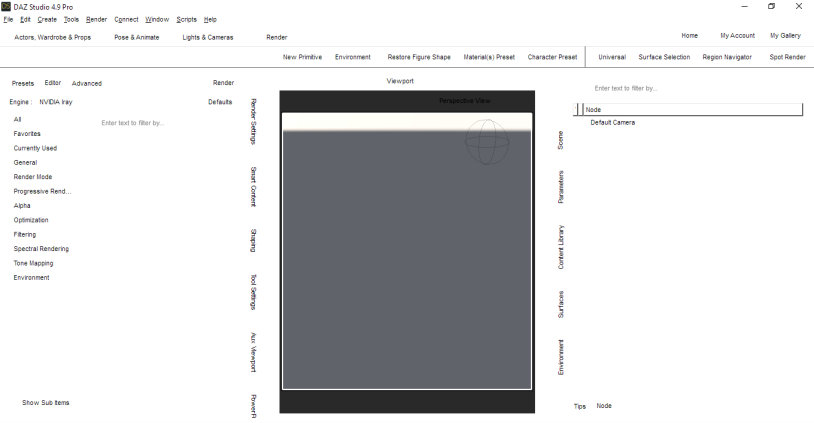
Studio has updated while it was still open and running so it shows up white. Reinstalling it should correct it. It is a new install of the next public build so it replaces 4.9 with the new one which is 4.10.
Allows you to run OpenCL simulations using your CPU. If you have an Intel processor, get it here. https://software.intel.com/en-us/articles/opencl-drivers
This is optional.
Update- reinstalling did it. Thanks!
I tried to run this application and got this message. I am VERY AFRAID to uninstall anything
I have an old ATI Radeon card which I don't think supports openCL. Does anyone know if it's possible to run openCL through CPU instead of GPU?
Thanks a lot,
Martha
I got that same message too. It confused and concerned me too. So I googled my graphics card name and unfortunately got conflicting reports on weather or not it supports openCL. I figure I'll just try out 4.10 next week and if it doesn't work, I'll roll back to 4.9 since I always keep installers.
I haven't tried dforce yet because I am very afraid of that openCL thing telling me to uninstall my driver. Should I do this? What did you end up doing @zombietaggerung?