Running Into A Strange Rendering Issue
 IceDragonArt
Posts: 12,972
IceDragonArt
Posts: 12,972
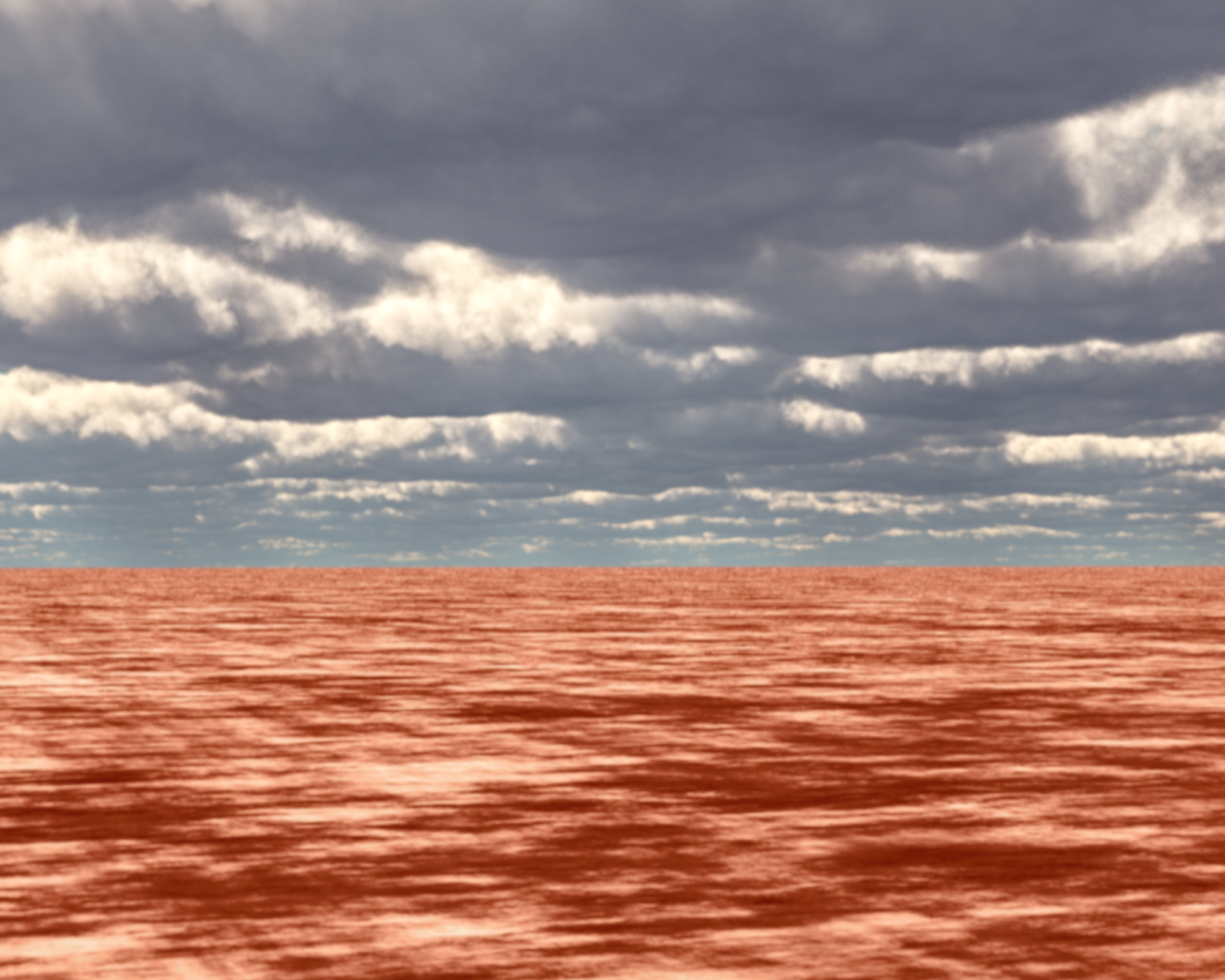
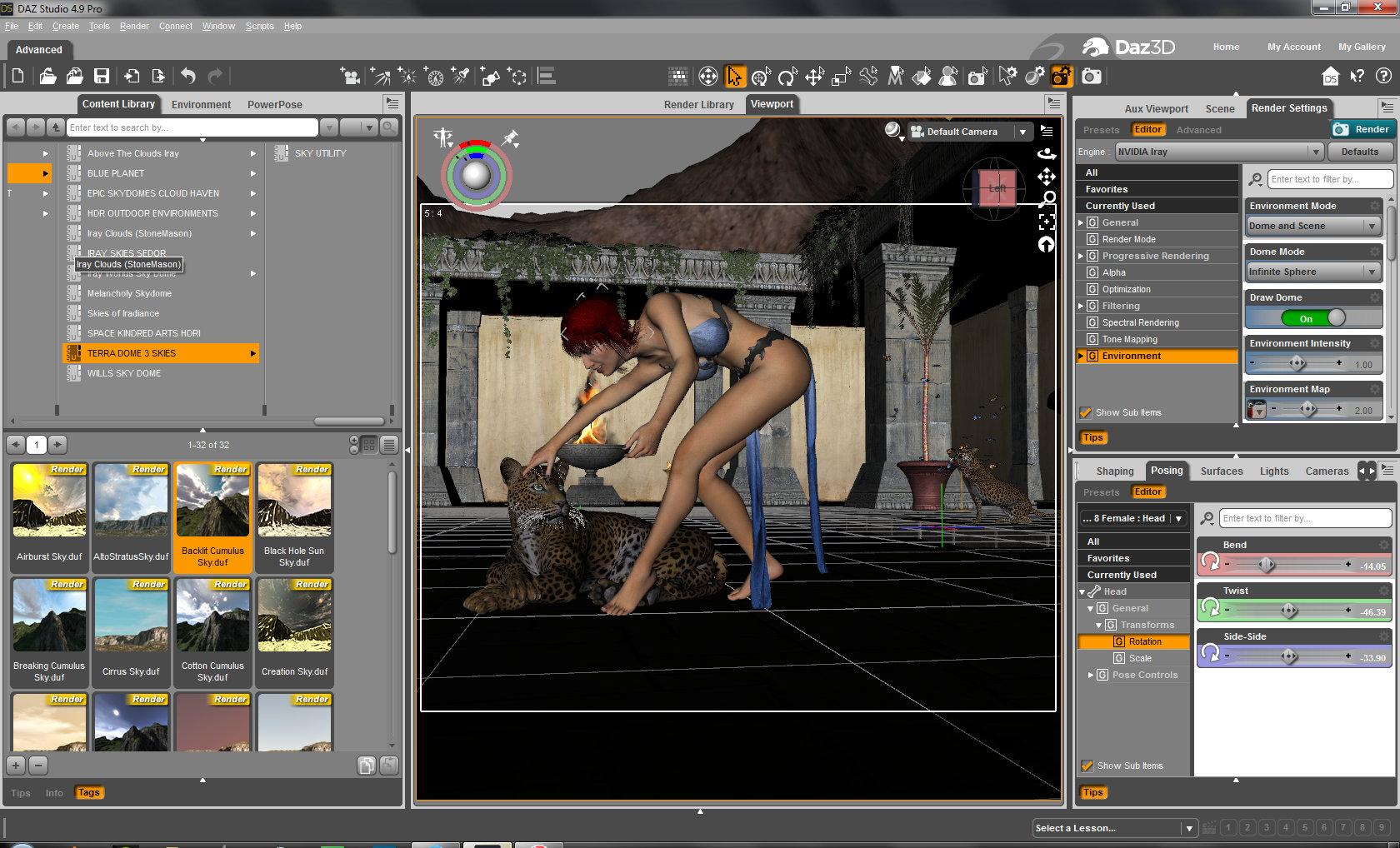
I am working on a scene and have everything finished and ready to go. I am using one of Terra Dome 3's Sky (which I frequently do with no issues at all) However, when I render, it is only rendering the Terradome 3 sky and not my scene at all. Obviously, something has changed either with my default camera or with my settings but I did not go in and change anything. I saved the scene minus the cameras and the environment and reloaded with a fresh default camera and added the Sky from Terra Dome 3. This is what I get. and then the next one is what is showing in my working screen. For some reason my camera is not seeing the scene and only the environment. It shows in the Aux view but clearly does not render. I don't even know where to look to fix this.



Daz 3D is part of 
Connect
DAZ Productions, Inc.
7533 S Center View Ct #4664
West Jordan, UT 84084
Licensing Agreement | Terms of Service | Privacy Policy | EULA
© 2026 Daz Productions Inc. All Rights Reserved.
Comments
If I remove the environment completely I get a completely transparent render with nothing in it.
Try tilting the camera down a little bit or shifting it up ever so slightly. I've had some weird stuff happen a couple of times recently when I'm shooting upwards from reasonably low down, and it usually only takes the tiniest movement of the camera to fix it. Other than that, no idea.
I will try that. Strangely, it will render in 3Delight (even though the set is newer and has Iray presets etc.) but of course, it looks terrible as the mats are all Iray.
Okay, my nvidea iray preview does the same thing. For some reason, its not seeing my scene. I did use the new Illumination Iray Lights on this scene before I changed it to the terra dome 3 sky. I wonder if it changed the settings somehow. But if it did, closing the whole program out and restarting it is not helping. and I hit the default button for render settings and that did not help either. Using a new camera is not working. I'm starting to get a wee bit worried here.
Have you tried to render at a completely different camera angle?
I have had this type of thing before but I had a camera looking up from under the floor -
It seems unlikely there is anything wrong with Iray or your content since it renders the Terradome perfectly
I will try that. Interesting enough when I put it in interactive mode instead of photoreal it renders as it should. Just, very odd.
It could be the ground plane getting between the camera and the scene, you can see through it in the viewport but not in the renders. Set Draw Ground to Off under Environment, then it becomes transparent.
I will try that as well thank you!
Well, none of that worked but its rendering in interactive mode just fine. No idea whats going on but I'm going ot let it render out then start a new scene and see if its just related to the scene or if its something else.
ok, those domes are basically a big hallow ball
so some part of that ball is getting between your scene and the camera
open up the dome item list under scene and start turning stuff invis until you find the problem item
Here's something to try based on an ocasional issue that I run into. Try deleting your camera and creating a new one.
Unfortunately, in Iray the dome isn't listed under scene nor is it in lighting or anything else. Even when I put the Environment tab to have nothing in it so it will render with no background, I then only get a perfectly transparent render with nothing in it.
I did do that, as well as deleting the camera, exiting studio, firing it back up and adding a new camera. I also tried using the cameras that came with the scene.
@Ice Dragon Art
Are you sure that the scene objects haven't gotten the "Visible in Render" setting turned off? If true, you would see them in the viewport but not the render.
I don't think so. I was able to get it rendering in interactive mode. But I will double check it. Another odd think happened while rendering in interactive mode. It was still running in the early morning hours and when I tried to shut it down it refused to stop rendering. I finally ended up force closing Studio so I also lost the render. I doubt its related its just weird. I did save the scene but I may just recreate it to see if I have the same issue.
Okay, I realize I ahve no idea where to find the options to set scene objects to visible or not. ( Can I just say that I am grateful I did not know exactly how much stuff there is to learn in Sudio when I started? I think I learn something new every single day and I am coming up on 2 years now)
Select the item and in the parameters tab under Display you will see Visible in Render it should be set to ON
Great thank you very much!
I will load the scene again and double check everything. I really liked the way it was looking and really don't want to recreate from scratch if I don't have to.
I loaded a fresh scene and characters and everything seems to be working as it should be so it must be something that is only happening in that particular render.
Once again, I have to say thank you to everyone who took the time to comment, this community really is fantastic.
Okay, so after a bunch of removing, adding and testing I think I know what was happening. Usually, when I set up a render, I leave my main character where it loads by default and move everything else around them when I set up a scene. So if I want a character at the top of the steps, I move the steps, not the character etc etc. Its just a much easier way of keeping track of everything since everything loads to that point, so when I am adding details etc, they are right there, and I can move them where I want them to go without having to hunt them down. For this particular scene, (the Ancient Temple Courtyard) you apparently can't do that. When I recreated the scene, instead of moving the temple I moved my character and all the other bits and pieces aroung the temple. Now, it renders fine. Also when loading this particular scene replaced my default camera with its own camera (I have my own preferences set in a saved scene that I use) so I ended up adding a camera and unparenting it from everything in order to get the scene I wanted. So, I am pretty sure that what happened was, that by moving the temple scene, I ended up outside of the Iray dome that was included (which, of course, I couldn't see at all) and that blocked everything inside the dome from the cameras view, even though my camera was close to the character.
So, once again, thanks for all the help in figuring this out, I learned some new things and new places to check for problem solving.