Overlapping Mesh - Morphing Advice Please
 marble
Posts: 7,500
marble
Posts: 7,500
This is an issue that crops up every so often with me and I still have not found an answer - apart from when I had access to ZBrush in the past.
In this example, I have a coat which is, of course, split down the front creating flaps which overlap in front of the thighs. What I want to do is move the flaps apart as they would when sitting or walking. Instead, this particular garment has no morphs for those poses so the flaps only move as though they were a single, connected mesh.
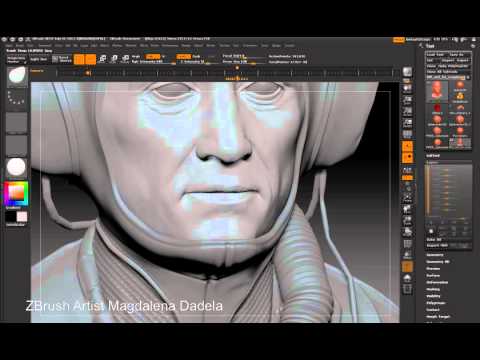
This would be trivial with ZBrush because it has a brush called Move Topological which does exactly what I need to do (see the video). However, I only have Blender which does not have the equivalent brush. I have asked on their forum but have no workable solutions. I'd very much appreciate some ideas from the modellers here - apart from advising me to buy ZBrush which is way beyond my means.


Daz 3D is part of 
Connect
DAZ Productions, Inc.
7533 S Center View Ct #4664
West Jordan, UT 84084
Licensing Agreement | Terms of Service | Privacy Policy | EULA
© 2026 Daz Productions Inc. All Rights Reserved.
Comments
I would use two d-formers and add weight mapping to them so they each only effect one side.
I did try d-formers with weight maps but, a) I couldn't stop it selecting the flap under the overlap and b) the results looked awful. Probaly my lack of skill with d-formers though.
I've since been playing with Blender's Proportional Edit - it is looking the most promising.
It has finally dawned on me that Blender doesn't have the ability to do what I am trying to do with the Sculpt tools but if I switch to the Edit tools and Proportional Edit, I can get close. Selecting vertices and using Proportional Edit with Connected switched on allows me to work in a more topological focused manner. My problem in the past was that I was afraid of the edit tools becuase I'm not coming from a modelling background and considered them a whole new learning curve. Now I have a toe in the water, at least.