Iray Glassworx [Commercial]
 KindredArts
Posts: 1,356
KindredArts
Posts: 1,356
Hello! I know, i'm a bit late to the party. I just wanted to make a quick note about my new Iray Glassworx set on the storefront. @Novica emailed me earlier about color swapping with the varying glass materials. Highly refractive materials don't transport diffuse color information very well, so if you want to change the color of the glass, you're better off using the "Glossy Color" picker in the surface settings.
If you have any more questions, i'd be more than happy to answer them here. Some renders would be nice too. 



Daz 3D is part of 
Connect
DAZ Productions, Inc.
7533 S Center View Ct #4664
West Jordan, UT 84084
Licensing Agreement | Terms of Service | Privacy Policy | EULA
© 2026 Daz Productions Inc. All Rights Reserved.
Comments
This set is awesome. Been playing with it all morning. :) Hope to post something before too long. There is a nice variety!
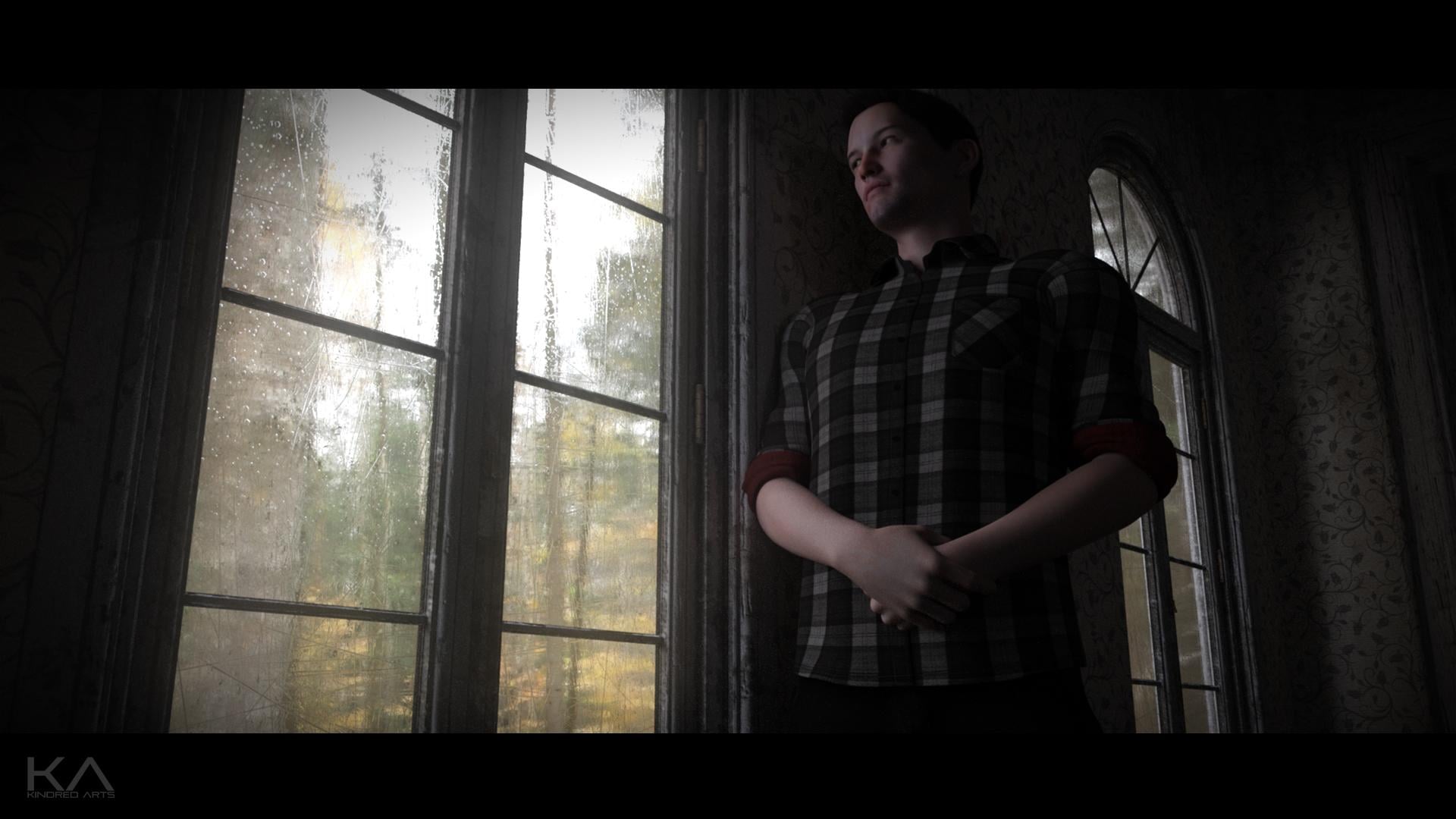
Is there a way to keep the glass looking glass-like, but to change the colour of the fluid? I'd love to be able to make windows look like they've been smeared or splattered with blood or oil for horror-themed art and vehicles which look like they've crashed.
It would be tricky, because glassworx is heavily map based, so separating elements would take a lot of photoshoping. However! I really don't think that's the best way to go about what you're trying to do. You'd be so, so, so much better off using decals. I've just done a quick render using both glassworx and Iray Decal Kit. I used a decal node and a blood preset, and it works like a charm. If you are using a decal node on a vehicle figure, you can have the blood spread across both glass and the rest of the hull.
Yeah, that was my assumption. I'll get both! Are any expansions for the decal kit planned?
Shall be playing around with the glossy colour alterations suggestion... That has some interesting implications. I expect that could look really nice on a visor or camera lens, combined with your Iray Rain product in the background.
I also think this could look amazing if applied to a vehicle or figure, to create the illusion of a glass statue left out in the rain or dredged up from watery depths.
Thanks xeno, i'm sure you'll get plenty of use out of them. My back-catalog is currently 50% off too, so you should be able to grab them both at a decent reduction.
More decal extensions are planned, probably based on the first kit, I'm just not sure on which direction to take it yet. I'm not sure if people want more decals for character enhancements or for use on props/arch. Ideally both, but i'll see what can be cooked up.
There's a lot of neat stuff you can do with the glass, especially as you said, for camera effects. You can pop the single/double prop i included in front of the camera and experiment, i've found quite a few neat combinations. Enjoy the set and let me know how it goes.
I just looked at this shader set. I need to lower the boom on my DAZ spending but this one made me immediately do the "ok, one...more" thing. The steamy shower and the glass block style defects alone would have sold the pack to me. Looking very forward to playing with this over the long weekend.
Glad i could tempt you wishes . Thank you very much for your purchase!
Decal set is proving interesting (though repositioning for visibility seems tricky), now that I've got it. There are lots of expansion possibilities for that, including things like war paint for animals (horses, dragons, etcetera). Also stuff like cyborg: Skin tearing away to show metal and wires. Definitely huge possibilities for wounds a user can reposition anywhere they like. An array of diverse battle damage for vehicles would have massive uses
The only issue I've discovered with Glassworx, is that is that isn't showing up under the Iray shader category in Smart Content! Everything in it is just under the generic 'lost and found' heading. So, when I go to 'Shaders' and the sub-heading of 'Iray', it groups together all Iray shader products except for this one. I use that function a lot, so that I don't accidentally look at 3Delight shaders for Iray renders (and vice versa, if required).
Well done, KindredArts. I have already bought so many glass shaders for iray, but yours is just amazing.
There are definitely opportunities to expand the set, it does have limitations with rigged figures however. Decals can move with bones, but having a decal spread across moving joints requires a bit of repositioning after movement. That's why i have to be very careful about what i put out.
I'm not too sure about the smart content issue, i don't use it myself. I know someone in meta-data though, i'll try and get it sorted out.
Thank you very much for your kind words Artini, and thank you for your purchase.
Popping in to post my experiments, as Kindred Arts was kind enough to answer my questions this morning (as he mentioned in the first post about the Diffuse color vs the Glossy colors.) It got me on my way, and I've been playing this afternoon. Here's a tip: change up your metallicity, glossiness, and lower/raise bumps. These become wonderful backdrops for portraits, and with the metallicity, it changes how it glows depending on the camera angle! It can be absolutely matte, or a sparkling delight! It reminds me of decorative embossed tin.
Also be sure you have dark and light for diffuse and glossy. I put the Diffuse as the darker color. Here's an example of a portrait backdrop, using the floral. And tip on that- to get the flowers a bit more "normal" and not stretched, make sure your tiling isn't the same for horizontal and vertical. Vertical should be more.
Great work Novica! You always manage to use sets in very weird and wonderful ways, very creative indeed.
Well, since you answered my questions this morning to help me along, that makes you weird and wonderful too, ya know.
My back-catalog is currently 50% off too, so you should be able to grab them both at a decent reduction.
Shouldn't have said that. I just grabbed your farmhouse. I noticed you didn't have much in your catalog.
You need more than 2 or 3 items. lol
You need more products.
Any chance that you go back into sci-fi designs?
Citadel is the last item still on wish list...
Here's another one, playing around with the back wall and the floor. When used as the floor, the irregularities make it rather fun. The rough area isn't render noise, it's part of the surface materials.
Easy to create sparkly effects for portrait backgrounds. NO postwork, just out of the box Glassworx and tweaking what I already mentioned in Surfaces pane. (LOL, another weird and wonderful from me, I suppose.)
@Novica
More great renders. I say drop the "weird" and just go with wonderful. Really innovative use of a great product.
I really look forward to using this. I can see it might be useful for example to making the glass inside a shower actually wet. Can't wait to load a character and try it
Weird and wonderful
Thanks for picking it up SN, i sincerely hope you enjoy it
Hello! I yesterday bought the product IrayGlassworx, also already installed with the Download Manager. But I do not find it in my library. With other products, however, there are no problems. Can you post a video on Youtube, how to find and use the product? Thank you. That would be nice. Greetings. M.
Hi Mayamira! Are you using smart content or the content library?
Thank you. Smart Content
Ahh, ok the smart content side seems to be having problems, it's a meta data issue. Daz is going to sort it when they're back in the office. Do you know your way around the normal content library?
no, sorry. I am looking for a long time but unfortunately without success.
i only found decal set in the smart content.
Hmm, i'm really not sure about smart content, i don't use it. Here is the location in the content library, does this image help?
Thank you! ☺ Can you update the product? So I can find it in my Smart Content, as it is at Decal Set? It's much more practical in smart content. I have a lot of content and so I do not find it. Thank you very much for your time.
No problem! It's just a bug with the meta data that's all, there will be a smart content update for it when the guys get back into the office. Daz handles the meta data, but they are away for bank holiday weekend.
I've been rather miserly with my $$$ these days, picking up quite a few older products for pennies but mostly ignoring the new releases. If they're interesting, they go into the wishlist. Except for this gem. I took a quick look at the promos and right into the cart she went. Checked out last night, but haven't had a chance to play... yet. I'm hoping to give it a whirl today.
Thank you for thinking outside the box, and giving us more tools to add a uniqueness to our renders.


I tries my best L'Adair! Thank you for picking it up!