FOCAL LENGTH: What is your default?
 Scavenger
Posts: 2,677
Scavenger
Posts: 2,677
in The Commons
I'm gathering information, poll like.
What do you use as your default, go-to, general use Focal Length for your camera?
65mm? 120? 95? something else?

Daz 3D is part of 
Connect
DAZ Productions, Inc.
7533 S Center View Ct #4664
West Jordan, UT 84084
Licensing Agreement | Terms of Service | Privacy Policy | EULA
© 2026 Daz Productions Inc. All Rights Reserved.
Comments
110 to 125 for Portrait type shots.
For portraits I tend to go with 90...but that's just me ;)
Laurie
I don't have a default, I use whatever is needed for the image
how do you decide?
50 for landscapes, and 16x9
125 for almost everything
depends on the effect I am wanting for the image. The DAZ default is 65, I rarely go higher, but I do go lower for a more dramatic effect often
I always use DAZ default.
It depends on the type of shot. I tend to use about 50 for multiple full figures in the shot. For a portrait I might use 11, or in the 20's for a single character full torso shot.
I usually use a 43.8mm frame width with and 90-110mm focal length. Playing with lens length can be fun, though, if you set up for a 90mm lens, then bring it down to something like 20mm, you might find an unusual and interesting shot.
...I would like to learn more about this 'focal length' opposed to moving my camera in and out with the mousewheel.
Adjusting the focal length changes the angle at which things are at. Long focal lenths make far things look closer, and short ones exaggerate disances. Long ones narrow the angle the camera "sees," which means if you're trying to show a broad area, you have to pull the camera farther away; while short ones move it towards 180º, so everything in front of the camera is shown (the fish-eye lens effect—I'm not sure how much the DS version of Iray accomodates very short lens lenghts for fish-eye effects).
If you want to see this in practice, load a big set, put a figure or even a cube in front of the camera than adjust the focal length to something long (100mm). Use the mousewheel to pan out until the figure/cube fits comfortably in the frame. The duplicate the camera. Change the focal length to something really short (20mm), and use the mousewheel to pan in until the figure/cube is about the same size as it was with the other camera. Switching between the two cameras will show how radically the stuff to the side changes with focal length.
This page covers DOF, Focal Length and Distance to subject
http://www.photoaxe.com/depth-of-field-photography-tutorial-part-3/
Its simple and very straight forward.
For myself, I tend to use 45mm - 50mm for portrait shots. I have from time to time shot from further away and used 200mm or higher.
Huh. Well, will you look at that.
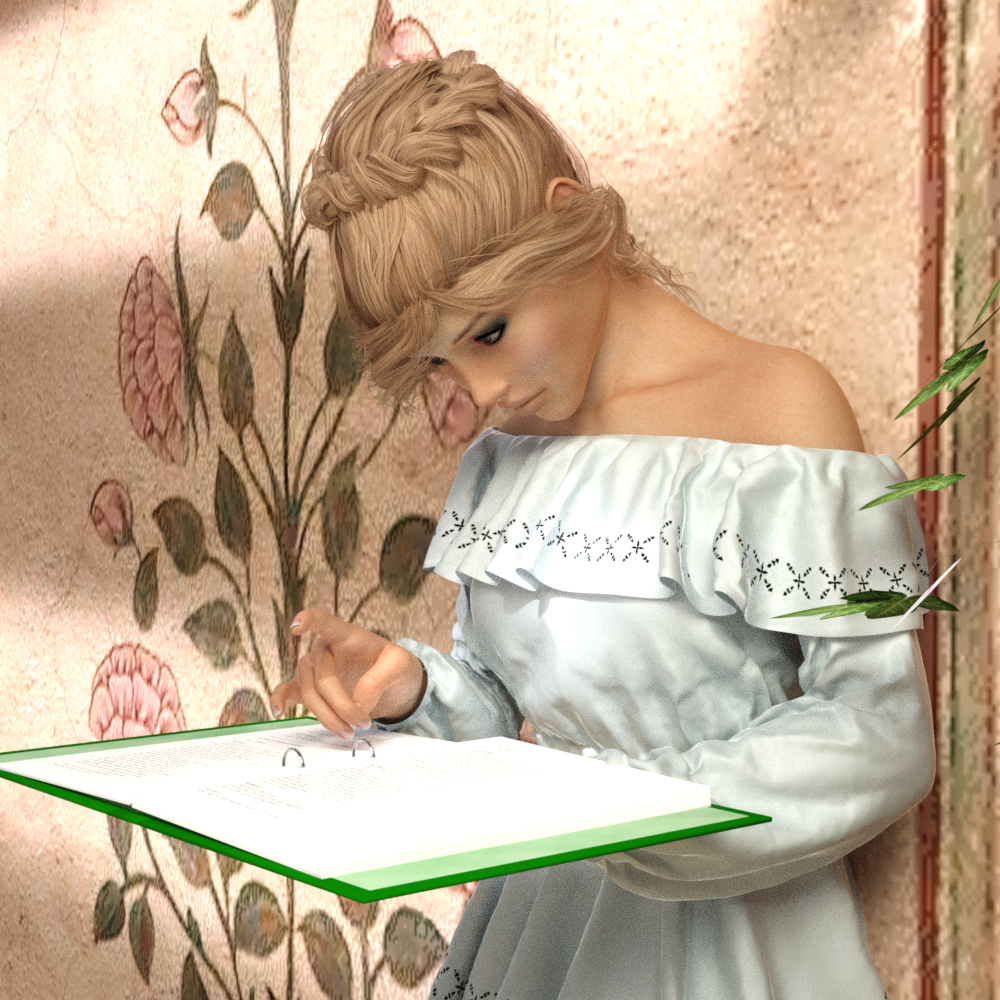
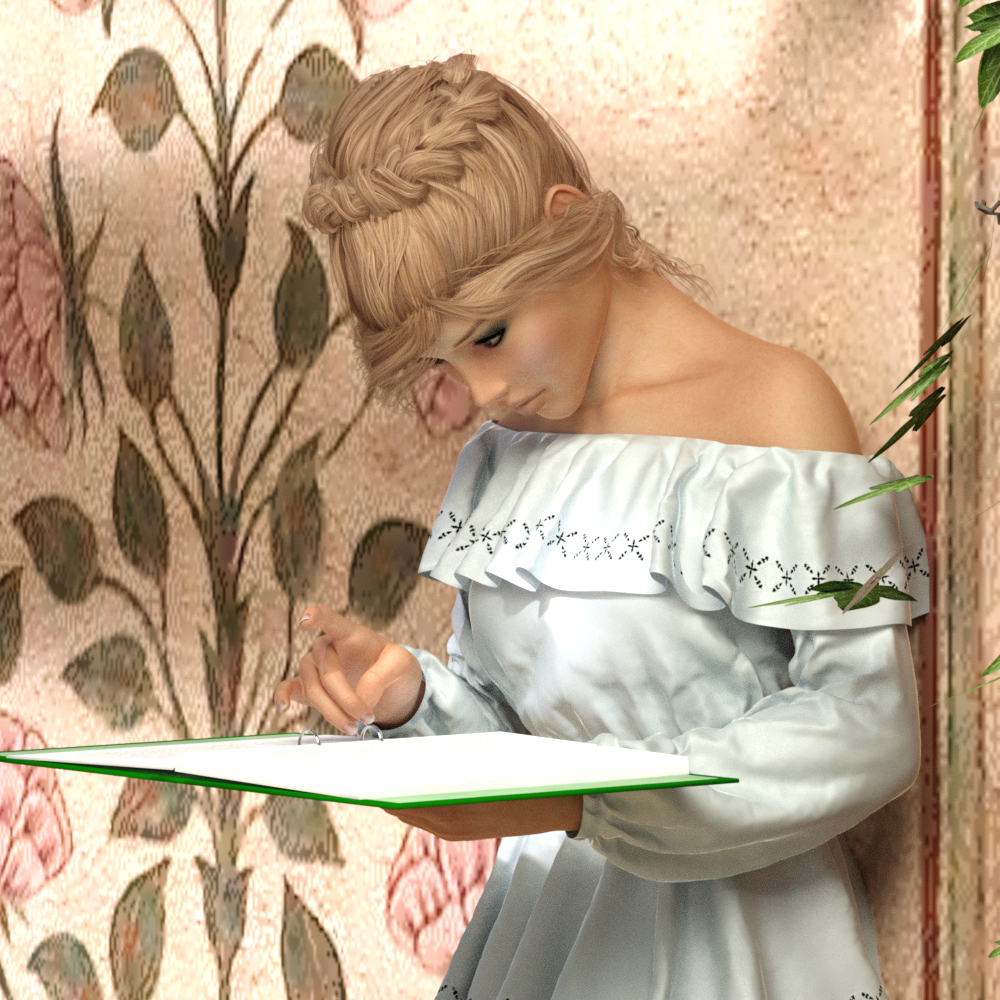
I will have to try the short focal lengths next time I render a cramped room.
Does focal length impact depth of field at all within DS's implementation of Iray? It's a bit confusing that the tone mapping f-stop setting isn't connected to the depth of field f-stop setting. If you try to use the Iray camera like a real world one, you might get confused as to why things don't work the same.
The default, becuase I haven't given it enough thought. But when vertical items (buildings, walls, etc.) on the edge of the camera are seriously distorted into angles instead of being vertical, then it's time to reconsider.
DS Iray now has lens distortion effects that you can use to make things very fish-eye-y. Its very fun to play with
I'm the opposite, I like introducing a bit of extra distortion, I find that introducing some real-world "error" makes things feel less obviously cg.
FTR and sense I solicitied opinions... I use 120 as my default, because a tutorial or book or something I was reading when I first was learning to do DAZ said to....so...not a great reason :)
Yes. So if you are shooting up close with a wide angle lens, even an FStop of 22 can be narrow. But thankfully we can cheat in 3D.
I think the seperation of the rendering exposure from the camera settings is very wise as it makes it simpler to use for new commemers and less limiting. Afterall, the cameras have no physical element to them so there is no reason to use real world physical limits
+1
I used to have a default; but I realised I was always using it, never bothering at times to see if something different would be better.
I don't have a default, but I am finding that because of the size of some sets my focal lengths tend to be at least 100 or slightly higher.
Don't tell the Iray guys, they already won't let us use transmission/SSS with a cutout opacity map and killed all my creature plans. :p If they figure out it's possible to cheat on camera settings they'll take away our options!
(I'm kidding. Mostly.)
Are you sure? 11 to 20 for closeups will greatly distort the perspective.
Photography was, and is, my main way of visually expressing myself. A lot my habits from that sphere made their way into working with virtual cameras in DAZ Studio. Many times, 50-60mm is just fine for me because I then tweak the the DOF as best I can to get the effect I am looking for. Dipping below 40 makes good sense if you're doing anything that is landscape/cityscape-oriented. Going above 80mm makes little sense to me within Studio because there's no need to use a telephoto lens in a virtual reality program. I can just move my virtual camera closer to the object I want to render. .
As an old medium-format Hasselblad guy, I tend to "Go Square and Shoot Loose" to increase cropping/composition in the darkroom (which, these days, is called post-processing :-)
This might sound like an inherent error, but I tend to leave the Frame Area at the default 36mm and "shoot" (render) with a 43mm Focal Length for "human vision" perspective, and this tends to provide sufficiently wide scene coverage for many layouts (perhaps especially tighter-space indoor scenes) WITHOUT getting a "distorted" wide-angle-lens look.
For a more "polished" look with a potentially more pleasing perspective, I tend to pull the camera back from the main subject and use an 85mm Focal Length for half-and full-shots, jump to 120mm-135mm (from the *same distance*) for close-ups.
I generally find that keeping camera-subject distance more-or-less fixed and using Focal Length to change scene coverage keeps a (usually) desirable consistency in perspective across shots.
Such "tricks" can be much easier to pull off in CG because you can essentially dial up any Depth of Field you need (including Infinite) - in flagrant violation of real-world lens physics.
Hope this helps ...
I load a 50, 100, and 200 into almost all my scenes. I use the 50 and 100 all the time for characters. For architecture (rooms, buildings) I use more wide angle like 30-35.
What do use the 200 for?
Around 180 or so, anything more than a super-close face shot tends to lose all perspective. On the other hand, 35 looks like a fisheye when zoomed in to a headshot. Just like a real-world photographer uses lenses appropriate to the situation, it's best to use the right lens for the job. The best way is to simply play around with the lens and the camera distance until you get an effect you like.