Mesh Transfer Tool?
 Blackbirdx61
Posts: 300
Blackbirdx61
Posts: 300
Richard "I used the mesh transfer tool and select the default genisis figure as the source and my mesh as the target with the default shape type."
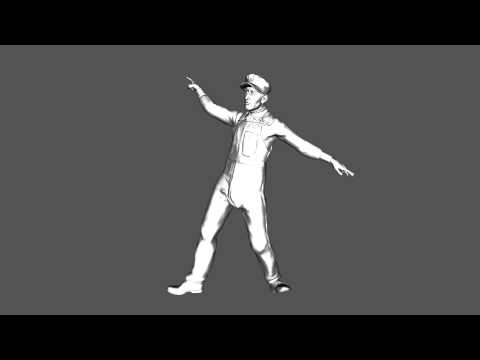
Anyone know what tool Rich is speaking too?
menu path, is it still available in 4.9
In the video Rich demonstrates a fully rigged Figure in 1930's Dress; which he morphed in Sculptris. I have some Face and Charactor mods in mind that this would be very handy for as I am having no luck transering the Rigging to the OBJ. but If I am using a Gen Mod; or V4 Mod; I would think the Skin Transfer would accomplish much the same backwards. Thanks for your help.

Daz 3D is part of 
Connect
DAZ Productions, Inc.
7533 S Center View Ct #4664
West Jordan, UT 84084
Licensing Agreement | Terms of Service | Privacy Policy | EULA
© 2026 Daz Productions Inc. All Rights Reserved.
Comments
I'm guessing the rigging transfer tool.
load your object,
load a G1 or G2 character (not sure if V4 will work)
pose and scale your character so the joints line up with where you want them on the obj and the figure lines up and fits over the obj
then go to edit -> figure -> transfer utility
Select the G1/2 figure as the source and in the dropdown select the option for current, then check the show options and check the box for reverse shape from target
on the right side for the target, select your obj (which you may need to do an edit -> object -> rigging -> convert prop to figure first)
Make sure that the box for fit to source figure is unchecked
Then click ok and let it do it's thing
I think your right, TY Kao!