-
-
-
-
$24.99
Artist:Compatible Figures:N/AFile Formats:DUFSKU:115965Optional License Add-Ons:
$1.99*Unless otherwise specified, no discounts or offers will apply to License Add‑Ons.
Optional License Add-Ons:
$1.99*Unless otherwise specified, no discounts or offers will apply to License Add‑Ons.
-
Details
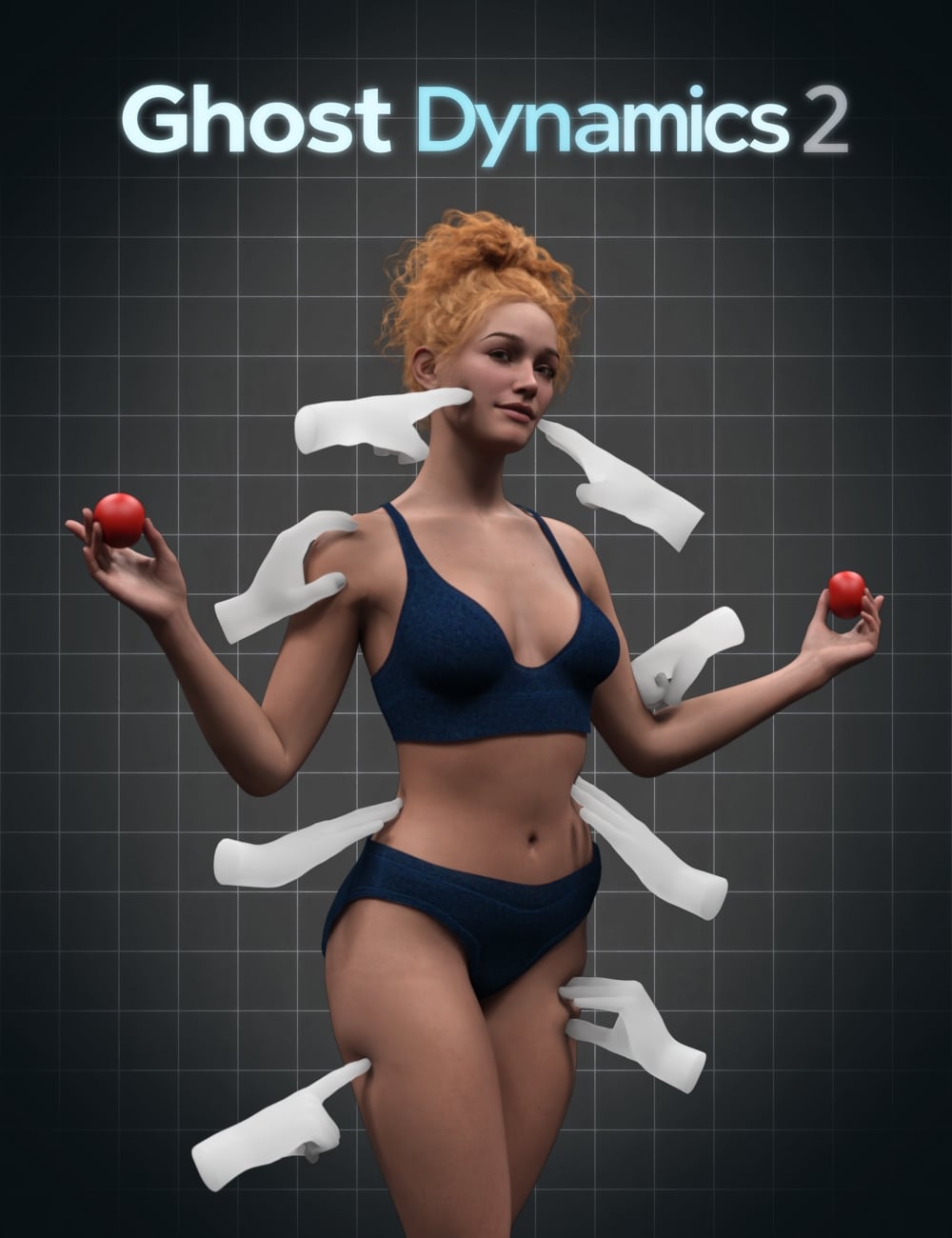
Ghost Dynamics 2 is a comprehensive utility suite designed to streamline physical contact workflows in Daz Studio by simplifying the use of built-in Mesh Smoothing and Collision features.
Instead of manually configuring modifiers and navigating through multiple parameter panels, Ghost Dynamics 2 provides an artist-friendly workflow that keeps everything organized and easy to access.
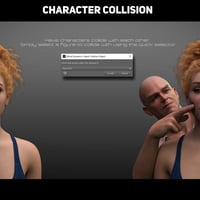
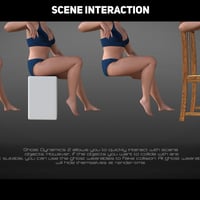
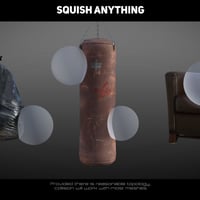
The included scripts make it simple to set up collisions between characters and objects, allowing for more natural interaction and adjustable collision softness.
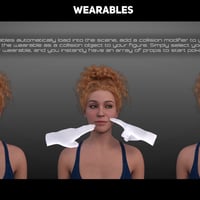
The package also introduces a new collection of invisible wearable collision helpers. When applied to a character, these wearables automatically trigger background scripts that add collision modifiers and assign the wearable as the collision source.
Simply load the wearable items and begin shaping natural contact interactions without additional setup.
Ghost Dynamics 2 has been tested with Genesis 8 and Genesis 9 figures, though most figures and props with clean topology should also work well.
What's Included and Features
-
Ghost Dynamics 2
- Scripts:
- Add Mesh Smoothing (Adds the smoothing modifier to your character)
- Remove Mesh Smoothing (Removes the smoothing modifier from you character)
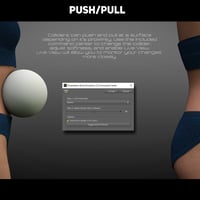
- Command Center (Allows you to swap collision objects, change smoothing and set live view)
- Node Inverter (Utility script to invert meshes. This can help with smoothing in certain circumstances)
- Quick Collision Selector (Simple utility to pick a collision item for your character. It also adds a smoothing modifier)
- Visibility Settings:
- 7x Collision modifier presets
- 4x Smoothing modifier presets
- Utility:
- 2x temporary smoothing settings
- Visibility:
- 2x Render visibility settings
- 2x Viewport visibility settings
- Wearables:
- 6x Wearable prop sets
- PDF:
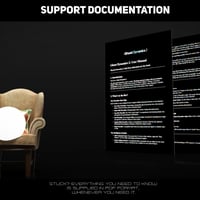
- 1x Support PDF
Notes
- This product includes:
- 1 DSON Core Installer
-
Ghost Dynamics 2


Daz 3D is part of 
Connect
DAZ Productions, Inc.
7533 S Center View Ct #4664
West Jordan, UT 84084
Licensing Agreement | Terms of Service | Privacy Policy | EULA
© 2026 Daz Productions Inc. All Rights Reserved.