-
Morph Master
In Blender, to have an object smooth, you select your object in object mode (not in edit mode) and go in Object/Shade Smooth or Shade Smooth Auto.. For the import the newer version of Blender should be easier than the old ones since they keep vertex orders by default.flowprince said:
Matew, can you please include the import options for blender 4.3 in a screenshot? I think the one you included was for an older blender. And I am confused how you made the imported obj files in blender appear smooth instead of the blocky texture it had before?
Morph MasterMatew, can you please include the import options for blender 4.3 in a screenshot? I think the one you included was for an older blender. And I am confused how you made the imported obj files in blender appear smooth instead of the blocky texture it had before?
Thickener-like functioncrosswind said:
PNG / Vector files can be easily converted to 3D mesh in Blender, it's a quick and totally free way. Search "blender image to mesh" on youtube, you may find lots of tutorials. You can get it done in a couple of minutes. Then thicken the mesh in Blender or import OBJ into DS, thicken it by using Thickener.
yes, this is what the Carrara cutouts plugin and Zbrush Alpha to mesh does but being Blender it's free

you want a cookie cutter not a whole sheet
How to make renders in blender look as good as IRAY using diffeo?I imported a gen 9 model into blender and ticked BSDF during easy import and selected cycles as render engine. But as seen in the image, the model looks far worse with material issues compared to iray render. In the shading tab more weird things are going on. Is there any manual to fix these things for a blender noob? The wiki is too vague and I have yet to see any clear steps after searching forums. Diffeo and blender is 4.3 verison. The hair is strand based from OOT btw.
Separating part of an object (which has a separate "surface")?do a save scene subset with just the WB ceiling.
open a new empty scene
load the scene subset
select it > choose geometry editor
turn off all the surfaces but the lamp
the export object with save surfaces but make sure ignore hidden nodes is checked
export object as lamp
turn all surfaces back on then turn off the surfaces for the lamp
and export object ceiling with surfaces
delete everything in scene
import each one separately and save each as a scene subset
)change the names to ceiling lamp and ceiling no lamp)
into the folder with the wb ceiling
Now you have two new props in the folder and you can change the size of the lamp as needed.
note the bounding box on the lamp will probably retain the size of the entire ceiling but you can still drag it around
Thickener-like functionPNG / Vector files can be easily converted to 3D mesh in Blender, it's a quick and totally free way. Search "blender image to mesh" on youtube, you may find lots of tutorials. You can get it done in a couple of minutes. Then thicken the mesh in Blender or import OBJ into DS, thicken it by using Thickener.
Trouble with distorted geografts in more extreme posing, with bend correction morphsMasterstroke said:
My thoughts to it:
-Custom characters need custom joint corrections
-I have never been happy with Meipe's anatomical elements, because no matter, what corrections you apply on those, the next time, you open the scene, those distorsions are back.
This happens a lot with third party anatomical geografts, not just Meipe's.
I still have no idea, how to fix this. I contacted Meipe in the rotica forum, but I never got a satisfying answer, nor has it been fixed.
-G8F.1 bends a little different in the pubic area, than G8F. Although this has been disputed, I still isist, that this is a fact.
So, that's why I returned stayed with the rather bullet prove DAZ gens for G8F with my custom altered material zones.
In order to make them work, you really need to know the UV map for correct displacement maps and add custom morphs, that really adds, what you are looking for.As for GP from Meipe, agreed but case by case... Corrective morphs can be made on Genesis figure or on GP per se, according to the case you have. After sculpting the mesh with external applicaiton, import the corrective morphs, set up the ERC links properly ~~
In most of the cases, it should be character-oriented and corrective morphs may be triggered by more than one joint... so multi-dimentional controls are needed (1st Stage + 2nd Stage). They'll work perfectly.
However, HD morphs will be another story ~~
DazToBlender - Eyelashes\Eyebrows morphs not exportingHi guys, how are you?
So i'm doing a fighting game and i started to use the DazToBlender plugin to export my characters and animations to Blender and then import on my game later.
They are exporting fine and everything, but there's something i noticed, when i used the plugin and exported the animations of my characters talking, the eyelashes and eyebrows were static, they don't animate with the rest of the character's face as they talk. Then i saw that when the plugin is exporting from Daz to Blender, only the morphs of base character (Genesis 9) are going to Blender, the same morphs from the eyelashes and eyebrows are not going.
Do you guys know how to fix that? Is that a bug? I'm using Daz 4.20 and my Blender is 3.4.
Thank you so much for your time^^
Thickener-like functionSeven193 said:
You're trying to thicken a cutout? For smooth edges, I would first vectorize the cutout using an image tracer. You can find free image trace tools that work online. Then convert that vector into 3D. Then back to the Thickener tool.
I don't know what most of this means. Nor how to import a vectorized image from an image tracer. Nor how to convert a vector to 3D. If I can convert it to 3D why wouldn't I thicken it in that tool? Whatever that tool is.
BWC Skies - The BundleWhat is up DazPremier along Daz 4.23 Seems like I Have constant issues with programs downloaded either not working, Missing files or having to hit update Metadata. For example this BWC Skies - The Bundle skydomes show up installed on my scene in texture mode for example but the dome lights are just black no sky back ground nothing when I am in I ray preview or when rendered
Morph Master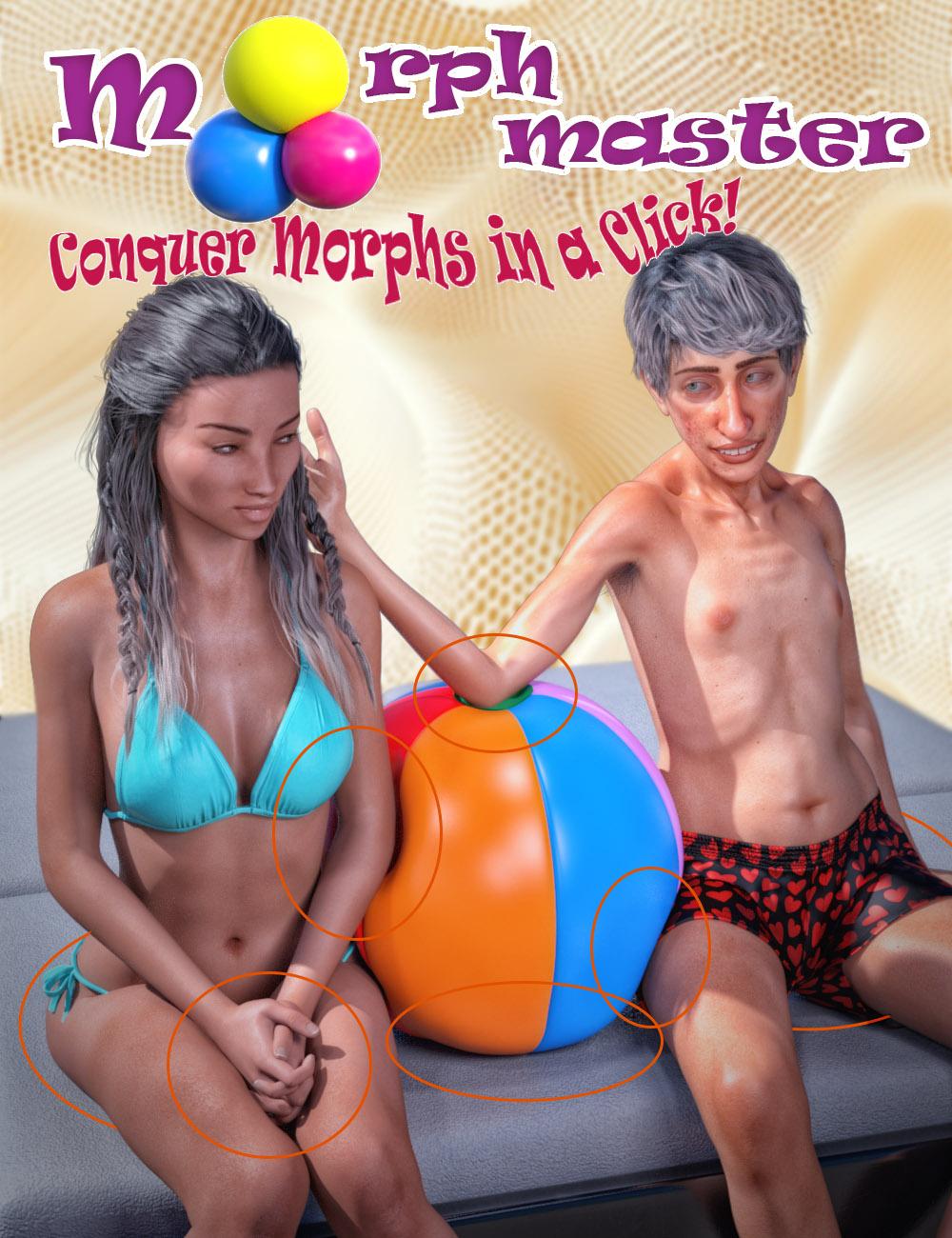
Have you ever wished you could create custom morphs in DAZ 3D with just a single click, without wrestling with complicated workflows or third-party tools? Would you love to simulate realistic soft body compression with body volume preservation right inside DAZ Studio, with no external applications required? Or perhaps you've tried to set up collisions with multiple objects - like several characters sinking into a plush couch - only to find the process too tedious to bother with?
Meet Matew's Morph Master: the ultimate solution for fast, intuitive, and completely integrated morph creation. This groundbreaking toolkit transforms every aspect of the morphing process, from turning smoothing and collisions into stable morphs to creating multi-object collision setups and realistic volume preservation effects. With Morph Master, you'll gain new creative freedom to sculpt perfect shapes, easily correct poke-through issues, or seamlessly combine multiple morphs - all without ever leaving DAZ Studio.
Why Choose Morph Master?
- One-Click Ease: Convert smoothing and collisions into morphs instantly - no extra steps, no messy preparations. Convert smoothing and collisions into morphs instantly - no extra steps or messy preparations required. This conversion not only frees DAZ Studio from continuous smoothing calculations but also provides additional benefits:
- Set up multiple collisions with the same figure effortlessly.
- For collisions involving human figures, wearables like clothes and geografts automatically follow the collision morph.
- Multiple Collisions and Self-Collision Simplified: Effortlessly handle collisions with any number of objects by creating unified colliders or extracting any polygon selection for realistic self-collisions in one click.
- Artistic Flexibility: Import morphs from external applications like Blender, combine multiple morphs into one, or sculpt detailed volume preservation maps directly in DAZ Studio.
- Non-destructive and Undoable Workflow: No need to remove wearables, reset resolutions, or detach geografts. Morph Master does all the behind-the-scenes work, so you can focus on creativity.
- Precision and Control: Fine-tune morphs to ensure your character's shape matches its rigging, transfer complex character shapes to new figures, and easily manage clothing autofollow for perfect fit and realism.
Stop letting technical hurdles stifle your imagination. With Matew's Morph Master, you can create stunning, production-ready morphs in record time - no compromises, no frustration. It has never been so easy!
Short video: Matew Morph Master – Revolutionize Your Daz Studio Workflow in 5 Minutes
Full video tutorial: Mastering Morph Master: An In-Depth Tutorial for Beginners and ProsUPDATE 1-19-2025:
The issue with not working in older versions of DAZ is solved. The updated version of Morph Master is live in the DAZ Store.Non conforming or smoothingLots of clothing cannot well support partial body morphs and/or customized/blended full body morphs. Some ways for fixing:
1) use a timeline to simulate, at starting frame , zero Breast shapes or body morphs that you use.. .then dial the expected value at interim frame or last frame;
2) smooth the underbreasts geometry in external software, import the morph as a Base Fixing.Diffeomorphic - Export selection only?Thomas knows very well python and a lot of the blender api, on the contrary the daz script and api seem very hard to understand and use. That's basically why the exporter is reduced to a minimum, and options are rather done on the import side.
Astaroth, cooolbenniewoodell said:
OrangeFalcon said:
benniewoodell said:
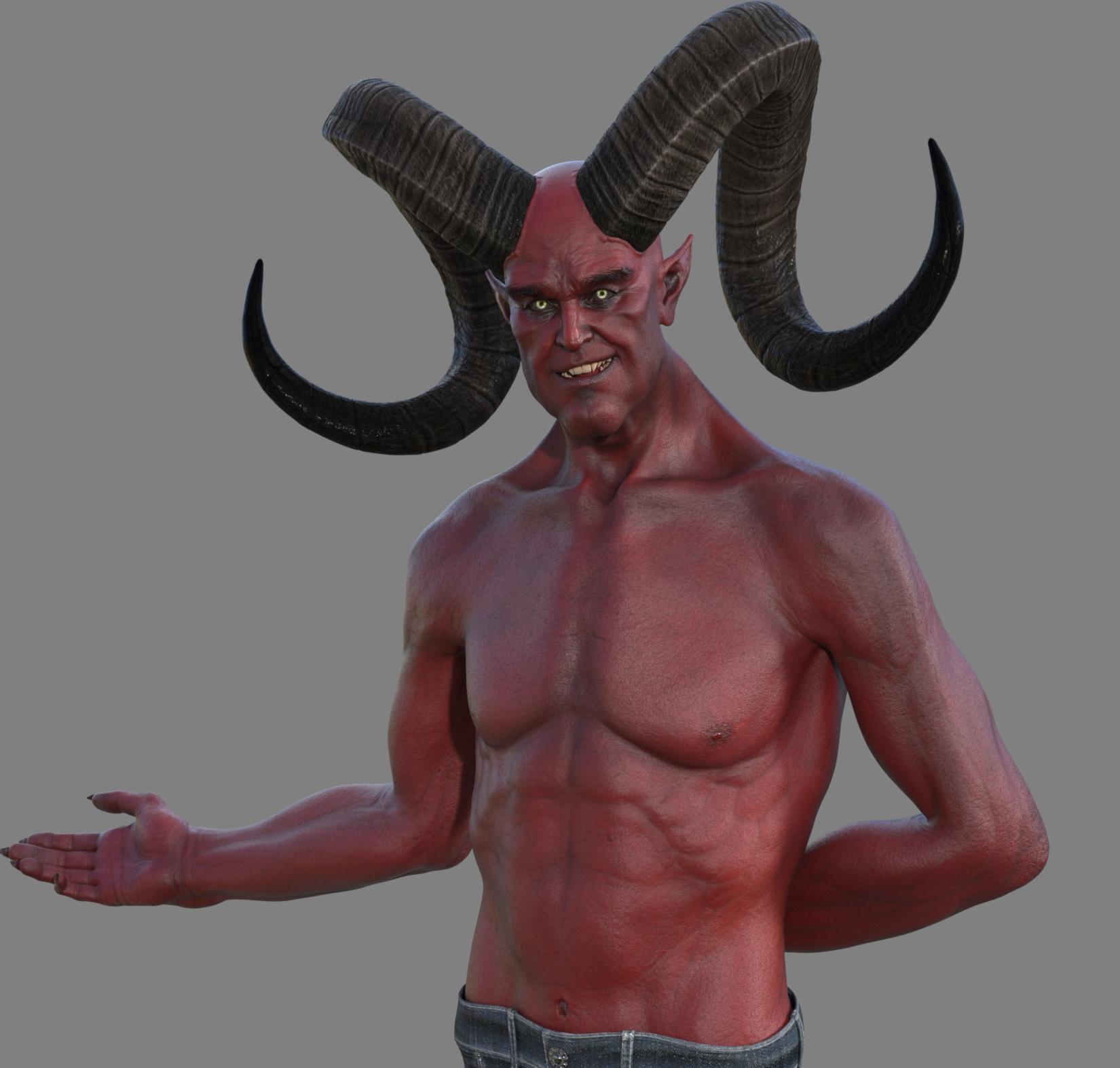
Has anyone who has premiere gotten the Agares character in their smart content yet? He's showing up in my product library here on the site, but you can't download from there sadly and there's no option to download it yet in smart content when I filter for premiere exclusives. Just wondering if I'm alone here. Thanks!
You have to update your MetaData first, under the Connect menu in Daz Studio. Then it will appear under available products to install!
Oh! That was the step I missed, I see him as well as like six other characters I now have access to lol. Thank you so much!
Enjoy the new characters! And speaking of Agares, he's a pretty cool dude. He's definitely not trying to trick you with the warm welcome either!
 Astaroth, coool
OrangeFalcon said:
benniewoodell said:
Has anyone who has premiere gotten the Agares character in their smart content yet? He's showing up in my product library here on the site, but you can't download from there sadly and there's no option to download it yet in smart content when I filter for premiere exclusives. Just wondering if I'm alone here. Thanks!
You have to update your MetaData first, under the Connect menu in Daz Studio. Then it will appear under available products to install!
Oh! That was the step I missed, I see him as well as like six other characters I now have access to lol. Thank you so much!
Astaroth, cooolbenniewoodell said:
Has anyone who has premiere gotten the Agares character in their smart content yet? He's showing up in my product library here on the site, but you can't download from there sadly and there's no option to download it yet in smart content when I filter for premiere exclusives. Just wondering if I'm alone here. Thanks!
You have to update your MetaData first, under the Connect menu in Daz Studio. Then it will appear under available products to install!
Diffeomorphic - Export selection only?Thanks Padone.
"Ignore hidden objects" doesn't seem to work with complex objects like figures.
It worked fine with 2 primitives, though. The hidden one didn't get imported.
But with two or more DAZ characters, the hidden ones were still imported into Blender (Jason Char in the image below was fully hidden in DAZ).Do you know why Thomas designed this as a "don't import hidden into Blender" workflow, as opposed to the usual "don't bother exporting hidden objects from DAZ"?
That would seem to make more sense.Posing Geograft?Most geografts are imported and work fine, unless there's a specific example. You can use easy import with "merge geografts". The geograft bones are in the "custom" bone collection that's hidden by default.
https://bitbucket.org/Diffeomorphic/import_daz/wiki/Import/Easy Import DAZ
Diffeomorphic - Export selection only?In the global settings there's an option to "ignore hidden objects". Other than that everything in the scene is exported, so to export a selection you will have to temporarily save a subset. However the intended workflow is that you save figures and scenes separately to import in blender, also figures are intended to be exported in rest pose.
Though it is possible to export a scene with multiple posed figures but that will not work for animation.
Shader and render quality issue?Diffeomorphic should be able to import the daz HDRI and lights, including emissive objects and the old ghost lights. In your pictures the light is not the same. Then tone mapping also matters so you will get different results depending on your settings.
render > color management > view transform
Daz 3D is part of

Connect
DAZ Productions, Inc.
7533 S Center View Ct #4664
West Jordan, UT 84084Licensing Agreement | Terms of Service | Privacy Policy | EULA
© 2026 Daz Productions Inc. All Rights Reserved.