-
The USD Exporter hidden in DAZ Studio
mindsong said:
TheMysteryIsThePoint said:
Richard Haseltine said:
mindsong said:
TheMysteryIsThePoint said:
4.23.0.1 general
tnx!
Sometimes such features slip through in a beta then get 'unreleased' when noticed, and I don't collect/save betas unless something like this pops up. Thanks also for pointing this out.
--ms
These exporter options were pointed out by Daz so I don't think that is an issue here - but they are features of the Blender Bridge
Where was this pointed out? That would be a good source of information that I should be following, but I can't seem to find it by Googling.
Thanks Richard, good to know it's a legit release feature that can be relied upon.
fwiw, I always wrestle with tracking through the DS release notes from the forums. We (the DAZ coders and I) simply don't think the same way about presenting information. No fault - Toe-May-Toe, Toe-Mah-Toe, etc. but I actually wince when we get a new release message in the forums, knowing I get to go on my own little easter egg hunt, again, to eventually find what is invariably there, somewhere - and with no lack of detail, etc. After about 6 links through forum-entries and DAZ-docs, over the river and through the woods... I find it. again. Couldn't tell you how I got there when I get there though. Kind of like Bill Murray in Ground Hog Day, lol. Just one user's silly data point in case anyone cares.
@TheMysteryIsThePoint: I'm certain that you have the DAZ converter series github links handy, but for you or anyone else (Padone?, Thomas?, ...), there might be some handy USD technique(s) to glean from the DAZ-to-Blender code at:
https://github.com/daz3d/DazToBlender
fwiw, roughly web-browsing the repo, it looks like blender is doing the usd heavy-lifting in
/Resources/Scripts/create_blend.py
at around line 309.
I was thinking DAZ had locally added and integrated some USD libraries and was using them on the DAZ dll Plugin side, but my read is they're cleverly loading (some of?) the DAZ figure elements into a blender cli instance and letting it do the USD export with the Blender python libs (bpy) - which is fine and efficient. Perhaps this technique can be extended to include more than textures?
I'm as likely as not to be way off here, as I haven't looked at the underlying utility's logic *at all*, other than grepping around a bit to see where the usd output is being generated.
Anyone know the DAZ-To-Blender code-flow well enough to confirm or quash my speculation? Is this interesting?
cheers,
--ms
Hi MS,
It sounds like you've dug deeper than I have. But two things I can think of (now speculating on my part) corroborate what you are speculating: DTB needs to know where you Blender install is, presumably to invoke it and execute some kind of startup script. And that it can export without any dependencies on USD, presumably because it is actually Blender that is doind the exporting. Not gonna lie, that's kind of a clever approach.
For Hitchens, I initially took a similar approach, i.e. output a Blender Python script that recreates the geometry to be ran in Blender. I then changed the code to instead write the USD file directly in DAZ Studio, but write it as ASCII so there is still no dependency on USD libraries. If the user later wabts USDC or USDZ, there are other official tools to convert (the UNIX philosophy that a tool should do one thing only, but play well with other tools on the CLI). Because I eventually got DS to run headless, I can just pipe hitxhen's output to any downstream tool.
A major benefit I discovered /of this approach and the one I speculate that DTB takes is that it offloads much of the complexity born in the sometimes slight and sometimes enormous difference between DS and Blender onto the Blender devs, as you say. It is no longer necessary to decipher all the minutiae of DS armatures vs Blender armatures; you just write out a USD armature, which is the best documented, straightforward, and modern approach of the three. And it Quaternion based to boot. The work of converting USD to Blender is a problem, but it is no longer my problem.
I keep telling myself that one day I'm going to take a stab at materials, but I continuously talk myself out of it because I am certain that I would not do nearly as good a job as Thomas and Padone, but now that there is some open source C++, I could, at least theoretically. I think Padone already proved that it is pretty rudimentary, but I think I actually prefer the look of it.
Another benefit of USD is that it should also import (with armatures) into Houdini as well, where I'm trying to move as much of my workflow ass possible. At my day job I discovered a coven of Houdini gurus that make snazzy presentations to help customers see the big picture being sold. The more I use Houdini, the more I realize that it truly is undispuedly the best app out there. It's not open source, but its community is very, very open, and believe it or not, its a native version is UNIX, and the red-headed stepchild is actually the Windows port. So developing for it is an order of magnitude simpler than writing a DS plugin in an enviroment as terrible as Win32.
OK, I'm going off topic, maybe I was never, in fact, on topic, but with whomelse am I ever going to get to talk about stuff like this? :) My family and dog included have reached their individual saturation points.
BTW, not sure I ever asked you, but I always assumed you were a dev, but now you've said a few certain magic key words and I suspect that you are a UNIX dev specifically?
Shader settings disappear when exporting to fbx.Below it's the official documentation to import and export shaders in blender. You can see the limits and rules to follow.
https://docs.blender.org/manual/en/3.6/addons/import_export/node_shaders_info.html
[Tool] Daz Content Installerjermorono said:
crosswind said:
Does it create metadata ?
Hello,
This is likely not possible, otherwise a plugin or tool would have already been developed to automate some, if not all, of the process.
A user did attempt to create a plugin for this and posted a beta test thread two years ago. However, the thread has not been updated since, and I couldn't find any posts about an official release, suggesting that the project may not have worked out.https://www.daz3d.com/forums/discussion/613146/beta-testers-for-daz-studio-metadata-plugin
It has been done. https://www.daz3d.com/content-wizard
[Tool] Daz Content Installercrosswind said:
Does it create metadata ?
Hello,
This is likely not possible, otherwise a plugin or tool would have already been developed to automate some, if not all, of the process.
A user did attempt to create a plugin for this and posted a beta test thread two years ago. However, the thread has not been updated since, and I couldn't find any posts about an official release, suggesting that the project may not have worked out.https://www.daz3d.com/forums/discussion/613146/beta-testers-for-daz-studio-metadata-plugin
How can I get Golden Palace morphs into blender using diffeomorphicSorry I missed this, you can import the geograft morphs with "daz favorites" in easy import. Or use "custom morphs". Or use "favorite morphs".
https://bitbucket.org/Diffeomorphic/import_daz/wiki/Import/Easy Import DAZ
[Tool] Daz Content InstallerDoes it create metadata ?
The USD Exporter hidden in DAZ StudioOk we need the bridge installed for this feature to work. It exports usdz that we can then import in blender. My first simple test is quite disappointing though, I just exported a basic G8F with the translucency changed to green, it doesn't seem USD can handle that, it rather exports basic textures and not materials.
Test scene included for everyone to try.
steps:
- in daz studio export as usd with material-x
- import in blender and render
update.
I also tried to export with texture baking, to see if it could bake the translucency, but didn't end well I get missing textures in the usd file, it seems it doesn't work. Apart that texture baking takes forever to export. No errors in the log so I guess it worked as intended.
The exported blender file includes the baked textures so it works fine, but doesn't convert the translucency the skin is not green. Again it just exports the base textures and not materials, even with baking.
why when you buy content from DAZ do you get a message saying to use DIMSmart Content has nothing to do with isntalaltion method, though the Al and Available isntall state filters in the Products tab are a way of installing through Connect. Smart Content is a content view that organises files/products by categories and optionally (Filter by Context checked) by compatibility - anythign that has suitablke metadata (category, comnpatibility, and content type) will appear In Smart Content (and the Presets tabs of property panes) regardless of how it was installed or created.
Dance Time - Aerial Studio QuestionThe position of all aerials were specifically designed for the Dance Time Room rather than "go to anywhere", so they're not at World Center. You can check their Center/End points with Joint Editor Tool activated.
If you want them to be at World Center, you can minus the X/Z Position values from X/Z Translate of the aerial props..(even export / import OBJ file) but in that way, it'll be not 100% in line with G8F figure's postion after loading the Pose Preset.
Converting "Other" File Formats to Work in DAZ StudioThis prop materials has only Base Color map after import to Daz Studio as .FBX.
Its render in Daz Studio looks great for me, so again high quality of the meshes and materials
are important for the view in DS. Background added in the Gimp.
FilaToon render (without any conversion) in Daz Studio:
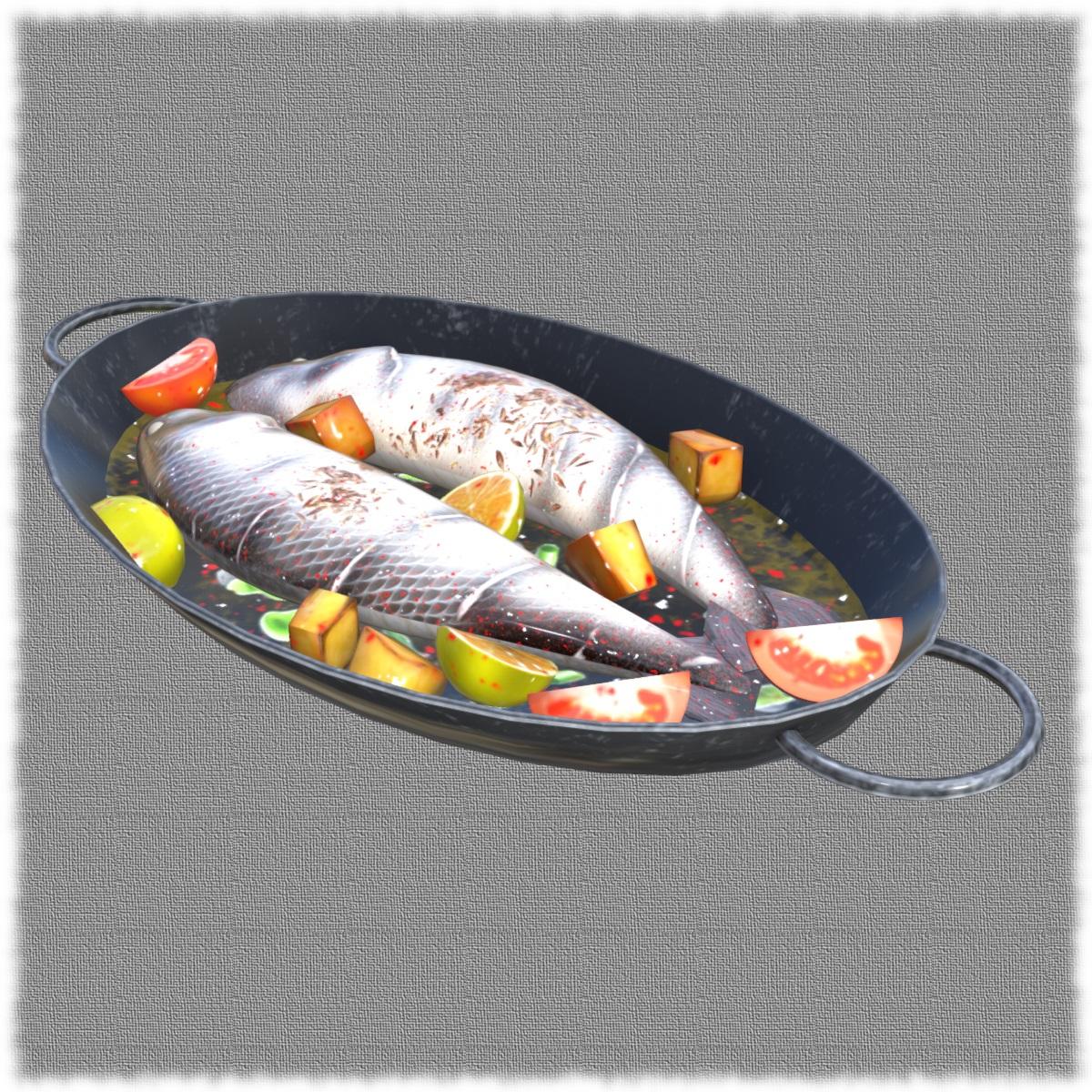
Iray render (materials converted to iray) in Daz Studio:
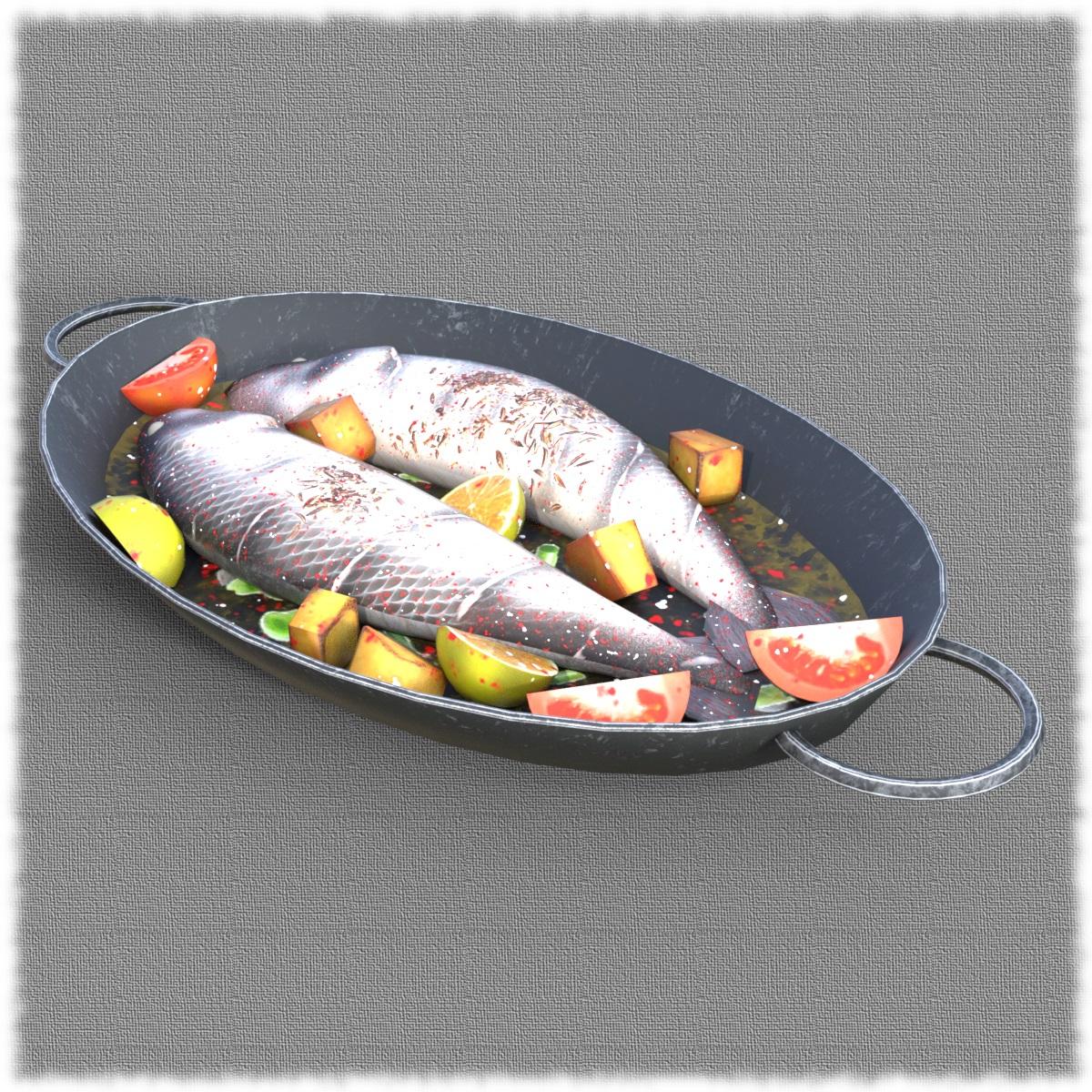 Converting "Other" File Formats to Work in DAZ Studio
Yes, I know the tutorials are pretty old, but I could not find any recent ones.
Still do not know, how to import from Blender as FBX, textured .GLB model.
In Blender it shows up colored, but when I import FBX to Daz Studio it is mostly white.
Diffeo scale and position issuesOk so it seems like the eyebrows and vellus hair dont have tesssellation settings so they should import as a regular mesh. ive made a simple scene with the base 8.1, bj ensley eyebrows and the standard 8.1 vellus hair on cheeks and mouth. im exporting using the geo edit export trick to get HD and the gens. i tick apply transforms which works for the gens but not the eyebrows or vellus.
Diffeo scale and position issuesSelect a hair object, then parameters > general > line tessellation, as shown in the picture above. This is also explained in the docs I linked above. If you can't see it then the hair is not SBH or dForce, and you should be able to import it as a regular mesh. If you have no idea what a dForce or SBH hair is, then ask/search in the daz forum to better understand it.
Or again provide a test scene as simple as possible, if the issue is limited to a specific asset that doesn't work.
use cloud storage as the base storage option for daz studio content
Thanks for this much clarification and step by step guide previously I was stuck at creating new content set. Yeh I tried so much with tera box but it didn't support any of the thing. I will go with google drive for now. Thankyou once again.DrunkMonkeyProductions said:jrodrick429 said:
Sure. Thanks for your help but being honest I didn't understand the part after going into content directory management. Can you provide any tutorial links? Also more from Google drive I was thinking of tera box just because of more storage and it has lessly to be closed. Google has more other features like blocking accounts and using data ( personal opinion). Thanks for your help again. I will surely give it a try.To clairfy,
Once you open cdm, you'll see Content Sets at the top, with Current Directories below that, and under that will be the 5 format sets, CMS cluster Directory, Daz Connect Data, DAZ Studio Formats, Poser Formats, Other import Formats.
For studio only folders/files, you'll just need ot select the Daz Studio Formats, and the Add button on the left will become active.
Click the add button, and a windows explorer window will open.
see attached images.
In regards to using terabox, it appears to be just an upload/download and streaming app, so doesn't support what you're wanting to do.
use cloud storage as the base storage option for daz studio contentjrodrick429 said:
Sure. Thanks for your help but being honest I didn't understand the part after going into content directory management. Can you provide any tutorial links? Also more from Google drive I was thinking of tera box just because of more storage and it has lessly to be closed. Google has more other features like blocking accounts and using data ( personal opinion). Thanks for your help again. I will surely give it a try.To clairfy,
Once you open cdm, you'll see Content Sets at the top, with Current Directories below that, and under that will be the 5 format sets, CMS cluster Directory, Daz Connect Data, DAZ Studio Formats, Poser Formats, Other import Formats.
For studio only folders/files, you'll just need ot select the Daz Studio Formats, and the Add button on the left will become active.
Click the add button, and a windows explorer window will open.
see attached images.
In regards to using terabox, it appears to be just an upload/download and streaming app, so doesn't support what you're wanting to do.
The USD Exporter hidden in DAZ StudioSingular3D said:
So, we could combine this with Sagan or Diffeomorphic?
Replacing the material after import. Sounds like a great option. Have to test it...That's the scenario I'd like to test, too.
Converting "Other" File Formats to Work in DAZ StudioHow to import .OBJ files to Daz Studio:
Import OBJ files into Daz with Textures (Short Version)
 Converting "Other" File Formats to Work in DAZ Studio
There is a tutorial on YouTube
Import any model into Daz (easy) Daz
 The USD Exporter hidden in DAZ Studio
So, we could combine this with Sagan or Diffeomorphic?
Replacing the material after import. Sounds like a great option. Have to test it...The Mac FAQI didn't post further because D|S settled down for me on my Mac Mini M4. I have been downloading old products without metadata (4 digit SKUs) and have been adding it, and when I previously tried to gather like scattered items up with selecting the CMD key and left mouse button it would crash D|S at least once, but now it seems to do it without issue. But yeah, opening D|S is still iffy, but that is not something new. What worried me was 'no log report'. And 5 times was excessive. I just opened up and it was perfect today.
What I have noticed is that every D|S update that has come out seems to be improving the interface of MacOS Metals with D|S. That is my uneducated opinion. Until this update from Apple arrived.
I only install with DIM and my only issue with my plug-ins and scripts has been forgetting how they work and having to relearn them. Once I get back into the tutorials/documentations, they work as I remember. I just haven't been able to 'use' D|S as intended for months and I have lost my muscle-memory of their operation.
Daz 3D is part of

Connect
DAZ Productions, Inc.
7533 S Center View Ct #4664
West Jordan, UT 84084Licensing Agreement | Terms of Service | Privacy Policy | EULA
© 2026 Daz Productions Inc. All Rights Reserved.