-
Has this happened to anyone else?
PerttiA said:
This is a later version of the procedure
To fix any ill-behaving (non-zero default value) morphs, do as follows;
1. Open DS and load "Genesis 3 Female" (the base version, to an empty scene)
2. Right Click at Parameters Tab->Preferences->Choose "Show Hidden Properties" (part 3 zeroes only 'visible' dials)
3. Right Click at Parameters Tab->Zero->Zero Figure (Zeroes the value of all the 'visible' dials)
4. Right Click at Parameters Tab->Memorize->Memorize Figure (Sets the current value of all the dials as their default value)
5. Edit->Save As->Support Asset->Save Modified Assets (Writes the changed default value to the morph files that were changed)When saving "Modified Assets" DS shows a dialog and asks for confirmation;
"The following file(s) will be permanently modified:" - "Accept/Cancel" - Choose "Accept"I would at least try on the non-hidden properties alone first - some proeprties are hiden precisely because they need their non-zero values to work, such as a value of one from which another is subtracted to make a multiplier to lock bends that are not compatible with the non-hidden part (this is how the collapsed fingers were locked in the three finger morph from the old Creature Creator sets).
Daz Studio Iray - Rendering Hardware BenchmarkingAlong with this, has anyone out there have any knowledge on whether running the 4090 in a PCI-E v3 slot/MB VS a newer MB with PCIE-4 has any bearing on actual RENDER times? The PCI-E v4 slot is 4x faster throughput, but I'm wondering if that really doesnt have any bearing on render times since the rendering is on-board the GPU and should be affected by bus transfer speed to the CPU.
Anyone?
Welcome to Hatsune Miku Anime Manga Cafe ☕I Challenge You!
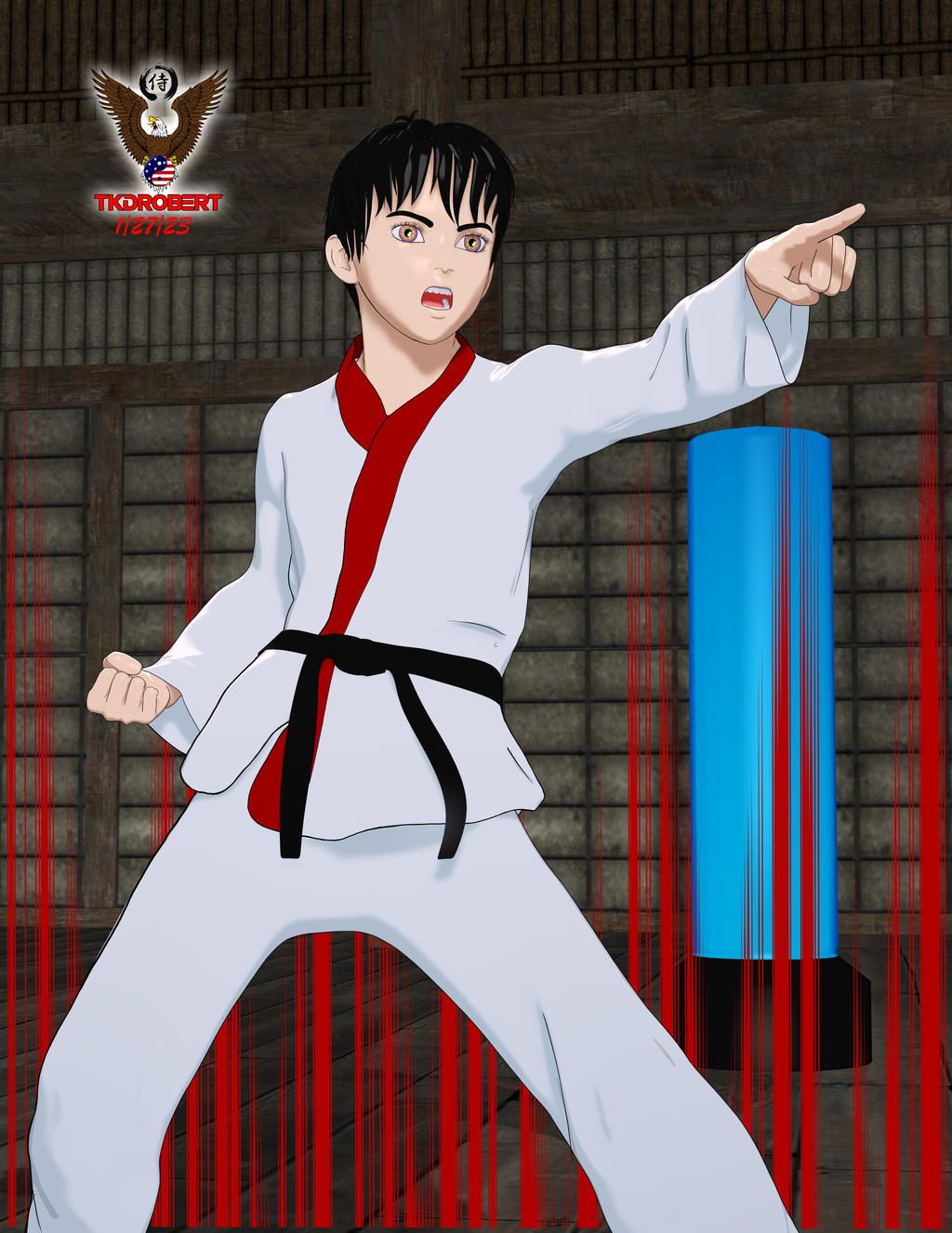
This is a free Anime morph for G8M I found on cgshare. I finally got to play arounf with those PWTOON presets that were posted on here a long while back (or maybe it was the NPR thread). I don't remember who posted them but I like em.
Has this happened to anyone else?This is a later version of the procedure
To fix any ill-behaving (non-zero default value) morphs, do as follows;
1. Open DS and load "Genesis 3 Female" (the base version, to an empty scene)
2. Right Click at Parameters Tab->Preferences->Choose "Show Hidden Properties" (part 3 zeroes only 'visible' dials)
3. Right Click at Parameters Tab->Zero->Zero Figure (Zeroes the value of all the 'visible' dials)
4. Right Click at Parameters Tab->Memorize->Memorize Figure (Sets the current value of all the dials as their default value)
5. Edit->Save As->Support Asset->Save Modified Assets (Writes the changed default value to the morph files that were changed)When saving "Modified Assets" DS shows a dialog and asks for confirmation;
"The following file(s) will be permanently modified:" - "Accept/Cancel" - Choose "Accept"Loving Daz Studio!In the above video (Simulation - Animation - Compositing Workflow Demo) we can see how I modified the aniBlock data using default morphforms that come with the Daz figure.
My Anim + dials are based on that idea.
There came times when the basic morphforms just weren't enough, so I began with my Posture Shift dials, which basically rotate the lower chest, upper and lower abdomen opposite each other as far as they can go without changing the angle of the jaw in relation to the ground. Then I saved them each to work in their negative values, again - as far as they can go without changing that head angle.
So Posture Shift Twist also keeps the head facing the same direction - only the mid torso twists. Posture Shift Side to Side keeps arms and head parrallel to their original angle, etc.,
Some aniBlocks and/or animated PZ2 files would crunch the chest too much or just the opposite. Posture Shift Fwd and Back can often fix this across the entire animation with a single dial.
When that wasn't enough, I added separate dials getting individual with the joints. I also made things like Arms Twist which has been So Helpful for things like GoFigure's Martial Arts moves, where the arms are always intersecting with the body. And Crouch aniBlocks were working great except that one foot would leave the ground (probably due to the difference in my figure's shape) for too long - just looked weird with her crouching with the hide foot up in the air. Adding some Shin dials made it super-simple to fix this.
Using GenX2 I added a bunch of facial morphs and left them in their Generation X2 slot on the figure. I can use those if I want, but instead I used them to make my own Anim + dials on the Head pose section of Genesis 3. It still needs those morphs, but they're controlled with my own dials.
Speaking of which, if we find that we're constantly combining two or more morph dials, we can do that and make a single dial that does that for us. This is what my Anim + dials are all about - and Daz Studio makes it So Easy to do!
[Released] Character Converter from Genesis 3 Female to Genesis 8 Female(Now Conv JCMs) [Commercial]I have tried to convert this with all possibilities options of the converter. Delete the morph folder.
FWSA Tchanun HD for Michael 7 and LI Tchanun Whiskers | Daz 3DI have managed that the G8 looksafter converting similiar to the original but if i save it, the morph is gone and it looks like a normal G8.
No idea what to do, try to save it as character preset, subscene, scene. Always the normal G8.
Genesis 9I literally bought HH Belle because the figure comes with working correctives. I can always dial the body morph for this character too 100% and then use other morph packages to customize if I don't need pinup character physique for this particular shot... But the thing with limb and ribcage bending as they should is great.
HH Belle for Genesis 9 [Commercial]I noticed the nails issue also since I have a morph that lengthens the nails and they start to warp when I lenthen them at a high subD value.
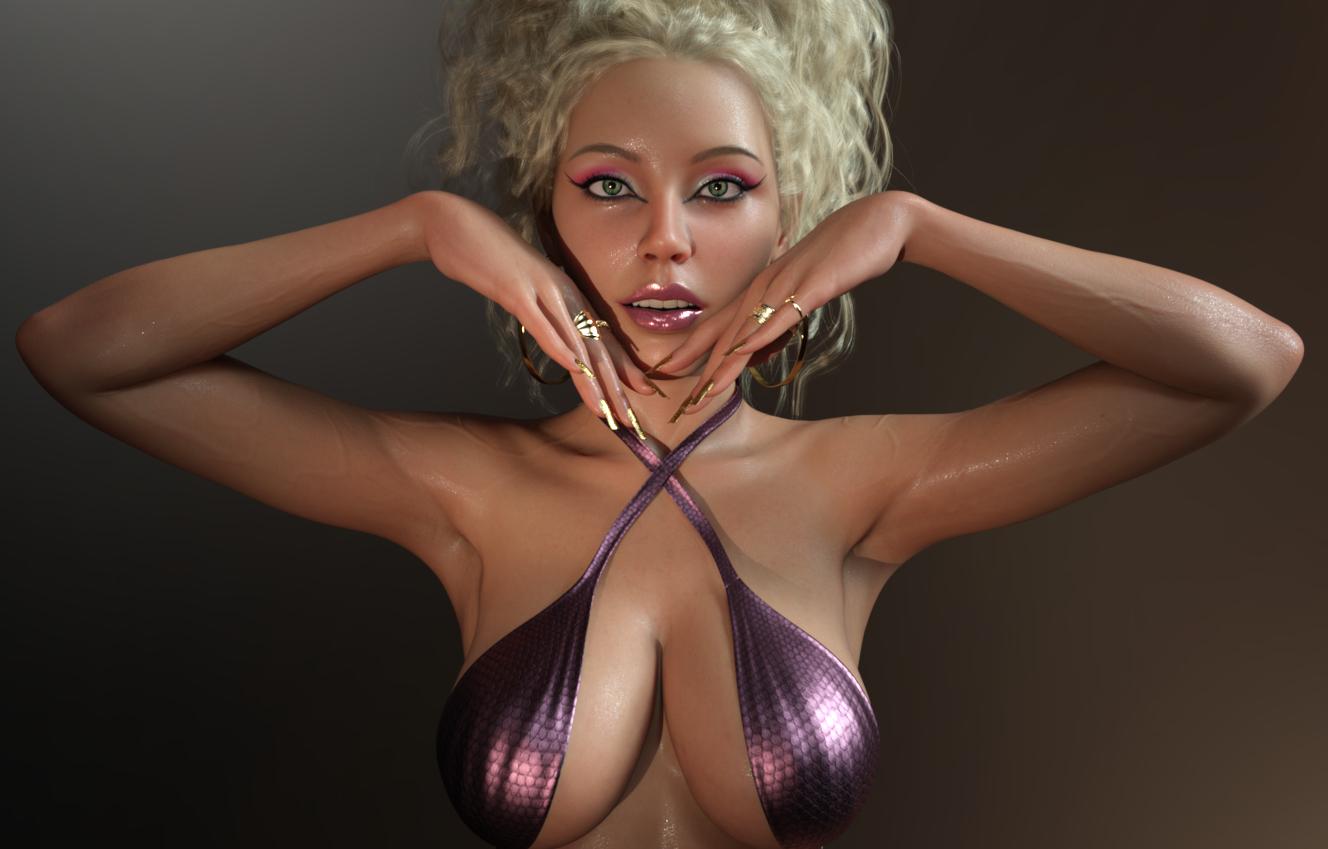
I am happy with the character overall though; love the textures and the morphs. I purchased this morning and here is a quick render with the head at 70% instead of 100 and some custom tweaks.
 Does Skin Builder 8 for Genesis 8 Female work with Genesis 8.1? (Solved: It doesn't)
Not directly, no. The two main limits are:
- The script itself will not run with G8.1 selected.
- It only supports the base Genesis 8.0 Female UV set.While you could process skins using that UV on on G8.0 first and then transfer them to G8.1, the product cannot be said to fully support G8.1 Female.
Has this happened to anyone else?First, your image is most likely to get deletd due to the textured nude figure.
Beside that: you most likely have a character morph which has been saved with a non-zero default value, so it always loads with the base figure.
Try the procedure in this post to fix it: Every character I have loads with unwanted extra morphs by default - Daz 3D Forums
Vo Yonina for G9 mouth morph is always active.jd641 said:
CS reported back that they were able to reproduce the issue and will report back when there's a fix.
It doesn't seem like there are too many people who have Yonina but just in case someone buys it before a fix is out, DAZ is aware of the issue now.

I guess I misunderstood your issue when I asked my friend if she had that character and to check. I assumed that being active there was a noticable difference in the look because of it. Yes, hers is active all the time as well, but you can't see it unless you actually go and look for the morph dial being on since it doesn't really change much. Anyway, good CS caught it so hopefully the PA can learn for next time..
HH Belle for Genesis 9 [Commercial]Is anyone else gettig affecfacts like this all over her body at SubD level 3+? They're strongest in the body morph, but are also slightly there in the head morph. Also should the fingernails look like that?
Cloth with Unity Cloth component works in Editor,but invisible in built game!charles said:
Have you asked on the Unity forums? More information is really needed to make any kind of educated guess. What was your build target for starts? What version of Unity? Did you unpack the materials and textures? What method did you use to transfer? You will need to double check and also be specific about the the shaders in Unity used.
Thanks. yeah i dont get it either. And whenever i ask in Unity forums i never get responses. Ever. Build target Windows cause it's for myself and i use Windows 10. I use Unity 2021.3.16f1( LST). Unpack materials and textures, what is that mean? i import them and then apply them. Originally with Unofficial Daz to Unity bridge the shader is Daz specular, but i drop another material one to all my daz clothes, which is HDRP/LIT .
You asked what method i use to transfer..Yeah it's Unofficial Daz to Unity Bridge 1.2 to transfer Materials..... But for the actual skirts i use DAZ to Blender for decimation and then Blender to FBX for Unity.
Cloth with Unity Cloth component works in Editor,but invisible in built game!Have you asked on the Unity forums? More information is really needed to make any kind of educated guess. What was your build target for starts? What version of Unity? Did you unpack the materials and textures? What method did you use to transfer? You will need to double check and also be specific about the the shaders in Unity used.
HH Belle for Genesis 9 [Commercial]FSMCDesigns said:
I saw Belle was released and had a question. Does she come with a browless texture option? I find the brows a bit too thick for my tastes and wanted to use other brows for her
Yes, all the makeup and mats do not include baked in eyebrows so you're good to use whatever eyebrows you want. Only note is that the "Eyebrow filler" options uses a mask shaped to the default G9 eyebrows (which Belle makes use of but with a custom morph). So if you want to use the Eyebrow Filler options, you would just need to edit the mask image to match the shape of the eyebrows you use. You can find it under the makeup option on the face material.
HH Sayble for Genesis 8.1 Female [Commercial]black_angel_x said:
Herschel Hoffmeyer said:
black_angel_x said:
I always waited for the matching char out from Mystique 2, sadly the Model delivered isn´t as nice as the Mystique 2-Version. I mean the Mystique 2-Version hat that special touch between natuarl beauty and beauty idealized but now it just look like the beauty idealisazion was overdone. I kind of hope the real Mystique 2-Version will come out too. just my opinion.
Outside of the breasts, all the details in the Mystique 2 character are actually turned up (for the body) and the face was not mine. Her skin tone is more tan. Is it mostly the body or the face we're referring to? I'm just confused and trying to narrow the reason. I think someone prior to you said the same thing that all dials are turned up on Sayble over Mystique character. Like I said, outside of the breasts, all dials are about 60% of that character. The breasts in the Mystique character were the included breast morph in the Mystique 2 line.
Sorry for resurrect this, I hope you dont mind, but I didn´t found a way to contact you outside of the DAZ-Forum. Thank you for clearing this up for me, it´s like I suspected, a different face and I still searching for that.
Last year was a little bit rough for me, so I was occupied with other things. Can you give me a hint where to look for it, somehow I seems I saw this face before but I can not make out where, it just bugs me ;-)
BTW: I realy like all your work here, you are a great artist and if I find/get the matching face, I promise I buy Sayble too, just to appriciate your work on it (even if the body was not that important to me) :-)
I was able to find one of the saved daz files on an old hard drive. Face morphs used in Mystique 2 Promos (except Honni 8 image which is Honni 8):
 I'm looking for this girl angels-secrets-lingerie
Daz handles customer support, so you could open a support through Daz, but if this is a custom morph that the PA uses for promos, they're very unlikely to release it. It does look rather like Pretty3D's characters, though, so maybe Pretty Base will suffice.
Freja 9I opened the boat up first thing and tried to see if there was a morph to get rid of it, but couldn't find it. And if I was out in open water when a storm blew-up, I would not want that tent over me, because if you need to bring down the sail, that tent will get in the way, or trap water in the boat, or just help a wave flip you over.
The problem with anything ancient that was a textile or leather, is that there is precious little that survives to the modern age. As one website I was reading noted, what is found is generally the best items a person had, not everyday wear. I understand now why Sutton Hoo was such a great find. I actually lived down the street from it when I was stationed in East Anglia.
I'm looking for this girl angels-secrets-lingerieIt looks like they've been using variations on this character since at least G2, so it's probably just a custom morph.
https://www.daz3d.com/celestial-poses-for-genesis-2-female-s
Genesis 9lilweep said:
Serene Night said:
Still waiting for masculine content to drop. We've had a ton of female stuff, but in order for me to invest in g9 I really need a ton more morphs, a way to import my existing g8 characters and better male muscle morphs.
i imported all my g8 morphs to g9 pretty easily using the G8 Clone for G9 and using transfer utility (transfer morphs only, transfer Favorites only)
unfortunately, didnt transfer rigging, so just need to remember to 'adjust rigging to shape' after dial spinning any of my G8 morphs on G9.
I transferred the things I wanted to genesis 9 but I find native content works better, plus without the hd it isn't the same look.
Daz 3D is part of

Connect
DAZ Productions, Inc.
7533 S Center View Ct #4664
West Jordan, UT 84084Licensing Agreement | Terms of Service | Privacy Policy | EULA
© 2026 Daz Productions Inc. All Rights Reserved.