-
Fixing auto follow for custom body without morphs
My favorite method is to export your figure (on Base Resolution) to an OBJ file. Import that into Marvelous Designer and use their much-better-than-dForce-engine to make a morph specific to your character. Open the clothing in Daz, apply the new OBJ as a morph to the clothing, then replace the auto-follow path with the morph info. There's a great (older) video here:
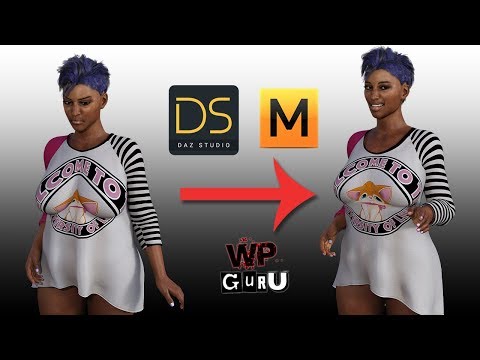 Of course, this does require Marvelous Designer, but it is well worth it. This workflow has so many applications.Face Transfer 2
Artini said:
Another Face Transfer 2 experiment
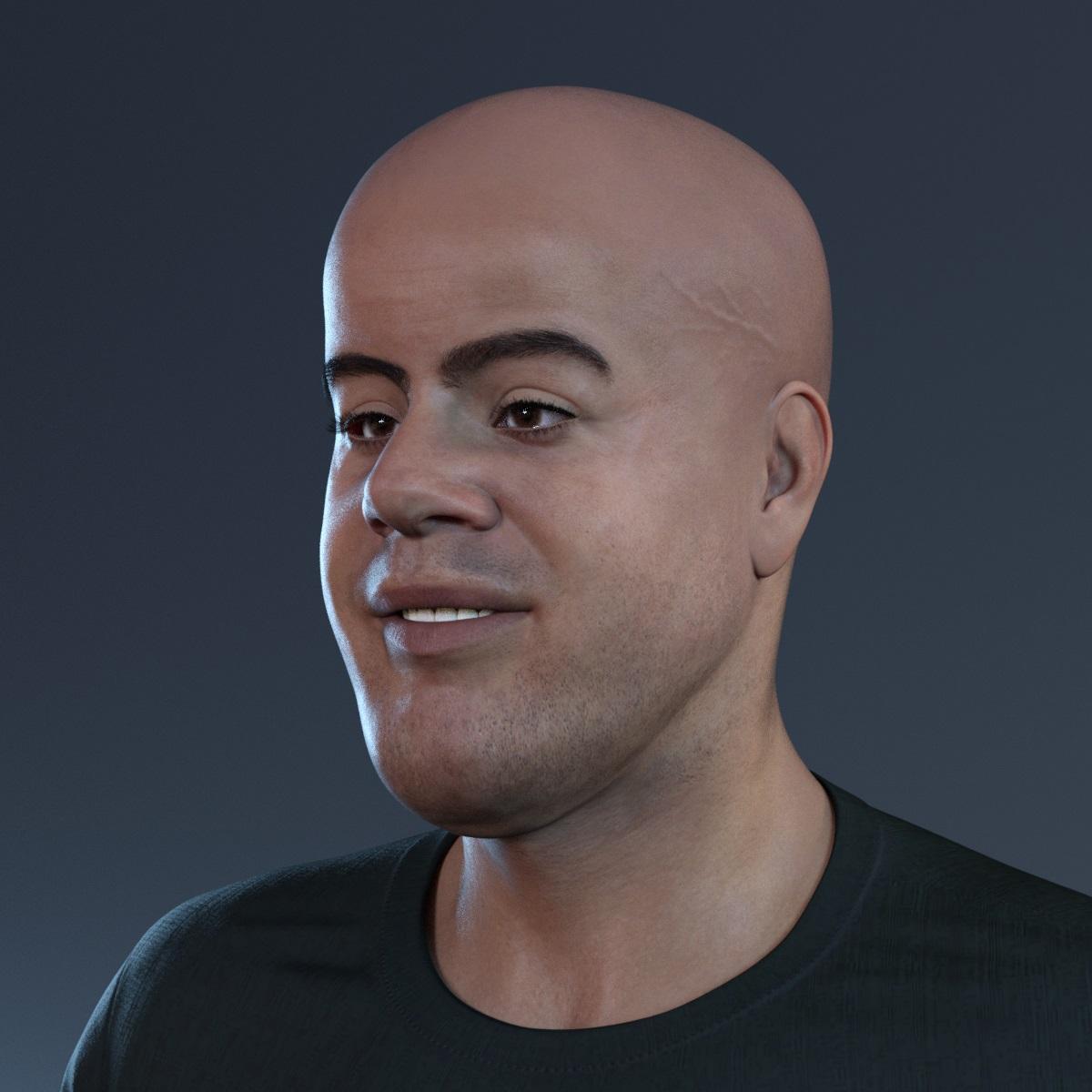
Thanks, pretty good start with those two. I have the FT2 demo on my other PC but not sure if I need to buy it (yet) to try it out. I will try it with some of the more toon type AI caricatures that NightCafe can generate.
Face Transfer 2Yet another creation with Face Transfer 2...
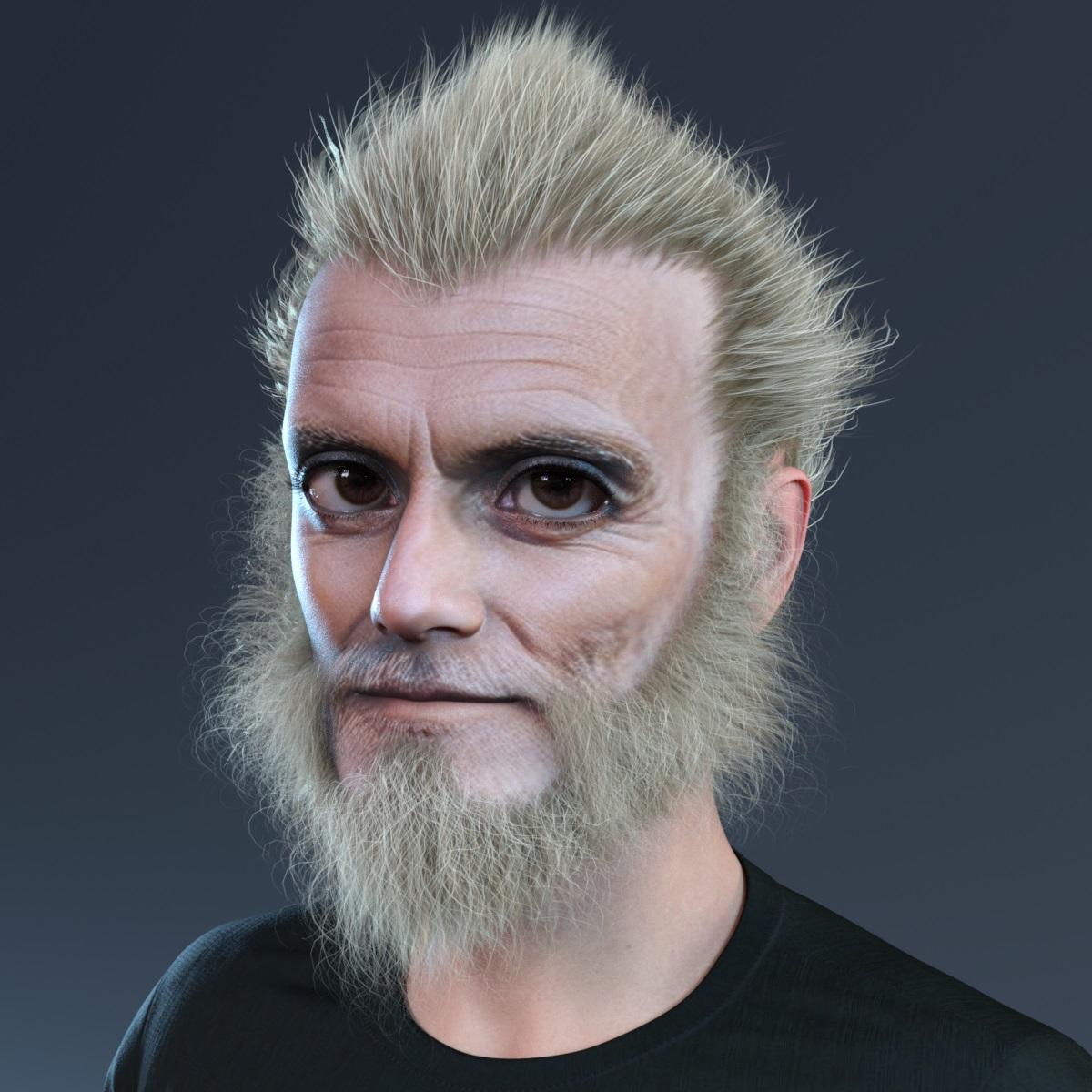 Face Transfer 2
Another Face Transfer 2 experiment
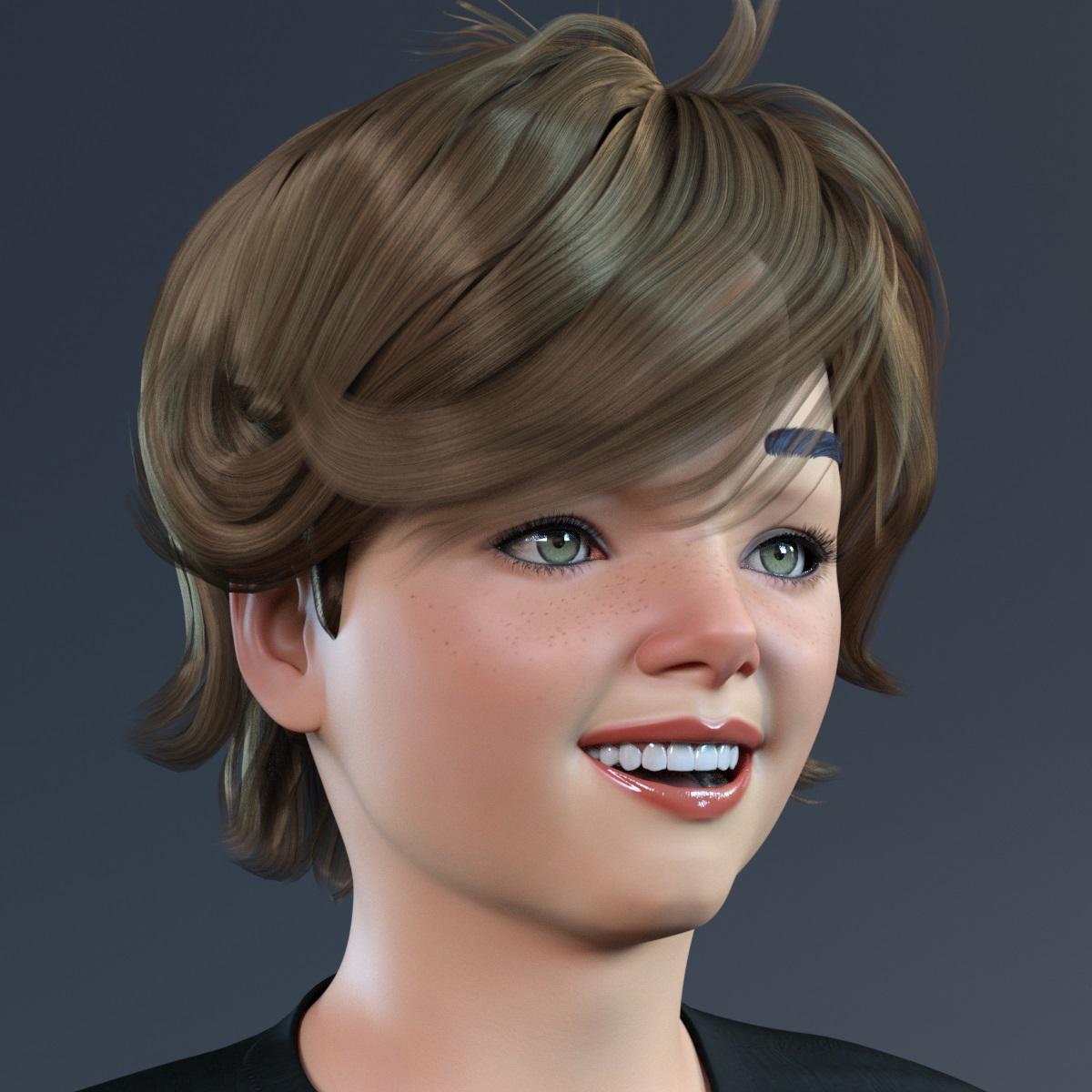
Face Transfer 2Maybe toon created with Face Transfer 2
 Diffeomorphic DAZ Importer version 1.7.0 released
Thanks for your reply
ERCs should work in this case,
Unfortunately I couldn't get them to work. I checked "ERC Morphs" in the Global Settings, then imported the character.
I set the morph value to 1 (deformation occurs) then clicked on "Morph Armature": the face bones move and seem to match the new face shape.
However, the epic eyes mesh is still deformed in the same way.the drawback is you can't rig the figure since ERCs don't work fine with IK. As long as you use the daz rig it should be fine.
So I guess I'm stuck. My goal was to switch from DazToUnreal to Diffeomorphic to have more control over my character's customization, but also to take advantage of Diffeomorphic's ability to add IKs.
I'd already done some animations with SimpleIK using Diffeomorphic, but until now I'd used a different mesh for each character.
Even if I can share the same animation once in Unreal Engine because the 2 meshes will share a similar skeleton, it's difficult to maintain in the long term.
For example, simply forgetting to add a morph means having to export all the characters again from Blender to add the morph, instead of just having one mesh to modify.However, importing ERCs morphs in blender will not export to game engines and it only works in blender because of a "dirty trick" where the addon continuously goes in and out of edit mode while rendering, that's not ideal.
I see. I guess that's why there's this limitation with Diffeomorphic but not with DazToUnreal. It's going through Blender that means ERCs aren't supported.
Blender doesn't natively support ERCs so it is strongly advised to stay out of it unless really necessary for your purpose.
I think you're right, I'll try to avoid ERC morphs as much as possible if that's a problem, as I'd like to continue using Blender and Diffeomorphic.
Is there any way to tell if a morph is an ERC inside Daz, to avoid exporting it? At the moment, I activate Joint Editor and I activate the morph to see if the bones move, but maybe there's a simpler solution?However, I really need to use this morph so if there really isn't a solution, I'll activate the morph in Daz before exporting, and use this "baked" mesh specifically for this character, even if it means more work for morph (and code) management.
If your use of ERCs is limited, you can try to import as a custom morph instead, that will not change the bones but ony the geometry shape.
I'm not sure I understand.
I don't know if this is what you mean, but I tried to reimport the character without morph.
Then I use "Import custom morphs" on the character mesh and choose the morph for the head. I leave the default import options.
I get this popup message when importing: "Daz Importer : Found morphs that want to change the rest pose."The morph seems to have been imported. I transfer it to the epic eyes with "Transfer Shapekeys"
Then if I activate the morph in "Daz Runtime", the deformation of the eyes still occurs.Diffeomorphic DAZ Importer version 1.7.0 releasedERCs should work in this case, the drawback is you can't rig the figure since ERCs don't work fine with IK. As long as you use the daz rig it should be fine. However, importing ERCs morphs in blender will not export to game engines and it only works in blender because of a "dirty trick" where the addon continuously goes in and out of edit mode while rendering, that's not ideal. Blender doesn't natively support ERCs so it is strongly advised to stay out of it unless really necessary for your purpose.
If your use of ERCs is limited, you can try to import as a custom morph instead, that will not change the bones but ony the geometry shape.
facetransfer 2 problemsHi Thankyou all for your help
My content dir is on a different drive, it used to be in c: user/ public/ documents, I have completely uninstalled everything again, this time i deleted the content dir and reinstalled. This time I unpacked the zip file into the content dir and it's started working
I still have postgre SQL CMS public build showing as uninstalled, it refuses to install, also GOZ for daz studio 4.22 not installed,
What a pain this turned out to be
Im just re importing the meta data again to recover the content
It looks a lot better than face transfer 1, It however hasn't transfered the shape of the face very well the textures look good
I tried a test figure with a bumpy nose and eyeslids with a slight slant
Importing Files for Rigging: Best File Formats?Tynkere said:
Attempt at humor aside, written tutorials for rigging? For example, not sure how people have one morph control steering wheel + both front tires.Turn both wheels and steering wheel to the desired position with the vehicle otherwise zeroed. Right-click in the Parameters pane and select edit mode, if it isn't already checked. Right-click on the rotation control for the steering wheel and select ERC Freeze. Make sure that the whel turns are the only thingss elected as subv-components in the dialogue box, deselect any interlopers, then click Acept. You steering wheel should now control the car wheels.
Importing Files for Rigging: Best File Formats?Thanks. Looks like I'll have my choice or might be a moot point. Product is licensed by a big corporation, so its purchase must be approved. : 0 !
"Dear Sir. How do you intend to use our Acme licensed product?"
"The Acme tow truck is really an ancient alien space ship that wakes up at night, tries to run over people, chases cats, and eats car batteries" Uhm... no.
"I want to use it to render scenes featuring roadside assistance? Towing?" Yes, that sounds better.
---
Dear Mr Customer,
Your intended use for towing with a tow truck implies that Acme might not have made reliable vehicles. We regret to inform you your application for licensed use has been denied. Next time just tell us you want to use it like a posessed Plymouth from a Stephen King novel.
---
Attempt at humor aside, written tutorials for rigging? For example, not sure how people have one morph control steering wheel + both front tires.
Face Transfer 2Yet another Face Transfer 2 creation
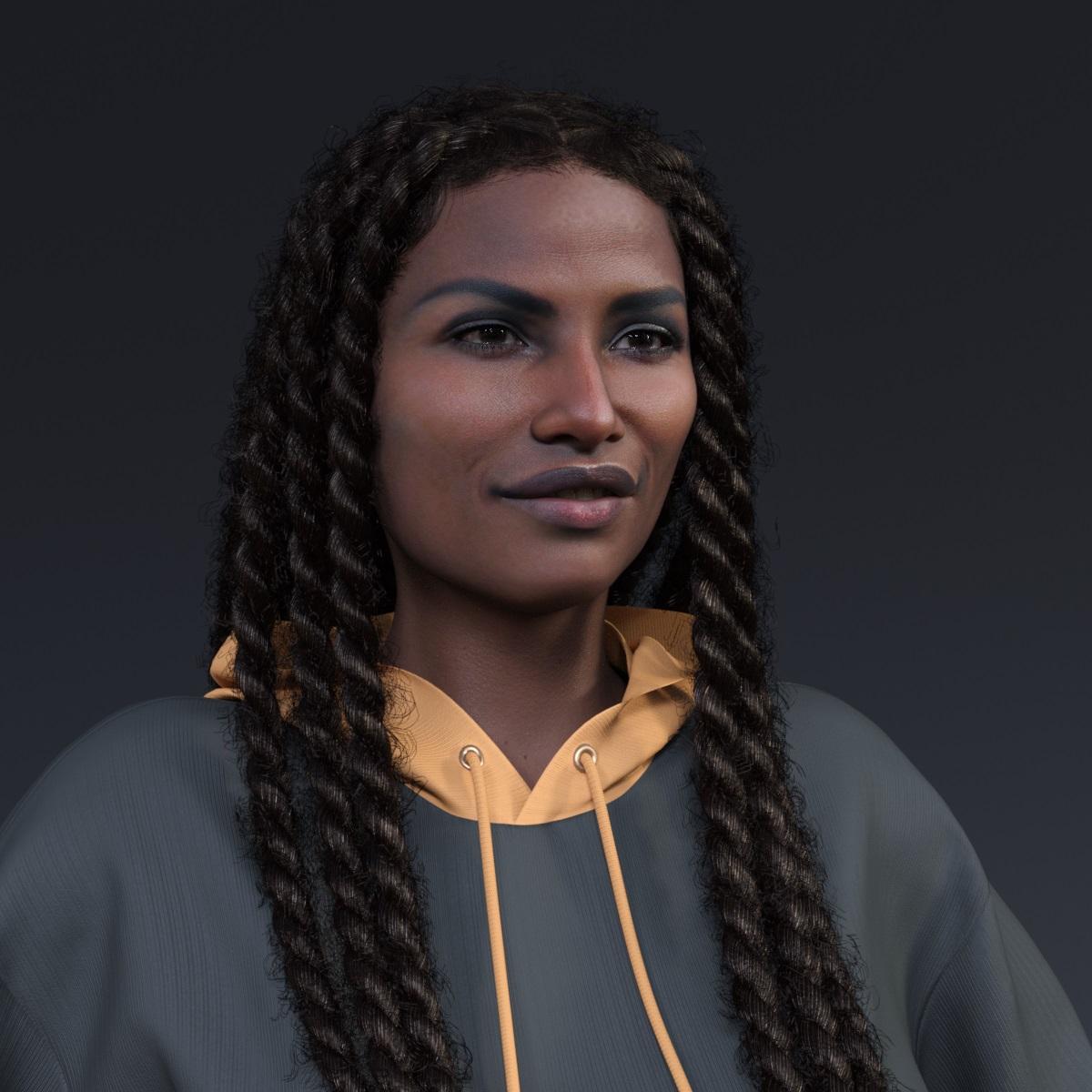 Face Transfer 2
Another Face Transfer 2 creation.
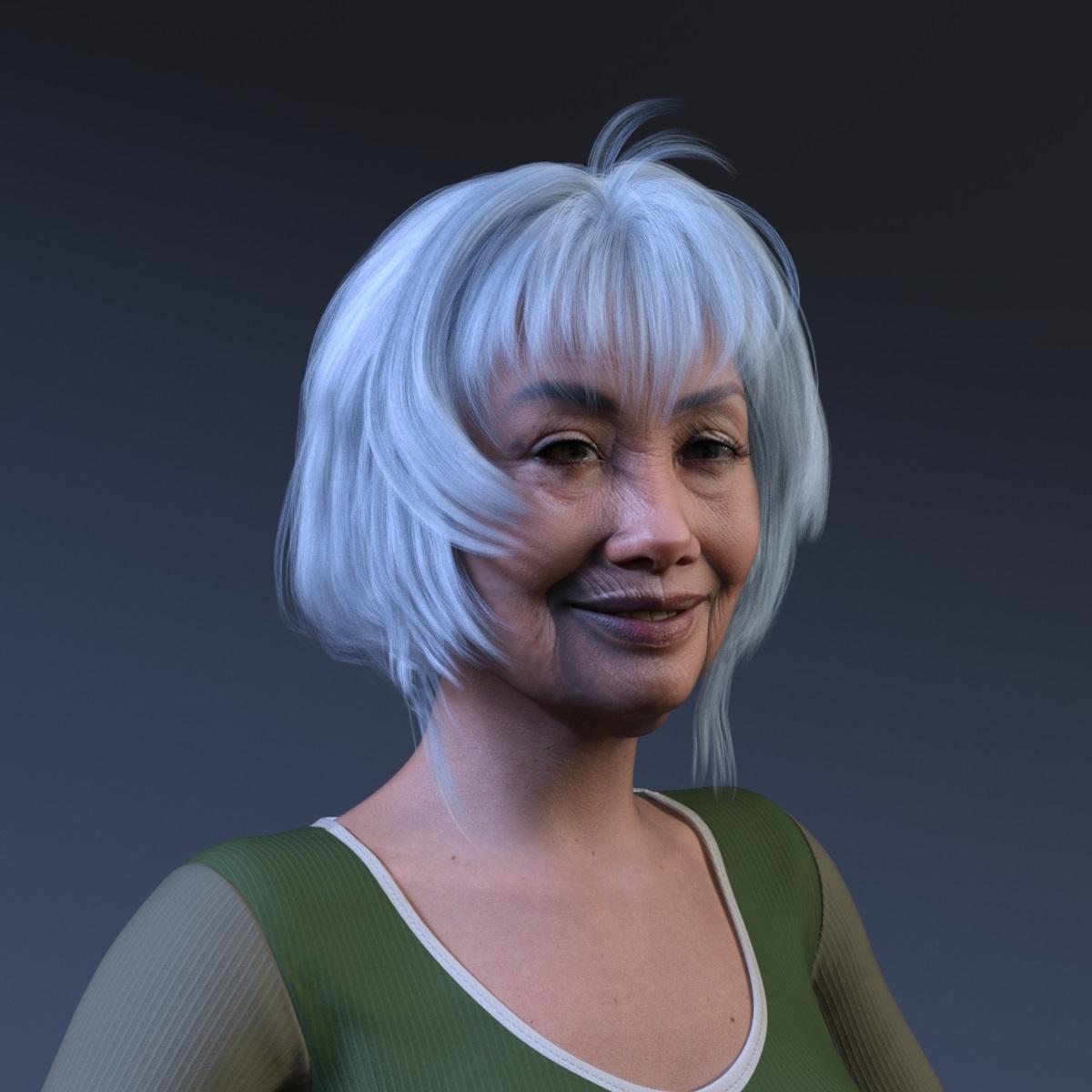 I just purchased Face Transfer 2? Help
It is the Public Build (Beta, in other words) - in due coruse the general reelase will be updated to match, but for now only this build has the Face Transfer 2 additions.
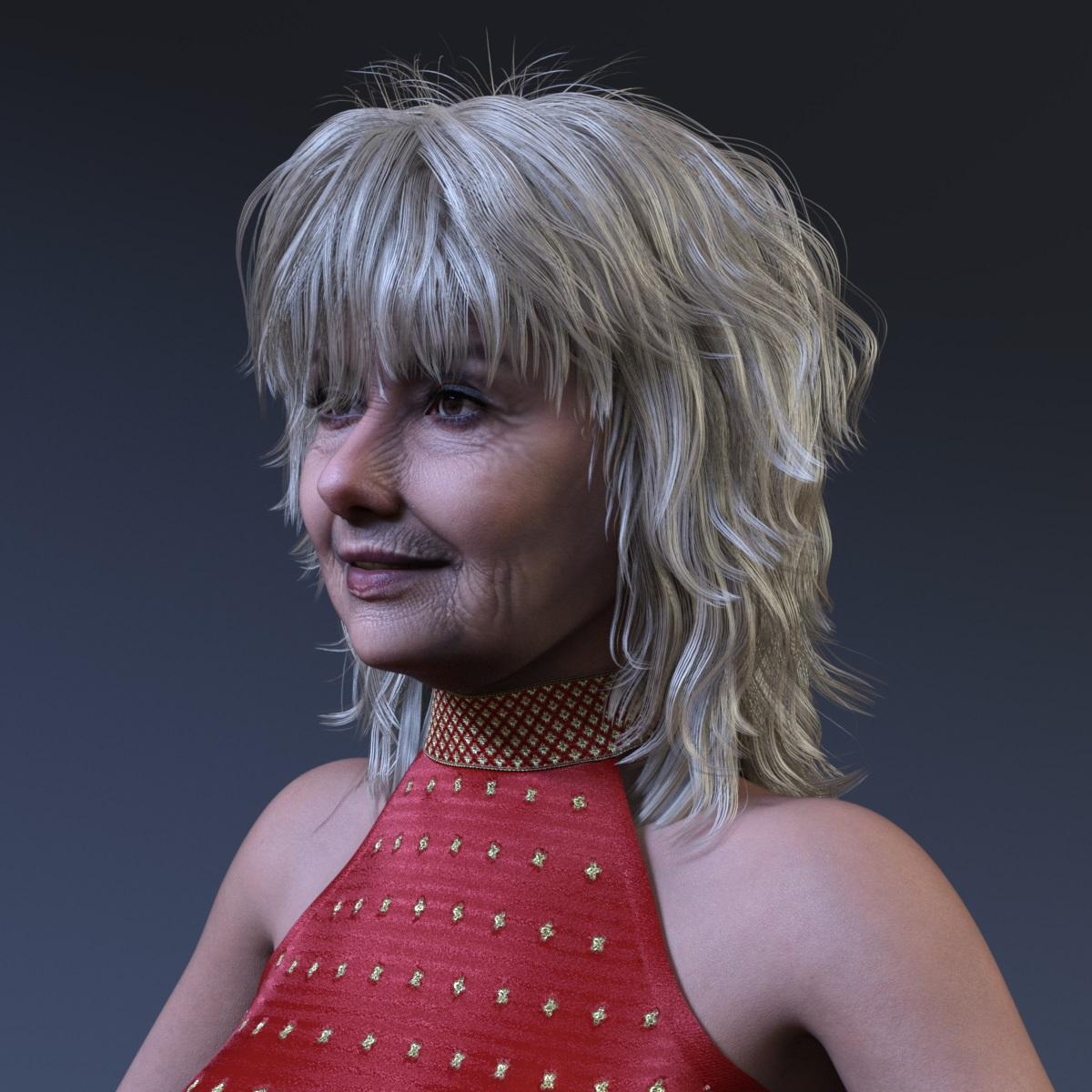
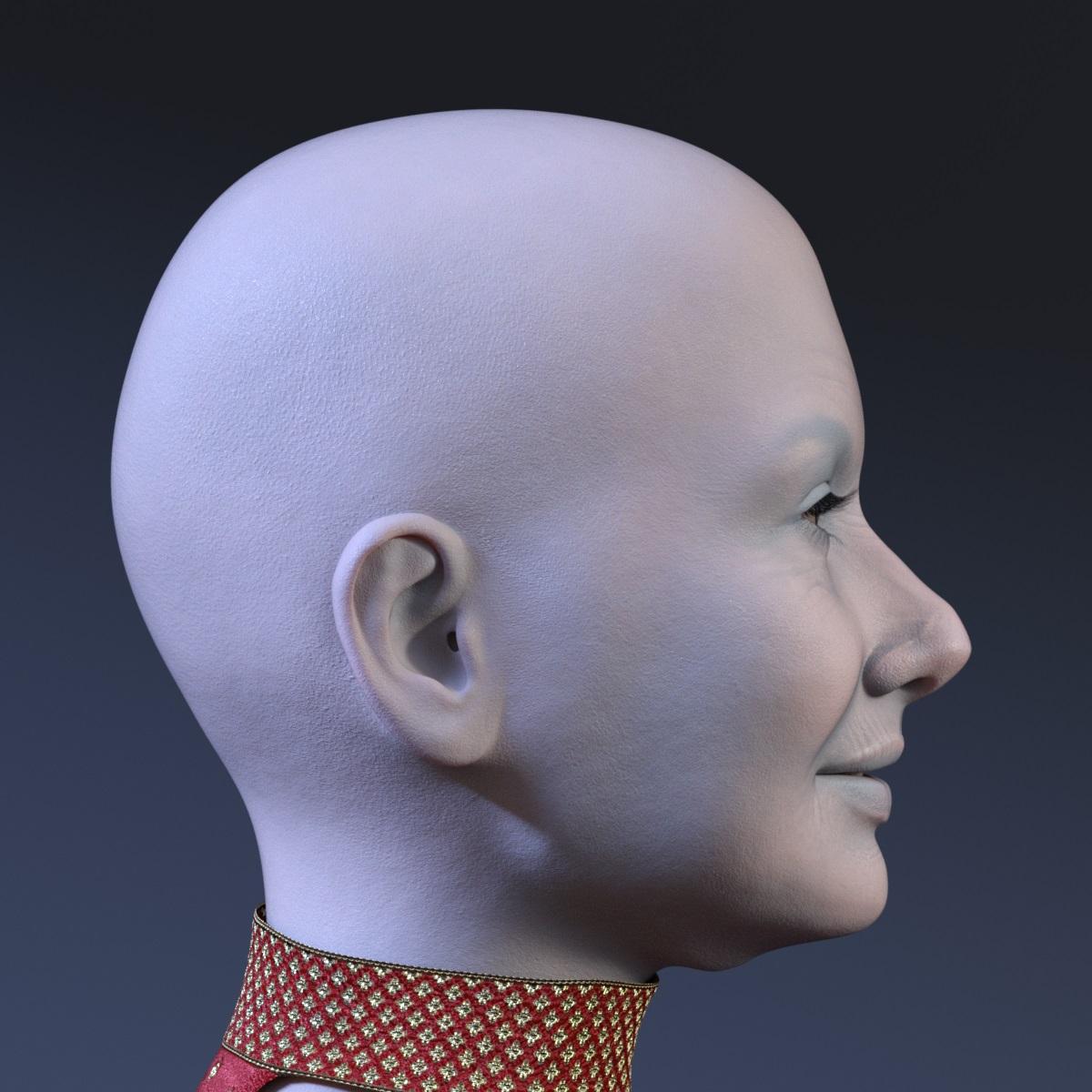
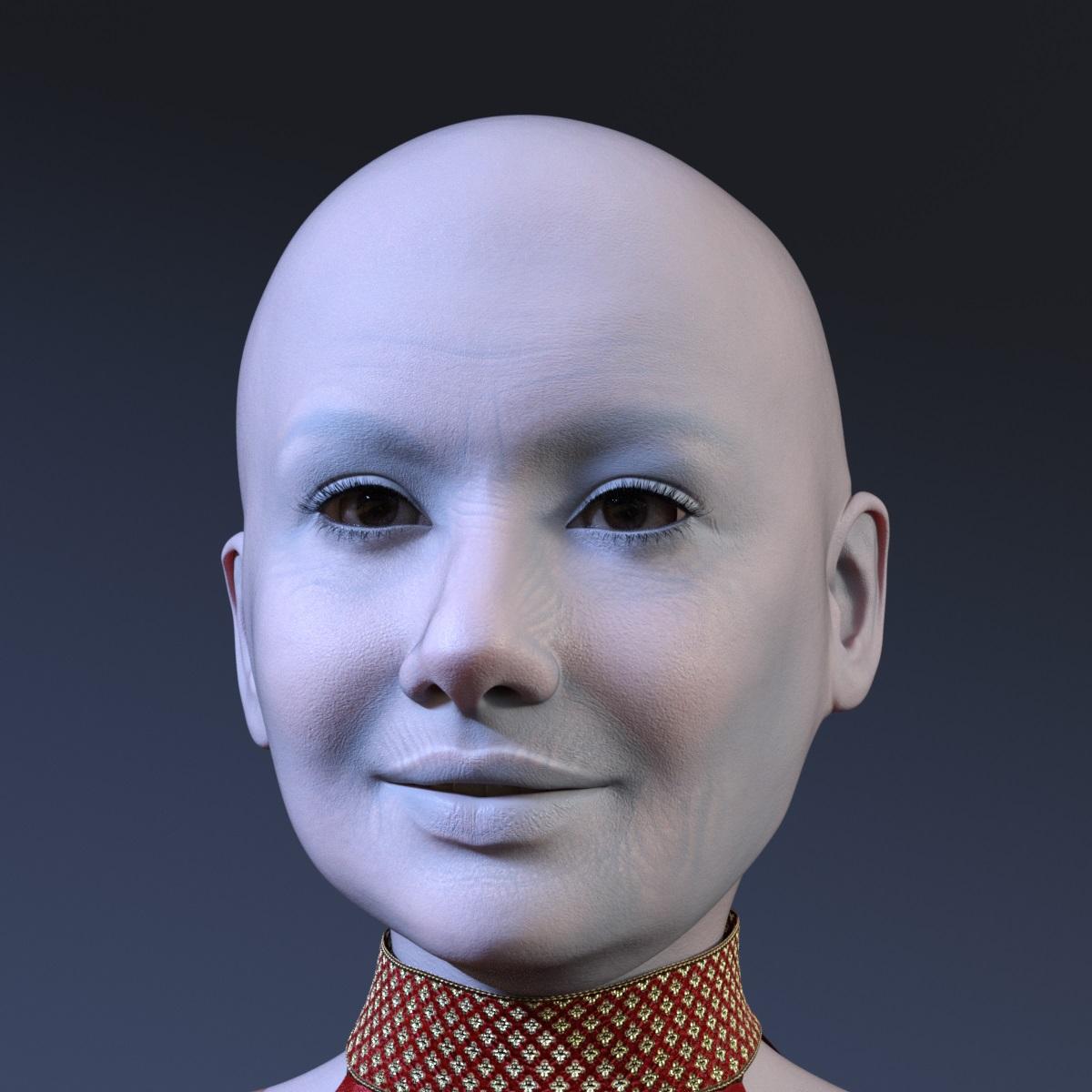
Face Transfer 2Face Transfer 2 on Genesis 9 created from the reference image of the older woman.
I have also applied some morphs to the resulted character.
 I just purchased Face Transfer 2? Help
So I just purchased face transfer 2 and in the plugins, it only shows face transfer as the 1st one. I can't activate it with my serial number as it isn't showing face transfer 2. I have the latest version 4.22
Good east Asian character for G8FAsari said:
Hi, I'm looking for a good base for realistic east Asian characters, and I noticed that a lot of characters are more on the stylized side or look very young, like teenagers. I currently use a Mei Lin 7 version that I converted for G8F but wondered what other characters are out there? Mei Lin 8 looks less realistic to me than Mei Lin 7. I also have the elder characters and they are nice, and I'm looking for a base for characters that look like in their 30s/40s.I only care about the morph because I create the textures myself. HD details are nice to have but not a must.
Thank you!
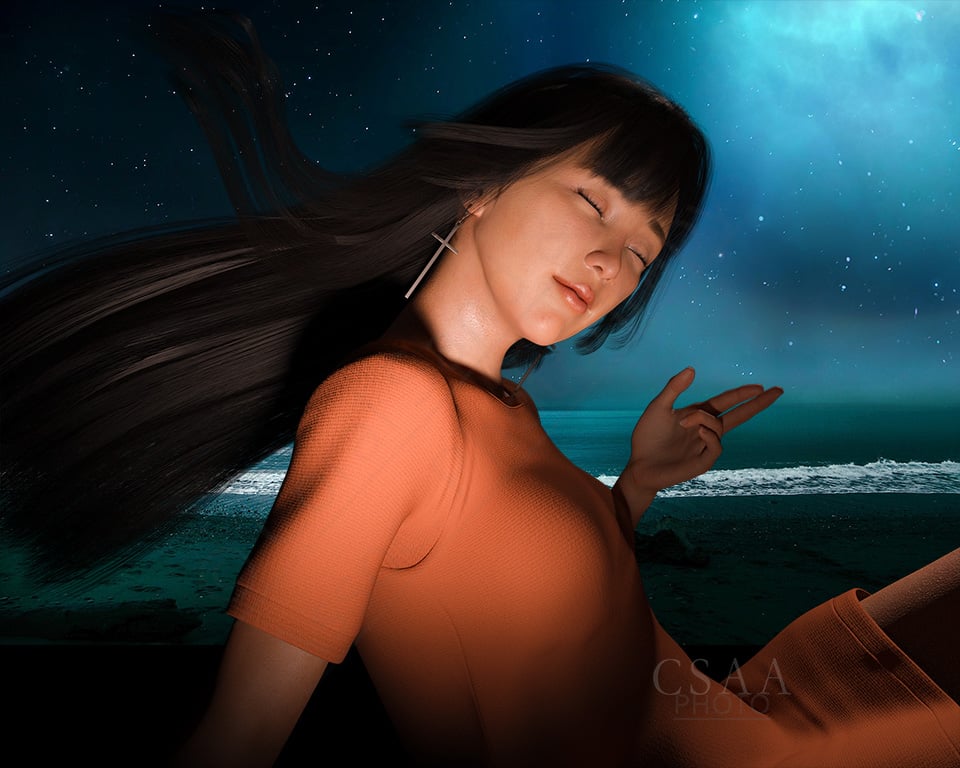
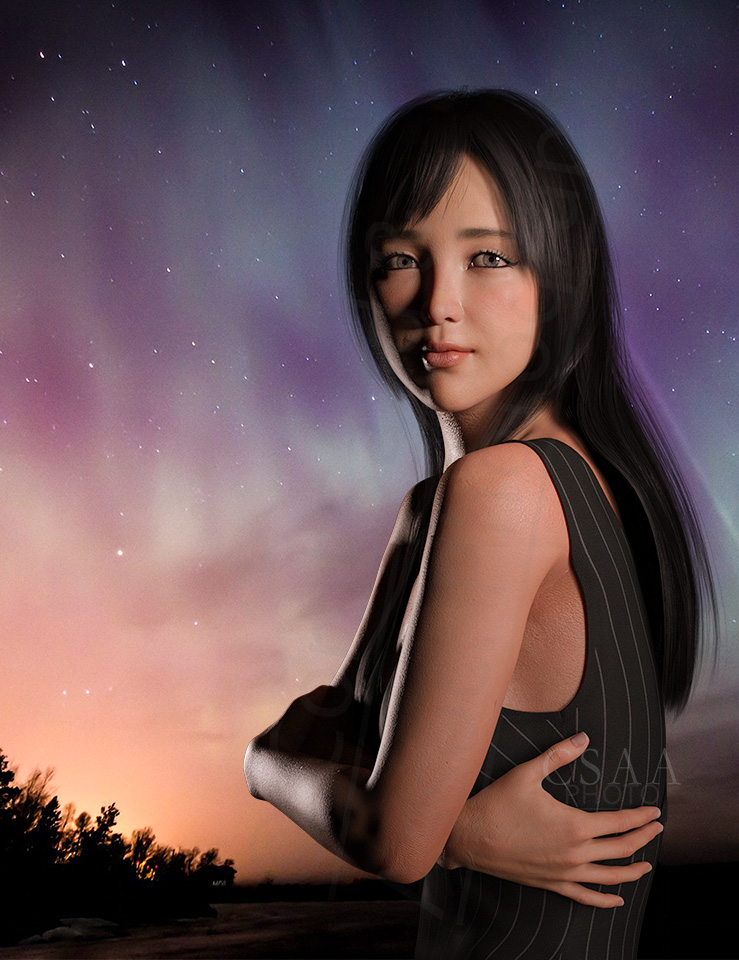
Grace Yong and Kim Seohyun were my go-to Far East Asian G8 figures. Try as I could, I can't find my KS renders anymore. I do have a lot of GY renders, some shared below. Really lovely figure. The problem now is that GY has been de-listed from the Daz marketplace. I'm not sure where she can be found.
Cheers!

 The [Disco Chives] Misplaced Parrot Complaint Thread
memories of cars with starter pedals on the floor, or high beam switches that were a small button on the floor, or windshield washers that were operated by a manual pump rubber bulb on the floor, or our old Dodge Power Wagon 4wd truck that had 4 sticks (one for the 4 speed, one for the transfer case to engage or disengage the front axle for 4wd, one for the transfer case high-low range selection, and one for the PTO operated winch)
LeatherGryphon said:
I never had a locking gas cap. But I have had cars with a "Valet" key. But never took advantage of valet parking so I don't know exactly what it did or didn't unlock.
 It worked for starting the car and that satisfied me most of the time.
Modern cars: Bah humbug. Lots of glitter, glass, and gadgets. Tiny underpowered M&Ms littering the roads. Back in my day (here we go...) an automobile was made of steel, iron & chrome and 50% bigger than today's, and seated six adults. The engines had 8 cylinders (My dad had a Lincoln Zephyr with 12 cylinders!
 ) People had to know how to drive back then, in order to keep the tank they were driving within the road lanes. No power steering, you had a big steering wheel to give you enough leverage to move the wheels without powered assistance. No cars drove themselves back then. (except when you were dead drunk going home from the bar, in which case the car knew the way itself) No power brakes, you had to press hard on the brake pedal in an emergency. And some of the cars even had electric headlights instead of candles.
 And manual ("stick") transmissions were still popular. There were only three gadgets, the radio, the clock and the cigarette lighter. The radio only played local stations, in staticy AM (not FM). Also, the radio was tube technology and never seemed to last the life of the car. Neither did the clock nor cigarette lighter.
 Navigation was handled by a "Map Pocket" in the driver's door. We knew how to read maps back then. And in those days, cars had a "back ledge" above the back seat, under the rear window where a small child could crawl into to ride/sleep, waiting for that sudden stop where I would roll down onto the rear seat (great fun).
 This wonderful feature is missing in todays miniscule conveyences.Diffeomorphic DAZ Importer version 1.7.0 released
Thanks you for this great plugin!!
I'm trying to import a character but I have a few problems.
I made a scene in Daz with only a Generic 8.1 Female wearing Epic Eyes ( https://github.com/guto88/Epic-Eyes-Geometry-for-Genesis-8.1 )
Those are custom eyes geometry which offer compatibility with MetaHuman shaders once imported inside Unreal Engine.
They are attached like clothes inside Daz :
In the scene, I also add a head morph in my favorites, so it will be imported later. I don't activate it in the Daz scene.Once in Blender, I use Diffeomorphic to import the character. The character look fine, Epic eyes too. This is how they look :

However, if I activate the head morph inside Blender, this is what happen to the epic eyes :

Their shape is not supposed to change like that (they should grow a little bit, since the morph make the head a little bit bigger, but that's it).
I tested to :
- Reimport the morph on the Epic Eyes (but it was already there)
- Convert morph to shapekeys on the character's mesh, then transfer shapekeys to the epic eyes (in case something was missing)
- Check "ERC Morphs" inside Global Settings. By reading Diffeomorphic documentation, I'm not sure if my morph is an ERC morph, but since it change the head shape and also make it a little bit bigger, I though it could be the reason of the distortion. I also tested multiple imports by mixing this option with "convert/transfer shapekeys" like before
- Check "Ignore Hidden Objects" in Global Settings, and hide the original genesis eyes before exporting, in case they were messing with the Epic Eyes
- Remove the shapekey from the Epic eyes : in this case, there is no distortion but the eyes are not following the head anymore when activating the morph, which is expectedNone of these seems to fix the problem unfortunately, and I'm out of ideas.
Please note that if I export the same scene with the morph activated inside Daz before saving the scene, everything works correctly.
However, I would like to keep a basic G8.1F as reusable mesh and export it with a bunch of morphs if that's possible, because my goal is to export this mesh with its morphs inside Unreal Engine and being able to modify morphs at runtime (and it will probably be easier if I only have one mesh to manipulate)As a test, I skipped the Blender part and used DazToUnreal instead to export the same character : a generic G8.1F with Epic eyes and the same morph (not applied in Daz).
This time, once inside Unreal Engine, the eyes works correctly, with or without the morph.I'm not sure which settings I'm missing.
Face Transfer 2paulawp (marahzen) said:
Hey, all. I know this question isn't about Face Transfer itself but maybe someone here can direct me elsewhere. While testing FT2 in the public build, I've noticed that my system is pegging 100% CPU shortly after I turn on Iray viewport while working with a G9 figure in an otherwise empty scene. This only happens when I'm testing in the 4.22 beta build. If I exit, and run the the 4.21.0.5 that I'm using for my main Daz instance, I can turn on Iray viewport for a similar exercise and it hovers around 5% CPU usage. I'm running an RTX 3090 with 64GB RAM. Sorry - hardware is not my speciality - not sure if this is a known thing with 4.22 or if there's some config setting i don't know about. Thanks, and sorry for the interruption ...
Did you update your drivers? The version of Iray in 4.22.0.x requires later drivers as a minimum than that 4.21.0.5.
[Edited to fix version number - again.]
Genesis 9 Trolls HD Mega Bundlejoanna said:
I didn't get the coupon (I guess troll for Genesis 8 and the whole orc bundle I bought last year weren't good enough for the discount),Genesis Troll is offered as a freebie for buying Debut New releases today, hence the coupon for those who already have it
joanna said:
though why does Kora need Genghis Khan?!If you look at the main promo closely you can see similarities to Genghis Khan in the brows part for example, so his morph is likely used as part of the mix
Daz 3D is part of

Connect
DAZ Productions, Inc.
7533 S Center View Ct #4664
West Jordan, UT 84084Licensing Agreement | Terms of Service | Privacy Policy | EULA
© 2026 Daz Productions Inc. All Rights Reserved.