-
Can you transfer just the head from a morph say from G8M to G9?
Another way is to transfer the full character morph (I use WP Guru's method), then use Shape Splitter (https://www.daz3d.com/shape-splitter) to create a head-only morph.
Help with making clothes - arms/legs issueHi I've been learning how to make clothes for DAZ everything fits... But when I lift arms or open legs this happens (see attached) the mesh completely tear and deform weirdly.
I'm thinking is a weight issue problem but I'm not sure if that's the issue or what else and especially how to solve it. I used the weight transfer method from daz figure to the object converted in OBJ. Any help please? Thanks

 Remixing your art with AI
Custom Genesis 9 character created with Face Transfer 2 with AI textures applied to some elements of the scene.
 Is there an Adam Savage celebrity morph?
Just watched one of Adam Savage's videos where he made two display stands for a complex glass piece ( a boys surface ) which was thought to be impossible surface to create in three dimensions. The video is a.few months old, but I hadn't seen it before. Adam is an incredible though heart stopping engineer. When he accidentally dropped the rare glass object !!!! And then continues hammering something on the same bench where he has the glass just laying to one side. I would really like t have an Adam Savage look-a-like. ( Could also be useful for anyone who's into Mythbusters Fan art , or The Expanse. )
Is it normal for it to be this frustrating?Richard Haseltine said:
SilverGirl said:
SilverGirl said:
Richard Haseltine said:
It does sound as if something used on original Girl is not working correctly - though there is the property with Genesis 9 that controls corrective morphs, and which should be zeroed, but that wouldn't affect joint adjustments as far as I can see.
Yeah, the weird thing is I haven't applied anything to her except doing mesh grabber to fine tune the look of her ears. Same with Other Girl, who has it to a lesser extent and was the figure I copied to refine to make Original Girl. So whatever it was, it started there and got worse.
In a really odd twist of "I don't even know how that happened" -- it is, in fact, the ears morph I made with Mesh Grabber. Which I also had dialed in somewhat on Other Girl, but not as strongly. Which would explain why the distortion wasn't as bad for her.
Ah, perhaps you had accidentally incorporated some of the chnages from the other morphs - which would have had the shape, but not the linked joint adjustments nor any corrective morphs for better bending.
Probably. No idea how, but hey, that should shock no one at this point LOL.
The good news is that if I took it off Other Girl and she poses fine now, so I don't need to recreate her.
Unfortunately I do have to redo the ears (this time I'm doing it on a base G9) and that wasn't fun the first time, plus the frustration of having to re-do so much prep work when I'd finally gotten to the point of having her ready to render. But at least I know what the issue is now! And all future morphs are getting made on a base figure!
having trouble turning off centre chest breast smoother in clothing *solved*Don't know if this helps, but if you have "growing up" and use the youth morph, a GU Clothing Support morph is automatcally applied to the figure (not the clothing) at the same strength as the youth morph. If you the apply further breast reduction morphs, the GU morph remains the same and causes this sort of bulge.
Depending on the figure, you need to reduce the GU to zero or to a suitable value to eliminate the bulge.
Is it normal for it to be this frustrating?SilverGirl said:
SilverGirl said:
Richard Haseltine said:
It does sound as if something used on original Girl is not working correctly - though there is the property with Genesis 9 that controls corrective morphs, and which should be zeroed, but that wouldn't affect joint adjustments as far as I can see.
Yeah, the weird thing is I haven't applied anything to her except doing mesh grabber to fine tune the look of her ears. Same with Other Girl, who has it to a lesser extent and was the figure I copied to refine to make Original Girl. So whatever it was, it started there and got worse.
In a really odd twist of "I don't even know how that happened" -- it is, in fact, the ears morph I made with Mesh Grabber. Which I also had dialed in somewhat on Other Girl, but not as strongly. Which would explain why the distortion wasn't as bad for her.
Ah, perhaps you had accidentally incorporated some of the chnages from the other morphs - which would have had the shape, but not the linked joint adjustments nor any corrective morphs for better bending.
[Released] ManFriday's Seamster (clothes rigging for Daz Studio) [Commercial]I see only export import, but I hate to fill my folders with meshes (always forget to delete later :D ) and I use ZBrush ... but with Zbrush I use the bridge ... it is useful for that too? I mean remember the sent morph's name or whatever ...
Is it normal for it to be this frustrating?SilverGirl said:
Richard Haseltine said:
It does sound as if something used on original Girl is not working correctly - though there is the property with Genesis 9 that controls corrective morphs, and which should be zeroed, but that wouldn't affect joint adjustments as far as I can see.
Yeah, the weird thing is I haven't applied anything to her except doing mesh grabber to fine tune the look of her ears. Same with Other Girl, who has it to a lesser extent and was the figure I copied to refine to make Original Girl. So whatever it was, it started there and got worse.
In a really odd twist of "I don't even know how that happened" -- it is, in fact, the ears morph I made with Mesh Grabber. Which I also had dialed in somewhat on Other Girl, but not as strongly. Which would explain why the distortion wasn't as bad for her.
Can you transfer just the head from a morph say from G8M to G9?The converters are far easier and user-friendly. But it can be done with DS but there's many steps involved, and not all shapes will come out good.
Unfortunately, I can't remember the step to view the clones. I think it is right clicking on the bar to enable "Hidden." But from there, I usually dial in the G8M clothing clone shape into a G9 without anatomical attachments. After lining up the arms and legs, I export this at base resolution as a .obj, then I reimport it as a bodysuit for G8M. (With the Transfer Utility, the .obj is made to wrap itself around G8M.) I make G8M invisible but dial in the shape I want and the bodysuit attempts to copy it. Then I export this .obj under another name. Then I clear the scene and being in a new G9 from the Dev Kit and use the Morph Loader Pro to import the head. This is the method of importing sculpted head shapes. So it is treated as if you made it with Blender or Zbrush. There's also the "Adjust Rigging to Shape" which is complicated.
What is your favourite G8F character?For DAZ Originals, Olympia 8. I regularly used her body at 100% and her face morph was always varying percentages.
For PA, it's a tie between Kayleyss' Aurore and Vicey3D's Nikita. Aurore's package came with 3 different skins (not just shader colored), piercings, and brows. Nikita mostly because she's the first "PBR" skin character I owned. And PBR rendered more quickly than Uber Iray for me. So I used Nikita's shaders on other characters.
Who is this amazing character?RawArt said:
There really is no good way to make this as a viable product...at this point (who knows what tech innovations may come in the future)I think scripting could potentially solve the problem of copying morphs and textures from the base figure, given you're working with one geometry and one UV set (at least hoping the end user doesn't want to use a custom UV or other geografts that might impact the area). You'd probably have to convert specific morphs and skins rather than it being a dynamic "any morph you like whenever you want", but in theory I could see it being automatable.
However, clothing is definitely not practical to convert in this way.
I'm confident in saying that I've probably got more experience than most in adapting clothes to fit non-humanoid geografts...
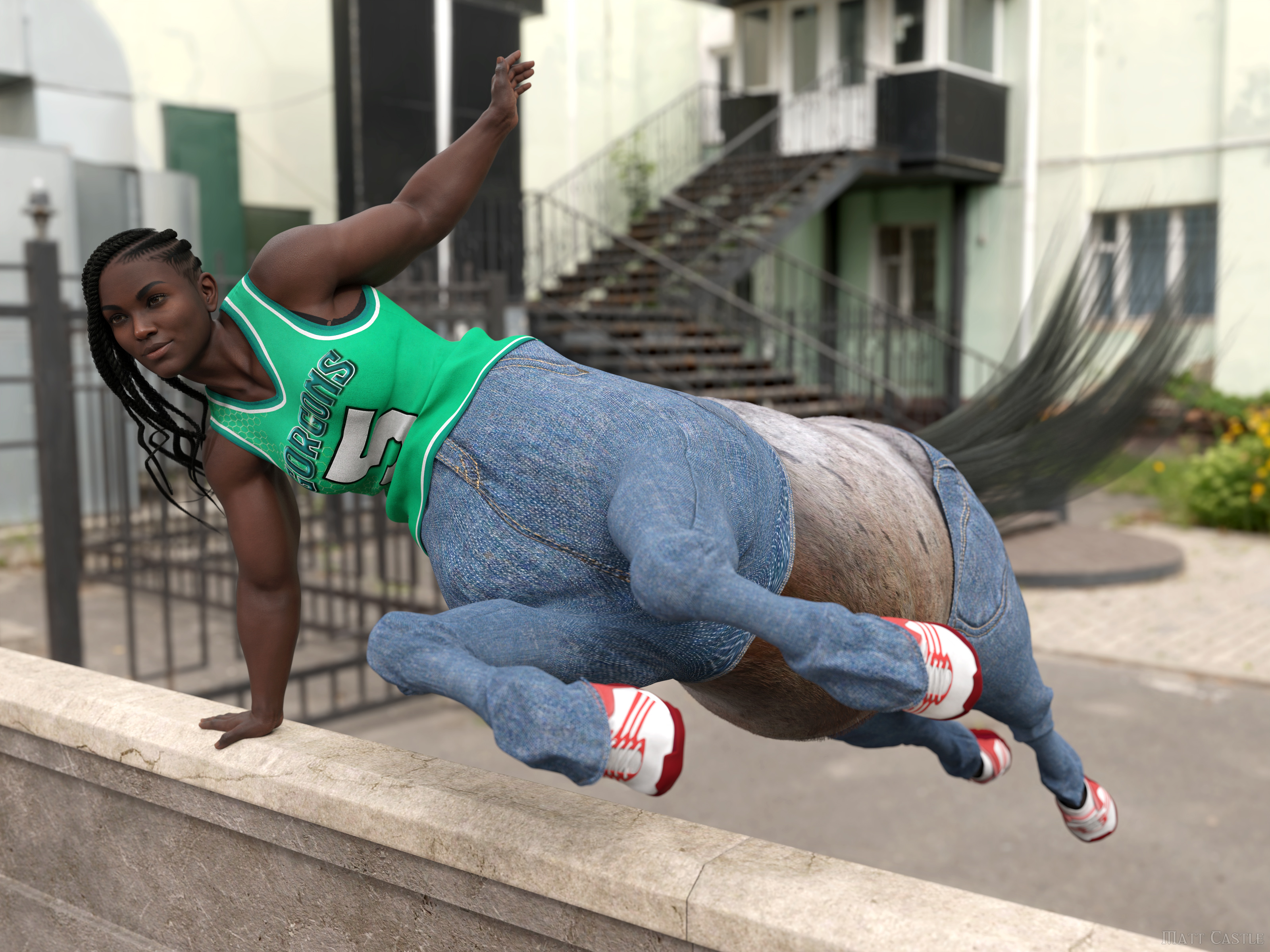
... so I think it's fair for me to say that it's a process that needs quite a lot of technical effort, and indeed cannot be practically automated at this time.
XTransfer Module 1- Genesis 3 to Genesis 8 Morph Converter (Commercial)...OK I did a pretty stupid thing. . I accidentally transferred a full body and head morph for a G3 character (Rain) that already had a value of 100 set in the slider to G8F. When I opened one of my characters to work on a scene I found that the transferred shape totally messed up the character. I closed that scene and loaded the base G8F figure. I deleted boith fhe full body and head the property but when I went to close the scene again the programme queried me if I waned to save it, the trouble is If I did that it would save the Base G8F to the folder where my other custom characters are located, not the one where it's supposed to be. I thne navigated to the top G8F folder in Daz>Library>People anbd saved it there but the default "G8F" icon was replaced with with one showing the character as it appears in the viewport. The worst part,the sliders I deleted returned again.
ETA:
After a bit I figured out what needed to be done. To remove the unwanted morphs I had to go into the Library>Data folder navigate to the Genesis 8>Female>Mrorphs>XTransfer folder to delete the folder containing the Rain Character morphs . That apparently worked save for I sitll have that odd icon in the content tab for the Base G8F figure andI now get an annoying popup about missing files for Rain character body/head shapes when I open base G8F one of the cahracters based on it or any saved custom characters I created,.
Oh well, I guess I'll have to be stuck with that as the only other way I think will totally fix everything to where it originally was would be to uninstall and reinstall the G8F essentials but that would likely delete all the morphs, settings and shapes that were already transferred.
Dforce Result + MorphYou can try: Clear the simulation result, then import OBJ by MLP... with Reverse Deformations: Yes, Overwrite Existing: Deltas Only.
Also, check if Enable Smoothing is On before exporting to OBJ... sometimes smoothing will bring you subtle change after importing the morph.
Can you transfer just the head from a morph say from G8M to G9?I have a character I have transfered from generation to generation. It all started with M4 when I got started in Daz in 07. But with the last transfer, there is an issue with the nipples not lining up with any textures for G9. I was wondering if there was a way to transfer just the head from G8M to G9. The simpler the better, because I have had many problems transfering morphs in the past.
Dforce Result + MorphWhat state is the model in when you import the morph? Is it posed? Is the simulation still applied?
Character SplitterMike3D Thanks for the reply, that workflow idea helps! /
 peace Currently you can't save only the head or the body. However, before closing the script once finished :
- go to the last tab : you will notice that the Head, Body & CTRL names are already filled
- press "Find Morph(s)"
- uncheck the morph(s) you want to keep (head or body). For the head, don't forget to also uncheck separate related morphs (Eyelashes, Tear, Eyes, Mouth, Eyebrows)
- press "Delete Morph(s)"
Alternatively :
- go to the last tab
- remove the morph to keep (eg. remove Head name if you want to keep the head)
- press "Find Morph(s)"
- press "Delete Morph(s)"
Dforce Result + MorphWhen a cloth is dforced.
Then we export to 3rd software for a bit of sculpting and imported back,
The result is not exactly as sculpted.Some area that isn't touched/sculpted could also changed.
My question is in the situation I need to sculpt the dforce result, how to import it back without have to deal with the problem?
Tara 9, breaking your heart, stealing your soul.Pax Asteriae said:
Tara makes a pretty cute incubus guy. I set the body to Masculine, used Minjun's body and Fitness 100, applied the head morph and scaled up the head a bit. And yet again I forgot to fix DAZ's weird skin setup...

Very good looking
Tara 9, breaking your heart, stealing your soul.Tara makes a pretty cute incubus guy. I set the body to Masculine, used Minjun's body and Fitness 100, applied the head morph and scaled up the head a bit. And yet again I forgot to fix DAZ's weird skin setup...
Daz 3D is part of

Connect
DAZ Productions, Inc.
7533 S Center View Ct #4664
West Jordan, UT 84084Licensing Agreement | Terms of Service | Privacy Policy | EULA
© 2026 Daz Productions Inc. All Rights Reserved.