-
Click-command to open content folders
No I can not find the way , and it is definetly useful,. I often think same thing, why I can not find content directory, from scene tab,, directly. though it tell me file path of dsf.
and at same time, I understand difficulity,, we can load same contents in scene,,
from different subset or preset, (eg user save it as subset2,, or wealable preset,, , or it is original duf of product etc,,) then to remain those and record,, may cause problem.
but ,,I may only need to know original product directory of the item.. (which offered from vendor) if script vendor sell it,, I must buy.
and I often hope to direct open folda, and select morph.dsf ,, from parameter setting pane. I often forget,, where I save the parameter. then serch
many sub directory with name. if script vendor add it I must buy again..
Selbsthilfegruppe DAZ Studio - Beispiele, Fragen, Diskussion und sonstiges GequatscheEin Morph Tool gibt es nicht in DS. Es gibt die Alternative zu den Poser Magneten - in DS heißen sie D-former.
how to apply a morph to only part of the bodyOf course.
but I recommend, it may better not only this topic, but add same restriction for all topics which have arelady offered same way as answer.
or make top topic, of all fforum about those restictions. it make more easy to notice us.
I actually annoying often I see those restriction, when just tell the way to how to use daz tool. which already presented and announced as daz improvement.
makiing morph for daz character cuase same problem. adjust texture of daz product should cause same restriction. but I seldom see, someone add caution not sell it.
how to apply a morph to only part of the bodyabout morph loader pro new options ,this you tube tutoriall seems best (or I have not found other good tutoriall about detail still)

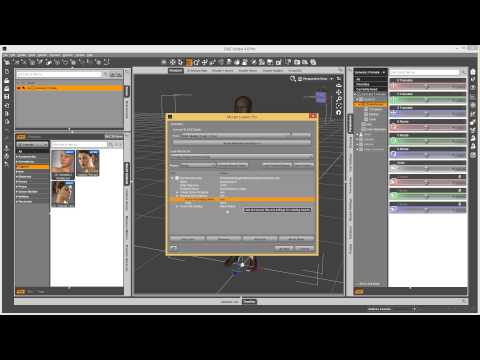 how to apply a morph to only part of the body
Three way.
1. use another modeling tool, which can separate morph with your selection. eg blender with shape key,
but I know we like to make it with daz studio only, then there is 2 way.
2-A it is easy, but you can not adjust smooth transition between morphed part, and not morphed part. then not recommend much,
but for rough work may work well
2-B you need to set D-former first, then need to set D-former weight influence map. then export moprh, then use morph loader option.
I simple write the 2-A way, if you have try D-former, or D-former weight, and well know about morph loader,, I try to discribe it, (when I find time)
step1
select G3,, then open geometry editor (in tool setting tab), then go to vertex mode. after that select vertex with marque selection (rasso selection or drug selection) only about vertex which you need to remove morph influence. of course you can use selection group too. after select vertex,, may better you set them as new selection set to re-use them.
step2
go to parameter tab, then go to edit mode, (by option menu), then click the morph paramete which you need to separate influence. now it highlight . r-click on the parameter,
then set it as favorite. in 3d scene, r-click anywhere without geometry . morph editing>clear selected deltas from favorite.
now, the morph only work about vertex, which you extrude from selection,.
caution. you may hope to it save as morph, but it easy overwrite default morph, then may better just save actor as scene subset, it may keep current modified morph I think.
(but I change name, and change path, then remove ERC,, and save it as new moprh, but it only recommend you actually know what you save clear. and you need to remove problem
when you find some duplicate formula erroer etc, then I recommend just save it as new subset,, (of course you can not use original morph as same as before, you modified it about the subset G3.
Half Victoria Half Lilith QuestionGo to the shaping tab, select the shaping morph for the characters, and dial in the value you want.
For the shaping tab, I recommend you take a look at the video training, point 5: http://www.daz3d.com/help/help-daz-3d-video-tutorials
Hi so I have to click the character of Victoria first then click the character of Lilith then adjust it on he shaping tab? Won't it add Lilith as a separate character resulting in 2 characters instead of a merged one character? Thanks for replying by the way :)
It's Raining Men Again Competition -- Winners Revealed!!!!Oh, I remember that picture I can say it's good since you aren't judging. LOL. I bought the Genesis 3 Aging Morph Kit just to enter this contest.
Yeah, no, I'm NOT judging this one. I probably won't even enter the contest. I might pop one or two NAE images into the thread here or there, though. :)
Looks really good. I have the scripts you're talking about for the Genesis 2 figures but I work primarily in Poser with the Mil 4 figures. So I've swapped UVs between them using UVMapper classic, that still okay as long as I load only the male morphs into Michael? Sorry about all the questions, I just want to make absolutely sure before I post anything. Also, how do you get images to show up big like that in the forums? All mine seem to go in as attachments and are rather small -- basically thumbnail sized -- until you click on them.
Okay, bear with me, not a Poser girl here and I'm only slightly familiar with the UVMapper classic. However, if you can swap UVs without using any female morphs then I'd say you are good to go and can use it.
It's Raining Men Again Competition -- Winners Revealed!!!!Oh, I remember that picture I can say it's good since you aren't judging. LOL. I bought the Genesis 3 Aging Morph Kit just to enter this contest.
how to apply a morph to only part of the bodyIn G2 or G3, is there a way to apply the bodybuilding morph to only part of the body (like the upper half or the lower half)?
It's Raining Men Again Competition -- Winners Revealed!!!!The general consensus last year was to avoid using any female morphs, including but not limited to using GenX to morph into a female to fit clothing and then morph back out. For the purpose of this contest, I would say that it would be best to not allow any type of female morphs even if they are on a base male figure. So, no, not in this competition. Having said that, @Byrdie, it sounds interesting and an image I would love to see over in the Michael and Friends Appreciation Association thread. :)
Removing weight maps from a node selection?Then I do not know, if you already find your all question,, but the first question "How do I assign a node selection to the right bone",
is simple.
1, set facegroup by geometry editor which you need to assgine for node. (but usuaully when you use transfer utility ,those are auto transfered from template, or donner figure)
2 check it with node (which you assgin) in top column of Joint editor tool. you must need open tool settiing tab,
but there is limit,, you can not assgin mulitple face group for one node as selection group , .
I do not know, if we can use surafce group. or user defined selection group in geometry editor, for assign node, as selection group.( may not work)
the selection group = usually corespond with face group, purpose is mainly,, to select those node, with pose tool in 3d view without scene tab selection.
without you assgin it, you can not select node, in 3d view directly. then it is important to set them for all nodes as you desgined.
about weight map, actually even though you do not set any face group, triax weight can work when you color (though it not recommended) weight on to the poligon for each node.
Novica & Forum Members Tips & Product Reviews Pt 7Sorry, I don't have the Body Jewels. I see what you mean about the differences.
Barbult- good to know on the ears. They do look a lot smoother! Are you liking Brita overall? I have her, I think she's adorable overall.
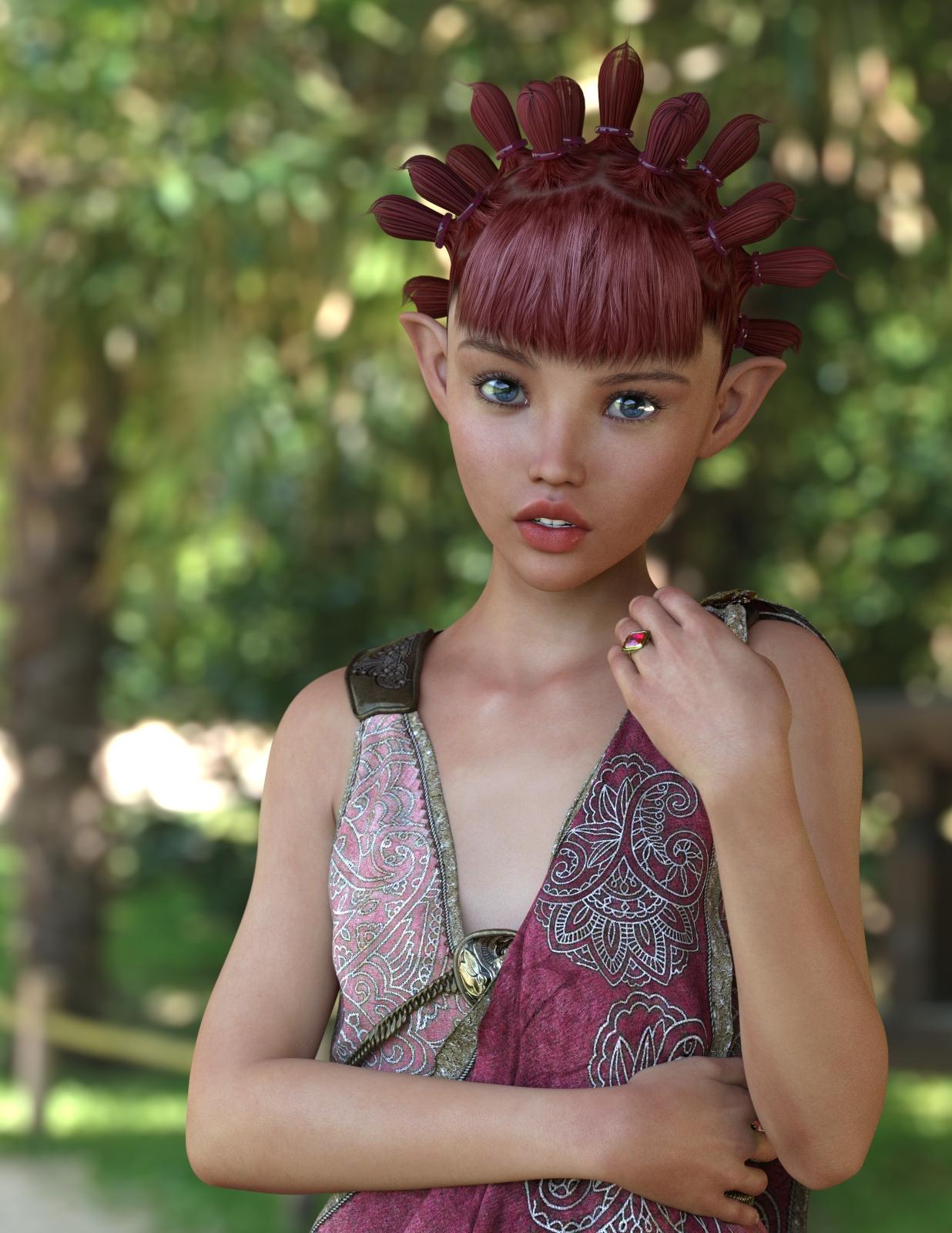
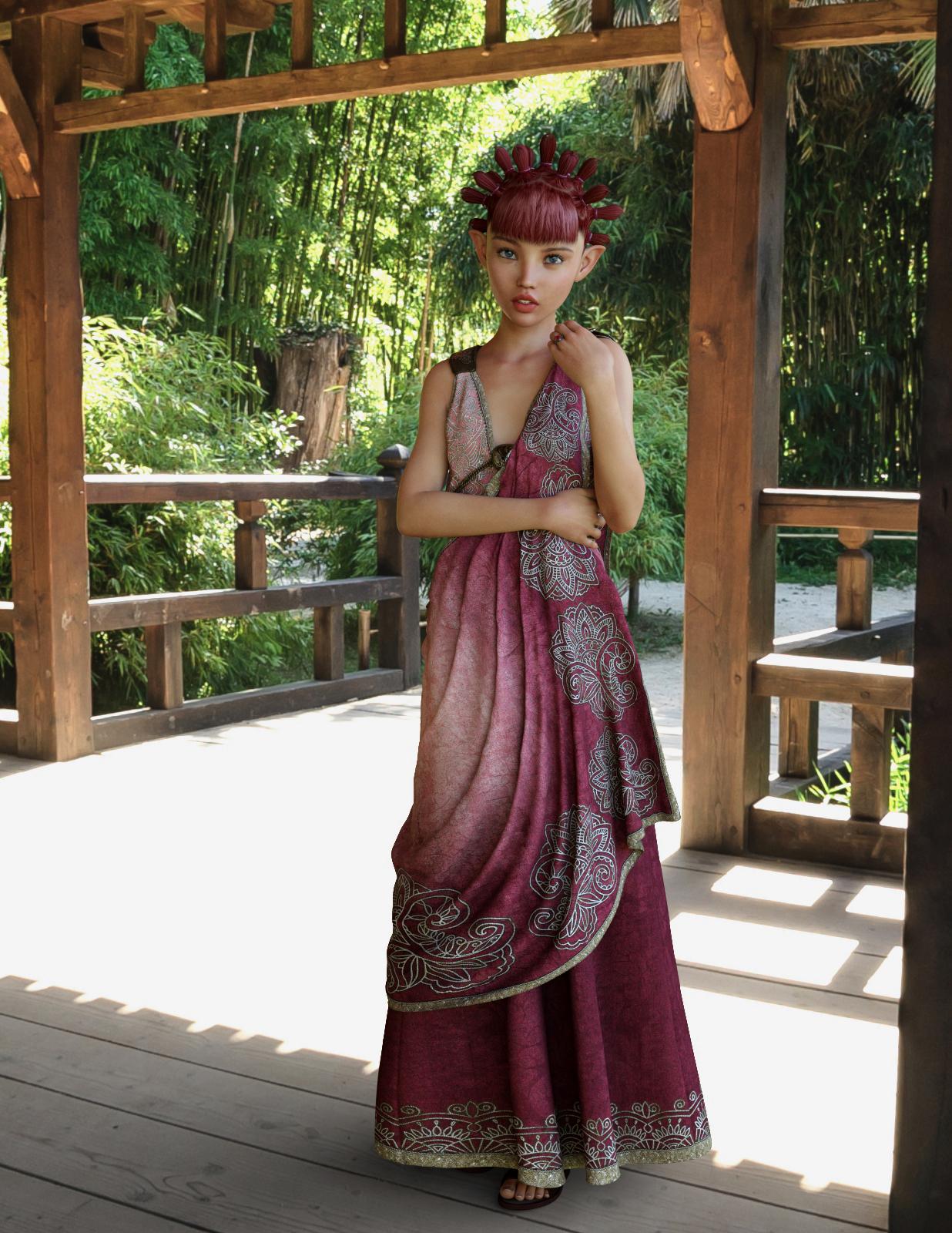
OMG, she's great! P3D has moved to the top of my list for Iray skins. Since I don't have Tween Julie 7, I decided to mix in some Teen Josie 7 and a few other morph tweeks (boy these names are confusing!). I think she turned out fabulous. I didn't tweak the materials at all, because they are perfection as delivered. This just finished rendering - I mean literally, like 3 seconds ago.
The HDRI background is from http://www.aversis.be, licensed for non-commercial personal use only.
 What is DSON core installer, and how do you use it?
DSON is the Daz studio format, the DSON Importer for Poser allows poser to inport files in the DSON format (.duf files). The usualy method is to have the .duf files, a Python loader script, and a Poser library file tom luanch the Python script in the Poser library - the Poser Companion FIles. If there are no Poser CFs (for items with library files - theya ren't needed for morph expansion, for example) then it may be possible to launch the importer directly using a script from Dimension3D - but often if there's nopt Poser CF it means the item won't work in Poser.
Poke Away 3 For Genesis 3*sigh* All these will do is affect the item for the particular pose you have the character in, much like the "Zone Smoother" product that one of the PA's made does for the figure being morphed. Without editing the weight map, you will have to redo this for every pose change you make with a particular body morph and outfit. It's actually going to be less work to modify the weight map in the long run.
"All these will do..." ?? That would be one huge step forward on what is available at the moment. Sure, we would all like a tool which fixed all poke through, mesh distortions etc with one wave of the magic wand. However we are not there yet. If a distortion is small then certainly editing the weight map (if one exists) will be of more general use and work in a range (though not necessarily all) poses. Editing weight maps is a lot of trial and error. Mesh brushes would give immediate results quickly for the pose you are working on now. (Practical animation is another story and apparently a long way off for DS).
Zone Smoother is similar to deformers. (note the term Zone)
Linwelly's GroveThanks Knittingmommy!, I'll sure tell more but first need a render to be worthy of that transfer.
Mike, seems you have been gone fo a while, glad to have you back. I know those kind of lists, I have a long one for all the things I should learn as well.
SC Rain for Genesis 3 FemaleGreetings,
I toss this out every so often when issues like that come up; are you seeing it in renders, or just in the preview windows? In other words if you have a deformed character in preview and you render, does it show deformed, or does it look normal?
If it looks normal at render time, it's probably a problem with your display optimization. Go into 'Preferences', select 'Interface', look down the dialog to 'Display Optimization'. It's probably set to 'Best'. Set it to 'Better' instead, and it should resolve your issue.
If it renders like that, then there's a morph or something behaving badly somewhere, and I'm no help. :)
-- Morgan
Iray revelation!Not all images will hit it at once, but any assigned to a particular area (let's say lips)...that would included bump, normal, color and any other control maps, WILL be 'maxed out' together. It's looking like texturing for Iray should be much more complex than it is currently being done, in order to maximize efficiency and minimize memory usage.
THIS is the operative statement. I've made this point publicly in the past. PAs are still creating content using workflows designed for 3DL and firefly -- using bitmapped textures for everything. I am sure that things will start to move toward using procedurals and more optimal MDL types, but ATM that is just not the case. Part of it is that there aren't enough "provided" procedurals to cover many basic things in DS, leaving the PAs in a situation where they either develop completely new procedurals, buy them for redistribution, or require a purchase of another PA's products.
EDIT: I am of the opinion that DAZ needs to create a library of procedurals (stone, marble, etc) and sell those like they did the V4/M4 Morph packs. This would allow PAs to leverage a known set of procedurals and can "require" a standard pack of shaders. If the user doesn't want to buy those shaders, then (like before) they end up with default clay.
Kendall
Half Victoria Half Lilith QuestionGo to the shaping tab, select the shaping morph for the characters, and dial in the value you want.
For the shaping tab, I recommend you take a look at the video training, point 5: http://www.daz3d.com/help/help-daz-3d-video-tutorials
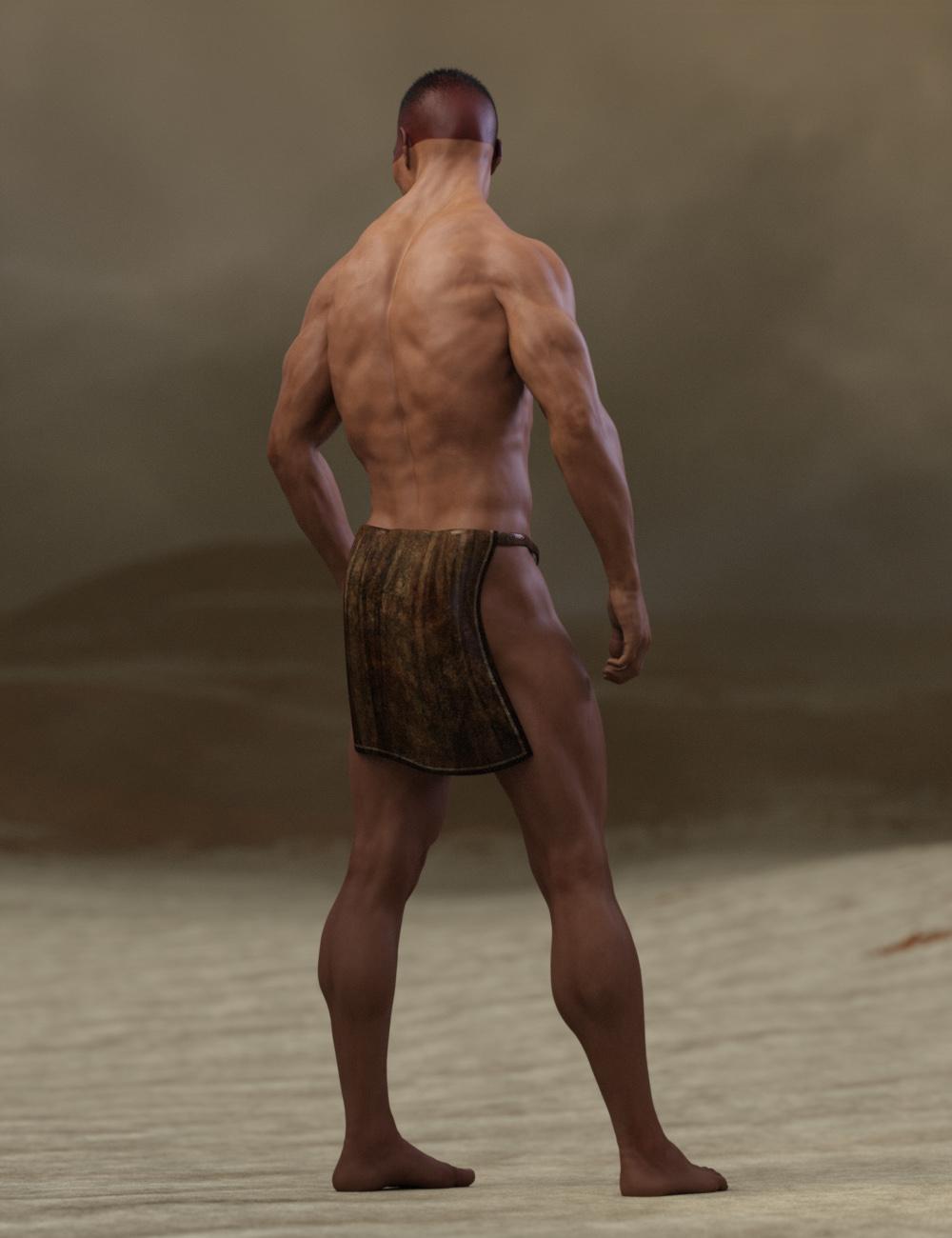
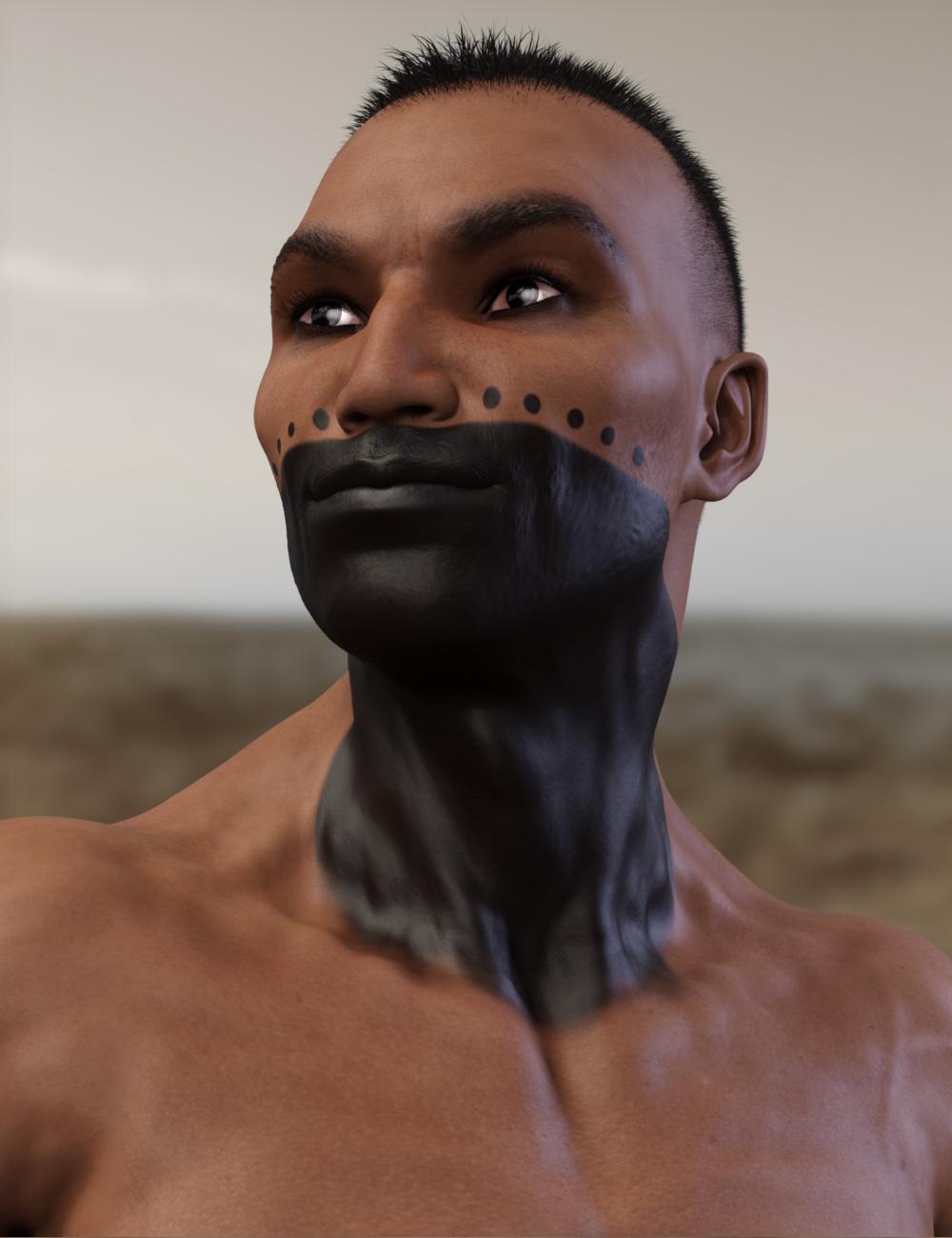
SC Rain for Genesis 3 FemaleThat looks like an issue you get when you export/import characters without all the parameters at zero. Which is odd. Perhaps Daz is not properly resetting parameters when you load figures? Or something along those lines. Is there any morph or something that these figures have in common? Did you save anything in the new beta, and then load those saves in your full version of Daz? Did you download any figures during the time Daz was having major network issues? I'm wondering if you got a corrupted file.Anicinabe (Native American) [commercial]Anicinabe
http://www.daz3d.com/anicinabe-for-genesis-3-male
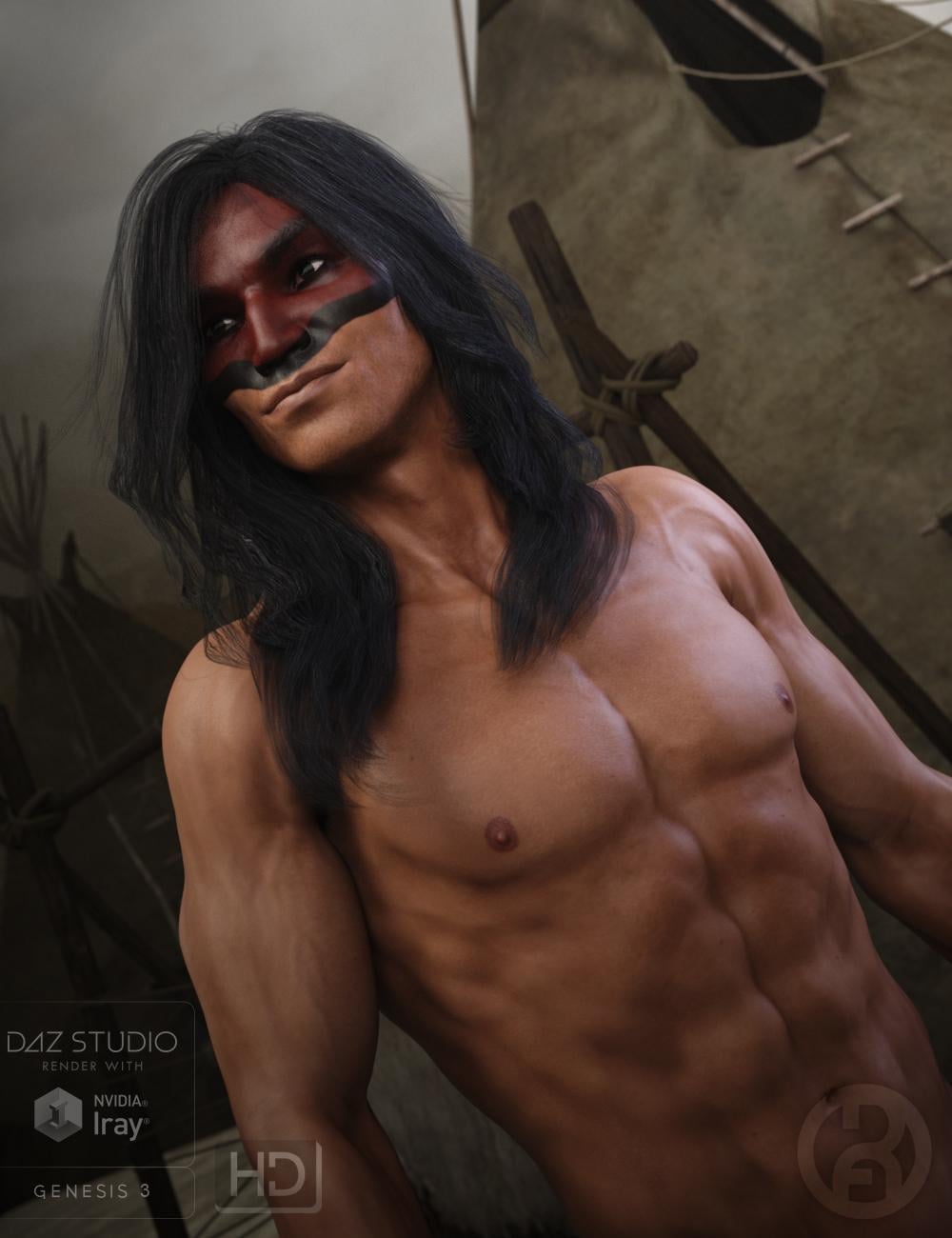
The Anicinabe (original people) of North America have a rich cultural history of warriors and wise men. This character set will allow the old tales to be told and many new tales to be formed. Carefully sculpted high definition details, and highly detailed and accurate textures are provided and suitable for Iray and 3DL
Product Includes:
One Anicinabe Character Preset
One Anicinabe Morph Preset
One Anicinabe Full Material Preset (including genitals)
Seven Face Material Presets
Two Eye Material Presets
Also includes IRAY and 3DL MAT files
Daz 3D is part of

Connect
DAZ Productions, Inc.
7533 S Center View Ct #4664
West Jordan, UT 84084Licensing Agreement | Terms of Service | Privacy Policy | EULA
© 2026 Daz Productions Inc. All Rights Reserved.