-
Hot New (Northern) Season, New Sales Thread: Report Issues Here "Reporting Only"
Maybe it's all these ads. There are three places for them on the forum pages. When you add that much to a page all at once, it increases the possibility of problems. Or, maybe the hamster has gone on vacation.
Hot New (Northern) Season, New Sales Thread: Report Issues Here "Reporting Only"vwrangler said:
Not sure if this is the right place for it, but the forum server seems to be flaking out again. I tried to paste a part of a log file into the RSSY Clothing Converter G8-G9 thread, and the server returned an "Internal Server 500" error, I'm guessing because of the length of the text or because it didn't know what to do with the angle brackets even when I used the "computer code" style option. I then tried uploading it as a TXT and a ZIP file attachment, and got a "failed to write file to disk" message. Sounds vaguely like the forum is running out of space in its allocation, or something like that.
Regular JPG images won't upload now either. It is stuck in "Uploading". Are we back to having to get up in the middle of the night to upload to the forums?
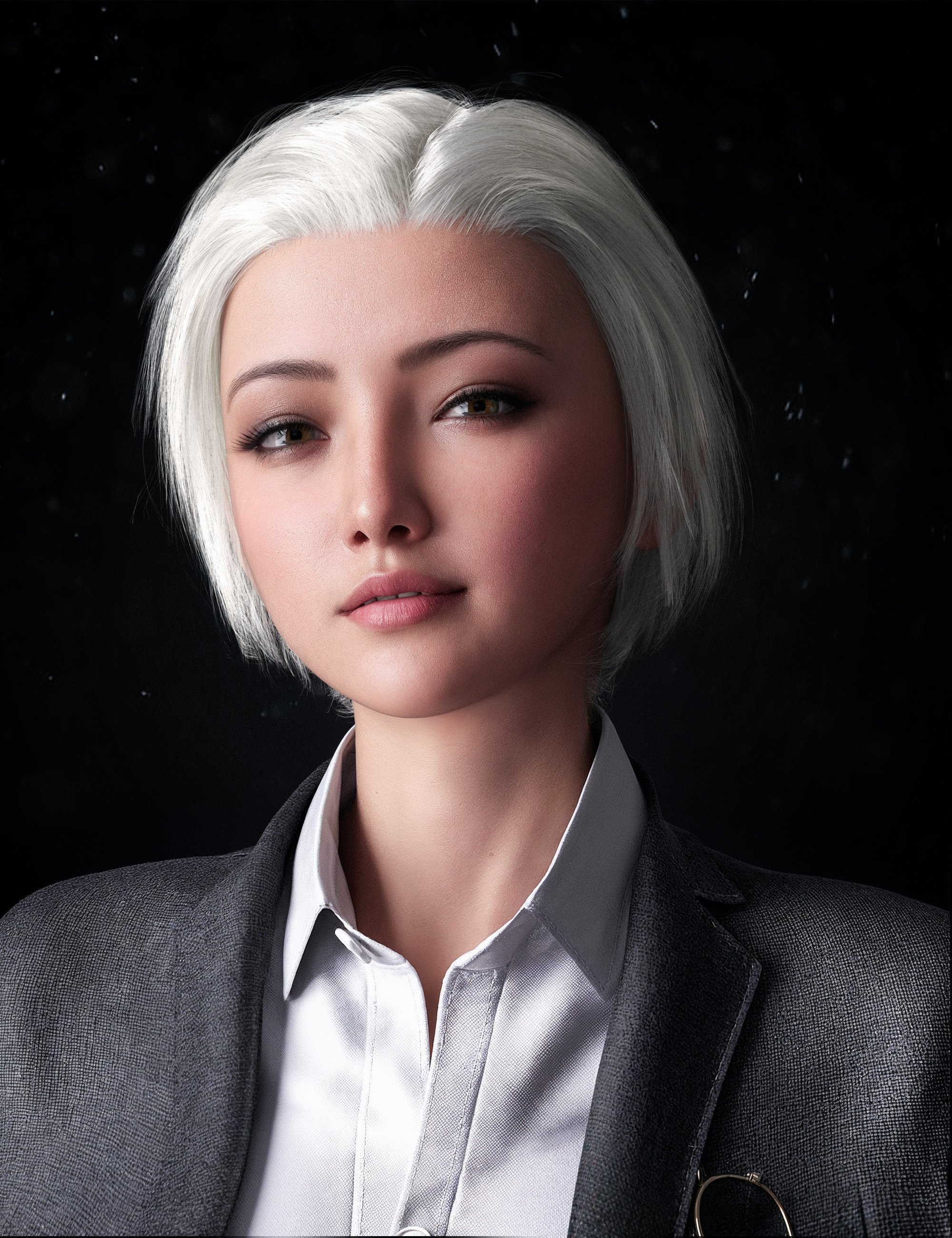
Help identify character in HS Gloria Sleek and Wet Short HairAnyone know the character used in the main promo at HairStudio's Sleek and Wet Short Hair product?
Thanks!
 Hot New (Northern) Season, New Sales Thread: Report Issues Here "Reporting Only"
Not sure if this is the right place for it, but the forum server seems to be flaking out again. I tried to paste a part of a log file into the RSSY Clothing Converter G8-G9 thread, and the server returned an "Internal Server 500" error, I'm guessing because of the length of the text or because it didn't know what to do with the angle brackets even when I used the "computer code" style option. I then tried uploading it as a TXT and a ZIP file attachment, and got a "failed to write file to disk" message. Sounds vaguely like the forum is running out of space in its allocation, or something like that.
[Released] RSSY Clothing Converter from Genesis 8 to Genesis 9 [Commercial]Well ... I'll try to get this to you at some point later today or early tomorrow, but at this point, the forum server isn't letting me paste in the log text, and if I try to upload it as either a TXT or a zip file, I get "failed to write file to disk". Is there's some other way you'd like me to try to get the information to you?
For what it's worth, it failed again in exactly the same way. Weird thing is, if I'm understanding the log file correctly, it seems to think it's worked. And in fact it seems to have partially worked, I think; in the data directory, under Sixus1, there's an "Operation Arrowhead (Cv)" directory that seems to have been created yesterday and was updated today. There are subdirectories, and DSF files in those directories. It's created the user-facing directory in the Content Library side as well, but it's completely failed to make any front-facing DUFs or icons.
EDIT, 3/11, 1:05AM: The forum finally let me upload the zip file with the log.
Etiquette for crediting creators in published materialTorquinox said:
It seems the conversation has drifted a bit from the OP's first post. The OP wants to give free advertising to specific assets and vendors. That's pretty generous, actually. I've not seen that done in that way. I've seen ads in comics before, mostly for little sets of military toys, x-ray goggles, sea monkeys. I doubt the OP would get thown out of the club for doing that, but it might not be the best use of space in the actual product. Some comics include character plates and development notes with more information about the production. Is that something customers want to pay see in an unknown production? Might be better as content in promotion pages on web sites or social media - One can talk about it, but not make it part of the product.
No doubt, as frank0314 mentioned above, the shout out to PAs would be a big boon. I'm all for supporting the PAs, so for this reason alone I think the OP's idea is a good one.
You mention: "Is that something customers want to pay see in an unknown production?" I think back-of-the-book production notes is a tried and true way to generate buzz. Along with excerpts of script drafts, or early sketches, fans would see that portfolio as an indication of the depth in the comic production, something they'd appreciate.
Now it goes without saying that the jury is still out with regards to 3D art style. Seeing that the OP didn't provide any sample art involving a 3D workflow, we can't weigh in on whether the Daz-association would hurt or not. But as it's been discussed before in other threads on the Daz Forum, there's a growing acceptance of 3D in comics. At the very least we can assume that anyone who pays for the OP's work isn't so prejudiced against a 3D art style. They are self-selected patrons, so to speak.
Bottom line: there's little to lose and there's more to gain.
Cheers!
Problem while saving scenesharky3412 said:
This is what i get when i try to save a scene. i already have a duf file under scene directory but when i try to replace it or even change the name of current scene, this is what i get from log. Am i doing something wrong?
2022-08-27 05:10:42.956 [WARNING] :: ..\..\..\..\..\src\sdksource\fileoutput\dzassetoutfile.cpp(656): File could not be opened.
2022-08-27 05:10:47.902 [INFO] :: Failed to save a file. See the log for more details.
2022-08-27 05:10:57.704 Iray [INFO] - IRAY:RENDER :: 1.0 IRAY rend progr: Received update to 00408 iterations after 219.038s.
2022-08-27 05:11:19.131 Iray [INFO] - IRAY:RENDER :: 1.0 IRAY rend progr: Received update to 00448 iterations after 240.466s.
2022-08-27 05:11:42.773 Iray [INFO] - IRAY:RENDER :: 1.0 IRAY rend progr: Received update to 00492 iterations after 264.109s.
2022-08-27 05:11:59.762 [WARNING] :: ..\..\..\..\..\src\sdksource\fileoutput\dzassetoutfile.cpp(656): File could not be opened.
2022-08-27 05:12:06.438 [INFO] :: Failed to save a file. See the log for more details.
2022-08-27 05:12:09.076 Iray [INFO] - IRAY:RENDER :: 1.0 IRAY rend progr: Received update to 00541 iterations after 290.411s.
2022-08-27 05:12:32.968 [WARNING] :: ..\..\..\..\..\src\sdksource\fileoutput\dzassetoutfile.cpp(656): File could not be opened.
2022-08-27 05:12:35.582 [INFO] :: Failed to save a file. See the log for more details.
2022-08-27 05:12:37.955 Iray [INFO] - IRAY:RENDER :: 1.0 IRAY rend progr: Received update to 00595 iterations after 319.290s.
2022-08-27 05:12:53.821 [WARNING] :: ..\..\..\..\..\src\sdksource\fileoutput\dzassetoutfile.cpp(656): File could not be opened.
2022-08-27 05:12:57.894 [INFO] :: Failed to save a file. See the log for more details.
2022-08-27 05:13:09.649 Iray [INFO] - IRAY:RENDER :: 1.0 IRAY rend progr: Received update to 00654 iterations after 350.984s.I had this EXACT SAME PROBLEM. I also found the likely solution!
Recently, I turned on Windows 10 Ransomware Protection. This security system restricts access to My Documents as well as many other folder. It can even affect your video game save files. If you turned on Ransomeware Protection (or if it was somehow turned on accidentally), then this solution should work for you.
In order to fix it,
- Go to your Ransomware Protection settings.
- Click the button " + Add an allow app"
- Select "Recently blocked apps" from the drop-down menu.
- Daz3D should show up. Select that App.
- Try saving your file again. It should now work.
I tried to attach an image of the screen, but Daz's Forum isn't working properly.
Having an issue with lighting on surfaces; how should I fix?(I'm not exactly new here, but I'm still barely past the tinkering stage in using Daz Studio. Please bear with me.)
I am trying to make a book coverusing a rendered inage from Daz Studio and some text and postwork in GIMP. (I have already made 2 previous covers in the last couple weeks.)
However this one is kind of unusual in that I have resorted to using primative planes to hide parts of objects / characters so that the overall perspective of the cover matches the other one in this series. See image of the test render (not fully converged). OK forum not cooperative, see link to image at bottom of post.
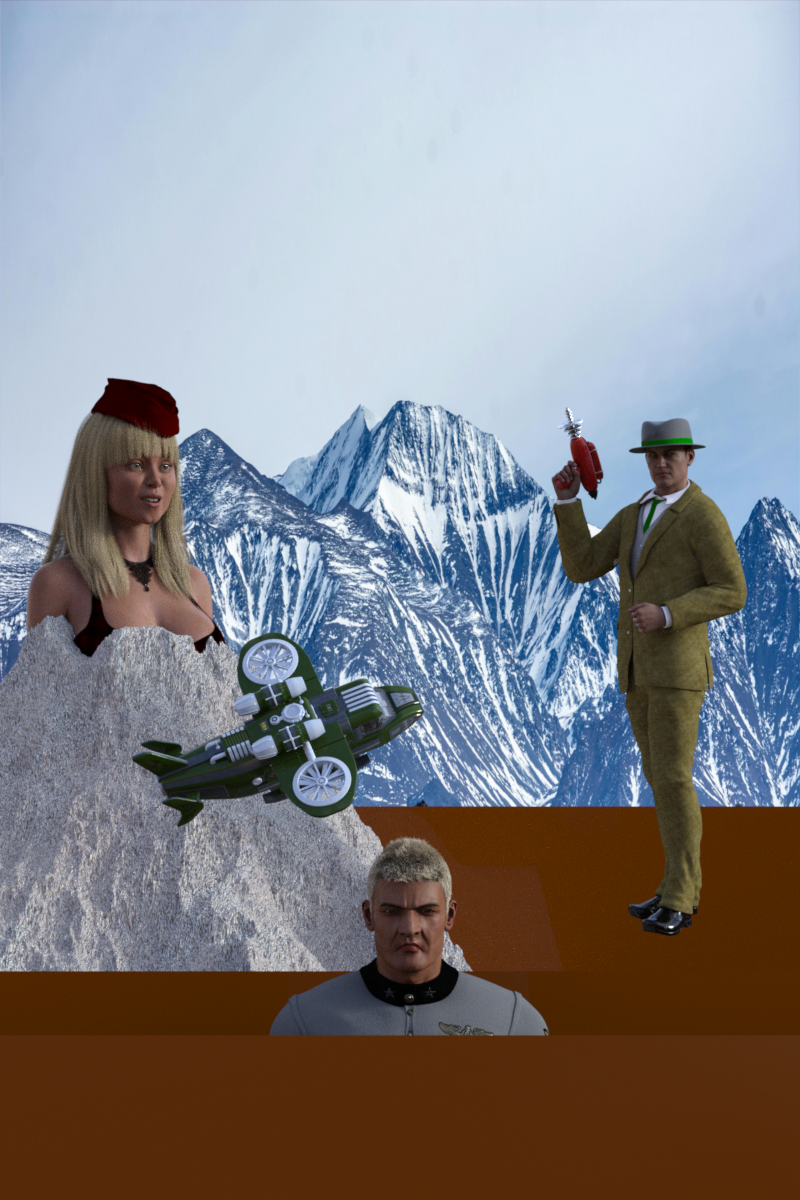
So the issue I am having is that there are 3 vertical planes dividing up the objects in the scene, a front, middle, and back. However as you can see, some parts of the planes appear as different shades of brown even though I used the same color values on all of them.
I suspect it may be shadows or possibly even reflections of the light from the default Daz HDRI I am using hitting the backs of the planes.
So I guess my real question is would it probably be easier to render the scene as several seperate renders and try to combine them in GIMP as layers? I have only started using GIMP a couple weeks ago, and have no real previous art or photography experience (apart from tinkering with Daz Studio on and off for a few years).
https://www.deviantart.com/spencerhartwriter/art/Fire-in-the-Andes-concept-test-6-1030097868
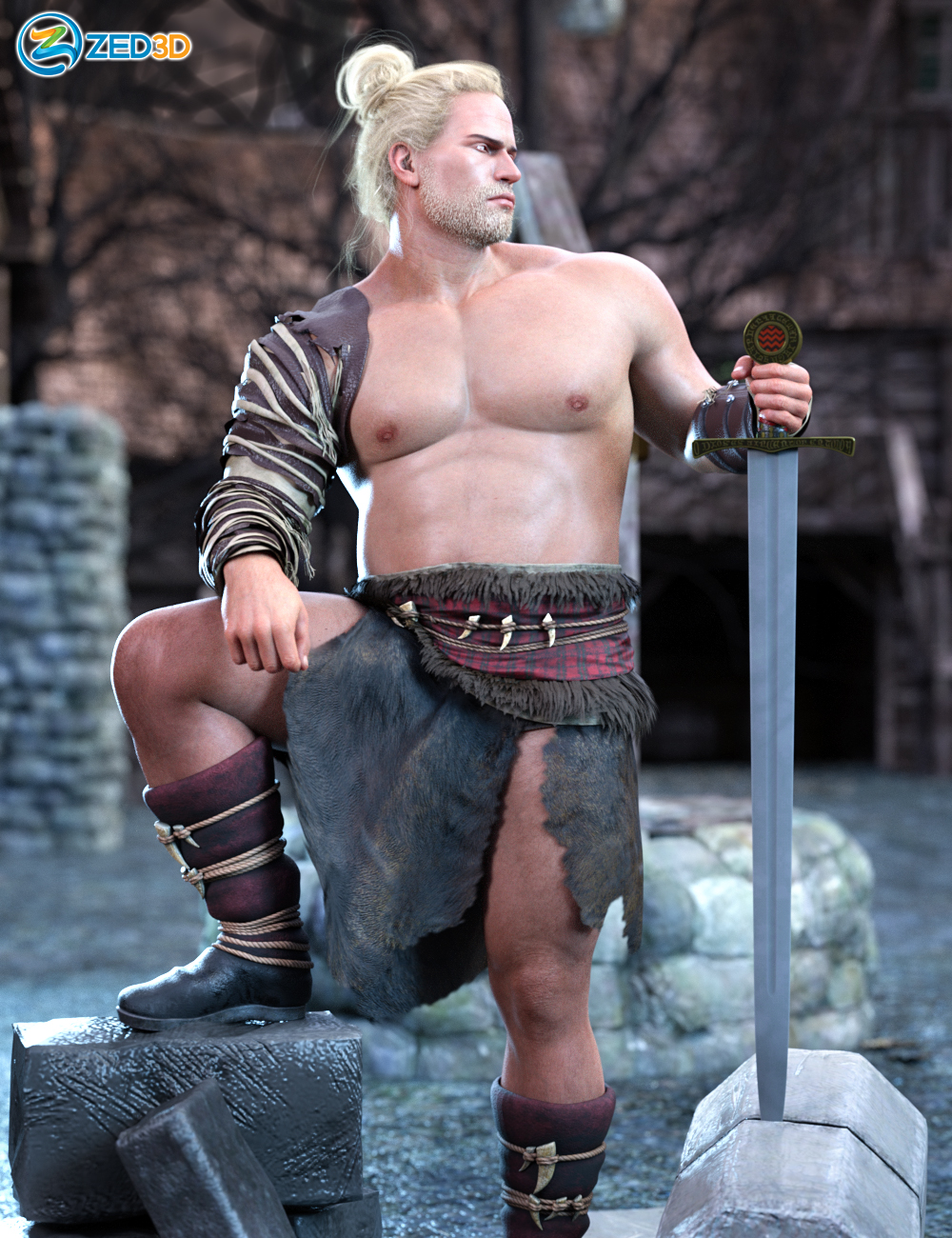
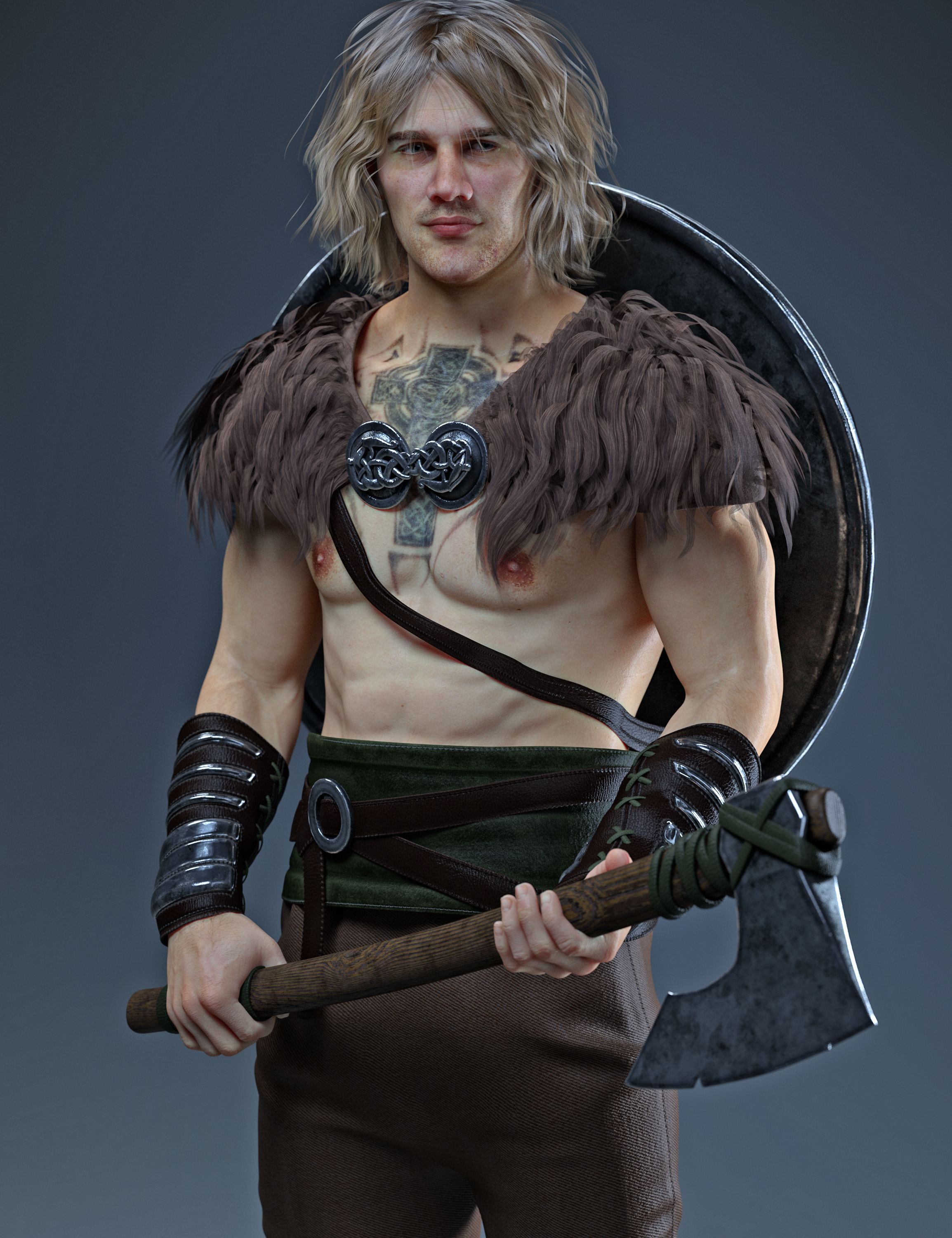
Identify these warrior/viking outfits from promosHi! Any help in identifying these two outfits in THIS and THIS promos? Tried to search for viking and warrior in the store and found a bunch but not these specific two. Thanks!
 Keyframe delete button greyed out?
Greetings esteemed members of this wonderful forum!
It's been quite some time since my last visit, and everything had been running smoothly with Daz until now.
I recall in previous versions of Daz 3D, I could effortlessly add a keyframe using the designated button (+) on the timeline. When I wished to remove it, I simply selected the keyframe on the timeline and clicked on the delete keyframe button (-), promptly erasing it. However, following recent updates—though I'm uncertain precisely which ones—the add keyframe function remains functional, while the delete keyframe button appears disabled, rendering me unable to remove any keyframes. It leaves me wondering: what has caused this change? Could it be a setting misconfiguration? How can I regain the ability to delete keyframes, restoring functionality to its previous state?
I've attached an image for reference; as you can see, the delete keyframe button remains greyed out.
Any assistance you can provide would be immensely appreciated. This issue has persisted for some time, and while I've found workarounds, understanding why Daz 3D behaves this way now is crucial.
Thank you kindly for your assistance; your support means a great deal.
Hot New (Northern) Season, New Sales Thread: Report Issues Here "Reporting Only"Hylas said:
Can't upload images to the forum anymore. Tried two systems (Windows & Apple) and two browsers (Firefox & Edge). Just this morning I was still able to do it, now it's forever stuck at "uploading." Anybody else?
resolved for me know, knock on wood.
Installation NightmaresI have attempted to find as much information concerning the installation of Bryce 7 Pro. I have found that I should install the actual software before the lighting and to install in a folder outside of the Daz3D folder as the software can be "persnickety' during installation. So after I did that and then read through half the forum pages, I'm still not able to get the actual program to install. During installation, it asks if I want to uninstall the previous version, even though it is not installed. I have attempted everything that was suggested and even some of my thinking...to no avail. I really need help with this. I made a YT video to show the issues I'm having that can be viewed on my channel. Contact me if you wish to watch it. (I'm not sure if links are allowed here.)
DIM Thumbnails directory does not exist - where are they? [SOLVED]When I created this thread some months ago, I wasn't missing the thumbnails in that directory. I was very new to Daz Studio at that point, maybe only by a week or two, and I misunderstood the purpose of that directory.
I lost all my product thumbnails inside of Daz Studio smart content tabs, they broke because I moved my Daz installation from one hard disk to a secondary one (C -> D). While I did set all the correct paths in DIM, I made an assumption that was the only path I needed to set.
There were two places within Daz Studio that also needed to be set after moving all my content directories around and such, in the content manager tab of Daz Studio Preferences, and then in the Content Tab (the custom content library), there are directory-style listings of both the smart content library and manual install library. Those paths needed to be adjusted as well. The last time I went through this process the content tab updated itself after editing preferences, but the first time it didn't. If you need instructions on how to do this, see the link I left in my second post.
After setting the correct directories in those locations my thumbnails returned.
It was my understanding that the Thumbnail Directory I was originally searching for inside of DIM was a misunderstanding since it did not relate to the thumbnails of my products inside Daz Studio's Smart Content. But if you are looking for your product thumbnails, they are located in My DAZ3d Library/Runtime/Support
edit-> Hope this adds a bit more clarification to anyone who stumbles into this thread in the future. :)
edit x2 -> Short warning to other new users, My DAZ3D Library/Runtime/Support contains a lot of metadata for products. Messing with the files in there can break your products. If you need to edit metadata, edit it within the product zip prior to installing and then install through DIM. The preferred method by Daz3d is to edit the metadata directly inside the application (safest way).
edit x3 -> Also don't move your Daz installation the same way I did. It'll cause you all sorts of problems. Search for the actual prefered way to go about it. None of your existing product metadata gets updated, DIM gets confused with where previously installed products actually are, and a host of other little problems crop up due to just dragging, dropping, and editing content paths. It can ultimately be done but there will be a bit of time spent troubleshooting, and most likely reinstalling packages/products so metadata manifest is properly updated.
Dartanbeck's Journey - CG FilmmakingHaving a Blast being weary from the long road!
Building and saving for these webinars is exhausting and even more rewarding - I really Love doing it!
It takes me a lot of time and hard work to get there. A lot of non-stop hours.
So after today's performance I had a bit of heavy-lifting (literally) to do. Ouch! I'm not as young as I used to be! LOL
A nice cup of hot tea and a pile of animations that I haven't converted to Rosie 8 yet are the perfect way to unwind!
I still have a nice bundle of animations from Mixamo that are still in Genesis 2 Female format. I have all of my Bone Minions set up so I can access them from the Scripts drop-down on the upper UI window. So handy!
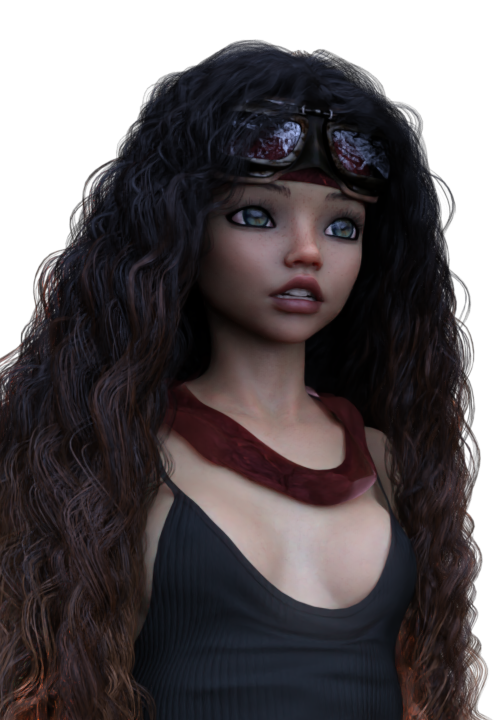 Since the massive data crash I've suffered, I still have a huge pile of other legacy aniBlocks that still need conversion as well. I had just finished GoFigure's Martial Arts collections the other day - and some of those are pretty lengthy animations - hence my not having them done earlier. But there's still a lot to do. I keep working my way through them - often beginning a major conversion session when I find that I need one that I didn't get done yet - so I'll take a break and just spend some time with my cool animations!
I love it when I kick back and work on these transfers. It gives me a really good look at everything within the entire collection that I'm working on - which always gets the gears turning inside my head!
You see, aniBlocks are really fun. Many of those from BoneTech3D and Mixamo are like one would use to drive a character using game commands, like WASD and all of the special combat and auxiliary motions. That, all by itself can be a lot of fun to build animations with. But all of these motion captures offer So Much More than their original intention.
Showing folks (here and in other forum areas) the Behind the Scenes for Blade Runner - Black Lotus got me to watching it all through again and again as I wait for renders and simulations. The way they direct the story with their actors in their motion capture suits - in a huge space where they can actually be in places (right next to the actor, for example) that they could never be if it was being filmed by a camera as usual. So they can do 'takes' of several minutes of complete acting as opposed to just a second or three. Huge difference.
So when I approach designing an animation* I think about what I want the character to be doing. Where do they come from and where are they going. Lately I'm also concerned with what their faces are doing as the gears in their heads turn.
In that, I think of my aniBlocks as "Sets" of actions that I want my characters to do.
I know that I've talked about this many times before, but I can see how difficult it can be to understand my points unless I actually demonstrate them. So one day I will. That show will take a Lot of prep and capturing lengthy workflows so I can speed them up during the lecture. Stuff that makes us sit and wait for long periods lend well to ramping up the speed so we can see it, but don't have to wait for it. I did some really cool work in the way for my last course - Movie Magic, that I think worked really well!
But here are some examples of what I mean.
 Martial Arts Shouts of Conviction
Even when exercising their moves and techniques, martial artists release the power of their energy with a special conviction, which is what makes the lightning fast motion such a powerful one that can possibly even blow a hole through a building. At the center of this comes a special war cry that occurs as the climax of the energy is being released.
Now this isn't something I was told or anything I've learned from someone or something - this is me thinking about it. Making up my own explanations to help myself "Direct" the actor(s) to deliver the performance I think I'm looking for.
I took a section of conversation from the Face Controls for Genesis 3 & 8 example files and cut out a few parts of excited speech that looks like a shout. I trim it down to the entry expression, through the shout, and the final shape of the face for that short facial musculature gesture. It's only a tenth to a third of a second, after all.
I crop these little shout clips and save them to my facial aniBlocks folder for Face Controls. At the very beginning, I had done the same sort of thing for "idle" times when there don't appear to be any visemes occurring - and save those short clips.
Now I can combine those throughout a Martial Arts move to have the shouts occur just as I think they should. Since they're aniBlocks, I have the ability to speed them up, slow them down, reverse them, mirror them, repeat them, etc., and we can do all of these things in combinations with other short blocks that have opposite adjustments to them to really get variety going.
I was recently discussing how I am making specific facial characterization dials specific to Rosie.
Using these custom dials in combination with the above facial aniBlock workflow... I mean... wow. Until I actually start using real Rosie facial performance capture, this is an excellent way to breathe life into what the character is doing - even when they're apparently doing nothing at all.
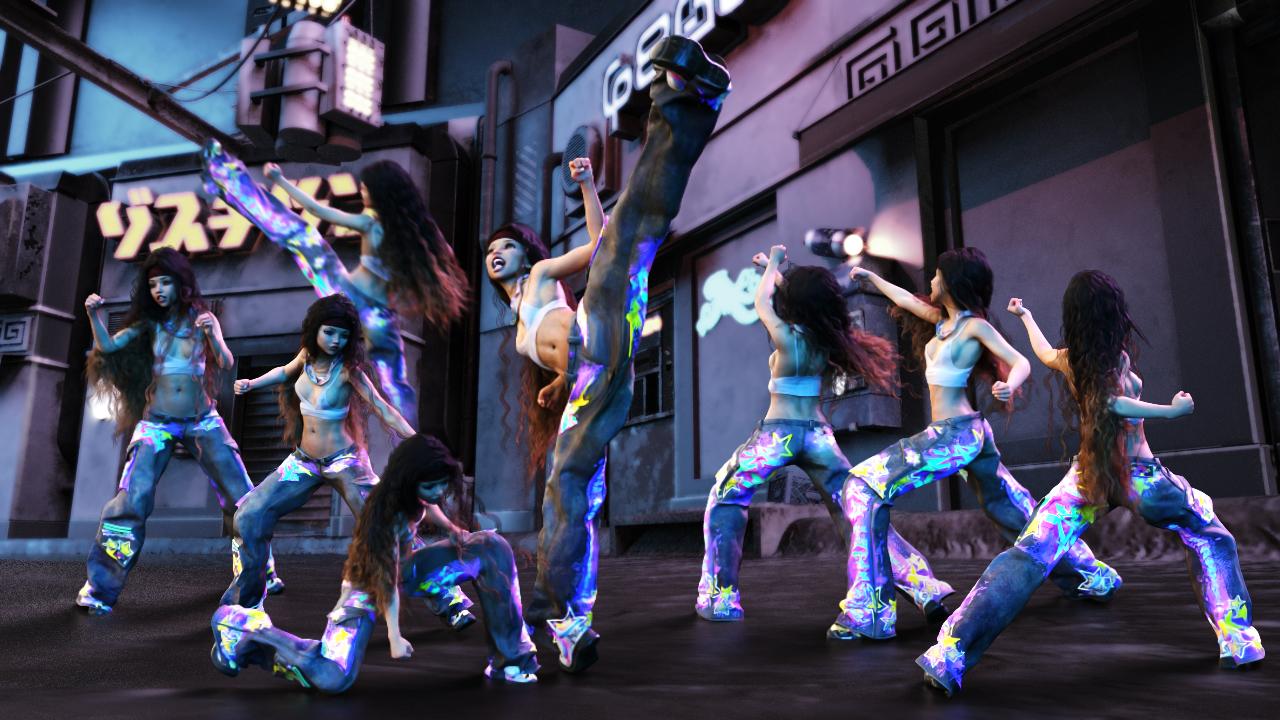
So that's the face.
In another example - I'll examine my imagination for how the character needs to move within the scene. I'm imagining the leg movement and scene translation in X, Y and Z from the hip down. This is the driving force of where the character will be, and how energetic the overall motion will be.
Now what are the characters doing? The upper torso and perhaps even the head. Most of the time I let the torso and arm actions drive the neck and head - and then key frame in changes as I need them. This usually helps to keep the head and neck aligned with the counter motions needed to match the rest of the body - but not always.
Sometimes I want the arms and hands to do something very specific so I completely ignore what they're doing as I shop my library for the right motions - because I'll be removing all of their keys and key framing their movements by hand. Other times I might load in or create an object and animate that within the scene and use LimbStick to drive the hands, forearms and shoulders. It doesn't animate the collars, leaving them free for hand key framing as well - which can be done to remove the "Stuck-to" appearance after a session with LimbStick. Then I use control dials to further animate what the hands and fingers are doing.
In this way, I'm truly directing my actors willfully, yet; actors being actors, they always give their own personal touch to our vision and surprise us in the end with a wonderful performance - or one that ends up in the waste can. Never get bummed out about failed animations. These are the best thing to happen to us - so we can lock in what we don't like about it and get better at finding results that we really like.
So... yeah. transferring piles and piles of animations from one target figure to another is not just relaxing - it's inspirational and enormously beneficial!
Hot New (Northern) Season, New Sales Thread: Report Issues Here "Reporting Only"Can't upload images to the forum anymore. Tried two systems (Windows & Apple) and two browsers (Firefox & Edge). Just this morning I was still able to do it, now it's forever stuck at "uploading." Anybody else?
Hot New (Northern) Season, New Sales Thread: Report Issues Here "Reporting Only"paulawp (marahzen) said:
Charlie Judge said:
barbult said:
Store and forum are having problems for me.
The store sale banner pages just seem to open the store page, no description page for the sale that is in the URL.
I can't upload images to the forum; it stays in 'Uploadin" forever. This happened months ago and now it is happening again.Same for me. Earlier in the day the Catchup sale banner opened the sale page but now it just goes to the main store page.
March Madness 2024 | Daz 3D page seems to not be there. I still have it open from last night, but if I open a new tab and try to go there, it just bounces to the main page.
All the other pages in the carousel open fine, so it seems like they've somehow removed that page?
Hot New (Northern) Season, New Sales Thread: Report Issues Here "Reporting Only"Charlie Judge said:
barbult said:
Store and forum are having problems for me.
The store sale banner pages just seem to open the store page, no description page for the sale that is in the URL.
I can't upload images to the forum; it stays in 'Uploadin" forever. This happened months ago and now it is happening again.Same for me. Earlier in the day the Catchup sale banner opened the sale page but now it just goes to the main store page.
March Madness 2024 | Daz 3D page seems to not be there. I still have it open from last night, but if I open a new tab and try to go there, it just bounces to the main page.
Hot New (Northern) Season, New Sales Thread: Report Issues Here "Reporting Only"barbult said:
Store and forum are having problems for me.
The store sale banner pages just seem to open the store page, no description page for the sale that is in the URL.
I can't upload images to the forum; it stays in 'Uploadin" forever. This happened months ago and now it is happening again.Same for me. Earlier in the day the Catchup sale banner opened the sale page but now it just goes to the main store page.
Hot New (Northern) Season, New Sales Thread: Report Issues Here "Reporting Only"Store and forum are having problems for me.
The store sale banner pages just seem to open the store page, no description page for the sale that is in the URL.
I can't upload images to the forum; it stays in 'Uploadin" forever. This happened months ago and now it is happening again.Seriously, a warning about zero vs restore?(a rant)This has been amply dicussed in the daz SDtudio release threads at the top of this forum.
Daz 3D is part of

Connect
DAZ Productions, Inc.
7533 S Center View Ct #4664
West Jordan, UT 84084Licensing Agreement | Terms of Service | Privacy Policy | EULA
© 2026 Daz Productions Inc. All Rights Reserved.