-
Can this M4 outfit be converted to G8M?
Cheetahka said:
NorthOf45 said:
You will first have to back up a step and get Ad Gladio, either for M4 or Genesis, as Ludus Sword Brotherhood is only a set of textures (albeit very nice textures) that can be used on either set.
I do have the Ad gladio for M4 Would it be a better quality transfer if I got the Ad Gladio for Genesis or does it not really matter?
I don't know of any commercial product that has Genesis clones for Geneis 8, so you would need to use the converter, or go through several steps over Genesis generations to get to Genesis 8. If you have the M4 clones, you can do it in one step.
All items are fairly close fitting, so Autofit actually does a good job if you have the Sickleyield's V4 and M4 Clones for Genesis 8. Alternatively, there is Riversoft/Sickleyield's RSSY Clothing Converter from Michael 4 to Genesis 8 Male (haven't tried that yet, too-oo many...)
Actually I bought these a while back and forgot I had them lol. Must have gotten them on sales a while back. I'm always looking for products that add more value and give life to older content as Genesis evolves.
Give it a whirl and see if it is to your liking. Your results may vary.
You will have more trouble converting the textures to Iray, though. The original uses omHumanSurface, and does not convert well on the fly. Converting to Iray (ctrl-click to apply Iray Uber and ignore textures) will change the shader, but many normals are inverted. That is quickly remedied with the Geometry Editor (in short, select polygons, Geometry Editing -> Flip Normal of Selected Polygons), but it is not always obvious which ones need it.
This is where you lost me It's a bit above my understanding. Control+ (left?) click what? I'm assuming I ray uber will be a menu choice? Geometry editor? what/where can I read up some on this process because I just don't understand what flip normal of selected poly...etc is all about. Your applying "Iray" to the texture?
To apply a shader, you just need to apply it (Enter, or double-click) to each surface (you must select them, or the whole item, in the Surfaces tab). Adding the CTRL key brings up the Load Options dialog when applying a shader (or just about any operation, the options vary). For shaders, the default action is to put new bitmaps in place, which could wipe out the textures you want to keep. So, use Selected Surfaces, and Ignore Images to keep the bitmaps. Studio will do its best to transfer the surface parameters to the Iray channels. There are also products (free and paid) to help with converting to Iray. Again, your results may vary.
Flipped normals, in this case, has nothing to do with the new company selling tutorials, it has to do with surface normals (the direction perpendicular to a surface, per polygon). For any given surface, you have two choices, which are in opposite directions. Not sure exactly how it is used by the various shaders, but for some of these surfaces, you see the opposite side using the Iray shader. With the Geometry Editor, you can select entire surfaces (for the selected item in the scene) from the list in Tool Settings and do all sorts of opertations, one of which is "Flip Normals of Selected Polygons" (right-click, under Geometry Editing). For some reason, the default direction ends up being upside down, so "flip it".
Here is a sample I made using M4 Clones and Autofit. Converted to Iray and a lot of flipped normals, metallicity, glossy roughness, and a lot of other adjustments. Lots of work there...
Flipped normals is that new company that has been showing up in sales lately with all the tutorial books? I'm assuming they have shader materials? Is that what your talking about?
No, that is just a coincidence. The base Iray shader is in Shader Presets -> Iray -> DAZ Uber (it's the first one !Iray Uber Base.duf).
Can this M4 outfit be converted to G8M?NorthOf45 said:
You will first have to back up a step and get Ad Gladio, either for M4 or Genesis, as Ludus Sword Brotherhood is only a set of textures (albeit very nice textures) that can be used on either set.
I do have the Ad gladio for M4 Would it be a better quality transfer if I got the Ad Gladio for Genesis or does it not really matter?
All items are fairly close fitting, so Autofit actually does a good job if you have the Sickleyield's V4 and M4 Clones for Genesis 8. Alternatively, there is Riversoft/Sickleyield's RSSY Clothing Converter from Michael 4 to Genesis 8 Male (haven't tried that yet, too-oo many...)
Actually I bought these a while back and forgot I had them lol. Must have gotten them on sales a while back. I'm always looking for products that add more value and give life to older content as Genesis evolves.
You will have more trouble converting the textures to Iray, though. The original uses omHumanSurface, and does not convert well on the fly. Converting to Iray (ctrl-click to apply Iray Uber and ignore textures) will change the shader, but many normals are inverted. That is quickly remedied with the Geometry Editor (in short, select polygons, Geometry Editing -> Flip Normal of Selected Polygons), but it is not always obvious which ones need it.
This is where you lost me It's a bit above my understanding. Control+ (left?) click what? I'm assuming I ray uber will be a menu choice? Geometry editor? what/where can I read up some on this process because I just don't understand what flip normal of selected poly...etc is all about. Your applying "Iray" to the texture?
Here is a sample I made using M4 Clones and Autofit. Converted to Iray and a lot of flipped normals, metallicity, glossy roughness, and a lot of other adjustments. Lots of work there...
Flipped normals is that new company that has been showing up in sales lately with all the tutorial books? I'm assuming they have shader materials? Is that what your talking about?
How to recreate the Victoria 8.1 from ZBrushCentral?thedonutbee said:
I see, but could a similar result also be achieved in daz studio?
https://www.daz3d.com/victoria-8-1
Daz Studio is not a modeler. To model you need a program such as Zbrush, a bunch of brushes, etc. for sculpting with, a significant amount of rigging knowledge as well as how to make figure morphs and join all those correctly too. Much more time efficient to simply purchase the model available ;-)
Also the HD morphs part cannot be done by anybody outside of the company and/or the PAs.
How to recreate the Victoria 8.1 from ZBrushCentral?Hello, firstly I'd want to compliment the creator of Victoria 8.1, She's amazingly good at what she's doing.
My Question is, how to recreate the original one that she created? https://www.zbrushcentral.com/t/victoria/395727
I noticed a few difference on the model when I use it, the brows are much thicker and less realistic (totally different from the one she made)
And also the eye lashes look much worse
Can this M4 outfit be converted to G8M?You will first have to back up a step and get Ad Gladio, either for M4 or Genesis, as Ludus Sword Brotherhood is only a set of textures (albeit very nice textures) that can be used on either set.
All items are fairly close fitting, so Autofit actually does a good job if you have the Sickleyield's V4 and M4 Clones for Genesis 8. Alternatively, there is Riversoft/Sickleyield's RSSY Clothing Converter from Michael 4 to Genesis 8 Male (haven't tried that yet, too-oo many...)
You will have more trouble converting the textures to Iray, though. The original uses omHumanSurface, and does not convert well on the fly. Converting to Iray (ctrl-click to apply Iray Uber and ignore textures) will change the shader, but many normals are inverted. That is quickly remedied with the Geometry Editor (in short, select polygons, Geometry Editing -> Flip Normal of Selected Polygons), but it is not always obvious which ones need it.
Here is a sample I made using M4 Clones and Autofit. Converted to Iray and a lot of flipped normals, metallicity, glossy roughness, and a lot of other adjustments. Lots of work there...
How to recreate the Victoria 8.1 from ZBrushCentral?Hello, firstly I'd want to compliment the creator of Victoria 8.1, She's amazingly good at what she's doing.
My Question is, how to recreate the original one that she created? https://www.zbrushcentral.com/t/victoria/395727
I noticed a few difference on the model when I use it, the brows are much thicker and less realistic (totally different from the one she made)
And also the eye lashes look much worse on the one in daz 3d??
How can I recreate that one that she made?
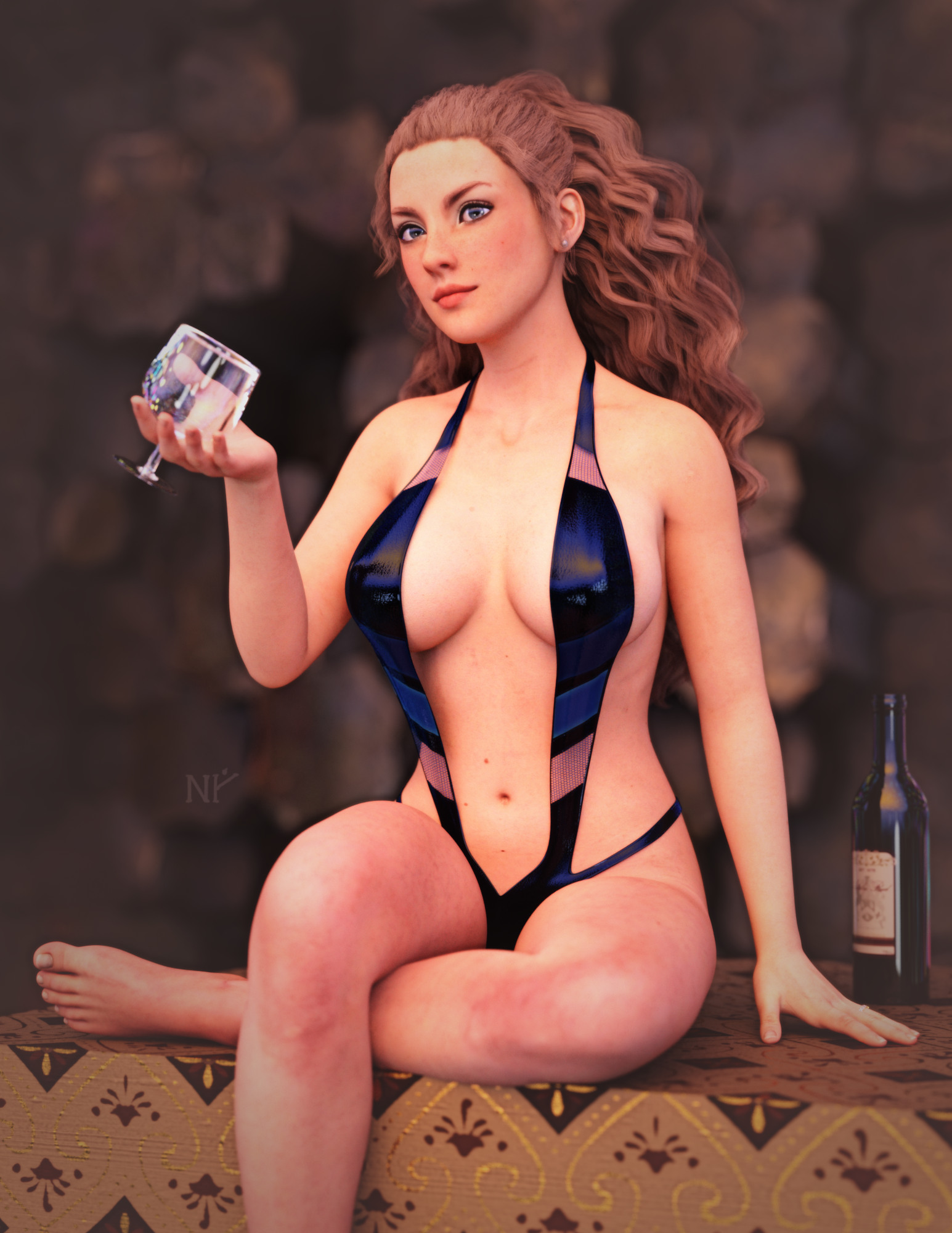
Show Us Your Iray Renders. Part VIIIWorking through a creative block... with swimsuits.
This is Genesis 3 (skin is Maddelirium's Lacie at Renderosity). I converted the textures to the new PBR skin shader using custom SSS maps, Detail maps and overall PBR settings from Victoria 8.1. I reduced the Detail weights to remove some of the scaly skin look... the microdetails were too much for my tastes.
 Searching for pants with heavy stiches on side
How did you convert it?
Maybe try something like this https://www.daz3d.com/rssy-clothing-converter-from-victoria-4-to-genesis-8-female
What the hell is Gordig doing now?DNVWASWBIS (or: Drawing Naked Victoria With a Sword While Bored in School)
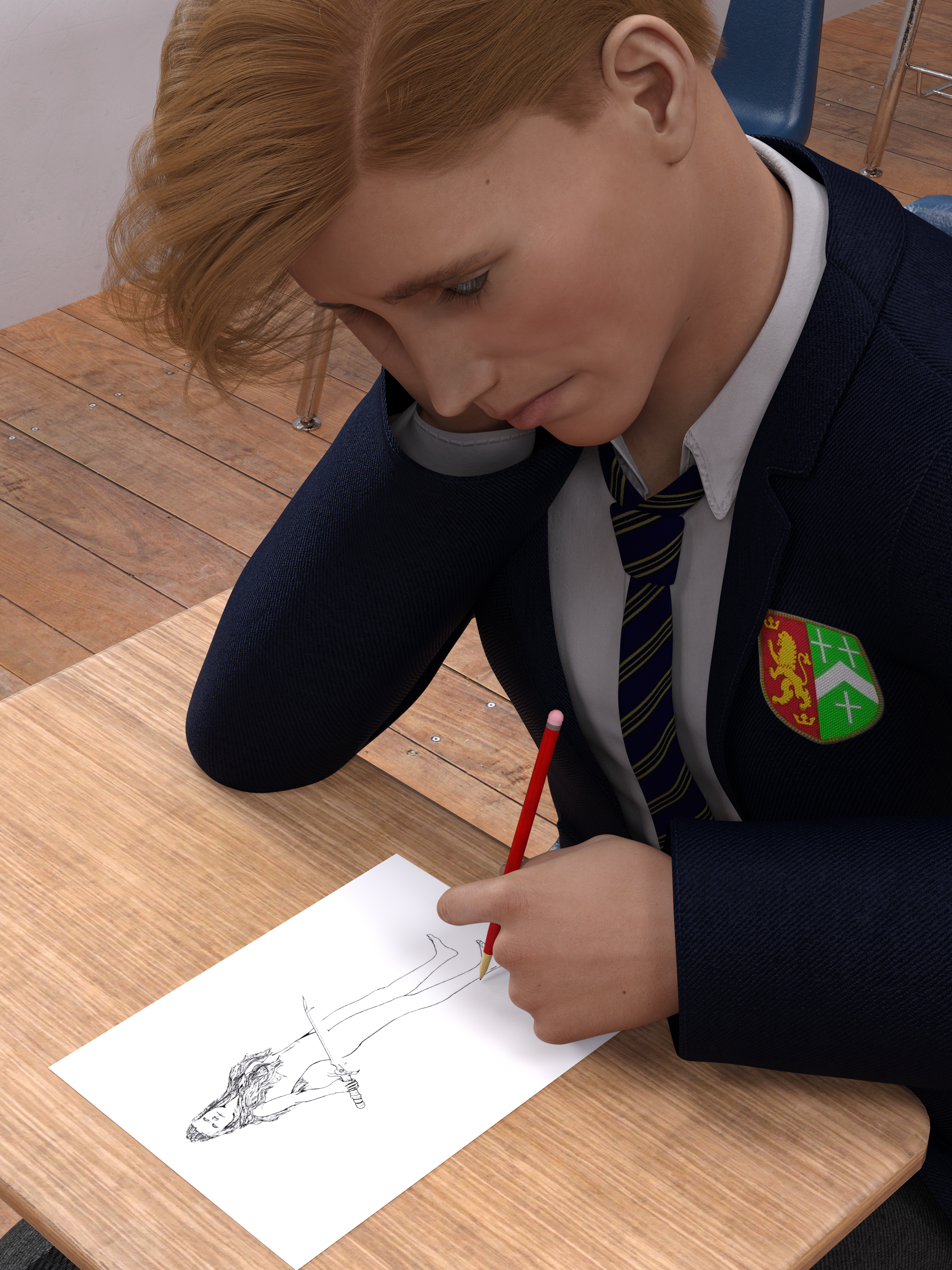
For Llola Lane's monthly challenge thread. July's theme was "paper", and I had this idea and started working on it before June was even over, but then I fell into a deep, dark pit of depression and did virtually nothing all July, so I rushed this out last night.
The We Will Miss You, Chohole Complaint Thread
I haven't gotten it yet but maybe soon. I bet Victoria 8.1 would look lovely in that SUV.LeatherGryphon said:Sfariah said:
I found a cheap SUV. https://www.daz3d.com/land-adventurer-suv
Nice vehicle. Perfect for putting oversized sand tires on and spraying rocks at other cars. And it is cheap. However, it's not completely functional for human travel.
 Celebrity Look-a-Likes for 3D figures part 3
In my first iterations I actually used "Eichorn art's" Palmira HD for g3f/g8f, since she really looks like a younger her. https://www.daz3d.com/palmira-for-genesis-3-and-8-female But for this newer one I used Facegen for textures and its base morph at 30%, then EJFM's facial morph sliders and genesis 8 female head hd morphs. For the body figure I used Victoria 8.1 with some genesis 8 hd body morphs.magikhs said:Render-Farmer said:
Kinda fiddled with this Barbara Palvin look-a-like for months. Higher res picture is avaible on my DA https://www.deviantart.com/render-farmer/art/Character-study-PBR-detail-textures-886951780
Nice work! ;)
To me, Sky HD by Mousso, makes the best template for a Barbara Palvin. Gorgeous model, too!
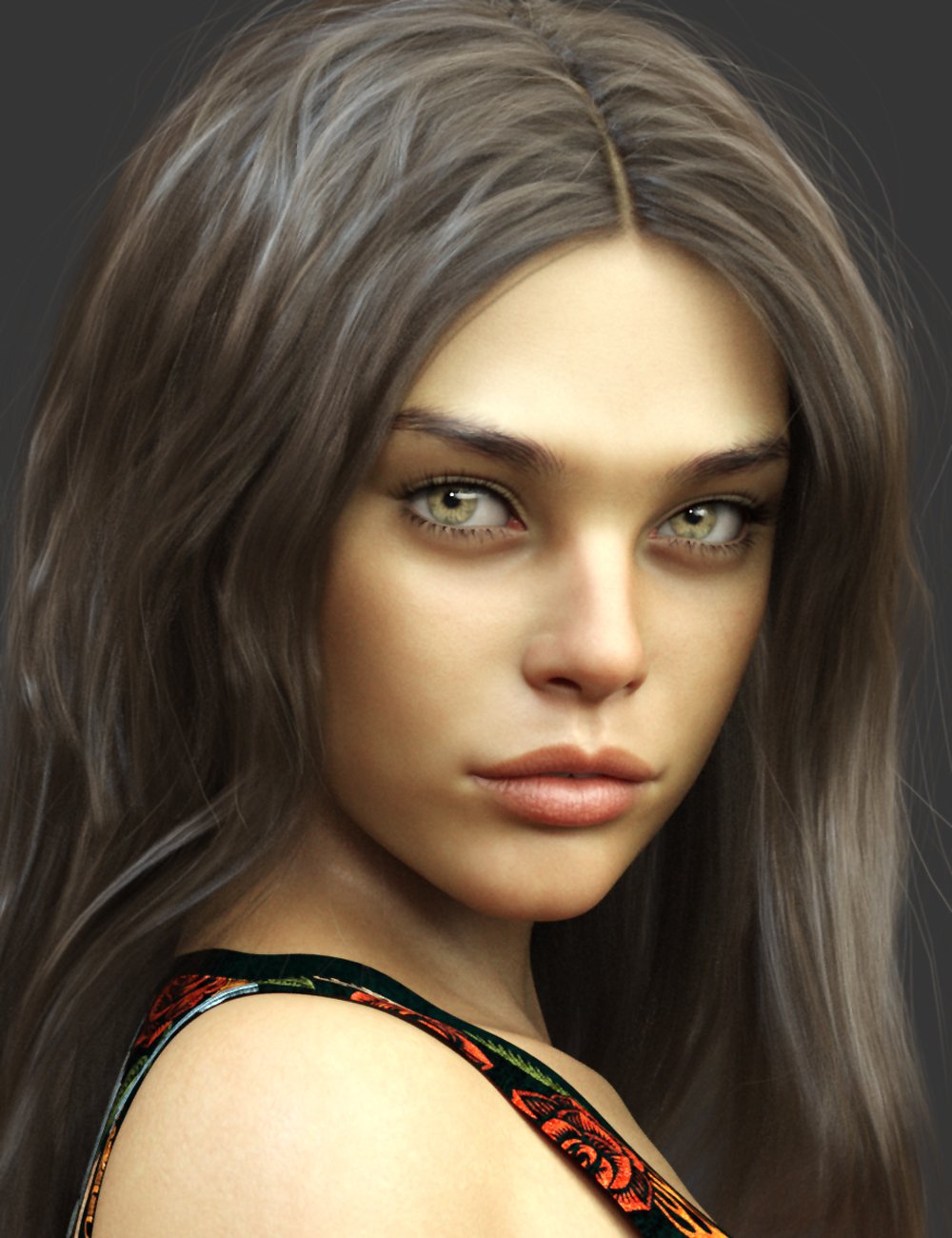
Victoria 4 outfit may fit to Genesis 8 Girl? (The Sentry)Hey :)
I want to but the outfit The Sentry and I want to ask if its may fit to genesis 8 toThanks! :)
Llola Lane’s RENDER A MONTH Challenge 2021 (CLOSED)Had the idea for this before June was even over, and started on it, then fell into a deep, dark hole of depression and did basically nothing all month, so here's my hasty contribution:
DNVWASWBIS (Drawing naked Victoria with a sword while bored in school)
2021 Sales thread cont: Report Issues Here "There's Always Another Sale™"
Thanks!Richard Haseltine said:Richard Haseltine said:
doubledeviant said:
The HD add-ons for Sydney 8 and Mr Woo 8 are absent from today's sale on HD add-ons. Is that a mistake? It seems odd to exclude them specifically from a lineup that seems otherwise comprehensive from Victoria 8 through Juan Carlos 8.
Asked about this.
These have been added now (actually a couple of hours ago, but I was away).
2021 Sales thread cont: Report Issues Here "There's Always Another Sale™"Richard Haseltine said:
doubledeviant said:
The HD add-ons for Sydney 8 and Mr Woo 8 are absent from today's sale on HD add-ons. Is that a mistake? It seems odd to exclude them specifically from a lineup that seems otherwise comprehensive from Victoria 8 through Juan Carlos 8.
Asked about this.
These have been added now (actually a couple of hours ago, but I was away).
2021 Sales thread cont: Report Issues Here "There's Always Another Sale™"doubledeviant said:
The HD add-ons for Sydney 8 and Mr Woo 8 are absent from today's sale on HD add-ons. Is that a mistake? It seems odd to exclude them specifically from a lineup that seems otherwise comprehensive from Victoria 8 through Juan Carlos 8.
Asked about this.
2021 Sales thread cont: Report Issues Here "There's Always Another Sale™"The HD add-ons for Sydney 8 and Mr Woo 8 are absent from today's sale on HD add-ons. Is that a mistake? It seems odd to exclude them specifically from a lineup that seems otherwise comprehensive from Victoria 8 through Juan Carlos 8.How to recreate the look of older Gen2 promos with iRay (lights)?First of all thank you guys for all the input. Could you maybe provide some more details in terms of exact seetings for i.e. sun-sky and such.
@ioonrxoon
Regarding your question on Bend Morphs for G2F:Unfortunately Zev0 started his Bend Control products with G3F so there seems to be no G2F version.
I own a product called "Beautiful Bends for G2F" purchased here which unfortunately seems to be no longer available. The PA (wowie) seems to no longer sell here.
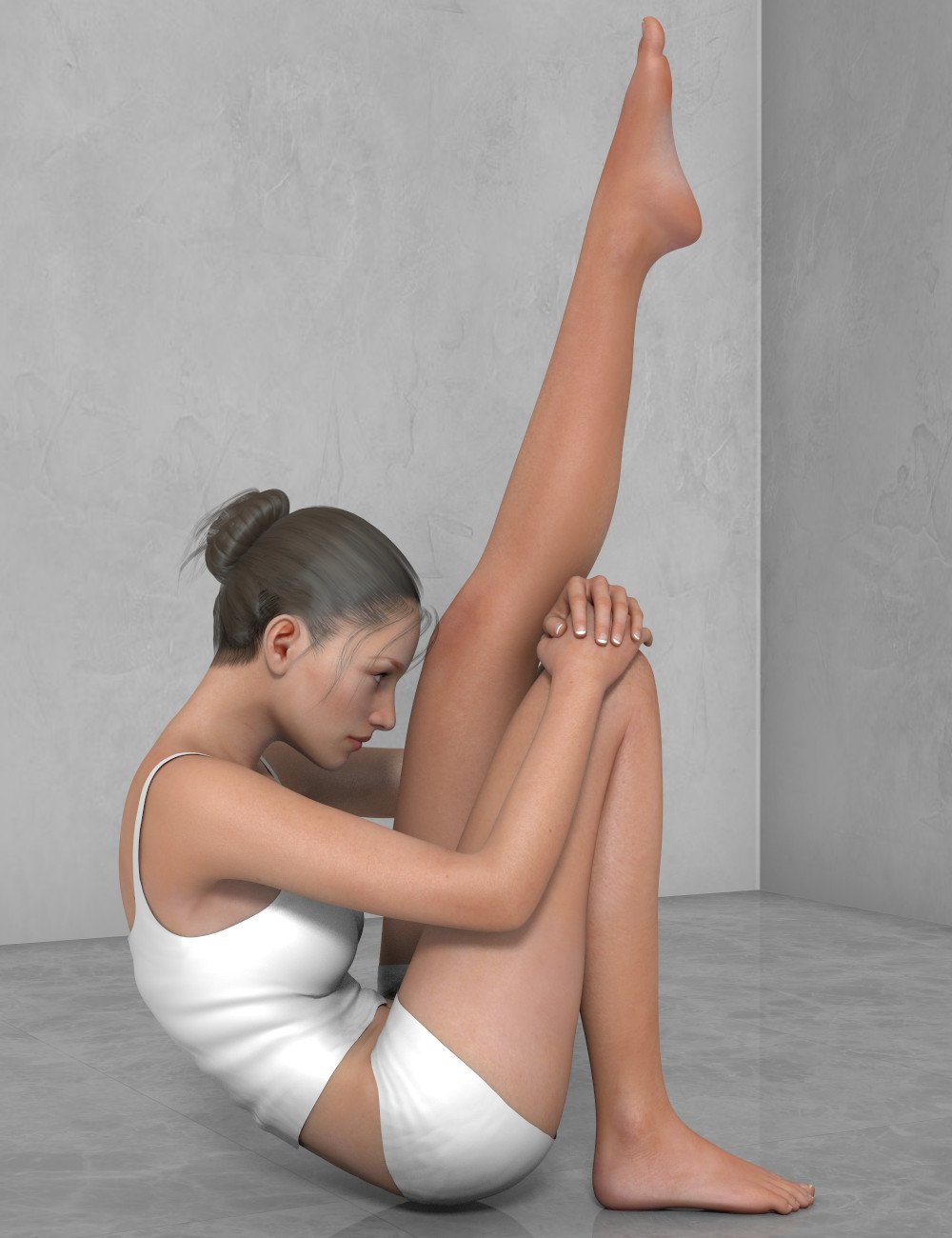
There is also one product called Ultimate Natural for Victoria 6 Body which might help. That one is still available:
https://www.daz3d.com/ultimate-natural-for-victoria-6-body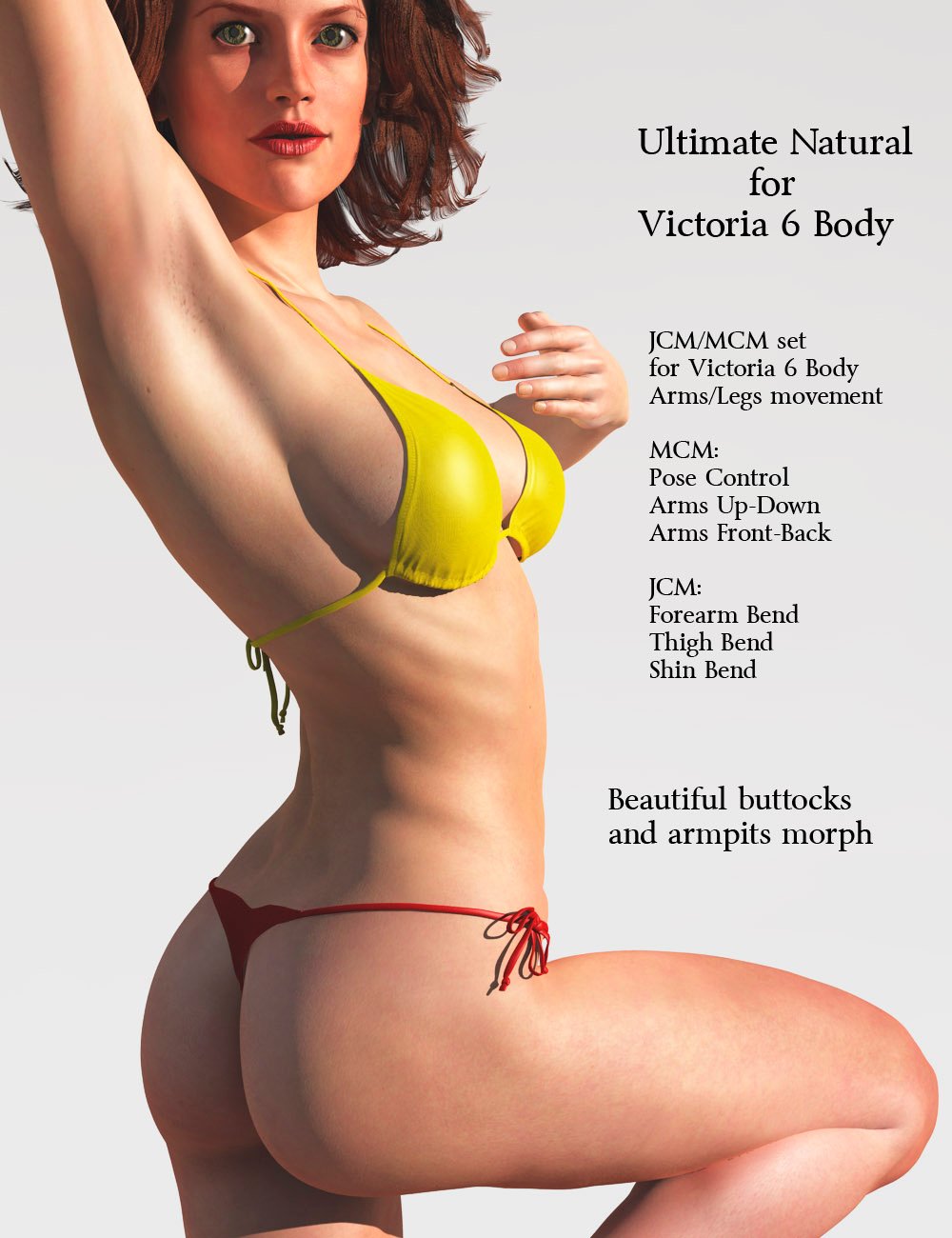 Victoria 4 Hair
Can hair for Victoria 4 be auto conformed to Genesis 3 and 8 Figures in DAZ Studio? I have quite a lot in my Poser runtime! DAZ Studio seems to recognize Poser formats. Cheers
More Non-photorealisitic Renders (NPR II)Hello, Everyone:
I have been a DAZ user since approximately June 2015. However, this is probably only my second time perhaps that I’ve ever posted to the forums, and I don’t believe I’ve ever posted to the gallery – so hopefully my attachments will upload properly.
I just happened to stumble upon this thread and was moved to post today because 1) of all your inspiringly well-executed NPR images that I see being posted, as well as 2) everyone’s gracious generosity in sharing their personal workflows and post processing recipes.
Re: Consistency
With respect to NPRs, my kryptonite is comic book style images – especially in the styles of the late Bronze / early Modern comic book ages, which were the styles I grew up reading – and I have been trying to mimic those styles with Daz Studio/Gimp for years now.
I’m getting closer at achieving the exact look I’m aiming for (except that my personal style is to intentionally have a lot more detail than the comic panels of those ages), and the attached images (which is the same image except both with and without dialogue) is where I currently am at to date in trying to achieve that look.
I guess I should mention that I created the attached pages for the sole purpose of trying to nail down my workflow and techniques, and that although the images look like they might be part of a longer WIP (i.e., a full comic book or graphic novel) . . . they are not. I merely wanted to see if my workflow has gotten to the point where I can achieve my exact style consistently across multiple panels.
As I believe I've achieved that goal and am now able to work consistently across multiple panels, my next goal is to try achieve consistency across multiple pages using renders that have different lighting moods and setups.
I’m mostly satisfied with the end results so far, but I believe I am only about 95% of the way there – there are still some minor issues I have to address, e.g., the glaring desecration of the lady’s face in the very last panel (and to a much lesser extent the minor desecration done to her face in the very first panel as well).
Moreover, there is much to the process and workflow that I still have to fix. Although I feel I am able to achieve my desired look consistenly, nonetheless my processes don’t feel streamlined whatsoever, and I am working extremely repetitively – which is annoying.
Once I’ve nailed down these problems and am able to achieve my look, I’ll try to write-up a tutorial if anyone would be interested.
But for now, I feel I can move on to begin actually writing my comic, as well as to now try to conquer second stylistic kryptonite – a more painterly style for single renders as standalone art.
The attached images were rendered in photorealistic Iray (scene only), and the finished single comic book page took about 5½ hours to create (rendering, post processing, compositing, and dialogue). I know NPR renders are supposed to be better using 3DL, but my experimentation yielded much better success in Iray (it's easier to remove extra detail than to add it), and so I think my render times took longer than they would have had I used 3DL instead – but I can’t say that for sure.
The individual renders contained distant lights, and various point lights and spotlights.
And, lastly, the models I used were Medieval Docks, iREAL Animated Ocean Water System (Quiet Cove preset), Daz Dragon 3, Daz Horse 2, Victoria 8, Michael 8, The Western Knight Series 01 for G8M, Tebrys Outfit for G8F, Guardian Horse Armor for Daz Horse 2, and Gayll dForce Hair for G8F.
Since I’ve gone this far, I’ll also post these same images to my Daz gallery – I would appreciate any comments and feedback you all could please provide. Even though this would be my first posting ever of my images to any art site, if you do care to comment, please be brutally honest – I’ll take the bad along with the good as I would learn much more that way.
Thank you all for your inspiration and sharing your knowledge.
Daz 3D is part of

Connect
DAZ Productions, Inc.
7533 S Center View Ct #4664
West Jordan, UT 84084Licensing Agreement | Terms of Service | Privacy Policy | EULA
© 2026 Daz Productions Inc. All Rights Reserved.