-
P3/P4 and Zygote Appreciation Threads
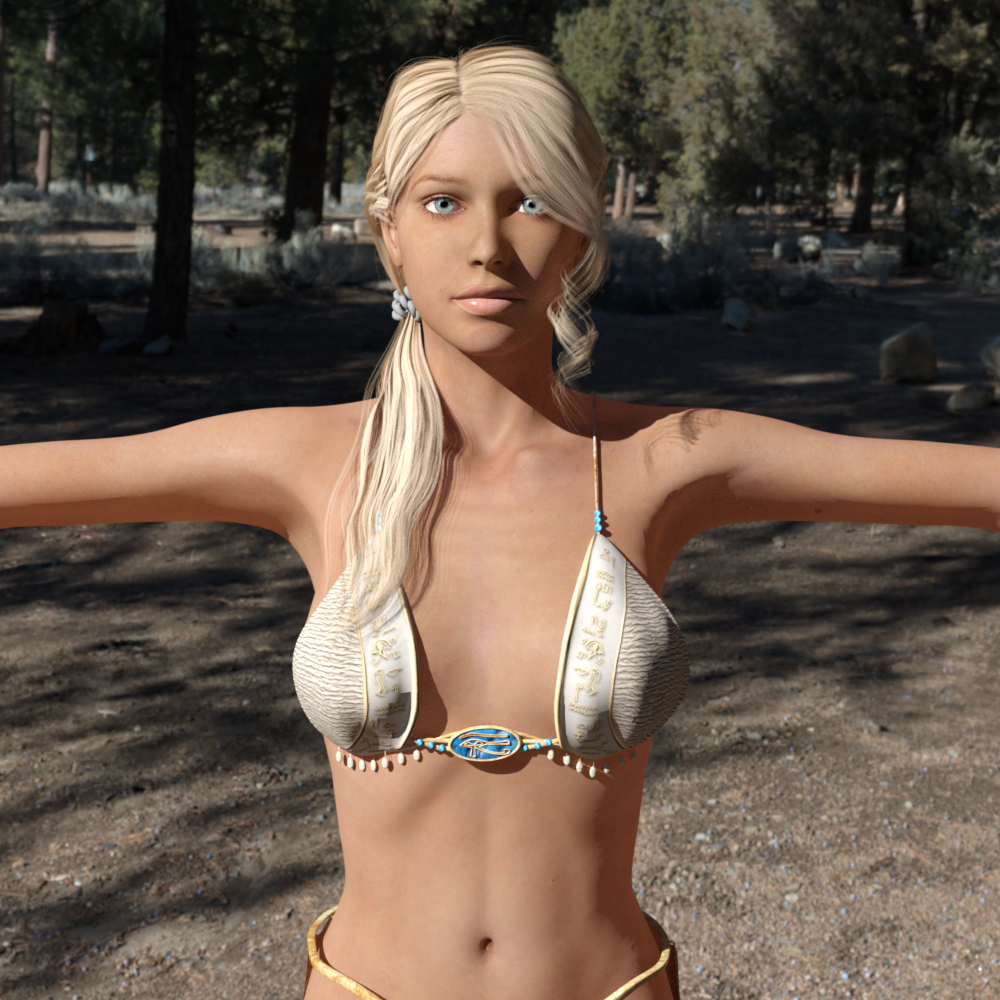
I decided to start a new thread for Older Figures that predates the Daz Millennium Figures, Posette, Dork, P4 Boy, P4 Girl, and P4 Infant, (Zygote's Nude Young Woman/NYW and Zygote's Nude Muscle Man if you have one).
Some Derivatives/Characters are Zygote Faerie, Mermaid, Merman, Centaur, Merbaby, Lemurtek's Furries (Like Wolfgang, Lionheart, and others) Zygote Demon and others are included.
Freebies for P4 Stuff:
https://poserdazfreebies.miraheze.org/wiki/P4_Woman
https://poserdazfreebies.miraheze.org/wiki/P4_Man
Posette Forever (need registration): https://www.posetteforever.com/dload.php
Similar Threads:
Genesis 2 Appreciation Thread:
https://www.daz3d.com/forums/discussion/734706/genesis-2-appreciation-thread/p1
Genesis 1 Appreciation Thread:
https://www.daz3d.com/forums/discussion/467826/genesis-the-early-years/p1
V2/3 and M2/3 and children Appreciation Thread
Aiko 3 and Hiro 3 Appreciation Thread:
https://www.daz3d.com/forums/discussion/8629/generation-3-aiko-and-hiro-appreciation-thread/p1
K-Gang Appreciation Thread: Koshini, Krystal, Ichiro, and Kyle (the Forum I created):
is this a DAZ model??Looks like a Poser render, so I'd guess it's a Genesis 2 or a Victoria 4 figure.
Freebie Challenge November 2025 - "The Winter Witch!" - Entries ThreadCasting an Icy Spell

Postwork: Light retouch on PS
Freebies:
G8F Character and morph: https://www.renderhub.com/vfoxgames/vfox-victoria-for-genesis-8-and-9-mothers-day-2025-gift
G8F Skin Material: https://www.patreon.com/posts/emma-frost-for-139200528
G8F Outfit & Hair: https://www.patreon.com/posts/emma-frost-for-139200528
Ghost Cloth: https://www.renderosity.com/freestuff/items/99287/ghostly-apparitions-halloween-props
Cauldron & Paddle: https://www.renderosity.com/freestuff/items/90667/cauldron-with-stirring-paddle-and-ladle
Paid:
Snow Terrain: https://www.daz3d.com/winterland
Snowy Trees: https://www.daz3d.com/rpc-volume-2-winterland-trees
Fire/Flame: https://www.daz3d.com/oso-vdb-magus-effects-volume-1
the odriginal lip sync functionLip sync does exist in 4.24.0.3, but only the 32 bit version.
The millenium characters(victoria 1-4, michael 1-4 etc) and genesis 1 have native support included in studio.
Genesis 2-8, have a starter essentials file that needs to be installed. The file ends with Mimic in the name, such as IM00021630-03_Genesis3StarterEssentialsMimic.zip, genesis 2 uses IM00016280-03_Genesis2DMC.zip.
Genesis 9 is not supported, afaik, as there's no Mimic file. I'd say it's because of the differences in rigging in G9, but someone with more knowledge can correct me if i'm wrong.
3d universe characters based on genesis 1-8 should work, but may require some tweaking to get the best results. Stand alone characters, are probably not supported, as i can't find the DMC file in any of my collection, and don't see any indication on the product pages i checked.
Could you help me figure out which character it is?I'm pretty sure that's just Victoria 7
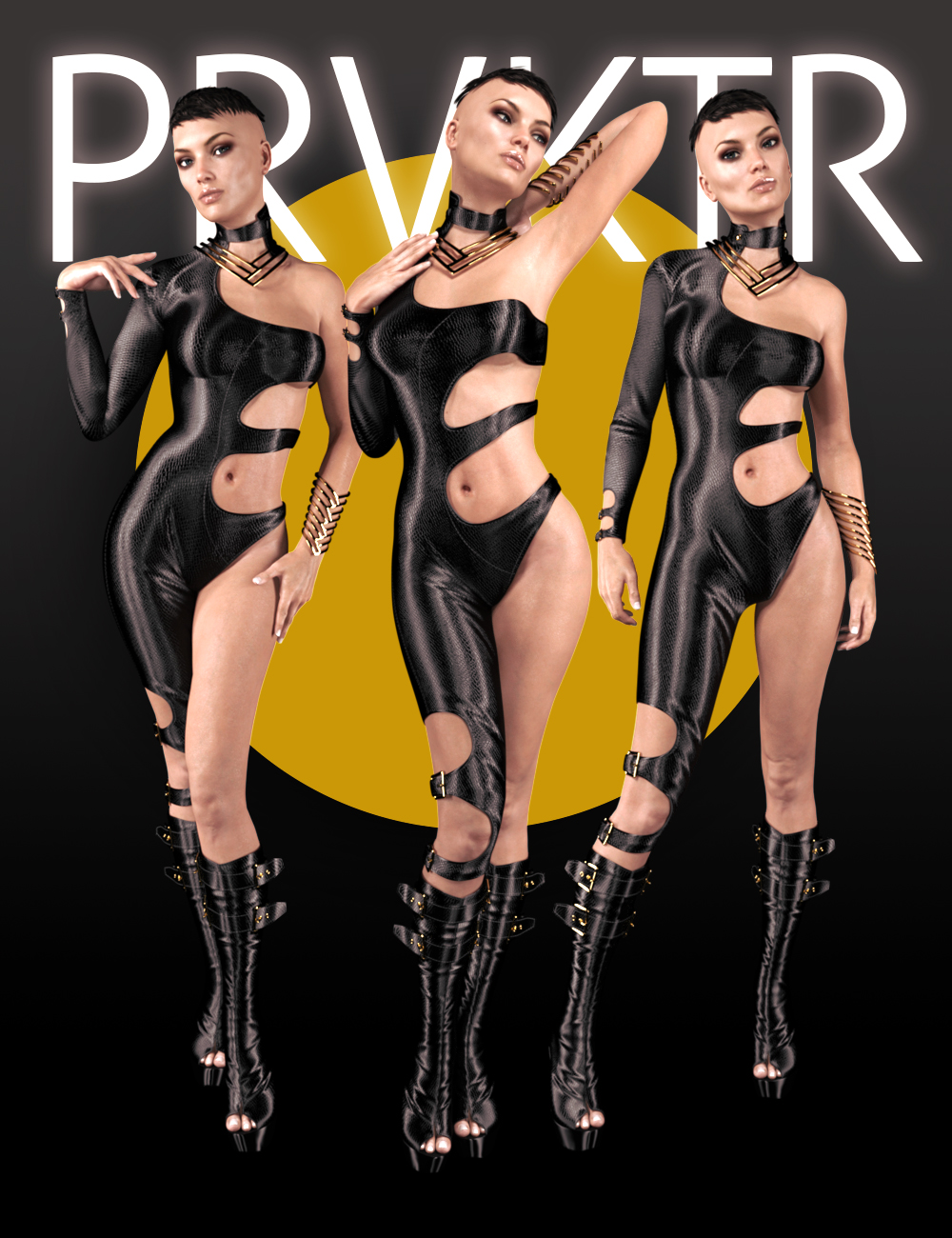
Could you help me figure out which character it is?I'm obsessed with this design, I tried to find it on my own but I wasn't successful, so I'm turning to you. Please, any suggestions would be greatly appreciated.
It's originally a pose pack for Victoria 7. Here's the product link; https://www.daz3d.com/prvktr-poses-for-victoria-7
 Skin Builder
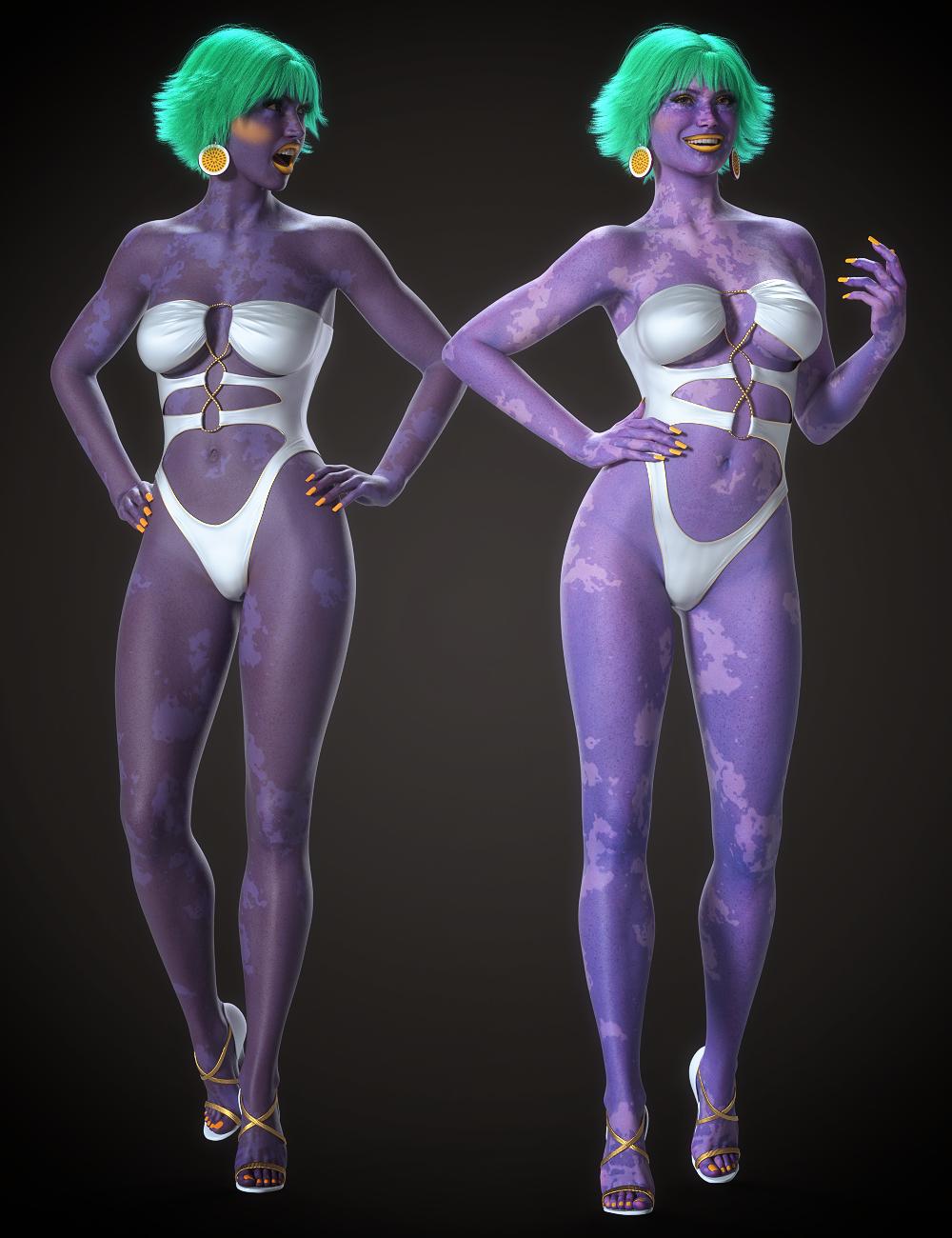
@jmucchiello reason I asked is I've just submitted a Genesis 8/9 product for testing that allows you to change skin color but still retain saturation and detail - if you add color to the base and translucency channels with the color picker, it tends to muddy the result and make skin darker than it should be. I've attached a promo which shows a comparison using Victoria 9's Vitiligo skin.
Obviously not as comprehensive as skin builder, but if you were looking for alien/fantasy skins for Genesis 9, my product could help once it's released. You can use it with any skin, so really versatile and will give you different results based on the skin chosen.
 How do "you" search the daz forums?
ok now I see the Victoria AI icon at the bottom if I choose to disable uBlock Origin extension. Thank you for the clarifications. Does not seem to be beneficial for my searches.
How do "you" search the daz forums?I use AdGuard ad blocker in Firefox but I still see the Victoria AI icon.
How do "you" search the daz forums?FrankTheTank said:
hjake said:
FrankTheTank said:
The Daz website built-in Victoria AI is surprisingly good for finding answers in the forums as well as finding products in the store. I use it all the time now. (I didn't even know it existed until I turned off my adblocker). Turn off ad-blocker and you'll see an icon for it in the lower right hand corner. And it's better than the moderators tbh, and that says a lot because Richard is a wealth of information. I even asked it your question and it gave me some items, then I asked for discussions on this topic and it gave me this:
I am not sure where Victoria AI is, but as seen by the attached images it is not the DAZ search icon. Typed in gore filter and got this search result.
as I stated above turn off ad-blocker (many browsers now have it on by default) and the icon for Victoria AI is in the lower right hand corner, click on that icon to bring it up (see pic)
Oops, didn't notice you posted a screen cap
How do "you" search the daz forums?hjake said:
FrankTheTank said:
The Daz website built-in Victoria AI is surprisingly good for finding answers in the forums as well as finding products in the store. I use it all the time now. (I didn't even know it existed until I turned off my adblocker). Turn off ad-blocker and you'll see an icon for it in the lower right hand corner. And it's better than the moderators tbh, and that says a lot because Richard is a wealth of information. I even asked it your question and it gave me some items, then I asked for discussions on this topic and it gave me this:
I am not sure where Victoria AI is, but as seen by the attached images it is not the DAZ search icon. Typed in gore filter and got this search result.
In the store, it is here in the bottom Rt hand corner
 How do "you" search the daz forums?
In general, Victoria AI is pretty good, IMO.
How do "you" search the daz forums?hjake said:
FrankTheTank said:
The Daz website built-in Victoria AI is surprisingly good for finding answers in the forums as well as finding products in the store. I use it all the time now. (I didn't even know it existed until I turned off my adblocker). Turn off ad-blocker and you'll see an icon for it in the lower right hand corner. And it's better than the moderators tbh, and that says a lot because Richard is a wealth of information. I even asked it your question and it gave me some items, then I asked for discussions on this topic and it gave me this:
I am not sure where Victoria AI is, but as seen by the attached images it is not the DAZ search icon. Typed in gore filter and got this search result.
as I stated above turn off ad-blocker (many browsers now have it on by default) and the icon for Victoria AI is in the lower right hand corner, click on that icon to bring it up (see pic)
How do "you" search the daz forums?FrankTheTank said:
The Daz website built-in Victoria AI is surprisingly good for finding answers in the forums as well as finding products in the store. I use it all the time now. (I didn't even know it existed until I turned off my adblocker). Turn off ad-blocker and you'll see an icon for it in the lower right hand corner. And it's better than the moderators tbh, and that says a lot because Richard is a wealth of information. I even asked it your question and it gave me some items, then I asked for discussions on this topic and it gave me this:
I am not sure where Victoria AI is, but as seen by the attached images it is not the DAZ search icon. Typed in gore filter and got this search result.
How do "you" search the daz forums?The Daz website built-in Victoria AI is surprisingly good for finding answers in the forums as well as finding products in the store. I use it all the time now. (I didn't even know it existed until I turned off my adblocker). Turn off ad-blocker and you'll see an icon for it in the lower right hand corner. And it's better than the moderators tbh, and that says a lot because Richard is a wealth of information. I even asked it your question and it gave me some items, then I asked for discussions on this topic and it gave me this:
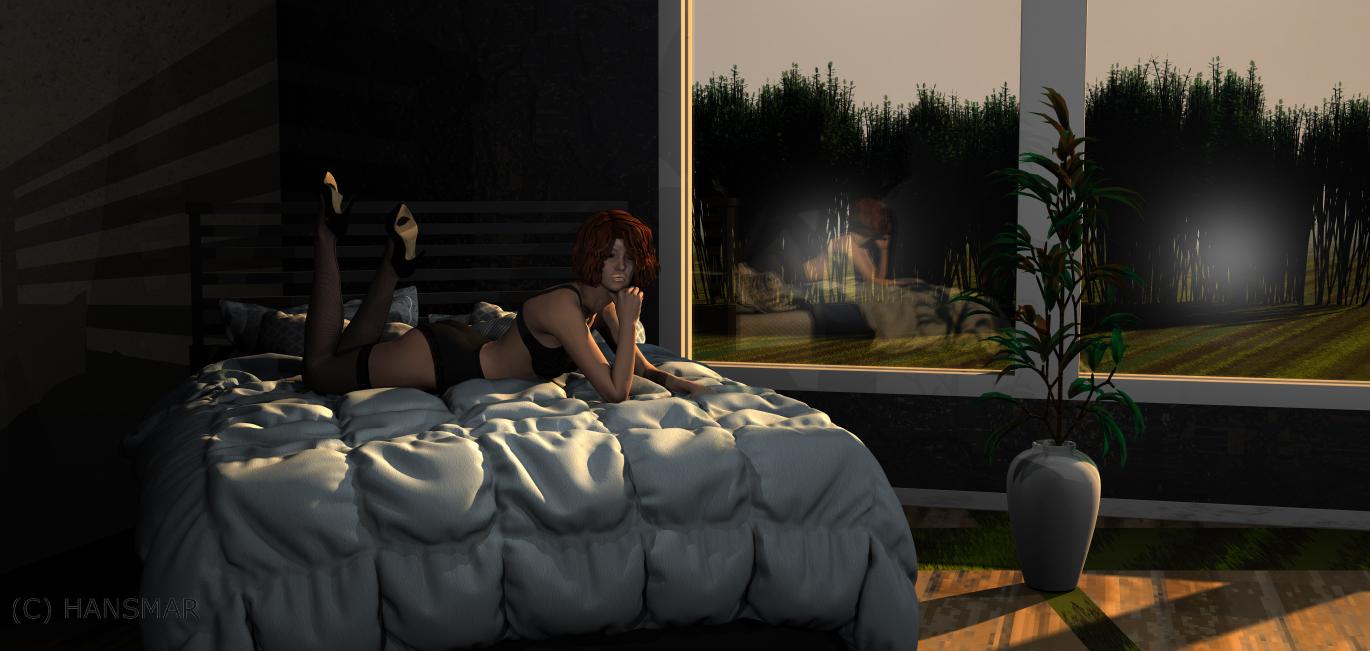
Show Us Your Bryce Renders Part 14I made an interior render, starting with a DAZ figure. It is Victoria 6 with Blake character, boudoir clothing set, Estal hair. She is on 'Cozy Bed'. I added a simple vase with a plant and put the scene in a room called 'Chambre d'amor' (of which I only used the room, not the props). I added a cubic fill light a sky by David and Horo and ecosystem trees by them as well. I modified the glass texture of the room and added missing walls with a simple stone texture. I was thinking about paintings by Hopper when creating this.
 Beautiful Brows 9 *Commercial*
Thanks!!
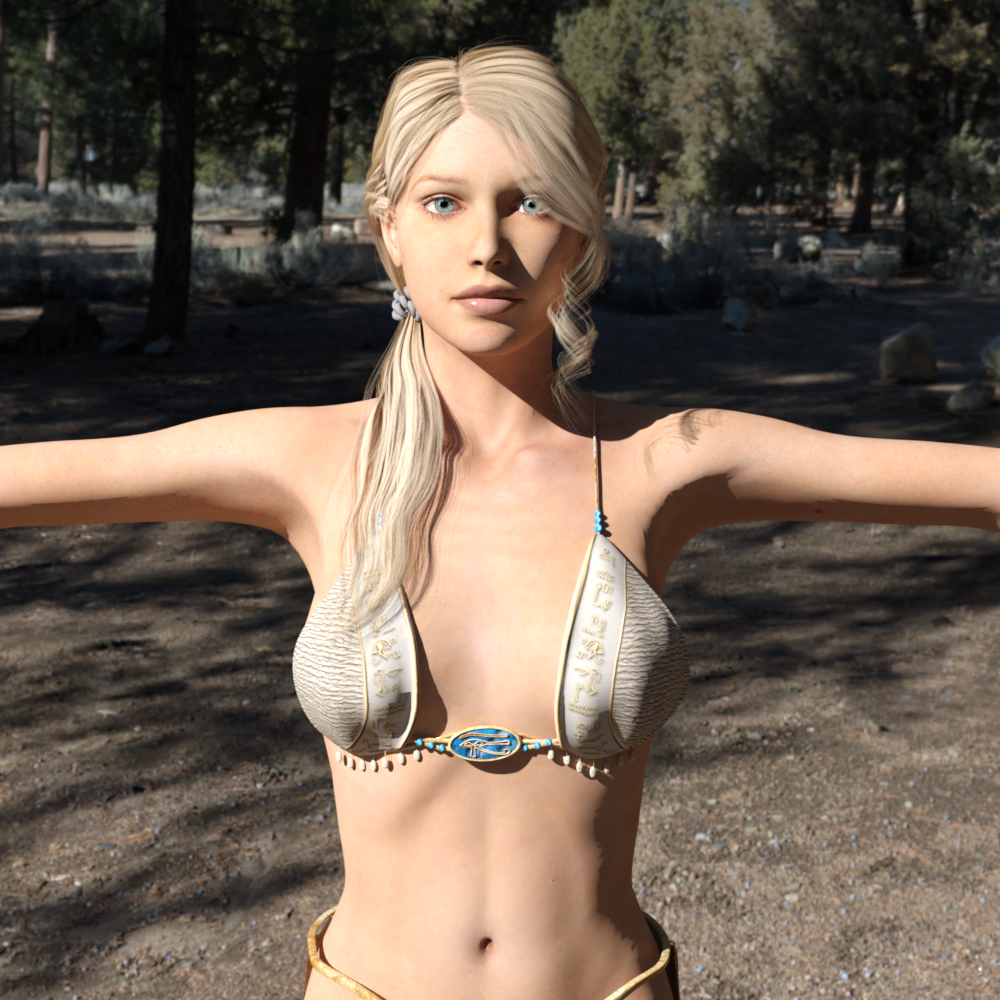
The colored portrait is - Cheyenne @ 45%, Olympia@ 65%, and Victoria @ 65%
The black and white portrait is - Victoria @ 65% and Van Helsing @ 65% ( my favorite combination )
The model is overexposed.This is what Victoria 4 looks like to me, but converted to Iray Uber, and Render Settings > Tone Mapping > Burn Highlights & Crush Black set to 0.25
This is with added 50% tranlucency in the skin materials (and copying the base color maps).
 The model is overexposed.
Hi, Recently, I've started using the daz studio again to create images that I use as references for my drawings. I haven't used it in a while so I'm a little rusty. I did some tests with the genesis 8 and everything was fine. I tried with the old Victoria 4.2 model (with the nvidia rendering) and the model is overexposed. There is an excess of light. I would need to use that model and not a newer one because I've various accessories, (clothes, weapons, various utensils and more), if I had to switch to another model I would have to buy many things again and now, for the use I make of them, I don't care. So I ask you how I can solve it? Thank you.
There's Always Another Sale Thread -- Discussions Only Pt 5
This October I bought very little overall. I bought some quick grab items as necessary to round out to $5 for tokens, the daz anniversary bundles, and some of the Dreamlight $1.99 sale items especially some of the HDRIs and stone Mason reimagination combination sets since I have most of Stone Mason's stuff now. Since I upgraded to premium annual membership instead of prememium monthly I had a bunch of tokens, and I either used tokens every time I got one of the aniversary bundles or a random discount coupon to make the aniversary bundles usually around $5-6 and at that price, I think they were worth it even if I really only wanted 3-4 items from the bundle.miladyderyni_173d399f47 said:Speaking of the free Premier bundles, those are down to 6 - as low as I've even seen it. Kayla, Carter, Ally, Pixie, Victoria, & Vicky (toon). I hope they add a few next week.
***
Unfortunately I can't buy as much as I want this weekend, but going to get at least a couple things off my wishlist. Hasn't been a great sale for me but that's okay. Not like I can render until later this month when I get replacement for my computer.
***
Tis the season I start adding DOs to WL, in hopes Santa Daz brings back the Holidaz daily Freebie or $3 choice. That way, I might get less random goodies.
Daz 3D is part of

Connect
DAZ Productions, Inc.
7533 S Center View Ct #4664
West Jordan, UT 84084Licensing Agreement | Terms of Service | Privacy Policy | EULA
© 2026 Daz Productions Inc. All Rights Reserved.