-
Model's target
yuyu.atem said:
Ok, I understand, thank you very much!
So, when a new model is created, specific sliders are created too? How do they create?
Reshape the mesh in a modelling/sculpting applciation without chnaging the resolution or adding/removing parts, then use edit>Figure to launch one of the Morph Loaders (usually Pro) and import the new OBJ, using the same preset as the original OBJ export so thats cale/axes line up correctly, as a new morph, Using GoZ avoids the Export/Import dialogues. PAs making content for the store can bring in morphs that work on higher resolution versions of the model, for HD morphs, but that isn't available to the rest of us.
Painting Daz surfaces with ZBrushIf you export an OBJ and import that into ZBrush, with the mats as groups option, it will already have the surface groups you see in DS (which is clumpier than the ZBrush auto-grouping, and so less fiddly to work with).
Can I import a model from Daz3D into MakeHuman?Hello,
I would like to know if it's possible to import a model from Daz3D into the MakeHuman software (http://www.makehumancommunity.org/). If it's possible, could you tell me how to do, please?
Thank you in advance!
Moves by Maxon Genesis 8.1 Connect Facial Capture not workingHello!
I was hoping I coud get some help on this. I'm importing a DAZ character with the DazToC4D Bridge and I then want to connect the facial mocap from the moves by maxon app to my existing character. I used to be able to do this just fine but now when I import a character with the face morphs, it doesn't have a Morph controller group to link it to.
I tried a bunch of different combinations which somehow managed to move the head but not anything else. There is a pose morph in Genesis8_1Female.Shape that is functional so I'm not sure where the link isn't being made.
Hopefully I'm just being silly and it's an easily fixable thing.
The first image is how it used to look with the morph controller that had to go into morph controller and the second one is how my hierarchy gets imported with no morph controller with the plugin showing as well.Having to download content twice?What you see is because DAZ Connect still has the information (metadata) that it has downloaded.
Did you uncheck "Show Login Page" and "Automatically Login With Remembered Credentials" in DS Preferences -> Startup?
Logging in within DS is the last thing you want to do ever - Don't do it unless you want to use DAZ Connect inside DS as the primary method of installing content, in which case using DIM is a waste of time and disk space.
Selling Carrrara for further development?Dartanbeck said:
...
Even in its aged state Carrara is really something special!
Yup, I still enjoy animating in Carrara, pretty much second nature by now. But I am getting into DS because fo the great products available and the great Iray renders. (Even when I can import a DS product into Carrara, the renders are not near as good). So far just DS background images for Carrara animations, but maybe DS has improved the animation tools? I've kind of lost touch with that topic ...
Having to download content twice?I finally fixed it by resetting the database, logging in and reimporting my metadata. 99% of my stuff has been recovered.
I'm still looking at what's happened to the rest, but here's one problem.

Although interestingly I can still load them into a scene.
OK, I spoke too soon. I still have those stragglers that are not available to me offline. It's only about a dozen items now, but still annoying!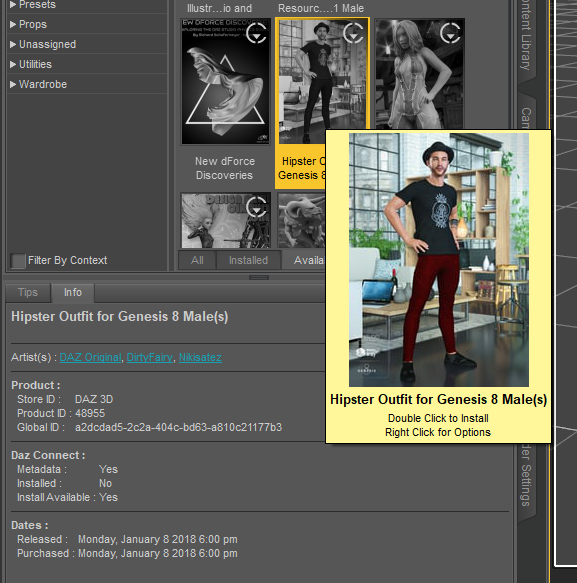 There's Always Another Sale Thread -- Discussions Only
ArtAngel said:
paulawp (marahzen) said:
Well, you get the triple tokens on anything. Unfortunately, there's just nothing across all of the banner ads that builds a worthwhile cart for me.
G2 & G3 DO 3 for 1.99 on now https://www.daz3d.com/ignite-your-creativity Or 30% extra off if add new item over $5.00. Can use coupon twice.
Catherine3678ab said:
Remember the joys of setting up a new computer ... having lost all the bookmarks!!! Does anybody have the link for that personalized 3 hour sale page? tia
If you still have your old PC you can still get your bookmarks to your new one. In case you can, here's how. On old PC. Launch browser. Go to Bookmark Manager, Click gear and choose Export Bookmarks. Save to an external drive so you can port to new PC. On new PC in Bookmark Manager select Import instead of export. Select the file you copied.
note: Backup & Restore can also work but I never use it because it replaces bookmarked favorites, whereas Import adds to any bookmarks you have. I often export and name file Exported-Bookmarks FF (xxxx-xx-xx) or Exported Bookmarks GC (xxxx-xx-xx) just in case I want something from the past. (useful for Wayback if needed).
Looks like .83 with 8 tokens and an item. I could actually use those Art Concrete Shaders which end up being $5.28 with the tokens.
There's Always Another Sale Thread -- Discussions Onlypaulawp (marahzen) said:
Well, you get the triple tokens on anything. Unfortunately, there's just nothing across all of the banner ads that builds a worthwhile cart for me.
G2 & G3 DO 3 for 1.99 on now https://www.daz3d.com/ignite-your-creativity Or 30% extra off if add new item over $5.00. Can use coupon twice.
Catherine3678ab said:
Remember the joys of setting up a new computer ... having lost all the bookmarks!!! Does anybody have the link for that personalized 3 hour sale page? tia
If you still have your old PC you can still get your bookmarks to your new one. In case you can, here's how. On old PC. Launch browser. Go to Bookmark Manager, Click gear and choose Export Bookmarks. Save to an external drive so you can port to new PC. On new PC in Bookmark Manager select Import instead of export. Select the file you copied.
note: Backup & Restore can also work but I never use it because it replaces bookmarked favorites, whereas Import adds to any bookmarks you have. I often export and name file Exported-Bookmarks FF (xxxx-xx-xx) or Exported Bookmarks GC (xxxx-xx-xx) just in case I want something from the past. (useful for Wayback if needed).
Does a Single UDIM for G9 Female exists on Daz?
In photoshop, just extend the canvas or create new file that is twice the size of texture in both width and height. Drag/drop the four body textures into photoshop. They should import into the project at their normal size. By default, if you are fully zoomed out, photoshop will not resize imported images. If they have been resized, change your import settings or make sure you are fully zoomed out on the canvas. Do not resize the textures. Position them so they snap into the four corners of the canvas. Turn snapping on if you need to. The toe and fingernails would need to be handled differentlyMetalSunde94 said:I was asking if it did exist on the daz store!
I've tried to convert a skin by overlapping it in PS,
didn't work so great.
CBS/ JCMs HelpThere's no problem with SY's tutorial as it's the typical fixing process of corrective morphs. But JD's video related to G2 on which there's no Base Joint Correctives mechanism (and no Property Hierarchy either if I remember correctly) so he had to create a JCM and ERC Freezed it manually. From G3 on, you don't fix morphs in that way.
- When we import the corrective morph, wouldn't it already saved somewhere replacing the old one(s)?
Yes, it will overwrite the auto triggered JCM dial and update the mesh (vertex positions) of your garment in Viewport but just in RAM. Then you must save the fixed morph assets (*.dsf files) in 'your product folder' with 'your vendor name'.- The first time I use ERC [delta add] (default) but then a problem...
A weight just determines how the mesh (vertex positions) are influenced. Actually it has nothing to do with the percentage of a corrective morph.- as for auto follow..
Auto Follow are checked on all default corrective morphs dials of the figure, and I mentioned we normally don't touch it because the pJCM / CBS will be automatically triggered on the garment and adopt the settings of relevant pJCM / CBS on the figure, i.e. the corrective morph will be 'delta added' by its Controllers - a Joint + necessary multiplied conditions.
But if you want a pJCM / CBS to have more complex formulas (like Keyed), i.e. to override the default settings, or create a series of corrective morphs of your own, you should deactivate Auto Follow and set 'your rules' there in Property Hierarchy other than modifying the existing default 'rules'. That is the key difference.
CBS/ JCMs HelpSo here's two examples of video of making clothing JCM:
By Sickle Yield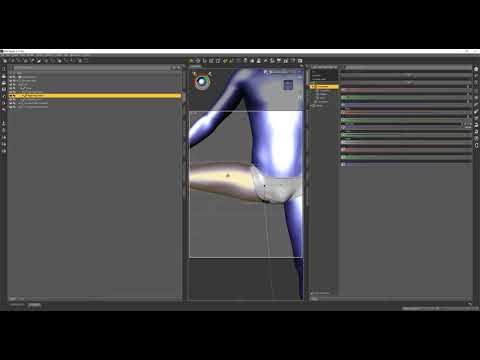
By Josh Darling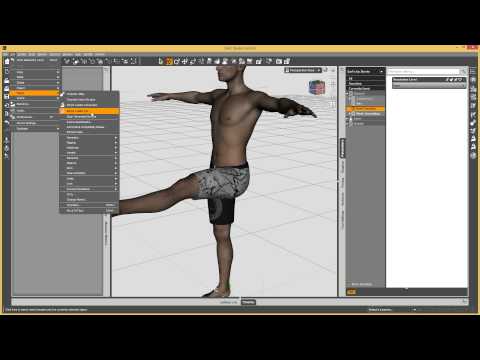
The reason why we fix pJCM/CBS on a garment is that the auto triggered corrective morph on the garment is not correct in terms of geometry, then we must save the fixed / imported corrective morphs as morph assets along with the garment (in the data folder of the garment), to override the auto triggered corrective morphs.
When we import the corrective morph, wouldn't it already saved somewhere replacing the old one(s)?
For such a case on a garment, I'm still not sure why you have to give it a 'threshold' of a certain value or percentage,
The first time I use ERC [delta add] (default) but then a problem appears as shown on the screenshot above.
So I thought maybe... I should let the weight map handle the situation up to certain degree, and then let the corrective morph kicks in.
But it make the looks weird, cos the transition looks popping out.---
Hemm... I think can just use smoothing modifier to handle the intersection.
---
I saw your video.
What is the effect of turning on / off the auto follow in this case.
I know autofollow useful to make the cloth follow the change of the body. if it's off, when there's body change morph, the cloth wont follow the change..
But this body_cbs_shoulder_z55n_r isn't related to body change.
So, is autofollow on or off makes any difference?Star Trek Builders Unite 8: THE REBOOTRedfern said:
Ryuu@AMcCF said:
...I might very well have beat Redfern to to the punch by posting something Caitian-related ...
Well, a few reasons for that.
* Niketa is more "pantherine" than how I imagine M'Ress. Despite the tufted tail and mane, I see her as more cat-like than leonine.
* The set lacks a digitigrade option. When the G8 sets had them, this seems a "downgrade".
* I've been living on my life savings since a forced retirement on late '21. I'm spendingf VERY little on non-essentials.
* I'm still a "Poser Luddite". I'm too lazy (stubborn, whatever) to learn a few workflow.
I fully get what you're saying. TBH, there were several things I never liked with how the animators drew M'Ress for the show:
The billowing hairstyle the animators drew her with--a leonine mane that belongs on a MALE cat, for one. *roll eyes*
The pawlike hands were okay, but then they drew them as THREE fingers. *shakes head*
Those two features made it very hard to get any of the previous feline figures to fit her as drawn, and they forced me to invest in lots of "external" modifications for those earlier generations, such as the various Creature Creator-type products. Fortunately, for G9, they've come out with the Phenotype (that I got after I made that render) to do the digigrade feet--and Oso's Cat Character lets us pull off the pawlike hands--unfortunately, I still don't see a 3-Fingered morph yet for G9. OTOH, I was able to get her slitted pupils using another of Oso's morphs (probably from his G9 Cat Character, again).
Plus, every single tail ever made are those bloody "belt tails" that attach at the figure's waist line rather than at the base of their spines *facepalm* But at least thie one is a prop that can be relocated (with a little effort).
As for the tuffed tail----*cough*----you'll be greatly disappointed, but that was a kitbash from DAZ's Big Cat 2's lion/lioness that I glued to the tip of Niketa's tail--yeah, the artists blew that detail. But hey, I must have done something right for you to miss that. I'm honestly surprised you didn't recognize where it came from

And I truly understand the need to cut back to "just the essentials", but cats and felinoids ARE ALWAYS essential

As for being a Poser Luddite, I used to be one, too. But I mostly gave up on Poser when so much stuff wouldn't import well into it. The question I have is, CAN one even get anything from DAZ into Poser these days--especially the later Genesis generations???

Still, what we're talking about.... It's given me an idea.
I'll be back in a few days, assuming my machine survives the attempt.....
Import from Blender to DazHello,
I understood it is possible to import from Daz to Blender, but could you tell me if it also possible to import from Blender to Daz?
If it's possible, could you tell me what can be import? Is it only the base mesh, or also textures and materials?
Thank you in avance for your answer!
Shows That Inspire AnimationsUnifiedBrain said:
Dartanbeck said:
UnifiedBrain said:
Thanks Diomede. At this point, it is all that I want to work on.
Very cool! Which figure generation are you using? Carrara certainly is an amazing animation suite!
Since I'm learning to do everything by hand, I've used several generaltions. They all work great. I was hoping that your new animation course would give me a useful workflow, but if it is primarily for DS, then maybe not.
Regarding premade movements, I recently download the Bruce Hahne BVH files for V3 and M3. A huge number of files. PhilW says they basically don't work straight into Carrara, but the ones I have tried so far (walk cycles) work pretty well with only minor position tweaking. The only issue is feet sliding. Phil addresses this, but I haven't tried to fix it yet.
Regrettably, for the first time in many years, the time I can devote to Carrara has shrunk to almost nothing. Things will hopefully let up by mid-September.
If you have the aniBlock plugin for Carrara, Daz Studio does an excellent job with BVH. Import them in there, then use aniMate to make new aniBlocks that you can then load into Carrara. I know that sounds like a mouthful, but it goes quickly and then you have a nice collection to bring in any time.
The course is mostly about creating custom pose dials for whatever figure you're working with, as well as a full workflow of how I use them to not only correct joint issues, but also to add my own artistry to the animation as well. There's a separate lesson demonstrating all of the dials I made for Rosie 7 (Genesis 3 Female - any characater) compared to Genesis 2 Male, who I haven't made dials for yet - showing what comes with a Daz figure compared to a possible new set of controls depending on what you need. The lesson that follows is how to create the dials, also demonstrating several ideas for things we can make dials for - we can get really creative.
Other lessons include the importance of making a base scene for each "Character" you're animating, creating custom partial aniBlocks (the main workflow shows why and how to use them), converting animations across generations. The main three part workflow is me starting an animation from a base scene from picking out the first aniBlock and applying a secondary partial aniBlock that entirely changes what the head and arms are doing, to baking that all to the timeline (In Carrara, I'd be doing this part a little differently. I'll have to do a YouTube on that for you. It's pretty smooth in Carrara) and discuss various tips and tricks I use to manage in the Daz Studio timeline before I dig in and start editing the baked result into a much nicer final result using these dials. That's the part that makes this instruction very helpful for anyone who uses Daz figures for animation. If you can manipulate dial on the figure, and you want to animate, this course will definitely help.
Not meaning to be a commercial, just that I know ytou've asked before. I hope this is a more meaningful answer.
Basically, following the course would have you customizing your Daz base figures with dials that you can use to fix and/or artistically manipulate the pose along your entire animation, beginning with me doing it in front of you - then I get to the 'how-tos'.
Shows That Inspire Animationsthe CGspeed DAZ/Poser conversions certainly work, just BVH import into Carrara onto existing skeletons doesn't
however one can always track key bone movements
Shader Recommendations for Liquid in 3Delight?Mage 13X13 said:
As this is a thread about liquid style shaders for DAZ Studio's 3Delight render engine I need to relate what I'm looking for. I'm sure many here know how realistic the water mats are in Bryce 7.1 Pro. They render out really well, and provide the kind of reflectivity you would expect from water of many different placements. By placements I mean Pools, Ponds, Streams, Rivers, Lakes, Seas, and Oceans. There are Water materials for many of these placements that make it look real. You can even tweak the refraction to match the known indexes for each type. The problem is the amount of memory Bryce can access. If I wish to put a large ship with several textures on it in the water, Like Kibarreto's JetCarrier, (which I just acquired recently), Bryce will not let the fully textured ship complete the import. As that ship has what to me appears to be a watertight hull on its ventral area, I thought, well this ship is like the Helicarrier in Marvel's movie "Avengers". To me Kibarreto's JetCarrier looks much more awesome, which is why I want it in Bryce. But the only way I can get it in is without the texture maps! A study in frustration, I assure you! Bryce being just a 32 bit application, only has access to 2 GB of RAM. So bringing a model like the JetCarrier in with the textures optimized for Bryce causes the application to run out of memory before the import is completed. I know about the DAZ Studio to Bryce Bridge, and yes that happens when I try using it to send the JetCarrier to Bryce by way of that bridge also. With the texture maps, the JetCarrier is just too big in file memory. Getting the model into Bryce on its own without the texture maps is possible, but then I'm left with a big model that has several material zones, with no in application textures to apply to it that will look close to how it does in DAZ Studio!
So what I need is to create my Bryce image as a backdrop for DAZ Studio, but I need the water that I have the JetCarrier settled into to look like it is a seamless continuation of the water in the Bryce generated backdrop. That will take a lot of work to get right, but if I can get some really good water shaders, it won't be as work intensive. So I will be checking into the ones available in The Renderosity Free Stuff. I'll likely be downloading all I can find, as I do not even have one water shader for DAZ Studio at this time. Thanks to tsarist for the link to the relevant page. Hopefully I can make at least one of those shaders work the way I need it to.
Hm, sounds like a complicated method, good luck with that;) Water is in fact a very simple material, it's all about the light and environment reflected/refracted in it, isn't it...
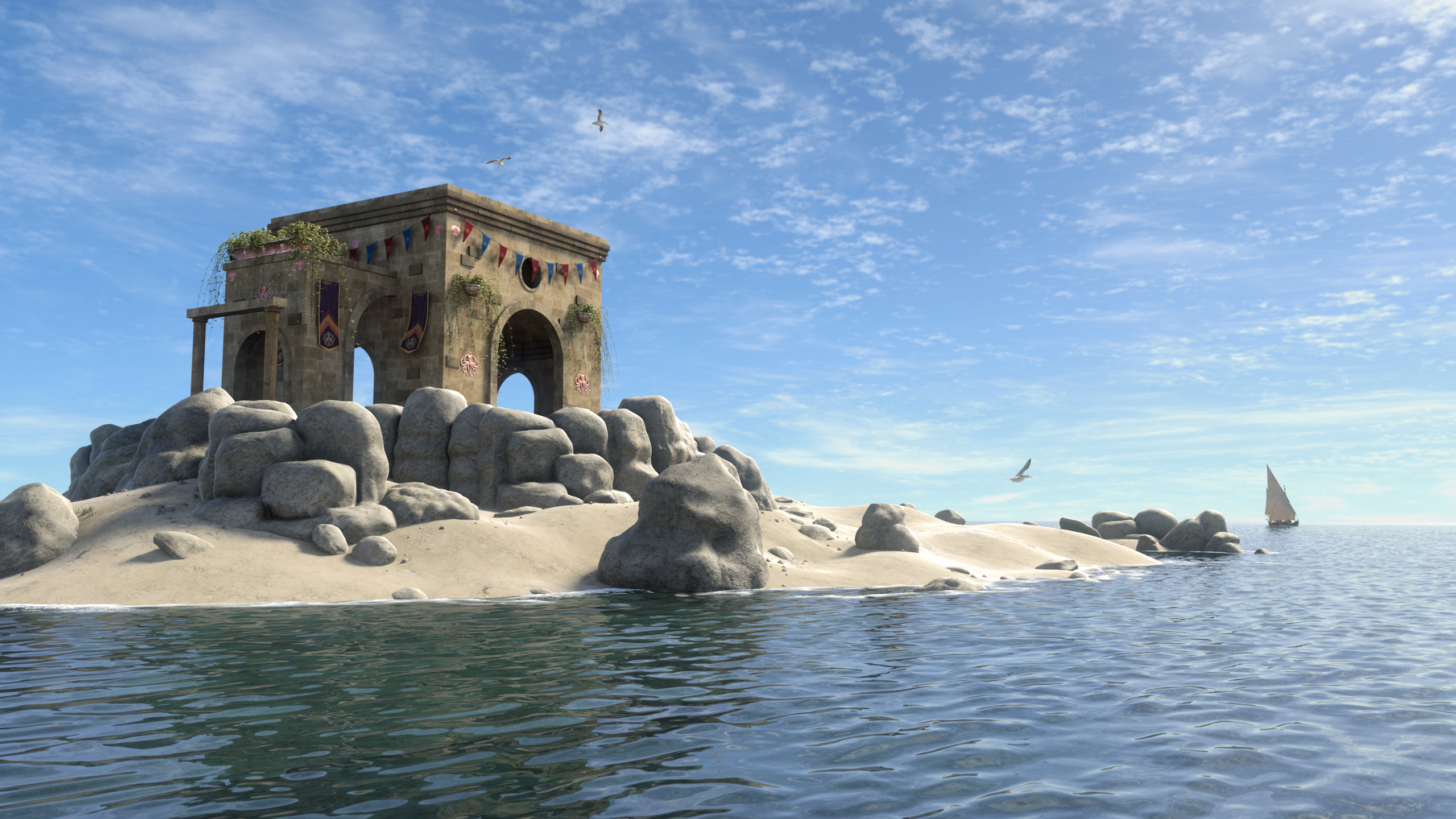
Only thing you need to make convincing water in 3DL is a shader with freznel, (OmUberSurface, AoA SSS, aweSurface), some knowledge of IoR values, and a good displacement map. Foam could be done with a shell and a transparency map + a displacement map, or using a layered shader.
The water plane is a one division primitive. 3DL is good at using displacement.
 general use of daz
There is a fair bit of freee content included - all of the base figues (Genesis #) have a Starter Essentials package, with the figuer, at least oen hair, and at least one outfit, plus soem props and there are also a number of eady-to-render scene collections. The freebies forum here also has quite a bit of free content. Any site offering content from Daz or another store for free is almost certainly offering warez, for which the crator has received at best one sale's worth of income 9and quite possibly not that if they used stolen card details to purchase). However, there are people - most of whom are likely to post on one of the main sites - offering their own created freebies.
Yes, you can ceate your own content - the only bits not available to the general user are HD morph import (but we can use normal maps and displacement) and dForce Hair (strand-based dynamic hair - we can make non-dynamic strand-based hair, and we can use the dForce cloth engine on hair made from polygons). For example, with your clothes you could either rig them using Edit>Figure>Transfer Utility - set teh figuer as the Source and the imported model as the Target, ideally you should model around the base shape but there are ways to handle morphed figuers) or you coudl apply a dForce modifier (from the Simulation Settings pane option menu) and just simulate to get the draping.
You can buy morph sets (e.g. the basic Daz Head and Body Morph sets for the figure) to create characters, or you can use a modelling or sculpting application to create your own then use Edit>Figure>Morph Loader to import as a new morph - this has to be made on the base figure, no SubD active and no add-on parts). You can use an image editor or 3D painting tool to create textures.
What sort of game? For a game with 3D data that is used on the host machine to generate the user experience you do need the Interactive License, but for a game that needs only 2D images (e.g. most Visual Novels, or RPG Maker games with 2D sprites) the standard license is enough.
Shader Recommendations for Liquid in 3Delight?As this is a thread about liquid style shaders for DAZ Studio's 3Delight render engine I need to relate what I'm looking for. I'm sure many here know how realistic the water mats are in Bryce 7.1 Pro. They render out really well, and provide the kind of reflectivity you would expect from water of many different placements. By placements I mean Pools, Ponds, Streams, Rivers, Lakes, Seas, and Oceans. There are Water materials for many of these placements that make it look real. You can even tweak the refraction to match the known indexes for each type. The problem is the amount of memory Bryce can access. If I wish to put a large ship with several textures on it in the water, Like Kibarreto's JetCarrier, (which I just acquired recently), Bryce will not let the fully textured ship complete the import. As that ship has what to me appears to be a watertight hull on its ventral area, I thought, well this ship is like the Helicarrier in Marvel's movie "Avengers". To me Kibarreto's JetCarrier looks much more awesome, which is why I want it in Bryce. But the only way I can get it in is without the texture maps! A study in frustration, I assure you! Bryce being just a 32 bit application, only has access to 2 GB of RAM. So bringing a model like the JetCarrier in with the textures optimized for Bryce causes the application to run out of memory before the import is completed. I know about the DAZ Studio to Bryce Bridge, and yes that happens when I try using it to send the JetCarrier to Bryce by way of that bridge also. With the texture maps, the JetCarrier is just too big in file memory. Getting the model into Bryce on its own without the texture maps is possible, but then I'm left with a big model that has several material zones, with no in application textures to apply to it that will look close to how it does in DAZ Studio!
So what I need is to create my Bryce image as a backdrop for DAZ Studio, but I need the water that I have the JetCarrier settled into to look like it is a seamless continuation of the water in the Bryce generated backdrop. That will take a lot of work to get right, but if I can get some really good water shaders, it won't be as work intensive. So I will be checking into the ones available in The Renderosity Free Stuff. I'll likely be downloading all I can find, as I do not even have one water shader for DAZ Studio at this time. Thanks to tsarist for the link to the relevant page. Hopefully I can make at least one of those shaders work the way I need it to.
Genesis 9 we are back in the game Carrara usersWendyLuvsCatz said:
Bunyip02 said:
WendyLuvsCatz said:
Bunyip02 said:
WendyLuvsCatz said:
mmm wonder why mine fail to import, shall try my other computer Win10, was my Win 7
same thing i/0 error
maybe upload your eye duf (it's just a character preset so OK)
Here you go, was for the female morph applied to one - also shaders need some work to get to operate okay.
works

I wonder why mine doesn't though, 2 computers, 2 installs, 2 libraries
mmm D|S4.21?
Good to hear that it works for you !!!
Am running DAZ Studio 4.10
AHa
that could be the secret sauce, I have 4.11 on my Win7 but used the 4.21 beta
same error basic wear but autofitted stuffs saved as support assets work
and grew a nice mane of dynamic hair on him (simulated animation ) Mimic plugin works with 8.1 configuration dmc too!
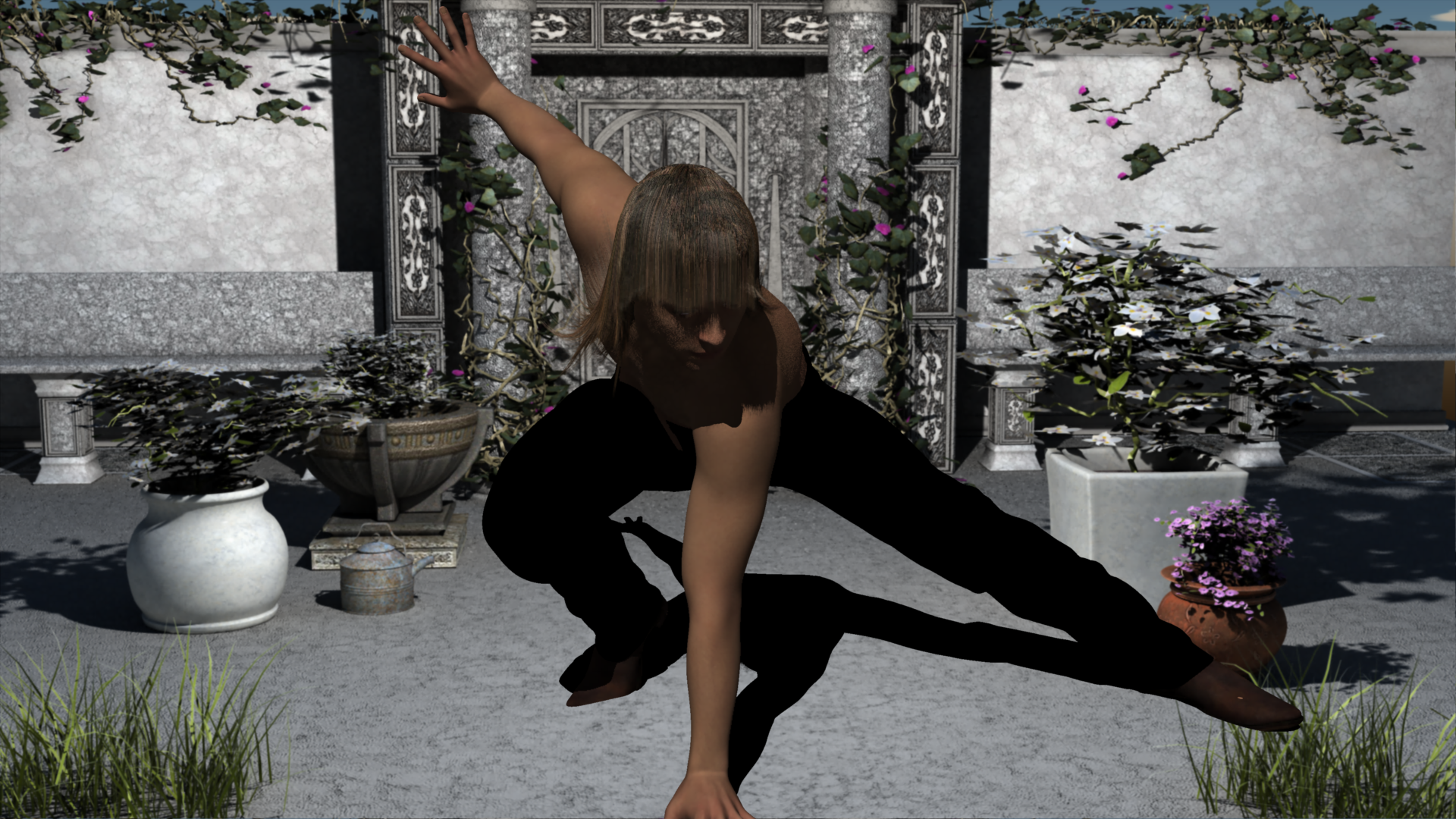
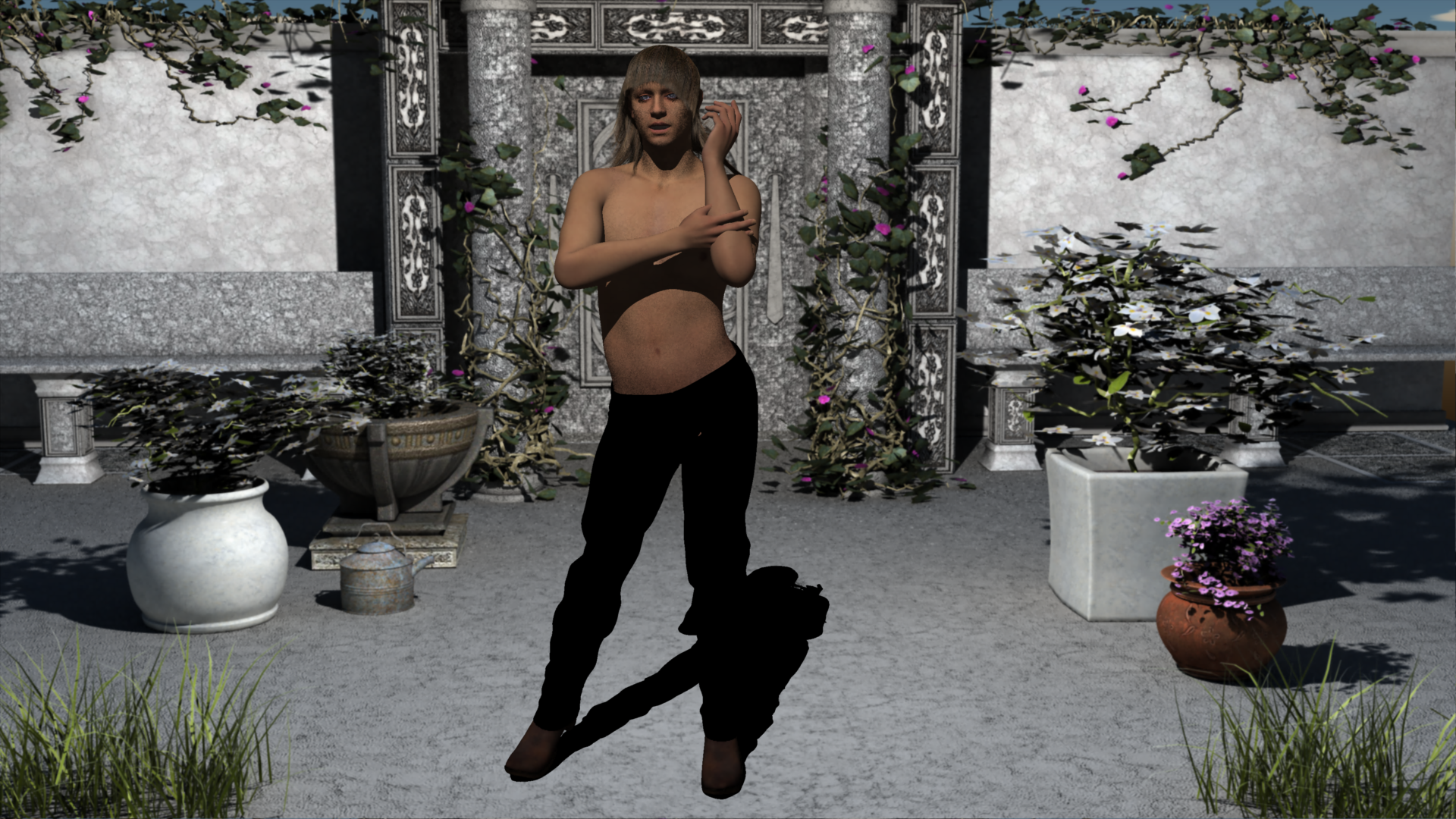
It's Brian!!!
"Are you ready Steve?"
"Andy?"
"Mick?"
"Alright, fellas.... Let's GOOOOO!!!!"
Daz 3D is part of

Connect
DAZ Productions, Inc.
7533 S Center View Ct #4664
West Jordan, UT 84084Licensing Agreement | Terms of Service | Privacy Policy | EULA
© 2026 Daz Productions Inc. All Rights Reserved.