-
How to properly package a model for distribution?
Moved to Techncial Help.
First, make sure that you are including only elements to which you own the rights - you obviously can't include the Daz figures, or anyone else's morphs or textures (even baked in with elements you made yourself).
Assuming your product is stand-alone, with presets to load any Daz or third-party elements from their own installations, the steps are the same as for the items you saw in the tutorials - you need the assets (textures from /Runtime/Textures), the presets (for shape, materials, for loading wardrobe or hair models, etc., ) and you need any asset files (in the /data folder - base assets, in /author/product/, for models you made yourself, and morph .dsf files for any custom shapes you sculpted yourself). The store should be bale to tell you exactly how they want those packaged.
It is geenrally easier to keep all of your files in a separate content directory, that way they are separate from other people's content (avoiding accidents) and packaing is simply a matter of adding any readmes or oither support files and zipping the content dirctory up for testing.
Hair and Clothing ModelsMoved to the Commons as it is not a Daz Studio toipic.
The people making the promo images have a lot of experience, and want really good renders to show off their products. More often than not the textures are from standard characters, and even the shapes may be or may be mixed from a couple of different characters or morph sets. As for selling the, some PAs want to keep an exclusive, signature character - though many do answer questions about how they mixed up their promo models if asked (check character identification threads on the forum for products where you like the model).
Abdominal distortion G8FRandom said:
Is there a way to identify the particular source product from the morph adjustment boxes?
Yes, click on the cog wheel related to the morph you want to know more about, then Parameter Settings and you should get a window with more informations about that morph.
If you want to know exactly where the morph file is on your hard drive / SSD (useful if you have multiples libraries folders), click on the '…' on the same line as File Path and it should open a window of Windows Explorer / MacOS Finder.
Abdominal distortion G8FOn the left is the same figure and pose as previous in wire shaded. That base figure I'm using is Aaliyah G8F but it happens with all my G8Fs. For the whole figure there are a large number hidden morphs and when I highlight just the upper and lower abdomen parts there are a lot fewer but using those adjustment sliders doesn't do anything to fix it. Going back to the whole figure there are pregnacy and belly jcm morphs (their adjustment box color is gray) that have the most effect but don't fix the problem completely so I'm thinking there are a large number of contributing/interacting jcms at work. Is there a way to identify the particular source product from the morph adjustment boxes? On the right is Claudina with minimum pose as the problem starts along with the adjustment boxes with the big offenders, belly and pregnacy. Hope they're visible enough. The picture shows their zero values after I tried adjusting them.
Abdominal distortion G8FPlease put the Viewport into a non-textured mode and post a screenshot of that.
It does look like a case of an adjustment morph, intended to make the bend look good when a particular shape is applied, kicking in when it is not wanted. As felis says, check the Currently Used section with the minimum pose required to show the issue applied and the Parametrs pane option menu>Preferences>Show Hidden Properties checked and you should find the culprit; if it is a Daz store product please report it as a possible (probable) bug.
Missing texture filesIt should've been submitted to "Sales Support Tech Support" and they would transfer it to the appropriate department, which would be QA. Technical Support is typically used for DS issues.
Edited: Makes no sense to me, but I've been informed that tech support is the correct method. Sorry
What's up with VOOTW?eroguysensei said:
Just bought a character from this vendor. The character looks absolutely nothing like the promo character, and when sliding the body and head morph to see how the character changes shape, the sliders do nothing. Either the product is broken or the vendor is shady. Many of the characters on the shop look very similar to one another, with significant change coming from choice of clothes, hairstyle, and makeup, rather than the character itself. I don't know what's going on, but I am sure to write a ticket to see my money back on this product, and will avoid this vendor in the future.
And agree on this vendor. It's as if each character is an evolution on the next, akin to relasing a character different from the last by a single morph slider and a few brushes across the textures. I suspect more time is spent on rendering promos. Or I hope that's the case and that it's not a serious afliction of default artist face.
I apparently have three VOOTW products. One I know well - Renata Fall Sick, bought for the skin, which I've used and like. Then a G8 and a G9. There are one or two more distinctive characters in their store that I once thought about on ocassion. It's not that the rest are low quality characters, it's just that many of them could be the same character on a different day, and that, for me, leads to a quality problem for the store. One of those artists I now skip, and incresingly representative of the store in general. Makes me look at other stores.
Heh, I'm a grumpy so and so this past day.
What's up with VOOTW?Gordig said:
Here's how to solve the Xiao Mei problem:
- Open DS
- Open the "Batch Convert" pane
- Click "Add Files"
- Navigate to data\DAZ 3D\Genesis 8\Female 8_1\Morphs\VOOTW\Vo Xiao Mei and add CTRL Vo Xiao Mei
- Click Apply. This file is now editable.
- Open the file in the text editor of your choosing, navigate to line 32 ("value") and change the 1 to a 0.
- Save the file.
- Victory.
Yes, this shouldn't be necessary, and the file should be fixed, but this will let you use base G8.1F without having to dial her out every time.
Ah, thank you. I had a hide ears morph that was always set at 0.0010% on G9. The first thing I always did on a new G9 figure was to change the min limit to 0 (it was set to that same number) and then slide it out. If I didn't do that, then I knew it was there and it simply ate away at my brain. Now I don't have to
 What's up with VOOTW?
Just bought a character from this vendor. The character looks absolutely nothing like the promo character, and when sliding the body and head morph to see how the character changes shape, the sliders do nothing. Either the product is broken or the vendor is shady. Many of the characters on the shop look very similar to one another, with significant change coming from choice of clothes, hairstyle, and makeup, rather than the character itself. I don't know what's going on, but I am sure to write a ticket to see my money back on this product, and will avoid this vendor in the future.
There's Always Another Sale Thread -- Discussions Only Pt 3joanna said:
Well, today is the first day when the advent calendar served me a free item that wasn't on my wishlist. Not only that, it's an ancient product for Victoria 4, Aiko 4, and other "4" crowd. And since the $2.99 item is a set of textures for the outfit I don't own yet (though both textures and the outfit are on my wishlist), I'm not getting it either.
That aside, it's feeling more and more expensive here. With the prices taking into account tokens and punches, if you have neither, the offers don't feel good enough. Even Daz+ items feel more expensive. In the past, you could get them for $2.5-3.5. Now, they're $4.9 each. Sure, you can get them cheaper, if you buy both, but that's the luck of the draw. While I could consider getting Dasher Outfit, those expressions feel to me like they don't bring anything new to the table and many look so subtle that I don't see the point in using them as dials to mix and match. So, as a result, I won't be buying either.
I did have punches in the beginning, but when I forgot to check out once, I lost all of them, which definitely disincentivized building them up again and keeping up with them again (especially when the Holidaz Deal or the $2.99 calendar happen to be unappealing, and everything else doesn't seem like a deal good enough to keep buying daily). I have a few tokens that I'll likely let expire again, because with the higher prices for everything, they only have value when stacked.
I guess what I'm trying to say is that while I understand that everything's getting more expensive, I can't help but wonder whether Daz will price itself out of business by discouraging people without big budgets to keep buying. Those who can afford an expensive (more and more expensive) hobby and those who can transfer their expenses to their clients will, of course, stay and keep buying. I just wonder if there's enough of them to offset the departure of those who spent $50-100 monthly (or less). One $1000-a-month spender is not going to offset 100 people who stopped spending their $50-100 a month.
Even with Premier and 8 tokens for the last month and a half, the store has felt more expensive. I'm still getting the best prices, but I've not seen best prices like the previous best prices on Daz+ before Premier was a thing. It's a creeping inflation - almost imperceptible - but I'm sensing it. I won't be taking Premier up when my 'free' (and, from my perspective, stingy) trade-in ends. I'm getting ever-so-slightly less for what would be a massively increased buy-in. My switch to Premier was strategic - pragmatic. With the caveat that I'm one data point only, I'm on my exit strategy from the Daz store. I agree with you that Daz are pricing themselves out.
I feel quality is slipping too. Don't get me wrong - most of the best artists are here. Or artists who're creating specifically for Daz. But when I look at what the store offers and size it up to elsewhere - yes, things are more expensive elsewhere, but I'm going to put my neck out and say that the best Genesis character artists aren't on the Daz store - people who are creating distinctive, varied characters without access toproprietary sub-division tools that artists here have. Maybe it's because they don't have sub-division and an HD label to rely on? Maybe it's because Daz is simply one string to their bow?
Character diversity is an issue here too. I recently went on a store crawl to bulk up my library of men after a realisation that, of the hundreds in my library, 95% of them have the same set eyes, chin and chiselled cheeks. I was trying to put together a cast of a few dozen distinctive men from my library and I... struggled. Now that I can see where the limitations of variance in the my library are, I can spot the lack of diversity in the store too. Ouch, is all I can say. I don't have the time to make dozens of non-main character men, so I've been looking elsewhere. It'll cost me more, but I've already so many characters that I no longer believe will be useful next to one another in the same project, so maybe I should've spent that money on less products of higher utility?
Then there's the packaging of products. I'm really fond of some the artists who recently moved stuff here, but I'm plain sick of the amount of time I have to take to package up products so they're discoverable in my library. If I'm having to do that here anyway, then elsewhere suddenly doesn't look so unattractive.Finally, broken sales or items in the store. I've noticed many errors that weren't raised in the thread, but because I wasn't interested in buying the affected products, I didn't bother reporting here or via a ticket. And nobody else reported them either (at least publicly). Another ouch. I'll leave the speculation to others.
I'm certain I'll still buy from the Daz store after my exit, but it'll be on the same terms that I buy elsewhere.
There's Always Another Sale Thread -- Discussions Only Pt 3Well, today is the first day when the advent calendar served me a free item that wasn't on my wishlist. Not only that, it's an ancient product for Victoria 4, Aiko 4, and other "4" crowd. And since the $2.99 item is a set of textures for the outfit I don't own yet (though both textures and the outfit are on my wishlist), I'm not getting it either.
That aside, it's feeling more and more expensive here. With the prices taking into account tokens and punches, if you have neither, the offers don't feel good enough. Even Daz+ items feel more expensive. In the past, you could get them for $2.5-3.5. Now, they're $4.9 each. Sure, you can get them cheaper, if you buy both, but that's the luck of the draw. While I could consider getting Dasher Outfit, those expressions feel to me like they don't bring anything new to the table and many look so subtle that I don't see the point in using them as dials to mix and match. So, as a result, I won't be buying either.
I did have punches in the beginning, but when I forgot to check out once, I lost all of them, which definitely disincentivized building them up again and keeping up with them again (especially when the Holidaz Deal or the $2.99 calendar happen to be unappealing, and everything else doesn't seem like a deal good enough to keep buying daily). I have a few tokens that I'll likely let expire again, because with the higher prices for everything, they only have value when stacked.
I guess what I'm trying to say is that while I understand that everything's getting more expensive, I can't help but wonder whether Daz will price itself out of business by discouraging people without big budgets to keep buying. Those who can afford an expensive (more and more expensive) hobby and those who can transfer their expenses to their clients will, of course, stay and keep buying. I just wonder if there's enough of them to offset the departure of those who spent $50-100 monthly (or less). One $1000-a-month spender is not going to offset 100 people who stopped spending their $50-100 a month.
[Released] Hat Check for Genesis 3 [Commercial]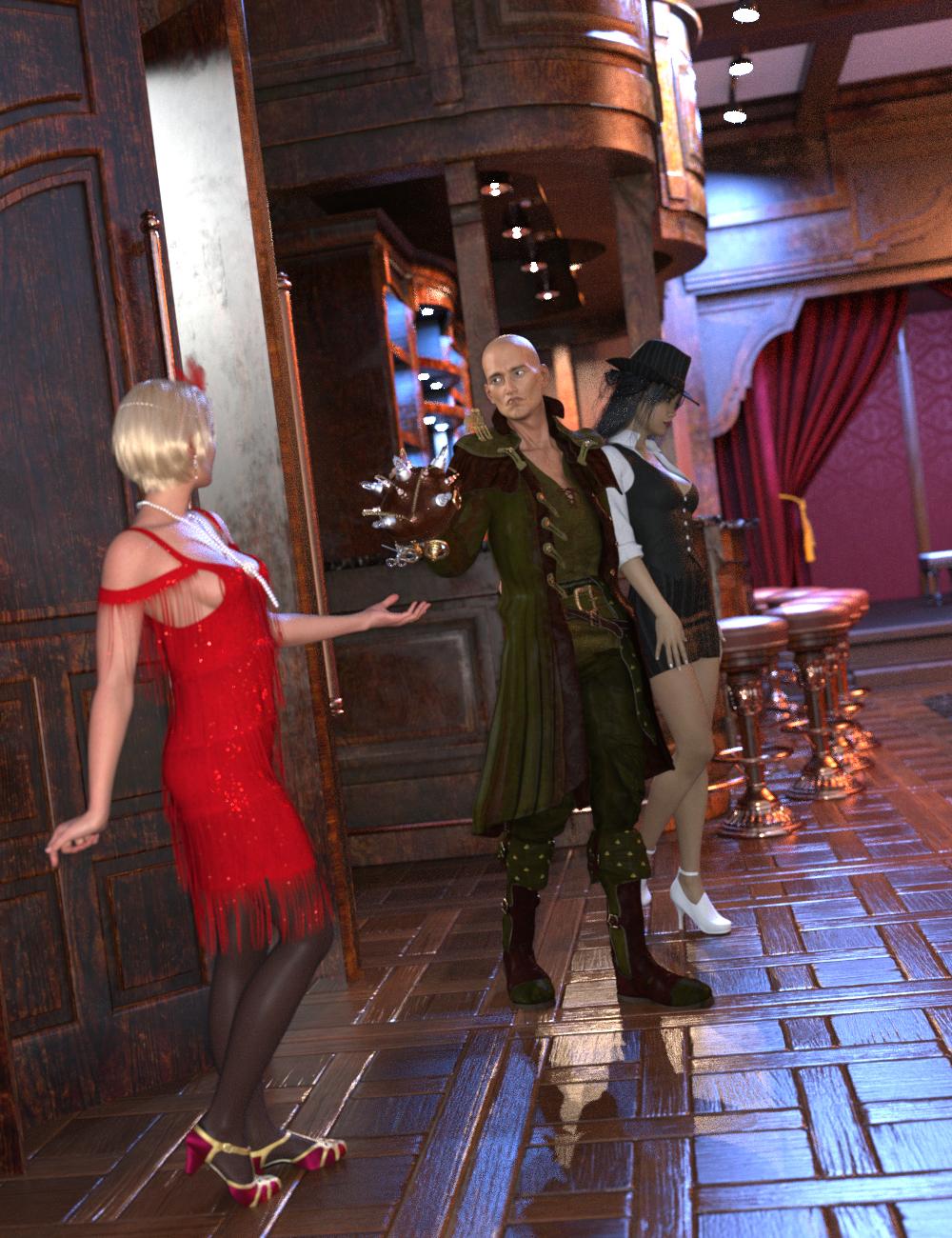 Quickly and easily create hair morphs to use your Genesis 3 Female or Genesis 3 Male hair with different hats and caps, even sunglasses and hairbands! Hat Check works by using a sphere, cylinder or cube to define an Effect Volume which you position over the hair. Any hair vertices inside (or outside depending on the options) the Effect Volume will then be pulled close to the head of the figure. Any hair vertex outside the Effect Volume, but within the feathering distance, will be pulled partially towards the head of the figure.
Hat Check for Genesis 3 creates 2 morphs for the hair based on the label of the "hat": one using the label name (e.g., "RS Fleur Hat") that controls all hair vertices inside the Effect Volume, and one using the label name plus "feather" (e.g., "RS Fleur Hat Feather") for all the vertices at the edge of the Effect Volume.
- Quickly create hair morphs for Genesis 3 Female or Genesis 3 Male Hair
- Includes 2 scripts per gender for creating hair morphs
- Use Effect Volumes (Cube, Ellipsoid, or Cylinder) to specify the hair vertices to morph
- Use Selected Vertices to specify the hair vertices to morph
- Morphs can be saved separately or as part of the scene file
Tutorial
Morphs created by Hat Check are a Merchant Resource, which you can distribute with your Hair product.
New Character: MateoA quick render of Boris for Mateo (with a little body hair, an M3D hair and beard, and a little Sickleyield Intense muscle morph):
 Why does Geometry Sculptor only work with Vertex Selection?
crosswind said:
They're SBH in this product which were made with polylines. Polylines have no base face for selection but just vertices...
Geometry Sculptor, aka Mesh Grabber 4.0, supports manipulation with SBH. Select relevant vertices firstly, than push / drag / rotate / scale them... Be noted that Geometry Sculptor has bugs when doing the above action... which may sometimes bring you DS crash. I ever reported the bug but there's been no fix so far...
However, you have no way to delete polylines of SBH in DS. Alternatively, you can tweak properties of Pre-Render on their surfaces, even modify the hair generation map (with B/W mask) as needed.
If you experience crashes frequently, another option is that you also can deform SBH by using D-Former(s), or send it to Blender for "re-shaping" then imported as morph(s).
When you select the polylines in the hair and drag with the Geometry Sculptor move tool it does not respond as one would predict. In other words, it does not work.
Celebrity Look-a-Likes for 3D figures Part 4Anne by lucosmico at RenderHub - Anne Hathaway
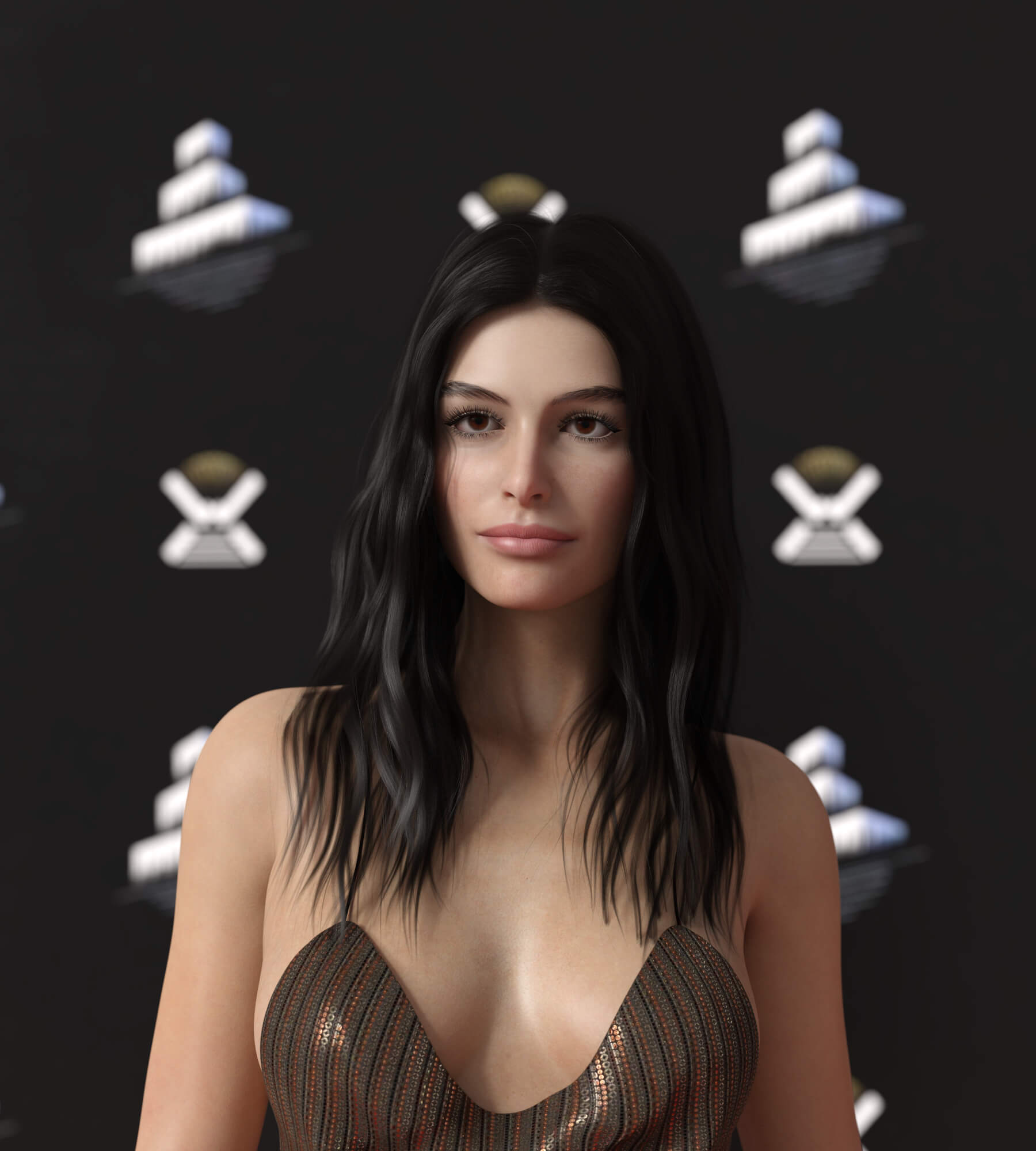 New Character: Mateo
I had been thinking he looked from the Med, so I hit Google: "Mateo is a masculine given name, a form of Matthew used in Spanish and Croatian, similar to the Italian form Matteo." It was his lips that made me think of it. And with the fireman's outfit and truck, he must be from New York. It is nice there is a NY firehouse to store it in.
Just to be a voice of discent, I feel he can be molded to be whatever you need. By this time I have enough morph packages that could do whatever I like without fighting a distinctive sculpt.
Why does Geometry Sculptor only work with Vertex Selection?They're SBH in this product which were made with polylines. Polylines have no base face for selection but just vertices...
Geometry Sculptor, aka Mesh Grabber 4.0, supports manipulation with SBH. Select relevant vertices firstly, than push / drag / rotate / scale them... Be noted that Geometry Sculptor has bugs when doing the above action... which may sometimes bring you DS crash. I ever reported the bug but there's been no fix so far...
However, you have no way to delete polylines of SBH in DS. Alternatively, you can tweak properties of Pre-Render on their surfaces, even modify the hair generation map (with B/W mask) as needed.
If you experience crashes frequently, another option is that you also can deform SBH by using D-Former(s), or send it to Blender for "re-shaping" then imported as morph(s).
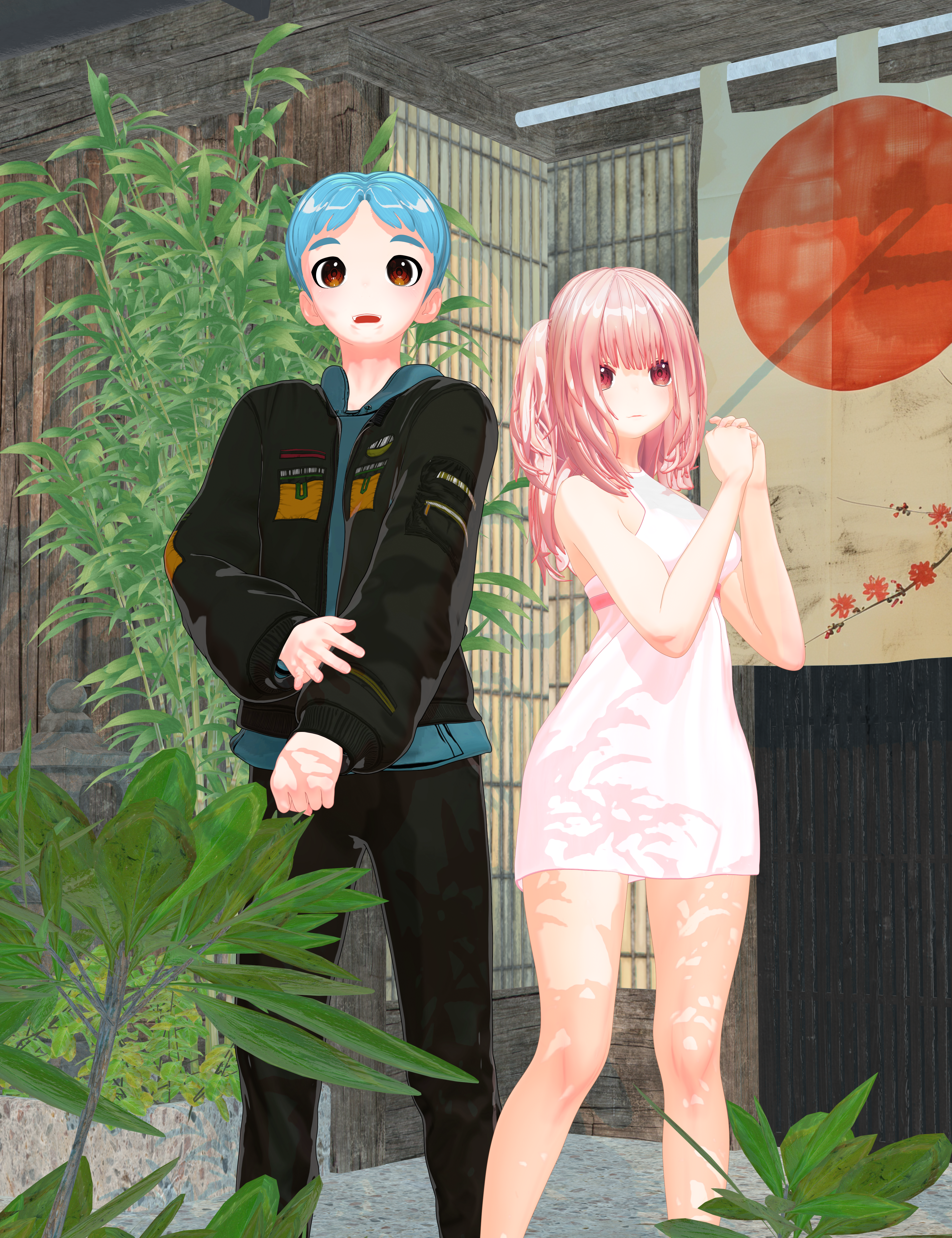
FilaToon / Cell shaded rendering with FilamentI had to see if I could make a male counterpart to Nirvana's Zero. The morph works well on the male anime base.
 Face Transfer 2 - Can't Get it Right
Yea, that'll still depend on the 2D image you use... as well as you have to tweak a lot in terms of head morph by using PHM properties or sculpting. At least this plugin is not a one-click solution / workflow.
As for the textures, it also depends on the 2D image... sometimes the generated texture maps are really awful. I never use the generated ones.
Daz to Blender bridge not showing.I have install Daz Studio 4.23 and i have install too plugins daz to blender, every this say succseful, but not showing to daz studio when i want to transfer.
Anyone this problem and how has solved ?Daz 3D is part of

Connect
DAZ Productions, Inc.
7533 S Center View Ct #4664
West Jordan, UT 84084Licensing Agreement | Terms of Service | Privacy Policy | EULA
© 2026 Daz Productions Inc. All Rights Reserved.