-
Daz to Blender - Morph update - “Spring Cleaning Update” (2.3.1)
DAZ_sam I`ve just reinstall recent version from DIM and its suddenly work . Not sure what happen before but this bridge different from what I`ve been downloaded and installed before ( There are couple of notes , after export and in DTB`s UI ) But Thanks for this update !
It also seeem faster in my viewport even in Cycles . I`m also noticing about 3Delight AoA - DZ shader in material slots . So is possible for automatic connversion pwToon to Blender`s equivalent shader in future ?
Thnaks again
More Non-photorealisitic Renders (NPR II)juvesatriani said:
ShadowSkillz said:
vrba79 said:
Also a reminder that if you just don't have the scratch for PWToon right now, D|S actually comes with a fairly versitile Toon shader set. It even renders faster than PWToon. Here's one render without and then with the outlines turned on.


What toon shader set would you be refering to, never come across one out of the box with Daz?
Check in Shader Preset >DS Default
There are several nice toon shaders you can use it . You need to work or using 3delight tough > Change your render engine to 3delight
Its a pretty good toon shader. You just have to coax it, as the default settings for it look terrible. But once you play around with it, you can get some very nice results!
More Non-photorealisitic Renders (NPR II)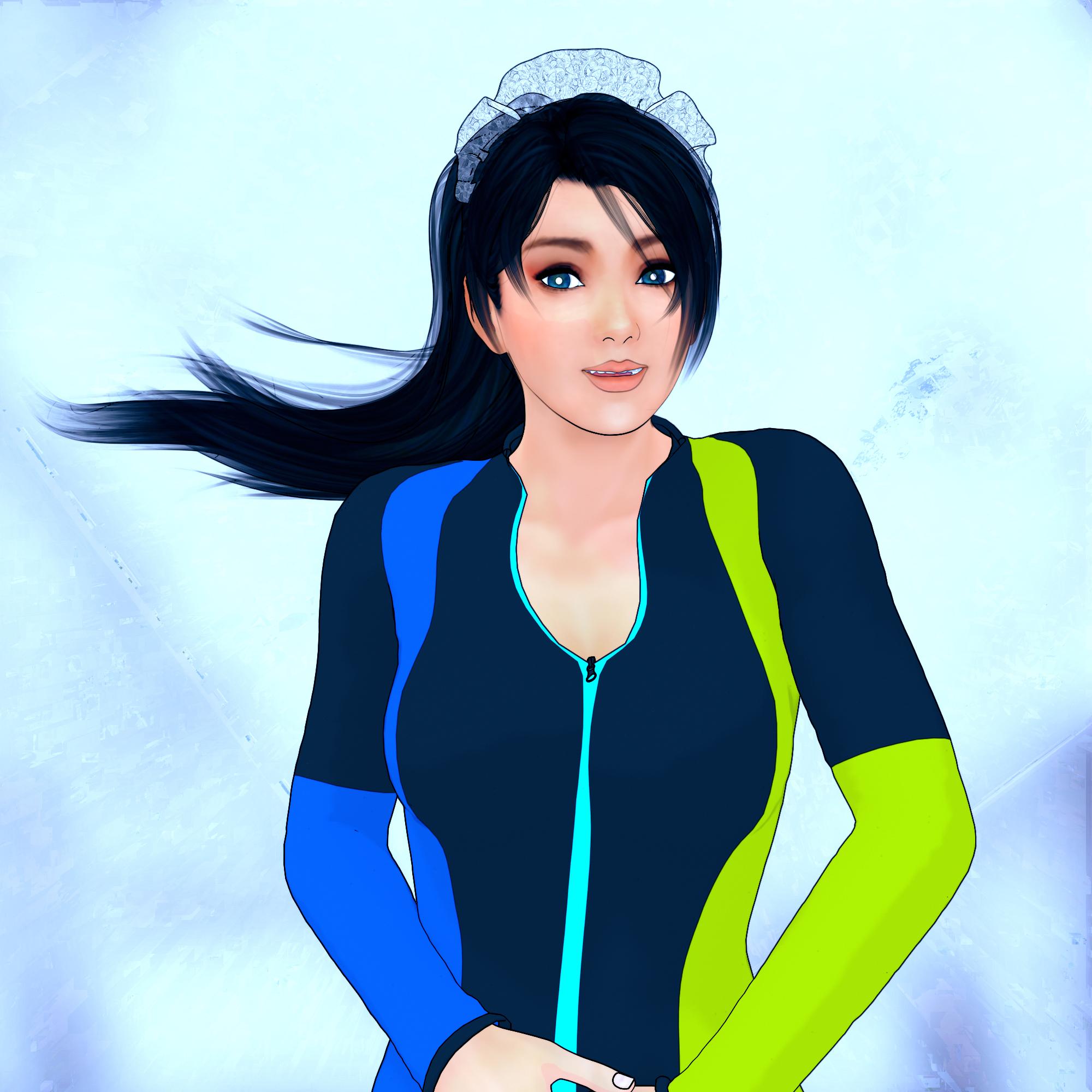
Another style from PwToon and Pshop
More Non-photorealisitic Renders (NPR II)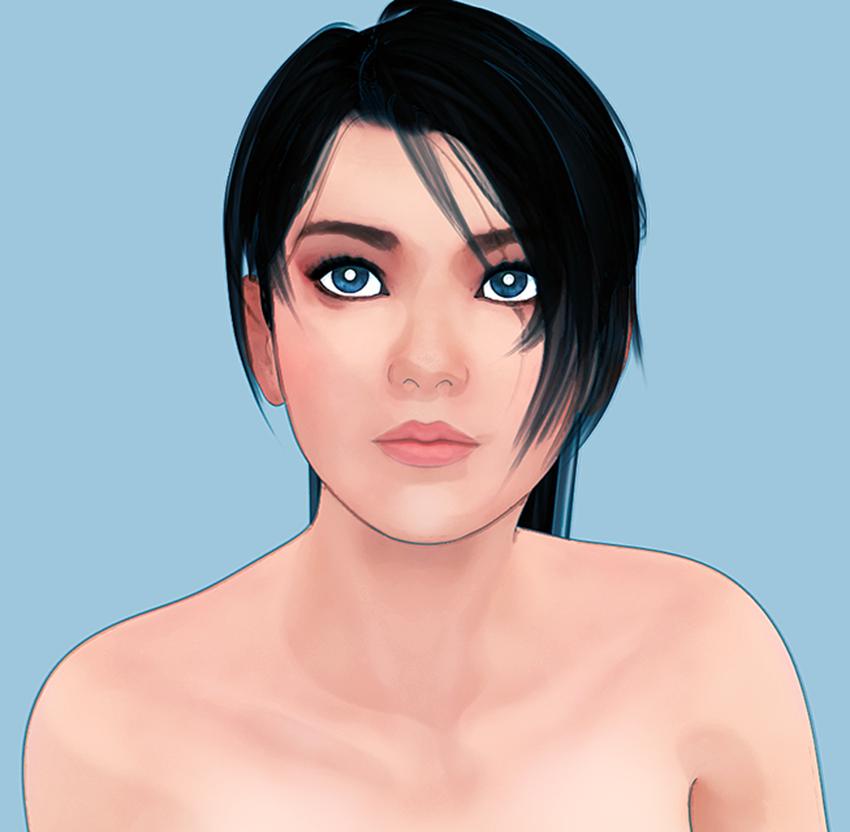
Another combo PwToon and Pshop
More Non-photorealisitic Renders (NPR II)ShadowSkillz said:
vrba79 said:
Also a reminder that if you just don't have the scratch for PWToon right now, D|S actually comes with a fairly versitile Toon shader set. It even renders faster than PWToon. Here's one render without and then with the outlines turned on.
What toon shader set would you be refering to, never come across one out of the box with Daz?
Check in Shader Preset >DS Default
There are several nice toon shaders you can use it . You need to work or using 3delight tough > Change your render engine to 3delight
More Non-photorealisitic Renders (NPR II)vrba79 said:
Also a reminder that if you just don't have the scratch for PWToon right now, D|S actually comes with a fairly versitile Toon shader set. It even renders faster than PWToon. Here's one render without and then with the outlines turned on.
What toon shader set would you be refering to, never come across one out of the box with Daz?
More Non-photorealisitic Renders (NPR II)juvesatriani said:
mmitchell_houston said:
Thanks @artini . It just simple tricks which I`ve also learned from people in this thread
Now back to my Multipass sample image . Stil not find a way to make it simpler but since this is using pwToon its really fast to render all passes
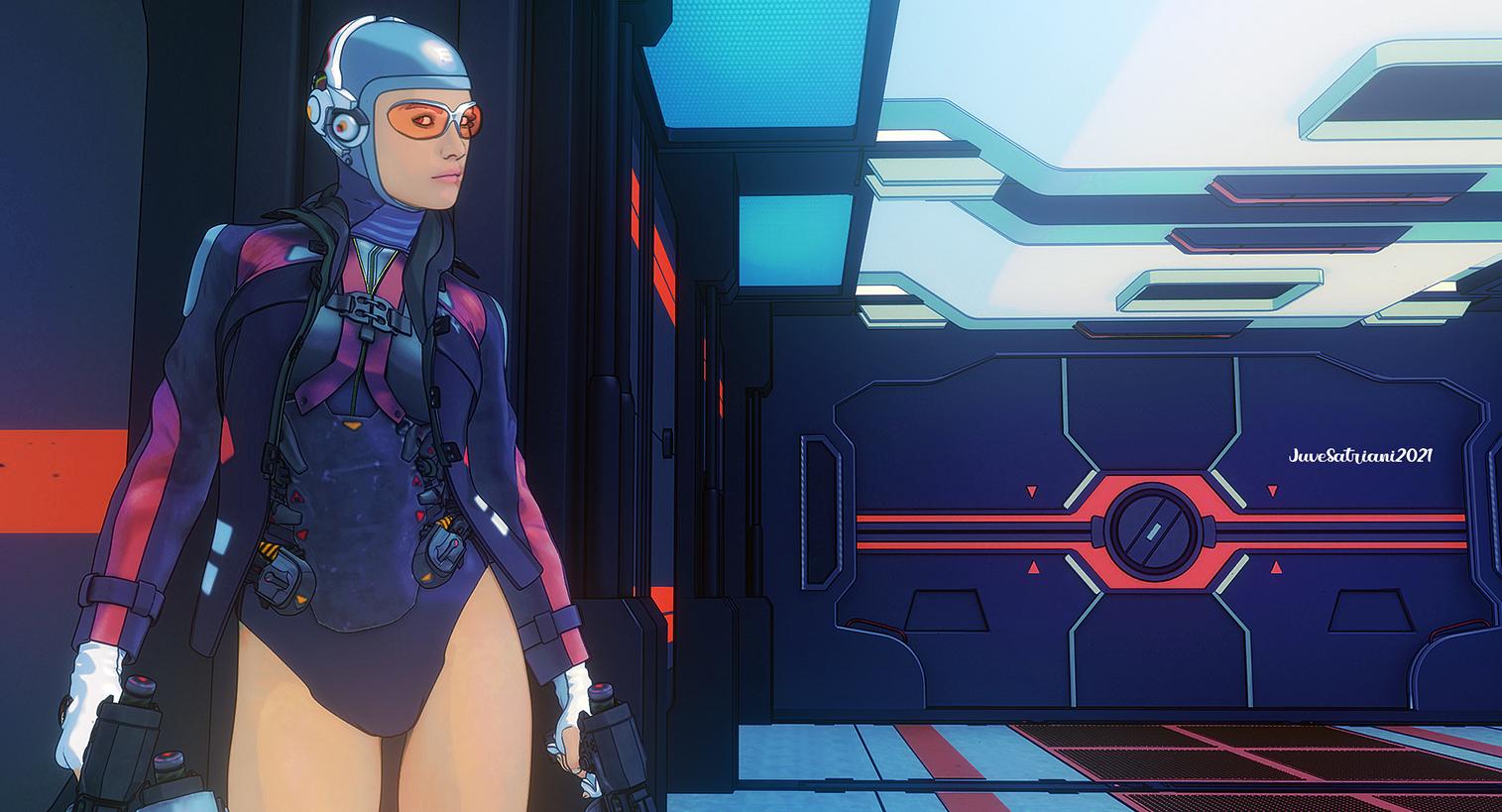
This has a nice, clean look The combination of simple lines and the subject matter remind me of the work of Mobius.
Two questions:
- How is this process working on the more difficult things, like close-ups of faces (lips seem to be an issue) and hair?
- What about consistency? Can you get consistent enough results to keep the images looking the same for use in a comic book (in other words, do your results pass the scrutiny of side-by-side / panel-by-panel comparison)?
I`m not sure how to explain properly , but as more Photoshop user than any other 3D software its easy for me to decide that all my styles controlled or dictated by what I did in Photoshop ( via cafefully stacked bunch of layer adjustment and LUT profile) .
What kind of Dominant Hue value for some styles ( anime- Western toon or painted look like) - which Tint Saturations mostly used - FX and Glow pallete etc, already locked before I`ve start doodling with material presets in 3D software
For me , its easier . Even when I needed , I can copy over between projects to make sure its has the same styles, with some minor adjustment of course
So when doing render from 3D. I`m only concern with what kind of renders will be work properly with my FIXED editing stacks? Thats how most my material presets created . For better suit my Photoshop sessions.
Personally I dont think my photoshop stage as postworks, but as the main one, meanwhile all 3D software I`ve used as layers/elements generators .
The problems I`ve had with render everything in one shoot mostly about large gap difference in textures quality for every elements in one scene - color values which sometimes clash one to another and occasionally 3D lighting behavior which sometimes multiplying everything !
So although we`ve already set with right value in one object , other factors still need to be considered to get results I wanted .
I hear PBR stuff can help us with that , but since we in NPR and not every textures we`ve been used , created by ourselves so its very hard to control .Except we dedicated to one PA and she/he created every models we needed . Variety of products can be bless and torment for everyone who need consistency
And the way Multipass work, I`m only need to dealing with one layer which carrying color and texture informations ( FLAT DIFFUSE) . Another passes mostly Black - Grey and White . So if DIFFUSE layer not working/react properly in my Editing stacks, I`m just doing whatever I can to make it work .
Shifting the color value - brightness - make less contrast even denoising mostly do the trick .
The beauty with this workflow is we dont tied with one style.. Just load different editing Stacks if I need different style . BW styles also possible since all shadow passes literally is Black and White Images
About Line renders, I dont really find (yet?) better way than manually draw those lines . Especially for commercial works .
Some pro with reasonable price can do it in five minutes for single image and almost half of hour for full pages . Using all line render generator means we also need to erase - hide and make it bold by yourself .
Most NPR games I`ve played mostly work with GeoShell and carefully painted line in 3D character textures
The real challenge using premade content to doing specific need is you need to tweak a lot !
In Future I want to learn about Stylized painting which possible in Substance Painter , so I can use and mash up PwToon render with what Blender`s EEVEE already great = Emmision Shader and Bloom
Hey there. Sorry for the short response to your long, thoughtful post. I'm on deadline this week and need to minimize my online time.
Sounds like you have a good process in general. I have found that writing it down helps solidify it in your mind, and also helps you recreate particular looks at a later date.
As for outlined work, so far Poser Pro 11 & 12 are really the only programs at this level that really deliver outlines in a consistent in a live preview. If you look through my gallery, or submissions in this forum group, you'll see a lot of examples of my Poser work.
I've done some digital painting and have receieved solid results. But for me, hat's still a hit-or-miss process where I get slightly different results based on my inputs. Of course, I don't do paintings very often, so that's a big part of that.
Finally, you may want to look more into how Daz Studio interacts with Substance Painter. I'm not sure it's still the case, but previously Substance Painter could't really work with DS because the texture nodes were too different. I know when I tried it about two years ago it turned out to be a complete dead end for me.
More Non-photorealisitic Renders (NPR II)mmitchell_houston said:
Thanks @artini . It just simple tricks which I`ve also learned from people in this thread
Now back to my Multipass sample image . Stil not find a way to make it simpler but since this is using pwToon its really fast to render all passes
This has a nice, clean look The combination of simple lines and the subject matter remind me of the work of Mobius.
Two questions:
- How is this process working on the more difficult things, like close-ups of faces (lips seem to be an issue) and hair?
- What about consistency? Can you get consistent enough results to keep the images looking the same for use in a comic book (in other words, do your results pass the scrutiny of side-by-side / panel-by-panel comparison)?
I`m not sure how to explain properly , but as more Photoshop user than any other 3D software its easy for me to decide that all my styles controlled or dictated by what I did in Photoshop ( via cafefully stacked bunch of layer adjustment and LUT profile) .
What kind of Dominant Hue value for some styles ( anime- Western toon or painted look like) - which Tint Saturations mostly used - FX and Glow pallete etc, already locked before I`ve start doodling with material presets in 3D software
For me , its easier . Even when I needed , I can copy over between projects to make sure its has the same styles, with some minor adjustment of course
So when doing render from 3D. I`m only concern with what kind of renders will be work properly with my FIXED editing stacks? Thats how most my material presets created . For better suit my Photoshop sessions.
Personally I dont think my photoshop stage as postworks, but as the main one, meanwhile all 3D software I`ve used as layers/elements generators .
The problems I`ve had with render everything in one shoot mostly about large gap difference in textures quality for every elements in one scene - color values which sometimes clash one to another and occasionally 3D lighting behavior which sometimes multiplying everything !
So although we`ve already set with right value in one object , other factors still need to be considered to get results I wanted .
I hear PBR stuff can help us with that , but since we in NPR and not every textures we`ve been used , created by ourselves so its very hard to control .Except we dedicated to one PA and she/he created every models we needed . Variety of products can be bless and torment for everyone who need consistency
And the way Multipass work, I`m only need to dealing with one layer which carrying color and texture informations ( FLAT DIFFUSE) . Another passes mostly Black - Grey and White . So if DIFFUSE layer not working/react properly in my Editing stacks, I`m just doing whatever I can to make it work .
Shifting the color value - brightness - make less contrast even denoising mostly do the trick .
The beauty with this workflow is we dont tied with one style.. Just load different editing Stacks if I need different style . BW styles also possible since all shadow passes literally is Black and White Images
About Line renders, I dont really find (yet?) better way than manually draw those lines . Especially for commercial works .
Some pro with reasonable price can do it in five minutes for single image and almost half of hour for full pages . Using all line render generator means we also need to erase - hide and make it bold by yourself .
Most NPR games I`ve played mostly work with GeoShell and carefully painted line in 3D character textures
The real challenge using premade content to doing specific need is you need to tweak a lot !
In Future I want to learn about Stylized painting which possible in Substance Painter , so I can use and mash up PwToon render with what Blender`s EEVEE already great = Emmision Shader and Bloom
More Non-photorealisitic Renders (NPR II)Thanks @artini . It just simple tricks which I`ve also learned from people in this thread
Now back to my Multipass sample image . Stil not find a way to make it simpler but since this is using pwToon its really fast to render all passes
This has a nice, clean look The combination of simple lines and the subject matter remind me of the work of Mobius.
Two questions:
- How is this process working on the more difficult things, like close-ups of faces (lips seem to be an issue) and hair?
- What about consistency? Can you get consistent enough results to keep the images looking the same for use in a comic book (in other words, do your results pass the scrutiny of side-by-side / panel-by-panel comparison)?
More Non-photorealisitic Renders (NPR II)juvesatriani said:
Artini said:
Wow - thanks again for your generosity. Wish you all the best.
Thanks @artini . It just simple tricks which I`ve also learned from people in this thread
Now back to my Multipass sample image . Stil not find a way to make it simpler but since this is using pwToon its really fast to render all passes
Looks great! Yeah, I think we all struggle with "I want to balance simplicity with the end result I want"!
More Non-photorealisitic Renders (NPR II)Artini said:
Wow - thanks again for your generosity. Wish you all the best.
Thanks @artini . It just simple tricks which I`ve also learned from people in this thread
Now back to my Multipass sample image . Stil not find a way to make it simpler but since this is using pwToon its really fast to render all passes
More Non-photorealisitic Renders (NPR II)juvesatriani said:
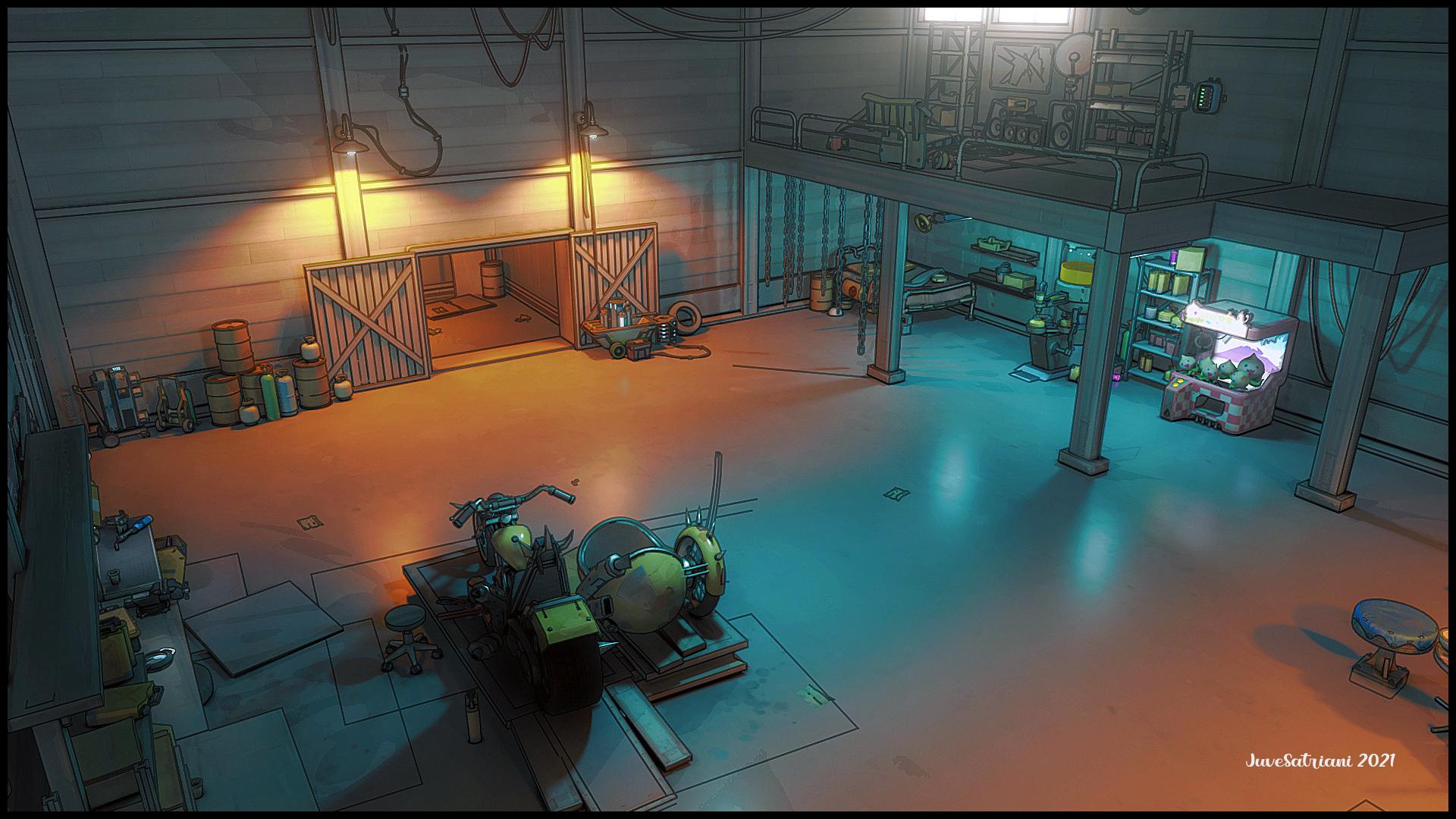
Here experiment using Blender EEVEE and Multipass to generate layers in EXR Format . Its far more complex though and not as eas and fast if ocmpared with my PwToon Pass trick . But i think I`m really start to understand what Blender really offer . There is no Toon Shader involve in this image, just blending and stacking layer and various color adjustment
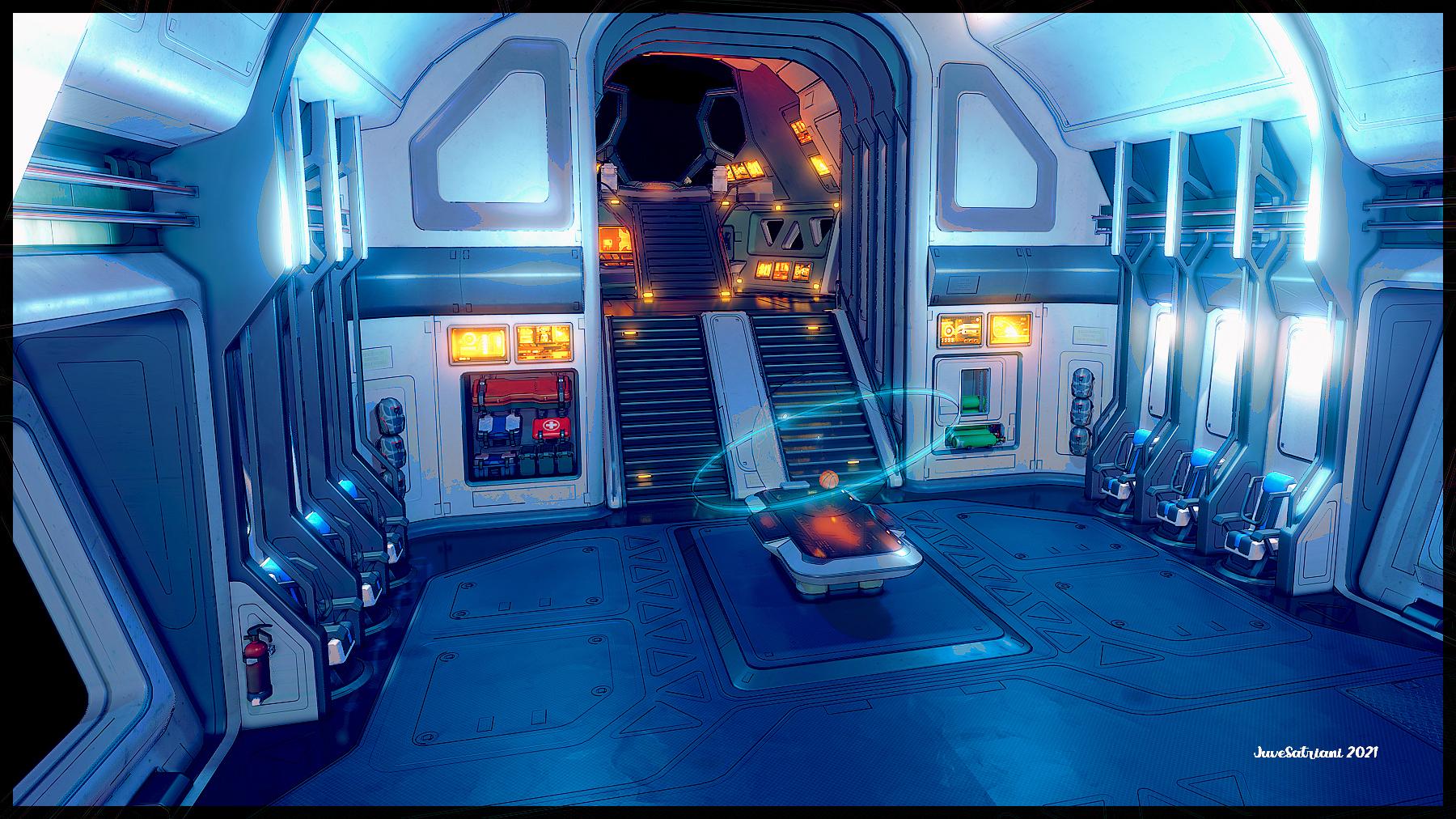
This is a great style. And the lighting is superb.
More Non-photorealisitic Renders (NPR II)juvesatriani said:
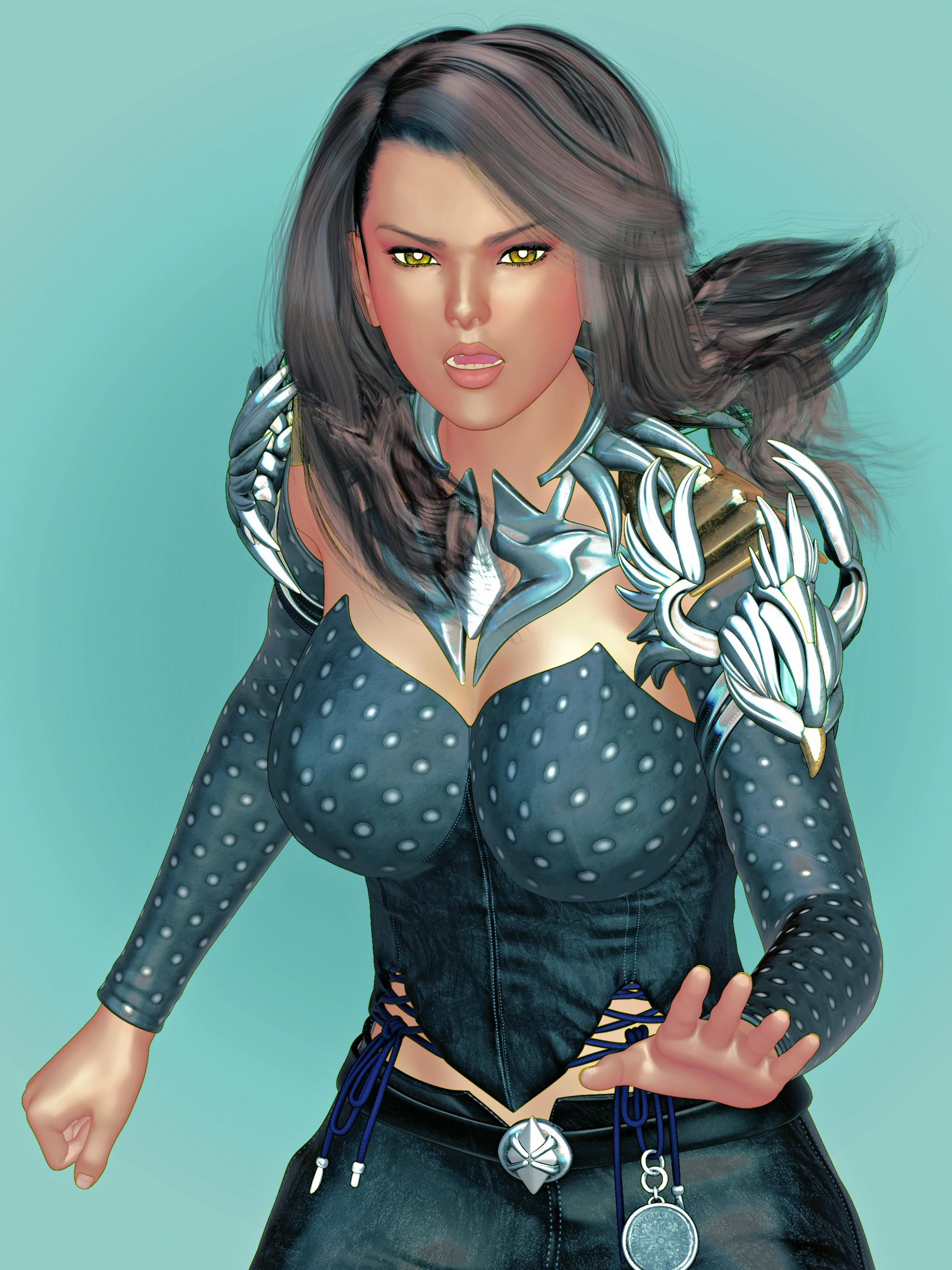
Revisit my Smooth Toon preset which I`ve already posted in this thread and create photoshop action companion to make more like illustration
I hope I can finishingnew presets this week, so you ( pwToon users) can play with it . In meantime this is quick sample from recent version
Transmap Hair still need works though
Very impressive. Thanks. Can I ask you to make a tutorial for separate pass get glowing light effects? If it is possible of course.
More Non-photorealisitic Renders (NPR II)Revisit my Smooth Toon preset which I`ve already posted in this thread and create photoshop action companion to make more like illustration
I hope I can finishingnew presets this week, so you ( pwToon users) can play with it . In meantime this is quick sample from recent version
Transmap Hair still need works though
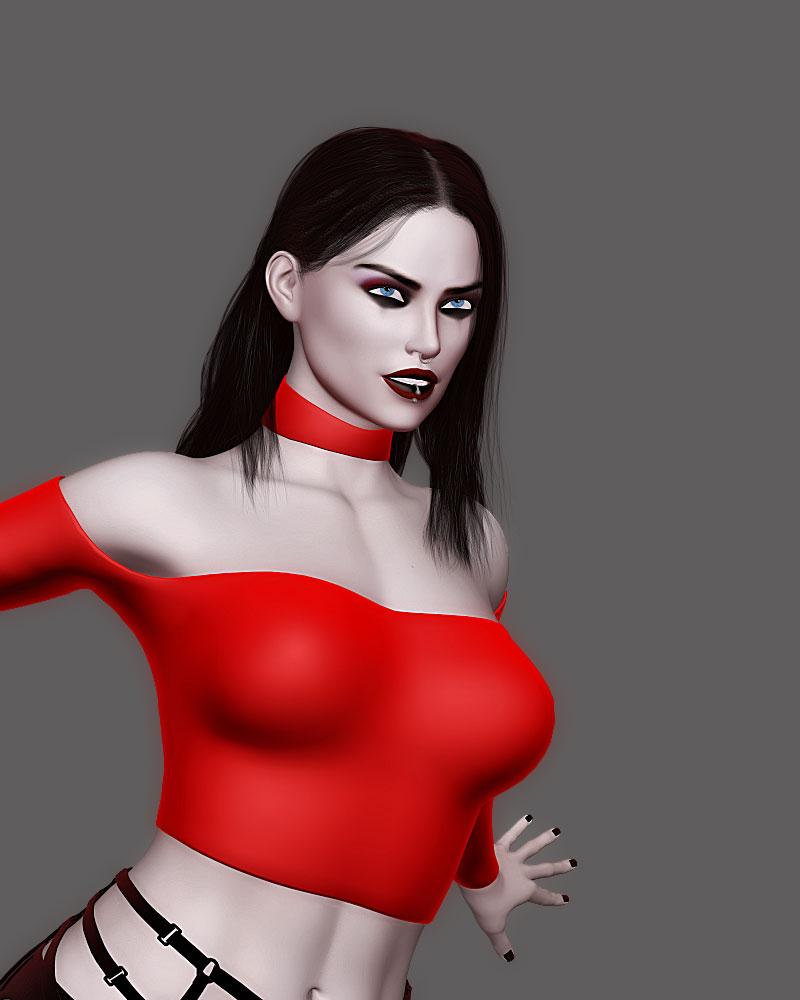
More Non-photorealisitic Renders (NPR II)More of tuned PWToon
 More Non-photorealisitic Renders (NPR II)
juvesatriani said:
Artini said:
juvesatriani said:
Here experiment using Blender EEVEE and Multipass to generate layers in EXR Format . Its far more complex though and not as eas and fast if ocmpared with my PwToon Pass trick . But i think I`m really start to understand what Blender really offer . There is no Toon Shader involve in this image, just blending and stacking layer and various color adjustment
Looks very, very nice. I really enjoy looking at all of your creations.
Thanks for nice words.. here`s another view from same scene

Truly amazing result! How about using the shaders, you wrote about, in DAZ?
More Non-photorealisitic Renders (NPR II)Artini said:
juvesatriani said:
Here experiment using Blender EEVEE and Multipass to generate layers in EXR Format . Its far more complex though and not as eas and fast if ocmpared with my PwToon Pass trick . But i think I`m really start to understand what Blender really offer . There is no Toon Shader involve in this image, just blending and stacking layer and various color adjustment
Looks very, very nice. I really enjoy looking at all of your creations.
Thanks for nice words.. here`s another view from same scene
More Non-photorealisitic Renders (NPR II)juvesatriani said:
Here experiment using Blender EEVEE and Multipass to generate layers in EXR Format . Its far more complex though and not as eas and fast if ocmpared with my PwToon Pass trick . But i think I`m really start to understand what Blender really offer . There is no Toon Shader involve in this image, just blending and stacking layer and various color adjustment
Looks very, very nice. I really enjoy looking at all of your creations.
More Non-photorealisitic Renders (NPR II)Here experiment using Blender EEVEE and Multipass to generate layers in EXR Format . Its far more complex though and not as eas and fast if ocmpared with my PwToon Pass trick . But i think I`m really start to understand what Blender really offer . There is no Toon Shader involve in this image, just blending and stacking layer and various color adjustment
More Non-photorealisitic Renders (NPR II)mmitchell_houston said:
vrba79 said:
Also a reminder that if you just don't have the scratch for PWToon right now, D|S actually comes with a fairly versatile Toon shader set. It even renders faster than PWToon. Here's one render without and then with the outlines turned on.
In my experience, I've found that when trying for any sort of NPR/Toon effect, you get better results by turning down (or completely removing) bump maps. In this case, I'm referring to the speckled effect on the column to our far left. It's kind of funny, though. Now that I'v shrunk the image, the speckling doesn't bother me as much as when I saw it full sized. Nevertheless, if you are having trouble with your textures, I suggest the first thing you do is look at the bump maps.
Usually good about remembering that, but I was in a hurry to get that render done.
Daz 3D is part of

Connect
DAZ Productions, Inc.
7533 S Center View Ct #4664
West Jordan, UT 84084Licensing Agreement | Terms of Service | Privacy Policy | EULA
© 2026 Daz Productions Inc. All Rights Reserved.







