-
transfer utility & fitting morphs
ok thx for the info...i've attached a pic , could be 1 of the transfer utility limits. The red circled area on cloth didnt seem to project forward as what cloth normally does. what settings/options need to be enabled/adjusted in transfer utility or probly other DS built in plugin/tools to fix this if any...
Transfer Utility causes knitter and other strange thingsOf course the reversal, like projection of a morph, may introduce distortion (which is why it is better, if possible, to make the clothing around the base shape). Is that showing the base shape or your morph? The head looks different. One option would be to make a copy of the OBJ and name it to match the morph name (the name, not the label that appears in Parameters), then use Morph Loader Pro to load that as a custom morph for the clothing - it should then look good on your custom shape, even if it has distortion on the base shape. You can fix the base shape by exporting the clothing as OBJ, tidying it up in a modeller, and then using Edit>Figure>Geometry>Update Base Geometry to replace the distorted base shape (you'd want to do that before importing the custom morph, I think).
Show Us Your Iray Renders. Part VII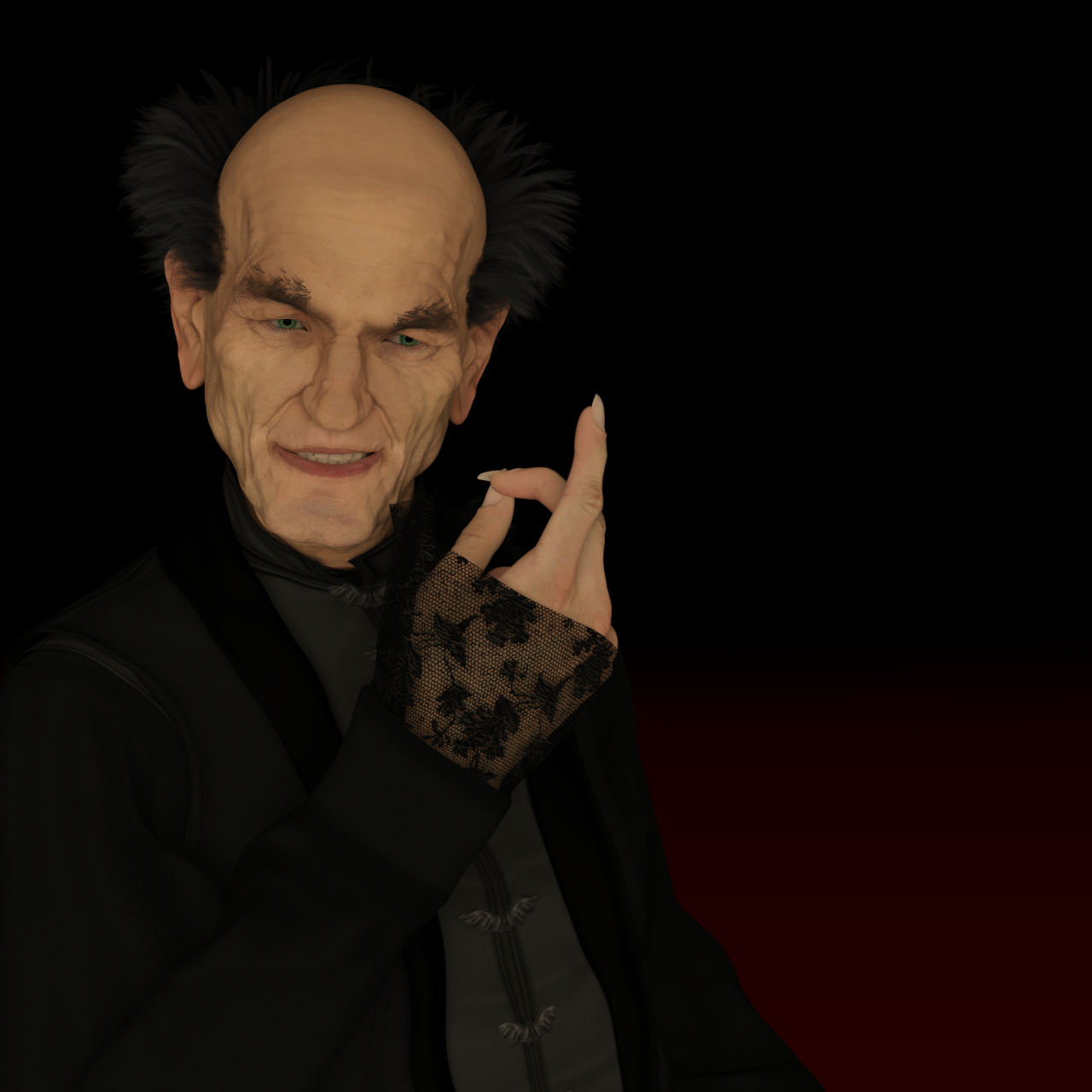
Manfred by RawArt - slightly modified.. Skin is Vladimir 8. The nose was made smaller with Ollie's small nose morph. Ollie, Floyd, Vladimir and Old Chap were added with ~25% each.
I had to make a render with this guy, as I got him today for only $ 4.99 - sorry @RawArt
Shape Splitter - Divide, Combine and Save (The new version is already available. 1.2.1)[Commercial]Thanks for the new videos, they're more helpful now with voiceovers, though some of the words are difficult to understand - they're all important without a full manual. As regards to what I'm trying to do, are you saying that I just have to uncheck "pose to zero before spawn" in Clean/Zero and click "spawn morph"? Seems to me that none of the other things done in that video would be relevant. I've done exhaustive testing and only tests with really simple charactors have been successful. The complex charactors I want to split get drastically modified by "spawn morph" and aren't useable enough to split anything. I've tried all the different combinations of boxes in Clean/Zero, like just leaving "pose to zero before spawn" checked, but that takes out a lot of what I want to keep, like face pose - and that doesn't fix all the modification and distortion. Did you omit some important consideration? Also, what does "overide existing morph" do? / thanks
"overide existing morph".-This option allows you to overwrite the morph you previously saved.
"pose to zero before spawn".- This option executes the "Zero Figure Pose" command before performing the Spawn morph. This in order to prevent any movement that has been made in the character. Because SpawnMorph, "captures" the shape of the current figure.
Another way is to block the desired morphs, perform the SpawnMorph, and subsequently unlock and change the value to zero the morphs, since the morph could be duplicated which would cause distortions.
More Male Content pleaseskimpwear for mans. with the brock morph.
budgie smugglers. not a single speedo found.
If you are looking for male skimpwear dzheng is back in buisness over at Rendo and he is putting out so much of it Victoria is pouting.
XTransfer Module 1- Genesis 3 to Genesis 8 Morph Converter (Commercial)No cross gender at the moment. That is drafted as a possible module though. Focus for now is G3 to G8 then G8 to G3. Once we have that foundation we will look into cross gender and the viability of it.
Regards to ease of use, just choose morphs you want on g3, open script and hit transfer. It will do the rest.
XTransfer Module 1- Genesis 3 to Genesis 8 Morph Converter (Commercial)Does it work cross gender?
Does it more than an more easy/comfortable usage of the morph transfer tool?
XTransfer Module 1- Genesis 3 to Genesis 8 Morph Converter (Commercial)Key features:
- Only transfers morphs. All Skins need to be applied from source Material Presets.
- Able to transfer Pose related files such as expressions as well.
- Preserves Morph Rigging.
- Transfers all related Correctives, Jcm's, Mcm's and supporting morphs and maintains links.
- Maintains Slider Cards and Colors.
Merchant Resource Agreement:
- Morphs transferred via this product may be used for selling provided they are your own.
- Morphs may be renamed to remove XT-Prefix on Morphs.
- Morph Location may be taken out of XTransfer Folder Structure.
Here is the promo video of the product in action.
The XTransfer team

Version 1.3 is now LIVE.
 Transfer Utility causes knitter and other strange things
And is aval the only morph set?
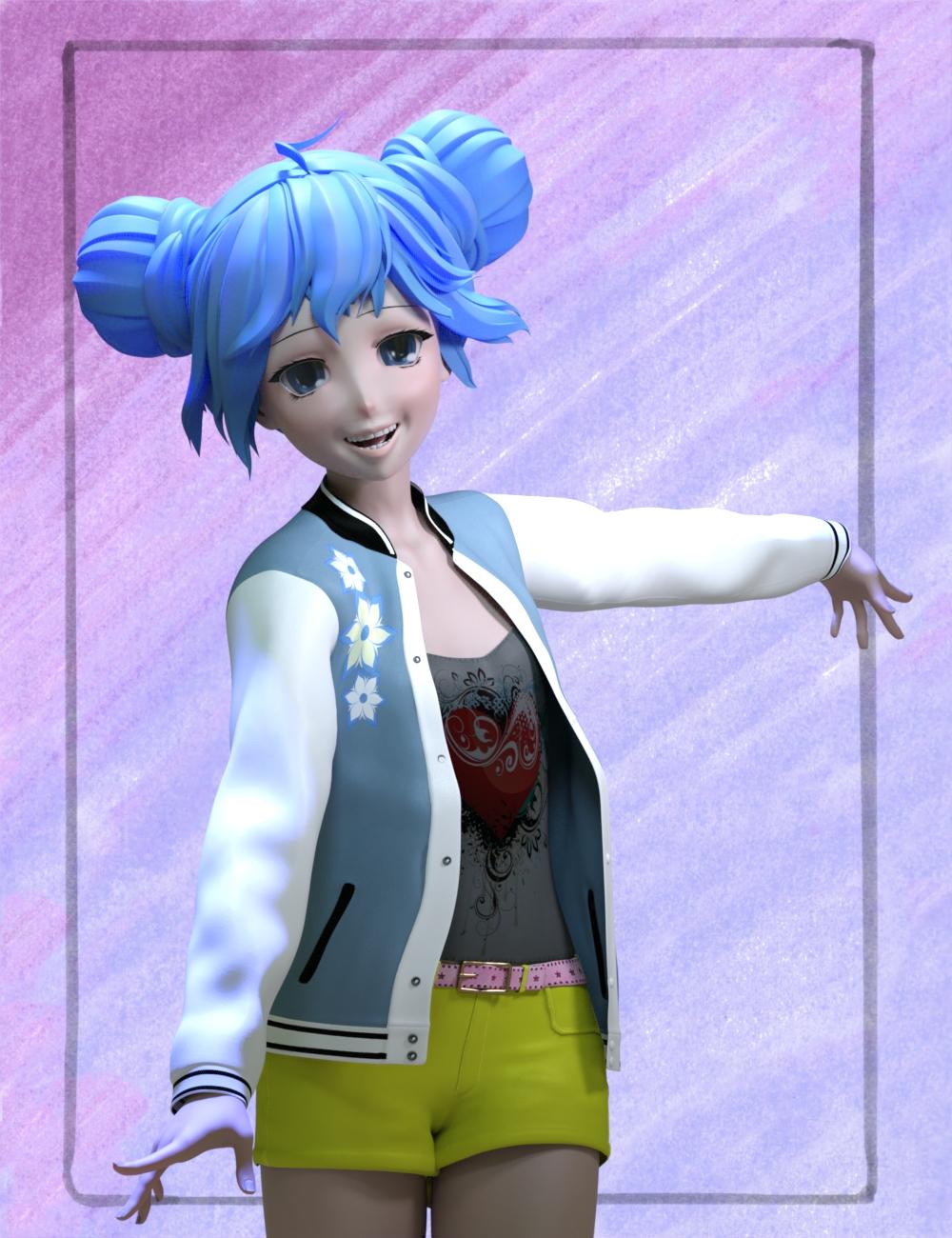
Novica & Forum Members Tips & Product Reviews Pt 12I fixed the cuffs on the bomber jacket! Select the jacket in the Scene tab, and change the "Sakura 8 Wrist Thinner" morph (under Actor/Arms; it may be hidden) less than zero.
 Transfer Utility causes knitter and other strange things
Hello!
I am using the following settings to transfer a shirt to my morphed model:
Transfer Utility -> Genesis 2 (with morph), then with option "Reverse Source Shape From Target".
I experience undesired things like knitter and strange vertex stretches. I have attached a screenshot.
Can anybody suggest what I could try to avoid this?
Thank you!
Morph Sliders - Sortable?Is it possible to have the morph dials/sliders in alphabetical order? I can't figure what determines how they are listed now. Thanks.
[Released] Character Converter from Genesis 3 Female to Genesis 8 Female(Now Conv JCMs) [Commercial]I am looking forward to this coming out I have a few characters in mind to transfer already. This tool sounds like it will save me a lot of time instead of transferring them manually.
Transfer Utility causes shirt to "explode"Set the Source Shape to the morph you are using (or current if it's multiple morphs) and then in the extended options check Reverse Source Shape from Target.
Transfer Utility causes shirt to "explode"Hello!
I am trying to fit a shirt OBJ onto a Genesis 2 morph:
When I apply Transfer Utility, my shirt explodes.
Here is a screenshot:
Does anybody see what is happening here and knows a solution?
Thank you!
Shaping error Genesis 3.Are you sure the presets are for Genesis 3 (Male or Female)? Are you sure you have any required characters or morph sets? How did you install the content?
Spring Errors when simulating DForce objectI am trying to add DForce to a simple dress made in Marvellous Designer, but when I run a simulation literally 100,000s of messages are generated along the line of:
Spring (xxxxxxx, xxxxxxx) of node "Kimono Dress" extended: rest length < collision offset (0.xxxxxxx < 0.20001) there are so many I give up after a while and kill the program.
Setting collision to "0" greatly reduced the number of warnings, but then I am getting poke through.
Is there some flaw in my transfer. I am exporting the dress as an OBJ from MD and importing as OBJ into Daz.
Cheers.
transfer utility & fitting morphsMaybe. Ds will project any moprh aplied to a figure into the fitted items if they don't already have a morph with the same name (and will set the moprh they do have if it exists). How well that works varies by the clothing and by the shape.
More Male Content pleaseMD can make clothing baggy. In the example, i think the item became tight/constricting because of the size of the garment vs. the volume of the avatar's body size. In the example, he also imports the MD object as a morph. You dont have to import the MD clothing as a morph. You can drape the clothing any way you want in MD and then just import as an OBJ.
Good to know, thanks.
More Male Content pleaseThere is also a youtube video from The WP Guru showing how to use MD to create a simulated morph of Daz clothing exported to MD as OBJ.
Is this cloth supertight by design (not as tight on left pic but still tight enough on right pic)? As one of reasons i'd like to try MD is to go away from DAZ's traditional "conforming clothes is sticked to you", but instead have it layed upon body more freely and more airy. And as i never went past 4.8 i cant use dforce so MD would be my best bet.
MD can make clothing baggy. In the example, i think the item became tight/constricting because of the size of the garment vs. the volume of the avatar's body size. In the example, he also imports the MD object as a morph. You dont have to import the MD clothing as a morph. You can drape the clothing any way you want in MD and then just import as an OBJ.
you can DL a free 30 Day trial of MD and test some stuff to see how it works.
It's not necessarily a big time investment to get started with MD because you dont have to start out making your own clothing patterns. You have the option of simulating Daz clothing or using existing MD project files. There are not many MD project file vendors, but you can find a few cheap ones online. There are a few on artstation, like Evgeniya Petrova, who sell cheap ones.
Daz 3D is part of

Connect
DAZ Productions, Inc.
7533 S Center View Ct #4664
West Jordan, UT 84084Licensing Agreement | Terms of Service | Privacy Policy | EULA
© 2026 Daz Productions Inc. All Rights Reserved.