-
BOX OF COOKIES
It looks as if you used some kind of planar mapping, so the facing panel of the box works but the sides (and top and bottom, I expect) have a single column of pixels smeared out along their depth. I'm not at all familiar with SketchUp, but you want something like a box or cubic mapping or to do each side separately, adjusting the axis each time.
Richard, to be honest I am now learning Sketchup. With help I got the textures to go onto a premade model few weeks back. But this time I used my own. I can, however, put separate colors, at sides, bottom, top. The 'smearing' happened as I used the actual image and not separate colors. But even the front image is supposed to be centered and cut off near the right side. Same happened at back by not fully centered. I have to practice this more.
How an image wraps around a model is controlled by the UV mapping, if you want it to line up with a pre-existing texture you have to make the mapping fit the texture.
BOX OF COOKIESIt looks as if you used some kind of planar mapping, so the facing panel of the box works but the sides (and top and bottom, I expect) have a single column of pixels smeared out along their depth. I'm not at all familiar with SketchUp, but you want something like a box or cubic mapping or to do each side separately, adjusting the axis each time.
Richard, to be honest I am now learning Sketchup. With help I got the textures to go onto a premade model few weeks back. But this time I used my own. I can, however, put separate colors, at sides, bottom, top. The 'smearing' happened as I used the actual image and not separate colors. But even the front image is supposed to be centered and cut off near the right side. Same happened at back by not fully centered. I have to practice this more.
BOX OF COOKIESI have just built my own box in Sketchup but not sure if the texture I have used will be allowed here. The texture is free domain, but still I need to have clarity.
PublicDomainPictures.net is site used.
I still need to add text, etc before sharing.
BOX OF COOKIESIt looks as if you used some kind of planar mapping, so the facing panel of the box works but the sides (and top and bottom, I expect) have a single column of pixels smeared out along their depth. I'm not at all familiar with SketchUp, but you want something like a box or cubic mapping or to do each side separately, adjusting the axis each time.
BOX OF COOKIESI was planning to use a premade untextured cereal box from Sketchup Warehouse but something went wrong with texturing. Then I rather made a simple box in Sketchup. Somehow texturing does not work great and do not fit as I has planned originally. My modeling knowledge are not quite there and I have to try again later. In the meantime people can try this cookie box out and see if it will work.
The images I made in Photoshop. Models used are from Sketchup Warehouse and characters G3F clothed with Wendy's clothing.
Download to try model: https://sharecg.com/v/93787/browse/5/3D-Model/BOX-OF-COOKIES-1
CAR AND BIKE LOVERS THREAD - MARK IVPuchased it a ways back.. can;t remember where, though..
Did you convert that 61 Impala from the old sketchup model or was that one one of the models sold at the Vue site?
I think it was released a few years back in Vue format.
CAR AND BIKE LOVERS THREAD - MARK IVPuchased it a ways back.. can;t remember where, though..
Did you convert that 61 Impala from the old sketchup model or was that one one of the models sold at the Vue site?
CAR AND BIKE LOVERS THREAD - MARK IVDid you convert that 61 Impala from the old sketchup model or was that one one of the models sold at the Vue site?
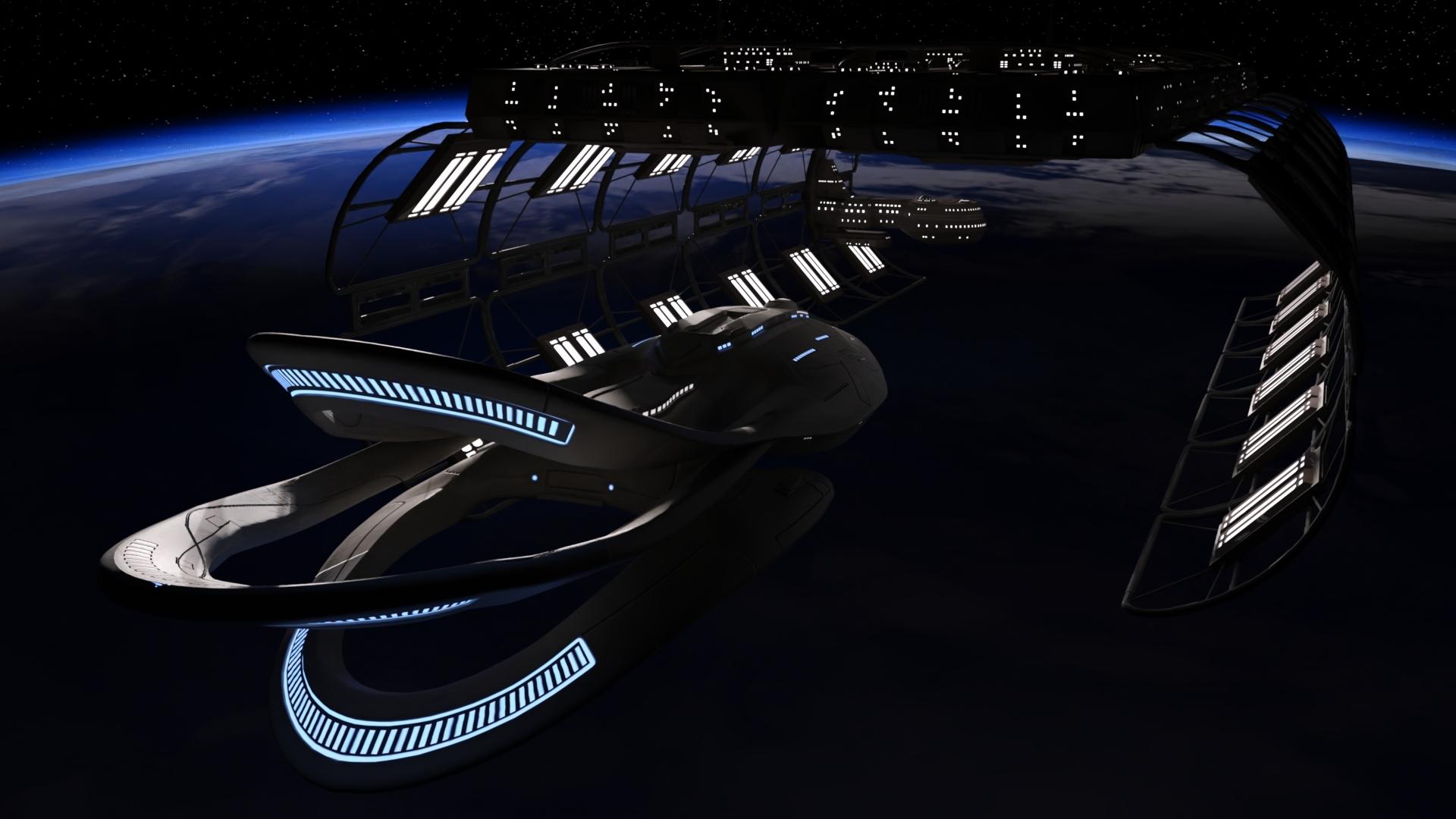
The Orville for DAZ StudioNice! Although I'll admit I haven't watched season 2 yet, but I'm getting around to it.
My Orville is one I found on Sketchup I think. I'm going to have to try the Vanishing Point one.
 CAR AND BIKE LOVERS THREAD - MARK IV
I have one Airstream trailer that was put out by someone over at Rendo, I had to pay for that one, and then I have one that was a freebie that I converted from an skp file, obviously that one was from sketchup!
How to create roofs/dormers for setting in DazI'd been looking at what appears to be a rather old set/add-on called Room Creator 2, then found that Collective3D's more recent stuff (including Iray materials) could handle much of what I was looking to do. So I invested in Collective3D's "Create a Room" and other packages. And I've been really pleased overall.
But I've finally been playing around with them a bit and discovered that I don't see any options for creating roofs. And while I know that's not the intended use—the focus seems to be on interiors—I was kind of hoping I could fudge it with what was in all of these kits.
Am I missing something? If not: is there anything out there to use to create full-on houses within Daz, or do I need to go learn another program? I'd considered Sketchup, but that is feeling way over my head every time I open it.
(Or, I guess, should I go back to looking at Room Creator and then adding on newer Iray materials?)
Problem to upload model in Hexagon (and program keep freezing up)I would not export OBJ from SketchUp. Ever.
This is news to me. I have actually used Sketchup for downloading models from the Warehouse to use in my personal Bryce renders. And exporting it as .obj now for years. Most of the models work well in Bryce, only a few have texture issues but overall texture well. And now that I am learning the program I have made my own models and those I also export as .obj.
Is there a specific reason why you would not do it?
Quicksave PluginOK, I have a wee problem with it now. I had to roll back my Nvidia Quadro K2200 drivers to the original ones that came with the machine. Somehow I'd gotten into a fix where I was losing my signal to the monitor sporadically and not always when doing Carrara, I could just be surfing the net. Anyways... now that I have a fresh rolled back install of my drivers for the graphics card, I could not get Carrara to open. It just 'hung'. on the splash screen. I could open Zbrush, DS10, Blender, Poser, World Creator, Sketchup (yeah, I have a lot of stuff) and they open faster than with the updated drivers, so will keep the roll-backs for now. So I wondered what was 'new' that I'd done with Carrara... I added the plugin. So I removed the two files from the Extensions folder and...wah-lah... Carrara opened immediately.
I did this a couple of times, put the Quicksave files back in, and same hang up thing again. Took them out, and Carrara opened quickly. I was not having that problem before I rolled back, so this is confusing. I really liked having it. Any idea if there is a causal relationship going on?
Fingers crossed there's an explanation.. it's so useful!

 SileneProblem to upload model in Hexagon (and program keep freezing up)
I would not export OBJ from SketchUp. Ever.
Problem to upload model in Hexagon (and program keep freezing up)Yes, that looks about like the best you could hope for with the mesh setup the way it is. Sorry it will be more difficult for you.I got a video tutorial on how to use clipart in Sketchup. They use GIMP first and then import it into Sketchup.
Problem to upload model in Hexagon (and program keep freezing up)Okay, so a few things...
First (and most important) the 3D mesh is an absolute mess! Could you clean it up? Maybe. With hours and hours of work. But it would probably be faster to just start with clipart of a cupcake and make your own model.
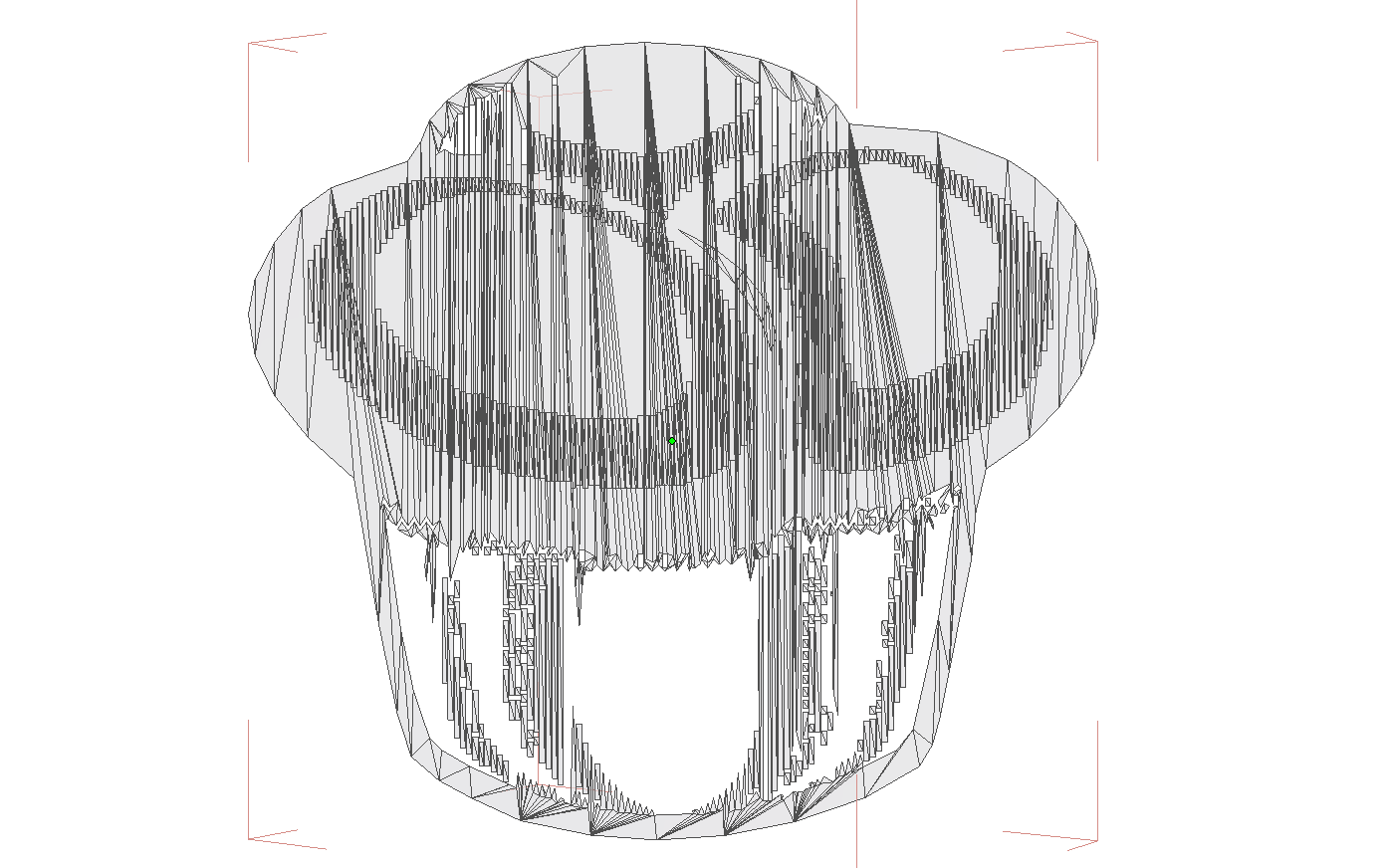
I was able to get it to load by pulling it into my UV mapping tool and removing all of the groups (there were 800 mesh groups on an object that only has 1700 polygons). There was also another figure (Lisanne?) embedded in the OBJ file which had a whole different set of issues with it. I removed that completely to get it down to just the cupcake.
But, like I said, I don't think you're ever going to get this to do what you want it to do and it would take MANY hours to get this mesh into a usable format. Time better spent making your own object.
Thank you Johnny for your comment and to try it out. That other figure I forgot to remove before exporting it via Sketchup. That figure is part of Sketchup interface.
This mean then the fonts (dingbats) will all behave the same way to try texture them. Well, then I have to go and search for clipart. I have recently learnt how to add a 2D image on a 3D sketchup model and export it as .obj which worked. I want to use it as neon style signs in my town renders in Bryce.
I someway figured out how to ungroup the mesh in Bryce though. But mesh has limited parts, still can't colour it as I was planning to do. Brown part is one mesh.
Problem to upload model in Hexagon (and program keep freezing up)Where did you get the OBJ file? I would be willing to try and see how it looks on my machine.
Johnny, I have tried to upload it here but format not allowed. I will have to upload it to mega and send link to you by message. I have converted it from Sketchup to .obj thus on my computer.
Check your pm, the last 2 links are working. Ignore the first few tries. It's the .obj and .mtl
Problem to upload model in Hexagon (and program keep freezing up)Someone suggested I upload a dingbat font which is now in .obj format in Hexagon as I have problems to texture it in Sketchup. In Sketchup the whole dingbat turns colour you choose which is not the main problem. Problem is I want to colour dingbat in parts. In this particular dingbat, a cupcake, want to colour "icing" with different colours and bottom a light brown, etc.
I just want to add that I was not using Hexagon for a long time. In fact, it was not even installed on my laptop. Earlier years, I have used the older version before it was updated. I have only today downloaded and installed the latest, updated version. But Hexagon crashed the moment I have uploaded the dingbat model which is only about 400 kb or so. First time using Hexagon. I couldn't get out of the crashed state and only way was to press Cnrl/Alt/Delete to stop Hexagon running in this state.
Is it in any way possible to colour dingbat fonts in Hexagon? I got a link to do it 2D way in Photoshop but not sure if possible to do it straight on the actual model itself.
After error menu appears and I got to see model (2nd image) Hexagon crashes.
Show Us Your Bryce Renders Part 10Laura - very nice render. Like the staircase do you have a link to it.

Thank you!
Here is the link - it's a sketchup model but I have exported it as .obj. https://3dwarehouse.sketchup.com/model/bee7465ed0b06104a55a2eafff111bd2/The-Grand-Staircase-update-no-2
Check out the uploader's profile - has more options.
Just want to add the grand staircase have a fuller wall at back but I cut parts out due to texture issues. Also changed textures on wood railings due to same problem.
Thanks for the link

I was searching for more staircases and vintage buildings, then noticed the staircase I have used are actually from the Titanic. There are great rooms and decks at Sketchup Warehouse based on Titanic. This I can use for period renders.
Show Us Your Bryce Renders Part 10Laura - very nice render. Like the staircase do you have a link to it.
Thank you!
Here is the link - it's a sketchup model but I have exported it as .obj. https://3dwarehouse.sketchup.com/model/bee7465ed0b06104a55a2eafff111bd2/The-Grand-Staircase-update-no-2
Check out the uploader's profile - has more options.
Just want to add the grand staircase have a fuller wall at back but I cut parts out due to texture issues. Also changed textures on wood railings due to same problem.
Thanks for the link
Daz 3D is part of

Connect
DAZ Productions, Inc.
7533 S Center View Ct #4664
West Jordan, UT 84084Licensing Agreement | Terms of Service | Privacy Policy | EULA
© 2026 Daz Productions Inc. All Rights Reserved.