-
Trouble creating morph for Gen9 using Blender 3.4
Richard Haseltine said:
What settings did you have in the OBJ export dialogue? If you reload the OBJ is it just the base Genesis 9, without any additions?
Thank you for the suggestion, I exported the obj with the settings in the first attached image (including base resolution in parameters), selected only genesis 9 again from the scene tab and try to import through Morph Loader Pro and get the error (Warning: Geometry did not match, failed to create morph).
So I did what you suggested and imported the obj into a new project (see second attached image), and i can clearly see there are no addons. Then I tried adding the same obj as a morph and it works (only in this new project). So i deleted my character and in the same new project added a base genesis 9 character and tried adding the obj morph and get the error.
I've included more attached images for other export settings I've tried.
How to use DAZ Studio to create 3D-print physical miniatures?hmmm... I feel like the time that I have to get this accomplished is slipping away. I had this idea for a presentation piece several days ago and started inquiring on several figure painting sites. I was hoping for a reply something like, "If that's the sort of an end product you want to wind up with, take a look at the following six commercial product suggestions for ready-to-build figure kits that you can modify." It didn't happen, and I'm no closer to knowing where to look for a pre-designed figure that'll suit my needs. Then someone suggested it could be 3D printed and asked me to PM him to talk about it. Except, he spent a whole day with very few and very vague one-line replies - mostly "yes/no" answers to "not yes/no" questions. So I came to the Daz forum.
Here's what I'm hoping to learn, because God bless you for answering at all, Wendy, but when you say, "It depends what and who you use" I'm kind of stressing out. I know Daz Studio and only Daz Studio. I already know it doesn't do .stl but since the store sells 3D printing licenses for every product, somebody uses Daz figures and products somehow for 3D printing of figures. I'm trying to figure out how. So maybe I'll re-frame the question. I'm hoping someone can fill in the blanks:
"You can use Daz Studio to create and pose your figure, but then you have to download and learn how to use [Please Somebody Suggest a Preferably-Free Preferably-Easy-To-Learn Application Name] so you can import it and turn it into an .stl, and then go to [Please Somebody Suggest A Way To Find a Vendor] to arrange to have it printed and shipped to you next week so you can prep it, modify, it, paint it, mount it and present it at the end of May."
I've been extended a once-in-a-lifetime invitation requiring a once-in-a-lifetime show of appreciation, but time is not my friend. God bless every forum user for all the help I've seen you provide hundreds of people over the years. I hope this is coming off as more of a desperate plea than a rude reply. If I failed then I owe a huge aplogy but I'd like to get this production process started today. Thank you everybody Trouble creating morph for Gen9 using Blender 3.4
lilweep said:
josiahmora20 said:
Richard Haseltine said:
The count in DS is with SubD, but the morph needs to be on the base resolution - the reduced count would be correct. However, it looks too high which suggests you are including the additional fitted elements (eyes etc.) in the OBJ.
Got it, but still, there seems to be some problem as to why Daz thinks the vertex count is off. And nope, base resolution on and I removed everything, eyes ,eyelashes, hair, mouth etc. I ensured I export at 1% scale also. Not sure what else to try as like I said it won't even let me re-import the newly exported obj without even modifying it in blender.Scale does not effect geometry mismatch error. Vert Order issues does not cause geometry mismatch error either usually (instead, it results in mangled morph). Geometry mismatch is usually because the geometry count is off, usually because at some stage you either did not export base geometry, included excess geometries, or added geometry when sculpting.
Note: Gen 9 Base is 25.1k verts, not 34k.
Test:
1. Load Devload G9F figure in Daz
2. In Parameters, set resolution to Base
3. Export as obj (you can leave scale as default 100%)
4. Import obj in Blender, ensuring it is the one you just exported. In latest versions of Blender, it will naturally preserve Vert Order. So there is no special option you need to select. You can leave Blender scale as default 1.0, assuming you left it as default when you exported from Daz.
5. It should be 25.1k vertices. You should only have G9F mesh in your scene.
5. Morph using any standard Sculpt tool like grab brush
6. Export as obj (can leave settings as default 1.0, assuming you have left as default on previous import and export steps)
7. Load as morph using morph loader pro
Thanks for the help guys. So Richard, I did what you suggested, started a new project and loaded the base gen 9 figure- it works. I can bring it back from Blender through Morph Loader Pro no problem! So now I'm trying to understand why it doesn't work for the character I've been building.
- I deffinetly exported just the base geometry. I hid eyes, eyelashes, mouth etc (everything but "genesis 9," see image attached).
- Not sure what would constitute as excess geometry. I'm using a body morph sliders from multiple genesis 9 characters to get a base figure i like, could that be the problem?
- And there's not been any sculpting to the character, everything made in Daz.
Re-Authenticate Daz studioIt isn't vital, it was needed only for encrypted Daz Connect content (of which there isn't any now) but if you use Connect>Connect to log into your Daz account (don't update metadata if you don't want an entry for everything you own but don't have installed in the Products list) the prompt will then go away, even when you ar not online, until it sees a change in the system or something deletes or damages its stored authentication.
Trouble creating morph for Gen9 using Blender 3.4josiahmora20 said:
Richard Haseltine said:
The count in DS is with SubD, but the morph needs to be on the base resolution - the reduced count would be correct. However, it looks too high which suggests you are including the additional fitted elements (eyes etc.) in the OBJ.
Got it, but still, there seems to be some problem as to why Daz thinks the vertex count is off. And nope, base resolution on and I removed everything, eyes ,eyelashes, hair, mouth etc. I ensured I export at 1% scale also. Not sure what else to try as like I said it won't even let me re-import the newly exported obj without even modifying it in blender.Scale does not effect geometry mismatch error. Vert Order issues does not cause geometry mismatch error either usually (instead, it results in mangled morph). Geometry mismatch is usually because the geometry count is off, usually because at some stage you either did not export base geometry, included excess geometries, or added geometry when sculpting.
Note: Gen 9 Base is 25.1k verts, not 34k.
Test:
1. Load Devload G9F figure in Daz
2. In Parameters, set resolution to Base
3. Export as obj (you can leave scale as default 100%)
4. Import obj in Blender, ensuring it is the one you just exported. In latest versions of Blender, it will naturally preserve Vert Order. So there is no special option you need to select. You can leave Blender scale as default 1.0, assuming you left it as default when you exported from Daz.
5. It should be 25.1k vertices. You should only have G9F mesh in your scene.
5. Morph using any standard Sculpt tool like grab brush
6. Export as obj (can leave settings as default 1.0, assuming you have left as default on previous import and export steps)
7. Load as morph using morph loader pro
Transfer Utility problemIf I spent a lot of time making a garment that I wanted to use on the Ogre HD model, I would:
- import the garment on Ogre HD
- ensure transformations are all baked (i.e., do not move/translate/scale the garment after importing it!)
- rig it using Transfer Utility (ensuring the reverse source shape option was ticked)
- if there is any weird pokethrough (expected to be relatively minor and perhaps no massive ballooing as described), then load the correct shape of the garment as a morph using morph loader pro
- dial in new morph corrective (potentially you can link the morph to the Ogre HD morph as a "Full Body Morph (FBM)" if you feel so inclined).
- Test if working when figure is posed
How to use DAZ Studio to create 3D-print physical miniatures?There are online "stores" with very high-end printers that will provide the fine detail you'd need for a decent model (single item). Most affordable "home/office" printers would struggle to produce facial-features etc.
Face Transfer plugin is for face transfers https://www.daz3d.com/face-transfer-2.
Neither of the george's will sue you if it's personal use - just like if you did a painting/portrait to hang on your wall
3D printing. You could do in "parts" and then glue them but usually they're printed as one model (like toy-soldiers) - the "stores" mentioned would prob do it like that
There's a Windows "component" that will allow you to import (obj, I think) and then links to stores that offer the printing eg https://learn.microsoft.com/en-us/shows/3d-printing/windows-10-imaterialise
Trouble creating morph for Gen9 using Blender 3.4
Got it, but still, there seems to be some problem as to why Daz thinks the vertex count is off. And nope, base resolution on and I removed everything, eyes ,eyelashes, hair, mouth etc. I ensured I export at 1% scale also. Not sure what else to try as like I said it won't even let me re-import the newly exported obj without even modifying it in blender.Richard Haseltine said:The count in DS is with SubD, but the morph needs to be on the base resolution - the reduced count would be correct. However, it looks too high which suggests you are including the additional fitted elements (eyes etc.) in the OBJ.
Twinmotion rendersI use Automatic 1111 much the same way (I hate nodes) but in Visions of Chaos's environment as the self contained builds all refuse to see my Nvidia card due to my nonstandard hardware set up
I bet a lot of people are annoyed they paid for TM
D|S 4.22 Beta has some FBX import improvements BTW too
many tools in the toolbox are always good, I am actually using DAZ studio now more than I ever did but lots of other softwares with it
Twinmotion rendersCongratulations! That's awesome. For me though somewhat annoying - I've spent £600+ on keeping my copy up to date in order to be able to import FBX animations. However things are changing so fast. The future is probably going to be AI. I know it's not editable right now which is why DAZ et al are still useful, but it was explained to me that AI works on formula then refinements to the formula, which is why SORA and the like can produce images so fast - it's not loading in the assets and calculating in real time, a lot of the calc is optimised up front, indeed even within it's knowledge of the world. I'm using Stable Diffusion (local copy) with ComfyUI. Daz is now only useful to train it or provide it with specific models. Right now SD is free so that is a win for all.
Trouble creating morph for Gen9 using Blender 3.4I'm having the same problem with G9F to blender. I've watched every possible tutorial and tried what feels like every combination of import and export settings. I even tried importing to blender then saving an obj without changing anything or sculpting and i get this error. I even tried importing the original obj from Daz right back into the Morph loader and get this error....
Can Diffeomorphic Export/Import into Blender other bones other than characters bones?Can Diffeomorphic Export/Import into Blender other bones other than characters bones?
Make my own pro or environmentImport as obj if it is a static prop. Fbx may work better if you have rigging. You will likely have to redo both materials and rigging for Daz Studio, though. Then save it as a scene or prop.
Make my own pro or environmentHi, I would like to know how to make my own environment for daz . Actually I have already created my full environment (villa) in blender. What are the process to make a for daz to full work . I have try to import my environment as .obj but not show properly. Or should I import as fbx . I anyone know please guide .Daz to Maya: 2dm.py ine 31 error.Hello, I've installed the Daz to Maya bridge, but I'm encountering an error when attempting to import my character from Daz into a Maya scene. The error message states: "d2m.py line 31: No module named 'pymel'". Could someone please assist me with resolving this issue?
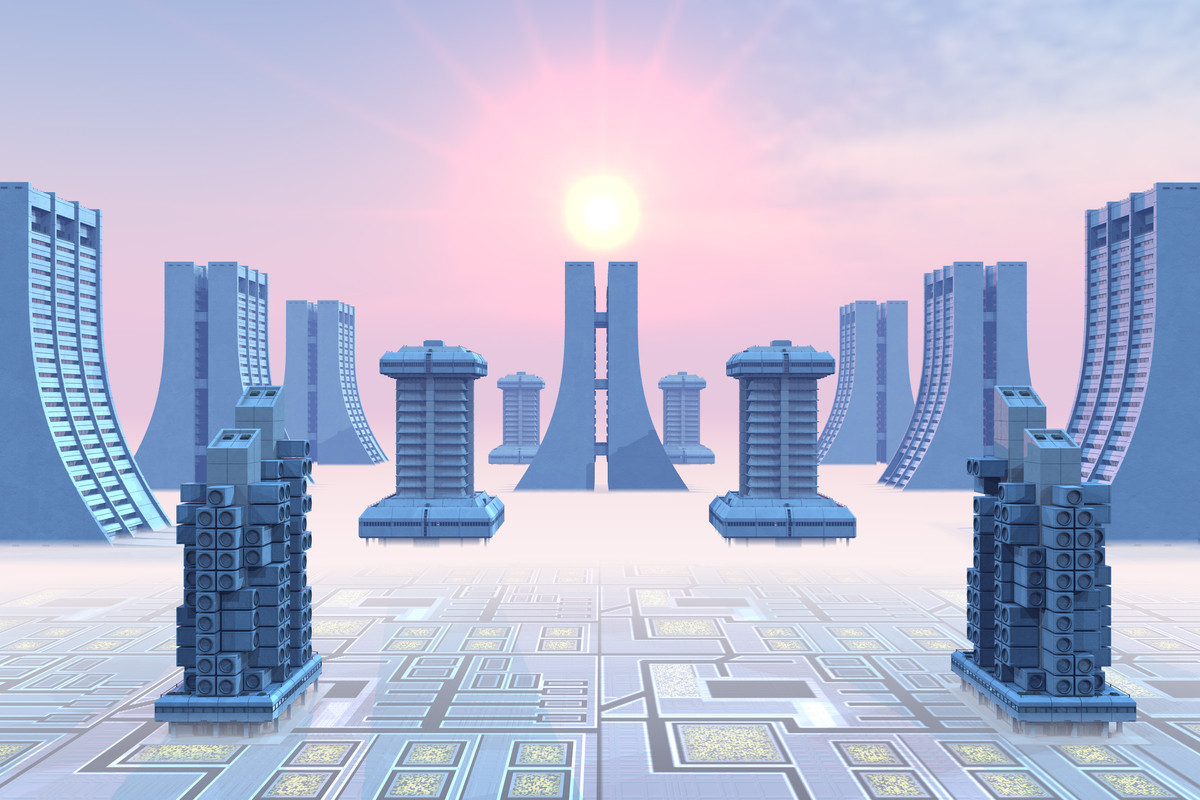
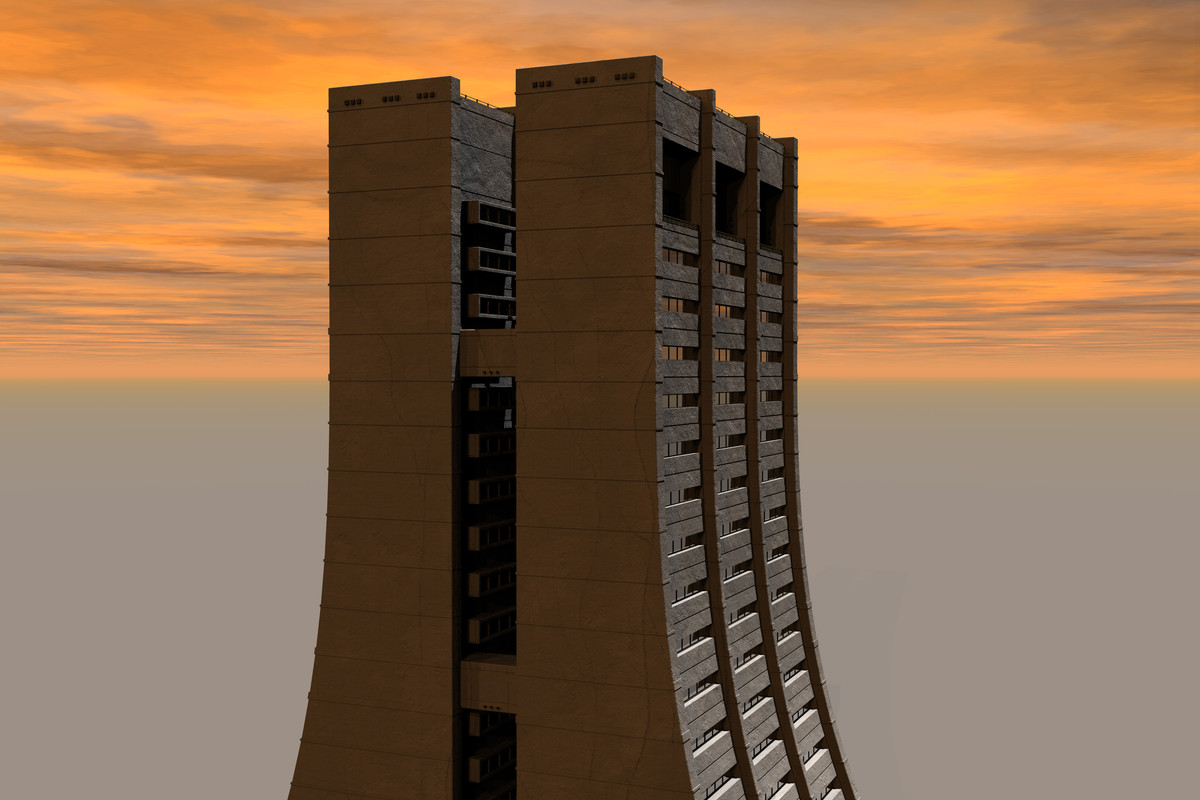
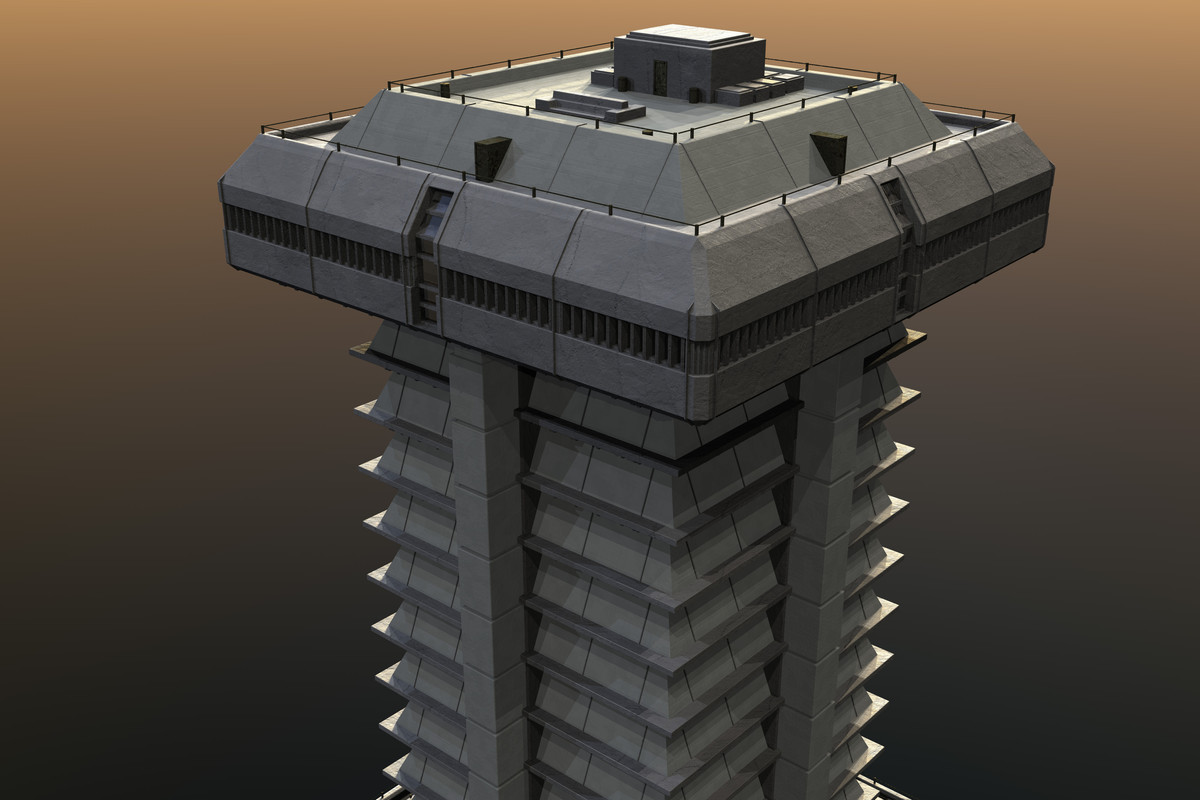
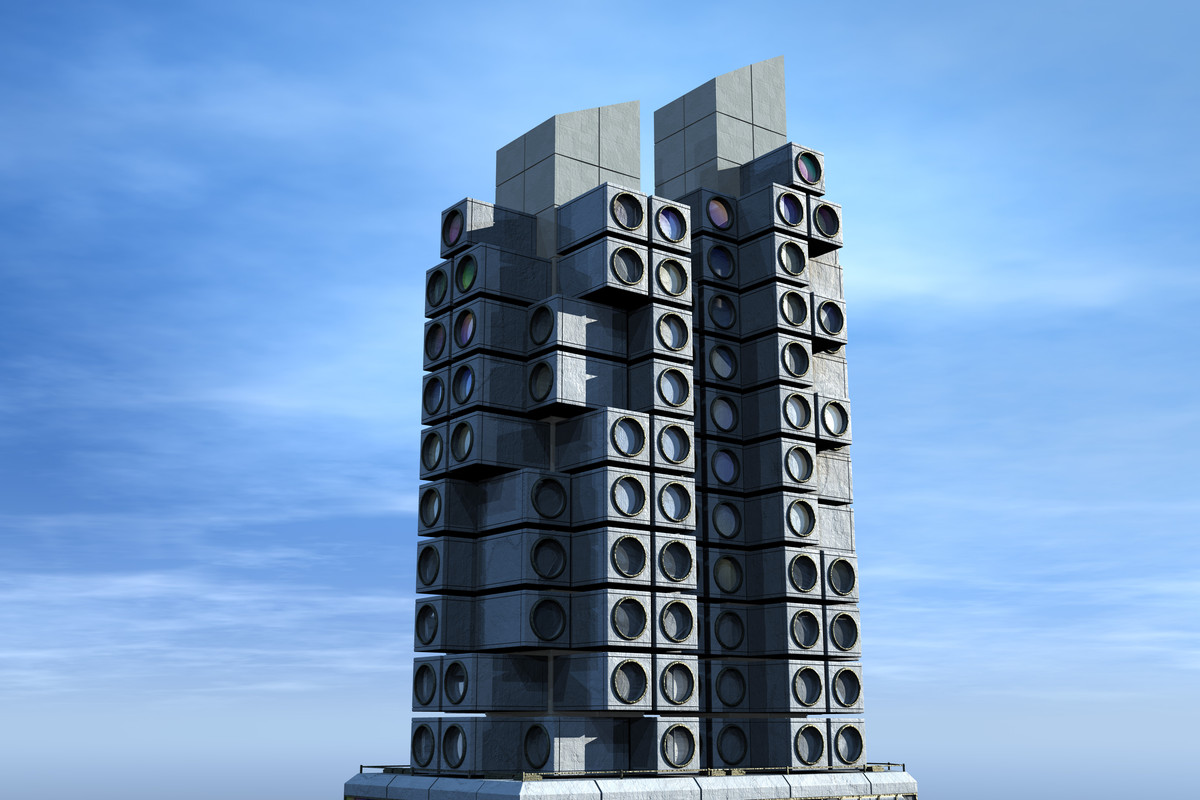
Show Us Your Bryce Renders Part 13Some time ago I've read somewhere people saying stuff like "don't you dare even think of using such content with your old and amateur software" which made me mad; after that I went to the website of Kitbash3D and downloaded their free (at the time) pack of models called "Cyperpunk Mini Kit" with idea of using it and proving those people wrong (I guess). For some reason I didn't do a thing, but those files stayed around for a while.
Now I've remembered them and decided to use with Bryce. In that collection there were 12 models of various buildings, at first I tried to take a look at them in Blender. When I tried to load them first time I just got Blender freezing with RAM consumption increasing over the time so I had to shut down process. Second time I've successfully opened them in Blender, but I was greated with RAM comsumption around 7-9 gb and also swop memory consumption around 4-6 gb as well. Obviously, textures were the culprit. So when I went opening those models in Bryce, I decided to import without textures. After some wait, I've managed to import all those models (they were provided inside one file for some reason) and Bryce's RAM consumption ended up being just about 600-700 mb (even without textures you'd see 3,5 million polys in this model kit). After further investigation I understood that those 12 models they provided as limited freebie were more like a "sampler" from their big commercial sets, and so they've included stuff from 4 of such sets, 3 models per each. So in the end I decided to use 3 models that came from same set to test things. As I imported them without textures I had to assign Bryce-native materials. So I've revisited the way how originals looked and spent some time finding more or less fitting replacements from Bryce materials library. Finally, it was time to do some renders.
The first picture is my quick attempt at composition (had to redo it several time, but still far away from what I had in mind at first). And "bonus" pictures are sort of portraits of each buildings (as I said, I've just used 3 models that came from same set, there are another 9 models I should try using later). In the end, while my attempts still novice-alike and could be improved further, I'm glad I managed to use those "modern and serious" assets together with our "ancient and funny" Bryce, no matter what rude people randomly found on the web would say!

 Daz3D + Unity Live Capture issue with Blend Shape
Hi dortybassa!
Thank you for the reply!
I was wondering if I could send my .obj character in Blender, rig his face there and then import the fbx in Unity. Could this work?
I will take a look at Mesh Baker! Thank you again!Back to DAZ3D! Some questions regarding Genesis 9If you're okay with a little workaround that sounds like a lot of work but really takes at most five minutes, you can use aniblocks on G9 just fine, you just have to go through Blender. What you want to do is install the Diffeomorphic addon to get the characters into Blender. Then bring your G9 character into Blender through diffeo and just keep the base skeleton. You don't need clothes or anything, just the character.
Now in Daz, load up a G8 character (or G3 if the aniblock was for that generation) and apply your aniblock or animation. Save the aniblock to the timeline. Now, save this is a pose preset and make sure the time range or animation button is clicked.
Now in Blender with the skeleton selected of your G9 character, go to the pose section of diffeo and import action. Find the pose preset you just made, but find the button that says convert and click it. In the drop down menu that appears, check G8 Male or Female (or if the aniblock was G3, check that one, you get the idea). Diffeo will convert the keyframes to fit your G9 character. Now, click save pose preset, make sure the correct frame range is written down and what framerate you want it in and hit save.
Back in Daz, load your G9 character, file, merge and select the pose preset you just made in Blender and it'll work on the G9 character. If there's any foot sliding, there's the new tacky feet product that was just released that should be able to fix it. I bought it but haven't had a chance to try it out yet.
Again, it seems like a lot of work, but once you get the workflow down, it's very quick.
Bridged morph controller not working with character solverThanks for that! My mocap software's current output is based on the Mixamo rig, and it gave a list of errors when I tried to import a test fbx, so I'll have to do some research into a conversion method or tool. I use C4D to create storyboards and animatics for film production, and it would be great to incorporate Daz to replace my current character creation tool. The daz to C4D bridge is great for sending models over ready to be posed for storyboarding, but the dream would be to find a method to make models from Daz play nice with C4D's tools, which I'm currently depending on. I can "brute force" it, by exporting everything created in Daz to C4D and re-rigging it there, but if I can make the two apps be friends, it would be a great time-saver. Thanks again for the help!
question about bump map and normal maplilweep said:
You do realise you can export obj from Daz and import obj into Blender (no bridge required)?
I heard to export DS objects as obj format and import them into Blender could genarate some issues, ad it was suitable to use the DazToBlender bridge. Is it a problem to use it?
"Replace?"
You can just import the plane as obj, and then in the Materials tab in Blender, you can assign any existing material to the plane.
the plane doesnt need to be draped over a sphere or anything complicated, you just need to apply the material to it. The plane is only being used to bake the material.It doesnt matter what else you have in the scene.
I was automatically replaced by the DazToBlender bridge.
Choosing the UV rotation of 41.2 degrees seems odd, because now the pattern is at an angle.
Ok, I did it because it wa did in the tutorial I wached, I will try without it.
Why do you keep insisting on using that object with the messed up UV? Why introduce another variable into the equation...In science when you are experimenting, you dont just add 50 different variables and then try to figure out what each one is doing.
Since I couldn't see any effect by applying the maps on the plane, I applied them on the cloth.
Is it just the lighting? Youre the one in daz. Youre the one controlling the lighting conditions by rotating, transforming the light. You have the ability to drape the plane over a sphere to add more folds/shape to the plane, and compare if that makes it look similar to what you expect. These are all testable hypotheses that you could work through using basic trial and error.Ok, I will try it.
You showed how you baked a bump map and showed the bump map, but never explained how you baked a normal map, nor showed the normal map, so how would we be able to deduce if the normal map may be wrong?
It's on my post of the 3rd march.
Daz 3D is part of

Connect
DAZ Productions, Inc.
7533 S Center View Ct #4664
West Jordan, UT 84084Licensing Agreement | Terms of Service | Privacy Policy | EULA
© 2026 Daz Productions Inc. All Rights Reserved.