-
XTransfer Module 1- Genesis 3 to Genesis 8 Morph Converter (Commercial)
I posted this over in the New Users but was referred here to get help.
I am looking for a little help with this issue. I have converted a few Genesis 3 female figures to Genesis 8 using X-Transfer. Process goes smooth, and I can dial in partial body / head morphs to get a custum figure that looks 99% like the original Genesis 3 model I created with the same morphs. The 1% problem is the lips. They always look wrong, either too full, too puckered, etc. Is there a way to fix this? Do I need to convert the Genesis 3 Female base figure somehow?
Thank you for any help.
What I have noticed is that some characters have more of a HD finish to them. If you take the original characters down to base resolution, you may notice the lips look quite different in base. It is especially strange because the characters I noticed this on are not even HD! But any transfer tool can only carry over the base resolution of any model, that is a limitation of Daz Studio. I believe this is what you are getting.
Thankfully I've only seen it a couple of times.
Endlessly ongoing... playing cards/casino chips/coins/banknotes scatter... hiatus time (still)That failure of the texture vertical tiling to automatically adjust would be because either:
... haha, okay that works. I was expecting more chips to appear, {don't ask}....
Expecting more chips to appear is actually a quite logical assumption - sometimes (often?) I get so engrossed in the detail of what I'm doing that I forget that what's obvious to me might not be obvious to others. So that was a good observation.

Catherine3678ab said:
... there is an error msg with regards to the texture location however that seems to be a matter of the 'temporary' folder business. I had D/S browse to the folder and find the textures which then loaded fine...I'd missed that - my main development runtime has the textures in the non-temporary folder, and I forgot to unmap it temporarily for testing.
Catherine3678ab said:
...Found one dial that does nasty things, pic posted...Well spotted - 'Random Z Scatter (Mid-air C)' has a bad morph target, so I'll need to redo that. I'd missed it because I only looked closely at the chips when I used small morph values.
Thanks again Catherine
 Novica & Forum Members Tips & Product Reviews Pt 12
i think sometimes when PAs try to do realism, it backfires. Look at the teeth on this promo. I'm sure the PA was trying to make imperfect teeth on purpose but it just looks weird I think...

Well the texture is nice so replacing the head morph and using this can fix it.

Yes, I have teeth morphs but it's adding more work. I usually love Emrys' work but I think here an attempt for realism backfired.
help identify: cute character from fake sims 5 trailerSomething about it puts me in mind of Liquid Rust's work. He's changed his vendor name, but he did a lot of gen4 characters. Of curse, it could be just the skin, or just the morph. Or I could be completely out in left field.
Darwins' Schtuff Pt DeuxThanks!
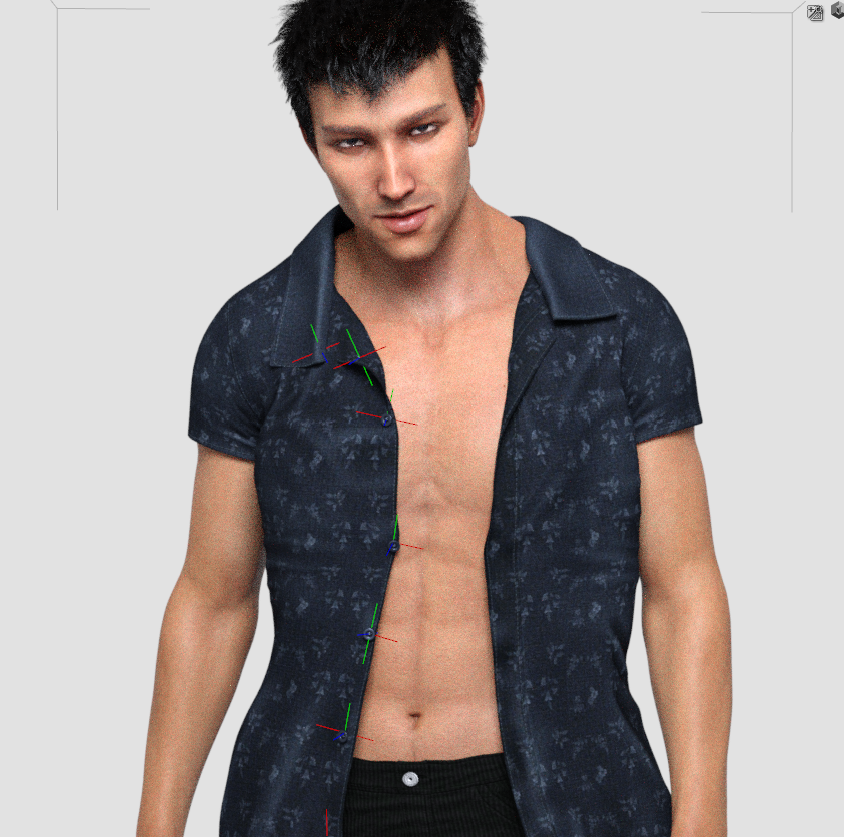
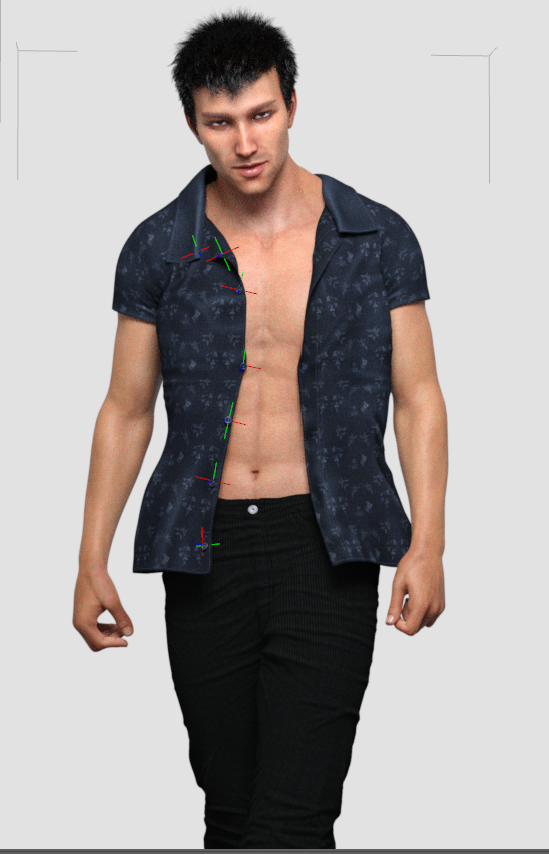
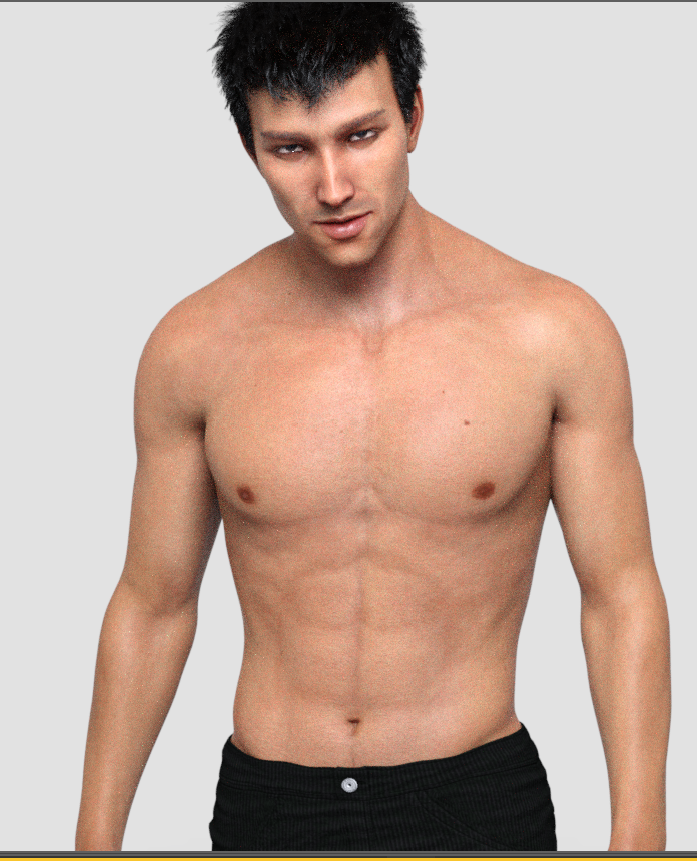
Two more test preview window renders; think I'm done for tonight- body morph and navel are both done and saved along with the body/head preset. We're actually working tomorrow, so ..yeah. ;)
 Novica & Forum Members Tips & Product Reviews Pt 12
i think sometimes when PAs try to do realism, it backfires. Look at the teeth on this promo. I'm sure the PA was trying to make imperfect teeth on purpose but it just looks weird I think...
Well the texture is nice so replacing the head morph and using this can fix it.
Third eye for G8?The biggest problem isn't the eyeball, so much as the eye socket and eyelids. You'd need to completely reshape the forehead to get something organic looking. A morph-specific geograft would give the best result, just as they do for horns. There are, of course, other problems you can run into with third eyes.
Well it just so happens that geo-grafts are something I've been known to make now and then. Thanks for the reference image.
XTransfer Module 1- Genesis 3 to Genesis 8 Morph Converter (Commercial)I posted this over in the New Users but was referred here to get help.
I am looking for a little help with this issue. I have converted a few Genesis 3 female figures to Genesis 8 using X-Transfer. Process goes smooth, and I can dial in partial body / head morphs to get a custum figure that looks 99% like the original Genesis 3 model I created with the same morphs. The 1% problem is the lips. They always look wrong, either too full, too puckered, etc. Is there a way to fix this? Do I need to convert the Genesis 3 Female base figure somehow?
Thank you for any help.
Endlessly ongoing... playing cards/casino chips/coins/banknotes scatter... hiatus time (still)That failure of the texture vertical tiling to automatically adjust would be because either:
... haha, okay that works. I was expecting more chips to appear, {don't ask}.My guess is that DS isn't finding the script. Probably because it's not in the expected location, which is hard-coded.
D/A is finding the script. Here's the log file.:
2020-02-28 18:13:48.109 *** Scene Cleared ***
2020-02-28 18:13:48.517 DEBUG: TRACE:3DCheapskate's 'Connect_Existing_Tiling_Offset_Proxies.dsa' Script - started...
2020-02-28 18:13:48.519 DEBUG: INFO:Surface tiling offsets successfully (re)connected to their proxies. Use the 'Texture Row/Column' sliders under 'Book Adjustments' on the Parameters tab to change the book selection within the current texture map.
2020-02-28 18:13:48.519 DEBUG: TRACE:3DCheapskate's 'Connect_Existing_Tiling_Offset_Proxies.dsa' Script - completed without crashing ! Hurrah !
2020-02-28 18:13:48.520 File loaded in 0 min 0.4 sec.
2020-02-28 18:13:48.520 Loaded file: CasinoChipStack02-Step3.duf
2020-02-28 18:13:48.648 Loaded image Stack3-EdgeAligned.jpg
2020-02-28 18:13:48.685 Loaded image Casino Douteux $5 Stack3-Edge.jpg
2020-02-28 18:13:48.731 Loaded image Casino Douteux $5.jpg***And now I dial in the 'total number of chips' morph**
2020-02-28 18:15:24.307 Loaded Morph Deltas in 0 min 0.0 sec.
2020-02-28 18:15:24.307 Loaded file: 13 Chip MT.dsf***And there is the ONE stack of chips, textures look right***
...
Nothing for throwing them all up in the air too???
...
I refer you to the subsequent "Poser 54 Chip-Scatter Adjustable Prop Pre-Release 0.1" post,specifically the following statement:
"DAZ Studio users who understand Poser runtimes can simply load the prop from a mapped Poser runtime."
I can do a DS-native version of this too if you want. It shouldn't be difficult... (although past experience prompts caution)
... oookay ... so next I will download the Poser edition and see what happens.
n.b. ignore the who is being quoted stuff, can't see that in the typing box to fix it. Quotes are in blue ink.
X-Transfer and Lip distortion on G8FemaleI am looking for a little help with this issue. I have converted a few Genesis 3 female figures to Genesis 8 using X-Transfer. Process goes smooth, and I can dial in partial body / head morphs to get a custum figure that looks 99% like the original Genesis 3 model I created with the same morphs. The 1% problem is the lips. They always look wrong, either too full, too puckered, etc. Is there a way to fix this? Do I need to convert the Genesis 3 Female base figure somehow?
Thank you for any help.
Third eye for G8?The biggest problem isn't the eyeball, so much as the eye socket and eyelids. You'd need to completely reshape the forehead to get something organic looking. A morph-specific geograft would give the best result, just as they do for horns. There are, of course, other problems you can run into with third eyes.
Does purchased non-HD G8 character benefit from HD Head Morphs?Going by the promo page, there are 5 head shapes there. I don't have the product to check if those are separate or not so they may change the head shape of your characters. On the other hand if one is matching close to what you have, you could dial the other one out a little if it's head shape is shown as a separate morph too. {some characters have the body and head all together in one morph}
Setting up MCM with inverse proportional dependencyI'm trying to add a corrective MCM to my custom morph (Genesis8 Male Gens). But I can't figure out how to do it properly.
Custom MCM should be 0% when "Default Pose" property is 100%, and 100% when "Default Pose" property is -100%
Setting the scalar to -0.5 in 1st stage controller seems not enough.
In my attempts the MCM only reaches 50% at -100% "Default Pose". But behaves as intended when manually dragged to 100%
Any Plans on Two-Step Authentication of Our Accounts?I'm guessing you're aussie? :) I hate that mygov site. ATO will ONLY accept you receiving a text message on your mobile to be able to log in, which I didn't know - and because I hate using my mobile I changed it all to secret question instead of text message..only to discover I could no longer link my ATO to it. GUH. Had to switch it back and ring ATO and go through everything AGAIN to link it. The only reason I own a mobile phone is because of that stuff - and having to receive a code via text from our banks when we transfer money etc. Oh and also cos our landline phone died in January and I'm STILL WAITING for the phone I ordered from Telstra (cos there are no phone shops at all where I live) to arrive, so everyone has to ring me on the mobile and I have a bad habit of swiping the wrong way when answering it and disconnecting the call. Ugh. I want to go back to when I never had a mobile!!!!!!
I recently found out how to block text numbers and went happy clearing out everyone I had no idea who they were, including one that liked to add a cartoon to their texts. Last week, I tried to log in to Social Security/Medicare and found that two-step system, waited, waited, and waited for the text message. Went back to the text messages I had blocked, and unblocked the cartoon, and what do you know, it was a .gov text message! Got into my account finally.
Nope, American, live in Denver Colorado. Other side of the Rockies from DAZLand. Same time zone. I think all governments/agencies have an evilness to their access levels. It is inherent to the nature of the beast.
My experiences in Europe and Asia are prior to the Internet, so can't say how bad or good they are, but I expect they can be as convuluted as any other system that is possible.
Celebrity Look-a-Likes for 3D figures Part 2I purchased the Vixen hair for Genesis 3 pretty recently, and it looks reminiscent of Cher. I am wondering if there is a face morph depicting or bearing close resemblence to Cher?
The only two I know of are old V4 ones.
https://www.daz3d.com/stars-in-your-eyes-alex-v4
https://www.renderosity.com/mod/freestuff/?item_id=78529
They can be transferred to the Genesis line via transfer scripts but hopefully someone else will know of a more recent one.
Auto Face Enhancer [Commercial]DMaster what is the difference between the AFE Master Controller and AFE Power Pose sliders?
Each character you load has a dif facial morph level to the face.
These master buttons control the percentage of the overall AFE morphs.
let's say you created an animation sequence for Anna and like to add that sequence animation to Betty.
When you do the Morphs may be too high or too low. Now you control the OVERALL % = THE Master controller.
note:
AFE power pose control the % in the Power pose
AFE Master control all expressions and Power pose
Hmmm. Thank you for the explanation, but I'm still a bit confused.
What would the effect be if the Master was at 50% and PowerPost at 100%, and vice versa?
I do see how the expressions change based on the Master, but I'm not sure about its relationship with PowerPose.
Morphs from Blender Changing size of objectThe morph doesn't know that it is a "rotating" lid. It just takes the shortest distance of the vertices between the default and morphed locations. You will have to either create one or more intermediate morphs, or a better solution is to just rig the lid.
[Released] Content Wizard [Commercial]Just curious River if the tool also has an uninstall feature to remove assets. As this bypasses the dim we can not use that tool to uninstall.
David
No, it does not have an uninstall feature. I thought about it, but when I started getting into multiple products sharing the same file and making sure I didn't break it, I decided that would be too much right now.
Maybe one of your next products could be an upgrade to DIM that adds some of the features like uninstall for non DAZ products... Hey, you could call it Smart Transfer for DIM or the STD for short.:D
Ooooh, that is terrible!

But catchy!
Morphs from Blender Changing size of objectI made a morph to open the lid of a box. When I bring it into Daz3D, the morph works fine opening the lid except for the fact as the lid rotates the size of the lid (not the box) gets smaller and then as I reach 100% of the morph, the size returns to the correct size. I have made some morphs that open drawers and such and do not get this problem, therefore I suspect it has to do with the fact I am rotating rather than simply changing the horizontal position of a drawer.
How can I stop the morph from changing the size of lid while it goes from the 0 to 100 percent position?
Thank you
[Released! HD Face Burns for G8F + Add-On] FenixPhoenix's Commercial Products
Thank you for the support! The Female version of the troso scars is coming soon (already in PASS). We also have the 2nd face scar pack in the works as HD Open Wounds. Then we will work on the second pack of body scars which will include arms and legs.When I was using these products, the only thing that came to mind was: I wonder what the hell I'll do when G9 comes out. These additions are so great! I can't wait for G8F body/arm scars :D
Thank you for the support! Indeed, the sewed idea is the next batch. As we want to show the same scars as open wounds stapled. Of course, we first need to finish the HD morphs for all the scars. How we work is that I plan the scars first. Then Alberto (my brother and working partner) grabs those and uses them as guides for the open wound morphs, then he sends them back to me for texturing and doing the rest of Daz related things.Thank you for making the same wound on both sides.
Very annoying when you don't get a choice.
Also, would love to see what you can do with blood.
Good to see people of color.
And, and...maybe stitches for another product idea. Wounds that were sewed shut and a variation with staples.
Good stuff.
Yes, indeed! You can also mix and match. Add the HD morph to 20-30%, then use the texture from the corresponsinding wound but from the scar pack. Then take away the normal map or swap it with the one from HD wounds and you'll get some interesting results! And, don't worry, we are planning open wound morphs for all the scars!Thank you for making the same wound on both sides.
Very annoying when you don't get a choice.
Also, would love to see what you can do with blood.
Good to see people of color.
And, and...maybe stitches for another product idea. Wounds that were sewed shut and a variation with staples.
Good stuff.
You know, I was just thinking how cool it would be to have some stapled scars.
Also, as for additional feedback, I much prefer the actual morph version of the scars rather than the map version. Dialing in the morph to ~20% gives that nice looking scar without it look weirdly fake. Big thanks for going the morph route.
Daz 3D is part of

Connect
DAZ Productions, Inc.
7533 S Center View Ct #4664
West Jordan, UT 84084Licensing Agreement | Terms of Service | Privacy Policy | EULA
© 2026 Daz Productions Inc. All Rights Reserved.