-
Aeon Soul Undress/Dress poses/clothes
Hi everyone, we'll clarify a few points although tdh777 already did a good job
What’s the difference between these and Everyday 2 clothes?The mesh is the same as Everyday 2 clothes, but the "get dressed / Undress" clothes do not include its morphs and textures (apart from the blue shirt + black pants shown in the main image).
"Get dressed / Undress" clothes are compatible with all the textures add-ons / expansions available as the UVs are the same.Can these also be used as regular clothes?
They can also be used as regular clothes, you have to activate the "JCMs controller" button included under parameters, for both garments.
That option is off by default because it would otherwise distort the clothing from the intented pose-matching morph. That is why on my vids you see it poking-through the character, there's no JCMs working. As regular clothes these would be very basic as only include the pose matching morphs + plus some helper morphs.Are there any helper morphs included to fine-tune them to custom characters?
There are helper morphs included that are not listed on the page:Shirt
- Expand / Shrink
- Move Back Out 01
- Move Back Out 02
- Move Front Out 01
- Move Front Out 02
- Move Out Left
- Move Out RightPants
- Back Out
- Back Out more
- Front Out more
- Move Back Out 01
- Move Back Out 02
- Move Front Out 01
- Move Front Out 02
- Move Out Left
- Move Out RightThese are mostly meant to help with adjusting the morphs to characters etc.
How well do they fit custom characters?
I'd say it can fit custom characters fairly well, you may need some fine-tuning especially for the hands/fingers.
Tips for imperfect fitting would include:
- play with the smoothing iteration value
- Try changing the Smoothing Type
- play with the collision iteration value
- D-force, if there is heavy interaction with the hands it is best to use the "start bones from memorized pose" option.
- Adding a push modifier (Edit > geometries > add push modifier) creates a morph that is basically an expand morph
The videos are still WIP, sorry, I'll add some subtitles that explain in more detail.
Are these compatible with the male version?It's not compatible with the male version.
Introducing the Daz to Blender Bridge & native Blender File FormatsThis would be a lot better if it worked both ways. That being said I have a few questions.
If you pose the figure in DAZ than transfer over, is the pose maintained or do you have to do it again in Blender.
Does D-force work in Blender?
Does the bridge work with Blender for Artists?
Has anyone done a toon/comicbook render in Blender using DAZ models?
10 bit color for Gforce and Titan cardsOkay here is another question,
I just found out there is now PCIE 4.0
My motherboard is Asus ROG Strix Gaming PCIE 3.0
4.0 is double the bandwidth.
When and how will this PCIE 4.0 advantage ever figure into render times?
"Nobody will ever need more than 640KB of memory"... :)
It probably won't - at least unless we get memory sharing across the PCIE bus instead of nVLink. The speed of the bus is relevant to iray only in the initial transfer of data to the GPU - perhaps if you were using the Iray preview a faster connection (assuming both GPU and MB used the higher standard) might have a noticeable effect, but for rendering I doubt it would.
Clothes fitting on any model (creature or monster)It doesn't look like it wants to wear clothing!
{One would have to model clothing for it as .obj and then use the transfer rigging utility to make it into clothing for best results.}
Poses@Krampus The #get pose command seems not officially supported by daz and as you discovered yourself it doesn't work fine anyway.
https://helpdaz.zendesk.com/hc/en-us/articles/360046244152-FAQs-for-Blender-Bridge
Poses will not successfully transfer to Blender.
Good to know, thank you. I hope the ability to port poses over to Blender is a future improvement.
(Released) Advanced Floor Poses for Genesis 8 FemaleI experimented with just using the arm part of the poses. I used V3Digitimes Pose Mixer to lock the bones I didn't want to change and then applied the Advanced Floor Pose with the arm pose I wanted. because my character is Teen Jane morph and her head is not positioned exactly like in the pose, I had to make small adjustments, but nothing extensive.
Left arm AFP 14, Right arm AFP 13M

Left arm AFP 20M, Right arm AFP 13M
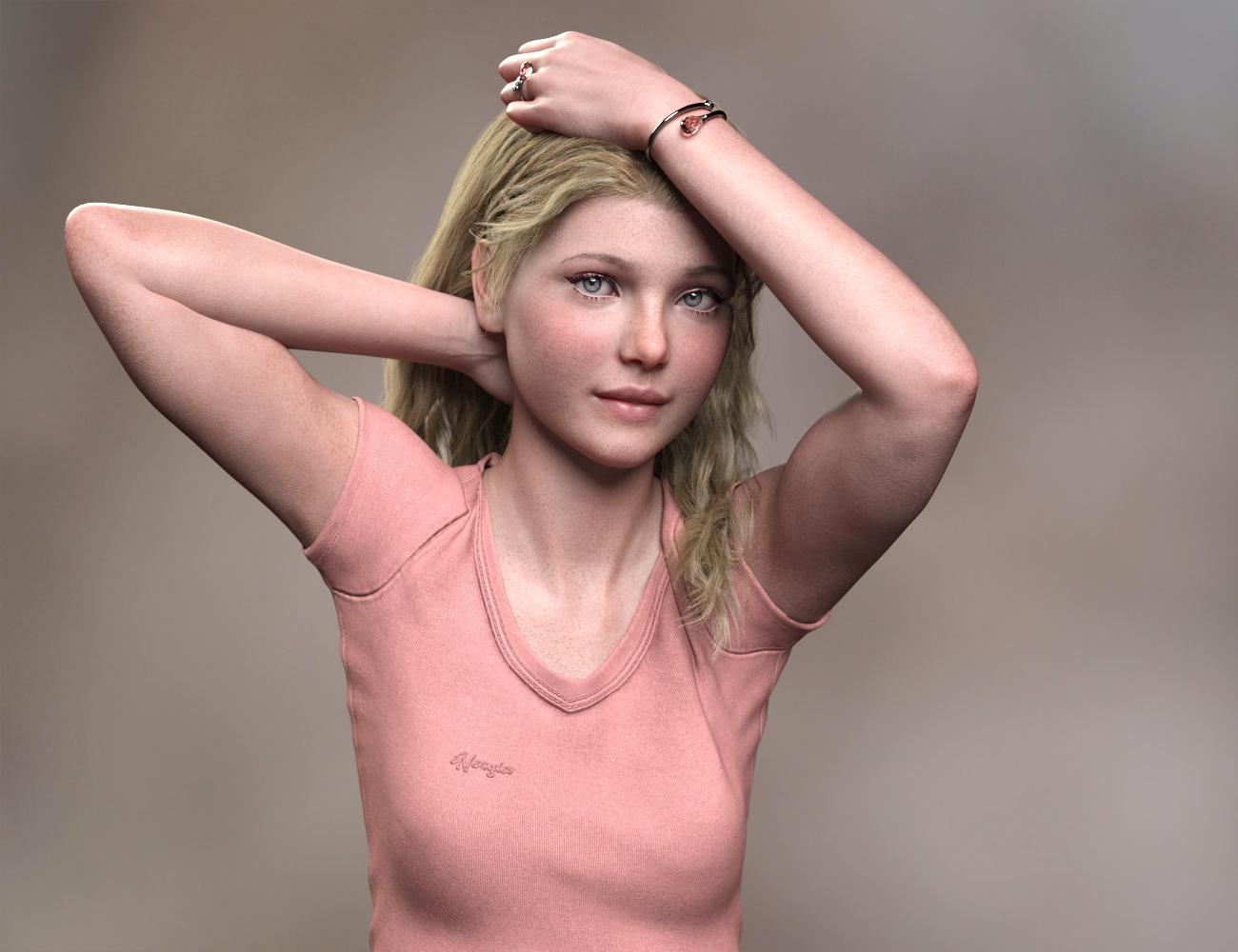
I have the V3Digitimes Pose Mixer, and for what it does, it is indespensible. Definitely one of my favorite products, and I can't imagine creating poses without it. It does have one particular quirk that has made me crazy though: if you try to use your mouse to move a bone in a figure and you've locked that bone in Pose Mixer, everything comes crashing down. This doesn't happen if you use a slider or a posing preset, only if you grab the bone with your mouse and try to move it. Must be something to do with the IK. Whatever it is, I've learned to save before I do anything else, and to always remember to unlock the bones when I'm finished using the tool.
Clothes fitting on any model (creature or monster)It is not going to be easy.
The monster is not based on any normal character, so the is no build in morphs that can help you. And the spikes on the monster is making it even harder.
I think the most effective way to do it is to export the clothing you want to use, and take it into a modelling program and adjust it to fit the monster and then export it back and do transfer rigging to the monster.
Elsewise you might be able to find a male you can dialspin to similar proportions, then export that and reimport and do transfer rigging.
Another option is if you can get the clothing to partly fit, you can use mesh grabber to adjust.
Novica & Forum Members Tips & Product Reviews Pt 13Here's a couple more observations as I work my way through files- and if there's any you found things of interest, please feel free to share. Some of the titles are making me shake my head in amusement, when I get to the product image, I'm like, "Ohhhhhhh. Well, that's interesting." Such as Garden Bed.
Dystopian Desert Destruction Kit has land with a flatten morph, and a burning building which may be good for distant renders/background.
Garden Bed What do you think when you read that? Furniture or a landscaped area? It's furniture.I was completely confused by garden bed, as well! When I hear garden bed, I think of a bed of flowers. As in, a nice tended spot of ground where flowers have been planted. I was not expecting an outdoor sleeping bed!
Well, we already have a Garden Bathroom, so I wasn't really surprised.
Novica & Forum Members Tips & Product Reviews Pt 13Here's a couple more observations as I work my way through files- and if there's any you found things of interest, please feel free to share. Some of the titles are making me shake my head in amusement, when I get to the product image, I'm like, "Ohhhhhhh. Well, that's interesting." Such as Garden Bed.
Dystopian Desert Destruction Kit has land with a flatten morph, and a burning building which may be good for distant renders/background.
Garden Bed What do you think when you read that? Furniture or a landscaped area? It's furniture.As I've been working on my patio as well as my yard I wasn't really surprised though I would've preferred some good flower and garden beds for yard scenes
Alembic ExporterIs the uv map absolutely required, or is it just an optimization?
Diffeo uses the extra uv map nodes when daz uses multiple uv maps. Usually for shells. So you can't remove them. I don't seem to get "creases" related to uv maps. Then if you have a specific example you need to explore better I can look at it.
The basis of being able to apply materials without parsing the DSON is that per object, there should be only one material slot whose name is a function of the Daz Studio material group name.
I didn't get you were talking about avoding to parse the duf file. In my opinion using the unique material ids in the duf file is the easy way and that's what Thomas does. Everything else risks to be a "guess" because of the blender object renaming that you are trying to manage.
Then I understand z-cycles by @JClave has its needs too. But if it could stick to the duf ids as well it would be easier to transfer materials.
Non Standard Leg MorphsI was wondering if there are any morph sets available that have thigh and lower leg morphs that deform the leg muscles as motions such as walking running dancing would. These morphs would be more of a rotation of the muscles around the "Y" axis of the leg. I'm not referring to the general flexing deformation of the calve muscles or the hamstrings but more of a rotation of the whole of the muscle group mass around the center of each leg. VWD has a function called dynamic morphs that will calculate motion based of the morphs that a character has. Breasts are easily calculated with the up and down and side to side. Arms and leg soft body effects also come from rotation around the center axis of each limb. I know it is probably a far fetched question but one never knows, maybe somebody has made morphs like that. I prefer G8 but I'd like to experiment with any that exist. Please let me know if anyone knows of any..............Thanks!
Novica & Forum Members Tips & Product Reviews Pt 13Here's a couple more observations as I work my way through files- and if there's any you found things of interest, please feel free to share. Some of the titles are making me shake my head in amusement, when I get to the product image, I'm like, "Ohhhhhhh. Well, that's interesting." Such as Garden Bed.
Dystopian Desert Destruction Kit has land with a flatten morph, and a burning building which may be good for distant renders/background.
Garden Bed What do you think when you read that? Furniture or a landscaped area? It's furniture.I was completely confused by garden bed, as well! When I hear garden bed, I think of a bed of flowers. As in, a nice tended spot of ground where flowers have been planted. I was not expecting an outdoor sleeping bed!
Morph that makes G8Ms nose goneInTheFlesh no nose morph has some limitations. In most cases you won't get a smooth surface due to the nostril and textures of the original character.
Gand: Character Preset For Hiro 3Gand is a dashing little fantasy character for Hiro 3.
Morph preset only. Works in both poser and DAZ Studio.
Requires Hiro 3 and Hitoro from DAZ3D.
https://sharecg.com/v/96151/view/11/Poser/Gand-Character-Preset-For-Hiro-3


And here I was thinking (hoping) it was going to be one of these.
Celebrity Look-a-Likes for 3D figures Part 2Using 2 different FaceGen morphs and using the Face Transfer Shape Morphs, I've tried to make a good Zooey Character. How does it looks?
That's a lot better than most celeb face transfers I've seen. Nicely done.
Thanks!!
Help identifying character please
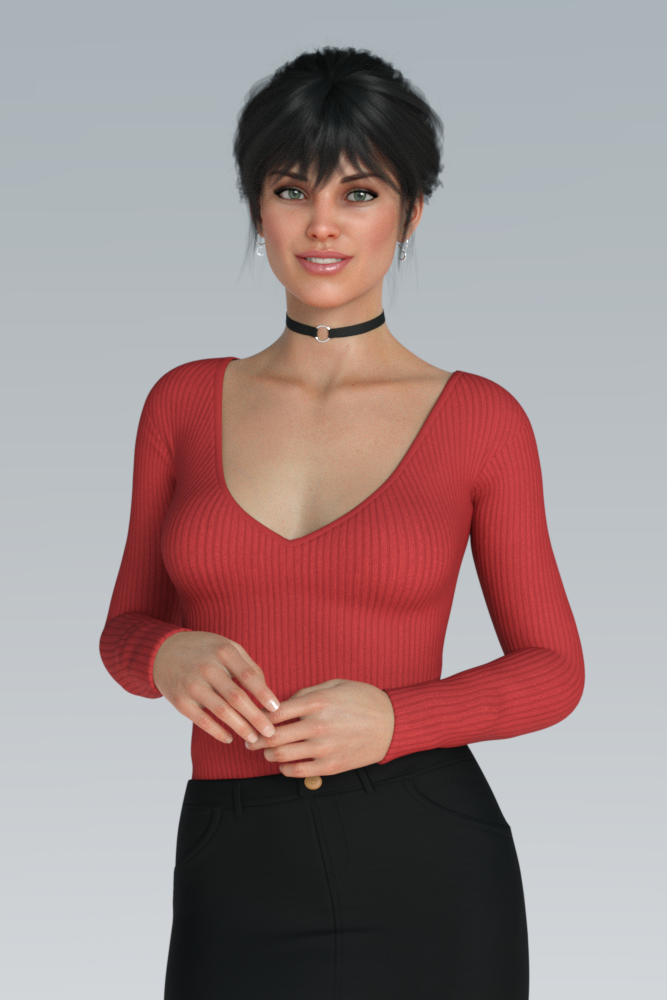
Only the missing part is cheeks crease apply and see the results.Best I could whip up. Michelle's texture, so I tried dialing in a bit of her head as well, didn't look quite right. Added in a bit of the Tara 2 (same vendor as Michelle) head morph as well. Looks close, but not quite. Those expressions in the promos really set it off, and they're hard to duplicate.
65% Michelle's head, 32.5% Tara 2 - it's not DEAD ON, but it's in the ballpark.
 Novica & Forum Members Tips & Product Reviews Pt 13
Here's a couple more observations as I work my way through files- and if there's any you found things of interest, please feel free to share. Some of the titles are making me shake my head in amusement, when I get to the product image, I'm like, "Ohhhhhhh. Well, that's interesting." Such as Garden Bed.
Dystopian Desert Destruction Kit has land with a flatten morph, and a burning building which may be good for distant renders/background.
Garden Bed What do you think when you read that? Furniture or a landscaped area? It's furniture.Celebrity Look-a-Likes for 3D figures Part 2Using 2 different FaceGen morphs and using the Face Transfer Shape Morphs, I've tried to make a good Zooey Character. How does it looks?
That's a lot better than most celeb face transfers I've seen. Nicely done.
How to graft Fae Wings for Genesis 8?not certain how the set works, but for most of them, you select your figure, load in the wings, then select the figure and run the script, make sure the wings are parented to the g8 figure before running the mat transfer script
Working on keyframe poses/morphs modifies frame 0A rotation of any articulation doesn't mean the use of a particular bundle. It means using the basics of DAZ rig. Sometimes my frame 0 will have some random rotation of an articulation, sometimes it won't.
Never used Pose Architect sorry. Would have liked that to be the answer ;) Thanks for the idea though :)
For the morphs, it's the same as rotating articulations. Sometimes it happens sometimes it doesn't. Doesn't matter which morph bundle is used. Mine or paid ones.
From time to time, sliders modified along the animation, affect the precedent frames. It's not something I can reproduce 10 times. It just happens with all my scenes, but without any kind of regularity. I can't point to a specific bundle or action that would cause that. It feels very random.
Of my 67 last still scenes. It happened more or less every time. No big deal. But I just don't get it : In any 3d animation program (that I know of) it's always been the same idea : keyframes are DEFINED by the user. What's between keyframes is interpolated. But a program that changes some values of your own keyframes is just a bug. Not a morph bundle issue.
Daz 3D is part of

Connect
DAZ Productions, Inc.
7533 S Center View Ct #4664
West Jordan, UT 84084Licensing Agreement | Terms of Service | Privacy Policy | EULA
© 2026 Daz Productions Inc. All Rights Reserved.