-
Blender Cloth Brush
gregsgraphics_cafd0962a0 said:
I haven't tried it on a Daz asset yet, but I know for certain that you can use the Cloth brush in sculpt mode to create Key Shapes of a mesh inside Blender. This means that using the cloth brush will work as a morph. Shape Keys in Blender are the native equivalent to morphs in DS. Obviously, for the cloth brush to work properly, you need a mesh with a sufficient number of vertices to begin with but yes that should work fine.
Thanks - I hope to get around to trying this later but are you saying that the vertex count is not affected? I was also wondering whether a workaround for any lack of mesh density might be to use the Multires modifier. I think I saw a video a while back which mentioned that it is non-destructive which I took to mean that the vertex count is maintained. I can't find the video now though.
What happened to Face Shop and image overlay?Gordig said:
Do you mean FaceGen, or Head Shop?
Head Shop used to be called Face Shop and the Image Overlay I never heard of but if sounds similar to the DAZ Studio build in feature 'Layered Image Editor'.
Since then there is also the FaceGen Artist Pro and Face Transfer products in the DAZ Studio library.
Saving face morphsI created a face that I really like in Daz Studio on G8F. It is a combination of a face transfer plus using other person's morphs for their figures.
In other words, I have my face transfer set at 80 percent, John Doe face at 20 percent, Jane Doe face at 40 percent. (In case you can't tell,
that is made up numbers) No other morphs are used for the head. I would like to save this combination to use for other figures. I know that
I could just save the numbers that I used and dial them in, but I wanted to know if there was an easier way. This is for my own personal use
ThanksPossible to attenuate effect of character FBM on specific regions using weight map?A Rigidity Group, created from a vertex slection with the Geometry Editor tool, will stop any morph from projecting into the group - butt hat is hard edges, it can't be softened as a weight map can. You could export the badly morphed clothing as OBJ (base resolution, everything else - including any rigid follow nodes - hidden) and then import as a custom morph using Morph loader Pro, using the weight map from a dForm to attenuate it.
Possible to attenuate effect of character FBM on specific regions using weight map?When using a character body morph that was sculpted by the vendor, conforming clothes can get distorted in the breast area by that transferred FBM (unlike standard FBM's or partial morphs like Victoria 8 or breast size, for which vendors usually include an appopriate morph shape in the clothing). Sometimes zeroing out the character's FBM on the clothing itself and using morphs built into the product can fix the breast problem, but then the clothes may not fit well in the shoulders, hips, etc. because the overall body shape is returning to the generic G8F shape. Is there a way to remove or attenuate the effect of a morph that has been transferred to conforming clothes on particular regions of the clothes?
In other words, is there a way to edit or apply a weight map that would allow me to reduce the effect on the breasts (or any region) of an FBM? Ignoring the fact that this a morph transferred to the clothing, is it possible to attenuate the effect of a morph on any figure by editing or applying a weight map or something similar?
I've seen a tutorial for removing vertices from a morph using the geometry editor, and I tried that but it creates an abrupt transition between the vertices that were removed and those that remain.
Who's Next to Join the G8 Family?
I knew I liked Ashan 8 for a reason. My favorite G2M is Gianni 6. At least for me, I consider Dain 8 to be "Gianni 8". At least he's what I had hoped for, for a G8M Gianni; buff and chesty.xyer0 said:XpiderMan said:
I'm still waiting to see if there will be a Gianni 8 as long as it does not look similar to any any of the existing G8M we have thus far. A David 8 sounds epic, though.
Ashan 8 has a similar distinctive skull shape to Gianni 6, and he's buff, though African. As Giannis go, Gianni 7 was a bit of a disappointment head morph-wise, but I liked his skin.

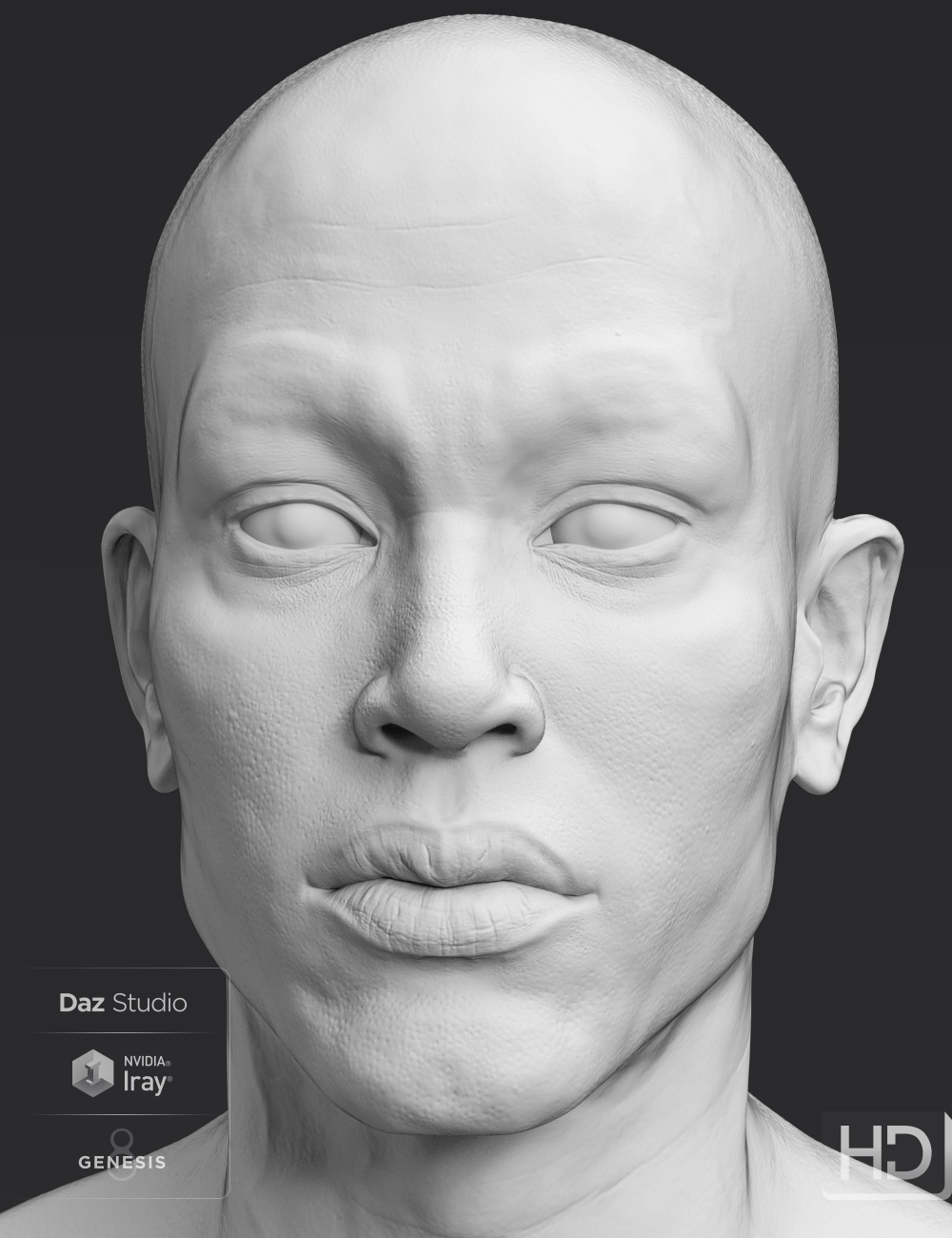 Are these supposed to be twins?
Leana said:
The only similar things I see between them are the brows and that smile morph.
The face, jaw line, chin, eyes, mouth, nose and ears shapes are different.
You have both characters? Or do you see all that from the two images?
Is It Just Me?I purchased Freja 8 when she first came out. When I installed her, not everything was available. For roughly 8 hours I could use her pretty much as a morph only. In the two years of using DS, that was a first for me. I figured, hey, a fluke. Then I see the lovely Becs for Genesis 8 Female by the wonderful PhilW. I looked at her package deal and thought, nah, I just want her. So I bought... two days ago. Is she ever going to be available for download?
Who's Next to Join the G8 Family?XpiderMan said:
I'm still waiting to see if there will be a Gianni 8 as long as it does not look similar to any any of the existing G8M we have thus far. A David 8 sounds epic, though.
Ashan 8 has a similar distinctive skull shape to Gianni 6, and he's buff, though African. As Giannis go, Gianni 7 was a bit of a disappointment head morph-wise, but I liked his skin.
My models doesn't look like they shouldI uninstalled it with the DAZ Install Manager without any errors. I doublechecked the .zip contents, nothing left in the directory what was in the .zip. I even did a deepscan for the morph files, and as I wrote, nothing left apart from the copied morphs into another character Y directory:
c:\Daz 3D\Applications\Data\DAZ 3D\My DAZ 3D Library\data\DAZ 3D\Genesis 8\Female\Morphs\arnon\characterY Morph Asset\
Thank you, I think that's really one for the support team.
Are these supposed to be twins?The only similar things I see between them are the brows and that smile morph.
The face, jaw line, chin, eyes, mouth, nose and ears shapes are different.
Superheroes Rebooted - Renders AssembleThank you!
Most of it was done with Face Transfer, at least to get a starting point. Then lots and lots of texture editing and some manual tweaks with morph dials. Some were definitely a lot easier than others!
How to make a morph for blender in zbrush for a non-zero pose?timon630 said:
Lissa_xyz said:
You create the key and set it to 1 before the modification.
/edit - It's a bit different with rigged meshes.
Click the + on the shape keys to at least create the Basis key. Select your rig and pose the rig as you'd like. Back in object mode, select the mesh and go into the modifiers, you'll see an armature modifier. Click the little down arrow on the modifier and choose "Apply as shape key". This will allow the shape key dial to influence the pose.On the Armature modifier, you may also want to tick "Preserve Volume" to avoid any nasty twisting at the joints after posing.
Also, ignore what I said about the "Relative to", keep them both set to Basis.
*note - the shape key will only adjust the mesh, not the rig. If you want to flip the rig between posed and rest position, you'll need to select the rig > object data properties and toggle the skeleton between posed and rested.
I DON'T NEED a morph that makes a zero pose into another pose, leaving all the bones in the initial position.
I need both in Daz or sculpting mode blender, so that I add a morph to the character who is in a pose, and then I can pose him.
Then make another shape key. It's not like you have a max of 2. If you don't need the default A-pose at all, then just make your posed version the Basis and create a shape key for the morph.
Blender Cloth BrushI haven't tried it on a Daz asset yet, but I know for certain that you can use the Cloth brush in sculpt mode to create Key Shapes of a mesh inside Blender. This means that using the cloth brush will work as a morph. Shape Keys in Blender are the native equivalent to morphs in DS. Obviously, for the cloth brush to work properly, you need a mesh with a sufficient number of vertices to begin with but yes that should work fine.
How to make a morph for blender in zbrush for a non-zero pose?Lissa_xyz said:
You create the key and set it to 1 before the modification.
/edit - It's a bit different with rigged meshes.
Click the + on the shape keys to at least create the Basis key. Select your rig and pose the rig as you'd like. Back in object mode, select the mesh and go into the modifiers, you'll see an armature modifier. Click the little down arrow on the modifier and choose "Apply as shape key". This will allow the shape key dial to influence the pose.On the Armature modifier, you may also want to tick "Preserve Volume" to avoid any nasty twisting at the joints after posing.
Also, ignore what I said about the "Relative to", keep them both set to Basis.
*note - the shape key will only adjust the mesh, not the rig. If you want to flip the rig between posed and rest position, you'll need to select the rig > object data properties and toggle the skeleton between posed and rested.
I DON'T NEED a morph that makes a zero pose into another pose, leaving all the bones in the initial position.
I need both in Daz or sculpting mode blender, so that I add a morph to the character who is in a pose, and then I can pose him.
G8 proportion controlI'd like to make some morphs based on real people, and I've found full-body reference photos to use. I can easily set up those photos and G8 figures to be that person's actual height within DAZ. What I don't know how to do is keep that height constant while changing the length of the shins, thighs, torso, neck, etc. So if I had a morph intended to be 5'8", I'd like to be able to shorten or lengthen the legs at will without having the top of the head move at all, that sort of thing.
I figure there's maybe a way to jury-rig some solution with custom dials, but I wonder if there's an easier solution I don't know yet.
Cannot find G8F .dsf fileNot to contradict the great and wise(and i'm not being facetious) Richard Hasteline, but this has nothing to do with the Genesis8Female.dsf.
It's a broken character or morph pack.
The reason i say this, is that G8f wouldn't even load if the base DSF wasn't able to be found. you'd just get a bunch of grey boxes.
Check the log file for any related errors, such as "couldn't find output property" or something along those lines.
It'll point you to the broken asset.
uninstalling, or editing the asset(duf or dsf), will get rid of the error.
Saved Scene ErrorsOk, so now when I load my character from the "scene subset" saved version, I get an error message saying EVERY morph I have loaded is missing, even though all of the products are still installed.
Sculpting male and female anatomical elements in ZBrush workflow suggestionsHi Onix
Thank you for your input. May I ask, have you explored this kind of workflow before? Im struggling to find tutorials or guides on how to acheive these kind of anatomy morphs. I am assuming it is possible because there are morph packs and other anatomy or graft models available - on Renderosity for example. I'd appreciate any nudges in the right direction. Many thanks.
Diffeomorphic DAZ-to-Blenderhumongous said:
Hi this my first time posting here and I must say that this plugin is a Godsend, I only have a question: Is it possible to import Daz Hair morphs to Blender? I have Lea hair with ponytail and I would like to transfer the ponytail's morph into Blender, I tried the winders but I get an error. It's a pain in the neck posing the ponytail by rotating each bone.
Select the hair mesh, you might have to seperate out the scalp and any extras (ribbons for example) first.
Merge custom morphs in Blender > plugin tab. Navigate to the morphs where they are located.
That might do it.
Daz 3D is part of

Connect
DAZ Productions, Inc.
7533 S Center View Ct #4664
West Jordan, UT 84084Licensing Agreement | Terms of Service | Privacy Policy | EULA
© 2026 Daz Productions Inc. All Rights Reserved.