-
Posing DAZ characters in Blender
I've been using Diffeomorphic to import the .duf files I created in DAZ Studio. I pose my characters there both by moving some of the bones manually and using the morph parameters in DAZ Importer. But I'm have lots of trouble to get both of these to be saved in keyframes, or as poses in Blender's pose library. Sometimes it's the morphs that don't save properly, and sometimes the bone positions don't.
Is there a quick way of saving both morphs and bone positions into a key frame?
Applying Partial Morphs from one figure into another oneOne solution would be to use the DFormer. Check People>Genesis 8 Female>Developer Kit>Genesis 8 Female HeadSplit DFormer to get an idea of how it works.
It's basically a mask that defines the influence of a loaded morph. What's red will be 100% influenced, what's grey 0% influenced. What's in between (gradient grey>blue>red) enables a smooth transition.
What shape splitter does (I guess) is to define multiple DFormers set by body parts, so that people can choose where to apply a morph.
To do it by hand (I do it only to create custom character presets head/body, but it'd be the same process for any other body part) : load a G8 base, nothing else loaded on it. Deleted eyelashes (or use the Genesis 8 Dev Load from the Developer Kit folder(s). Then load a morph. Export that as obj (Scale 1unit = 1cm)
Then go back to the G8 default and create a DFormer that affects only a portion of the body.
- Edit > Object > Morph Loader Pro : load the obj you just exported.
- In the Morph Loader options window, right click "attenuate by" and instead of "none", choose : Weight Maps > D-Former > Influence Weights / Strength 1 (or -1 if you want to reverse the influence of your DFormer).
You can mix any morph (already made by someone, or made by yourself) by using Morph Loader Pro and the DFormer modifier.
Morphs List cannot be saved1. I imported characters from DAZ, and the characters contain morphs of other characters.
2. Create the hair in Blender, then save and close Blender.
3. Re-open the saved file with Blender and find that the Morphs List is missing.
4. I created a character Shape key to save after closing Blender, re-open the save file morph still exists.
Asian Beauty Appreciation ThreadFSMCDesigns said:
great looking morph neosoul3d, look forward to seeing the finished version
Thank you, I follow all kinds of tutorials on youtube. Hopefully it will work out lol
RawArts AntwanRod Wise Driggo said:
Might be interessting if morph splitter would work.
It's a HD morph, the split morphs would lose all the HD details.
RawArts AntwanThanks. Readme does work now, yes. And also yes, seems to be a single morph. Might be interessting if morph splitter would work.
RawArts AntwanReadme appears for me, try refreshing a few times.
From what I see in the file list I would say it's a single morph.
RawArts AntwanLooks good but unfortunately the readme is missing and the description is rather short. Any further infos on the morphs (separate head/body or only full morph) and the available maps?
Asian Beauty Appreciation ThreadMiyako Sogabe, the main character for my upcoming novel Stardust. I used Kenji Hair, the skin texture from Ai, and dialed her face with a little help from an Asian morph pack from Renderosity.
 New! Novica & Forum Members Tips & Product Reviews Pt 14
Richard Haseltine said:
Wonderland said:
Ugh, I saw the outfithttps://www.daz3d.com/cb-cento-for-genesis-8-and-genesis-81-females and thought it was cool that it was so cheap. Now I see why. It only has ONE material zone and the fit is awful! Has anyone else tried this with better results? I did add metallic flakes but that wouldn’t cause the weird bulge.

The bulge on the left hip looks to be by design, see one of the pop-ups:
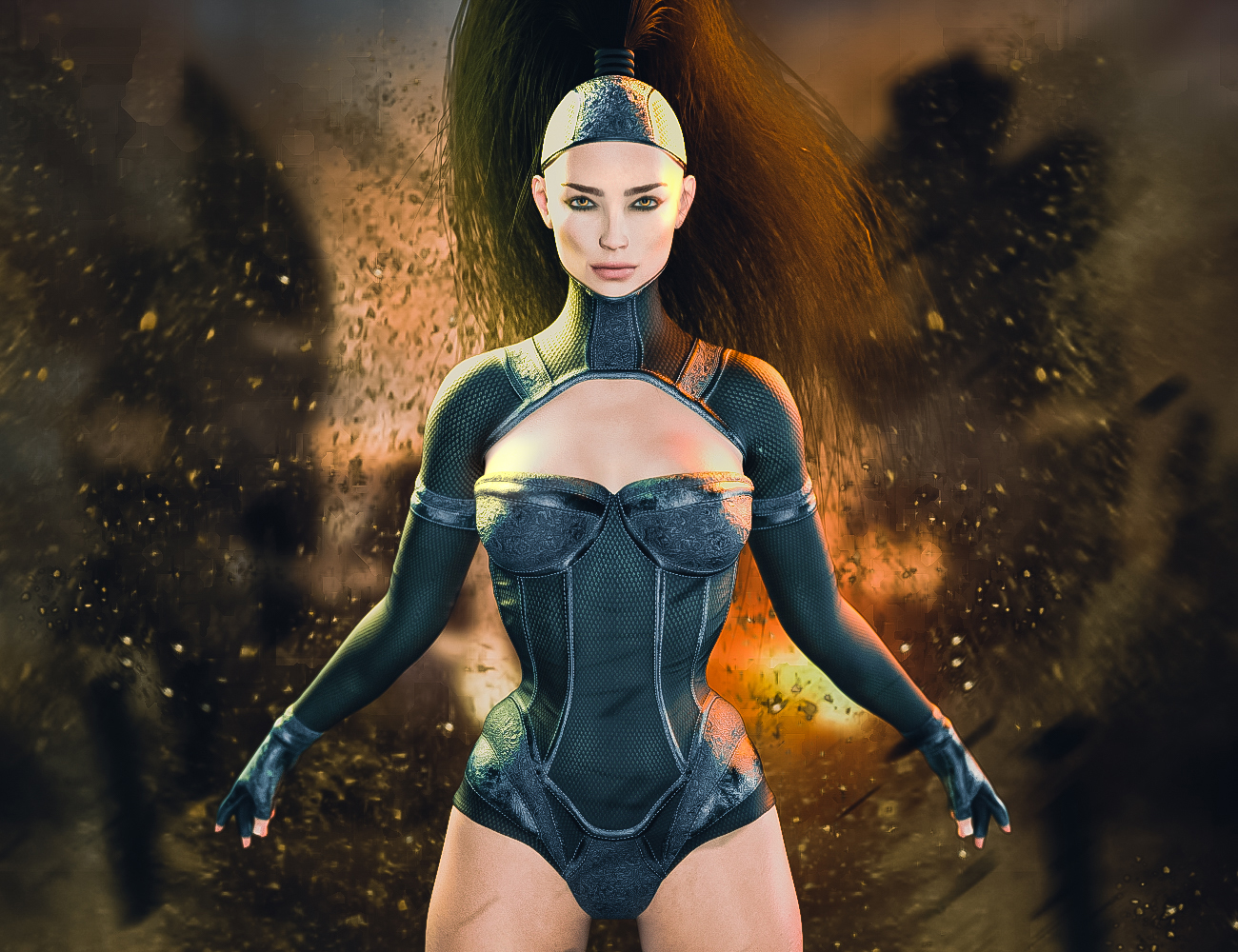
I'm not quite sure what you are picking up on the crotch.
It comes with a waist morph to suck in the waist which is why the hips look exaggerated in the promo. I didn’t use that morph and there is a distinct weird bulge on the right. Also the crotch is awful if the character is in any pose besides neutral. And even the boots are ONE material zone. Not even a separate zone for sole. I don’t think I’ve ever seen that before. In any case, I sent in a ticket to return. I always wait too late to test things and end up with a lot of faulty products that can take years to fix or are never fixed. I doubt this will be fixed, so I’m returning it.
Folder Placement QuestionYou will find many other folders that are used for Poser content that will not show up in the Content Library, like folders of morph files under Libraries, or all sorts of miscellaneous folders in Runtime. The Poser format content has a very strict folder policy, and only those are visible in the Library. DAZ Studio is more forgiving, but leads to a proliferation of vanity folders, mis-spelled folders attempting to fit in, or poorly structured folder hierarchies going in all directions.
Fit to without moving or morphingThe morphs fail horribly, and the entire graft is moved upwards by quite a bit as a result.
Because the character is quite a bit taller than base G8 it takes an already scaled leg and scales it again moving the leg up into the abdomen somewhere.
I just need to figure out a way to transfer the rigging over without any of the morphs.
Asian Beauty Appreciation Threadgreat looking morph neosoul3d, look forward to seeing the finished version
Applying Partial Morphs from one figure into another oneThank you Michael, that will do it for sure!
But I was looking for a more technical solution inside Daz Studio using its own resources. I know that a simple "copy & paste" solution doesn't exist, but is it possible to select the morph and exporti/re-import via Morph Loader Pro or something similar?
Fit to without moving or morphingWas there scaling applied? If so that needs to be removed, even if you otherwise reverse out the source shape. Is this graft close fitting or does it project? if it projects then the Transfer Utility is going to require a lot of refinement, and morph projection may also not work that well.
Asian Beauty Appreciation ThreadWow I love this thread. I have been using Daz Studio since a couple of months now. And I was trying to make some morphs. I morphed Genesis 8.1 after a scanned mesh. Now I still have to figure out all those shaders and how to texture. I made this morph in blender and 3D coat.
Fit to without moving or morphingMatt_Castle said:
I believe you both need to set the source shape to "Current", and toggle the "Reverse source shape to target" (or something like that) further down the dialogue. However, as a general thing, it is preferred that assets are first made for the base shape, and specific fits are imported later via Morph Loader (using the "Reverse Deformations" option if required).
Heh, this resulted in a hard crash.
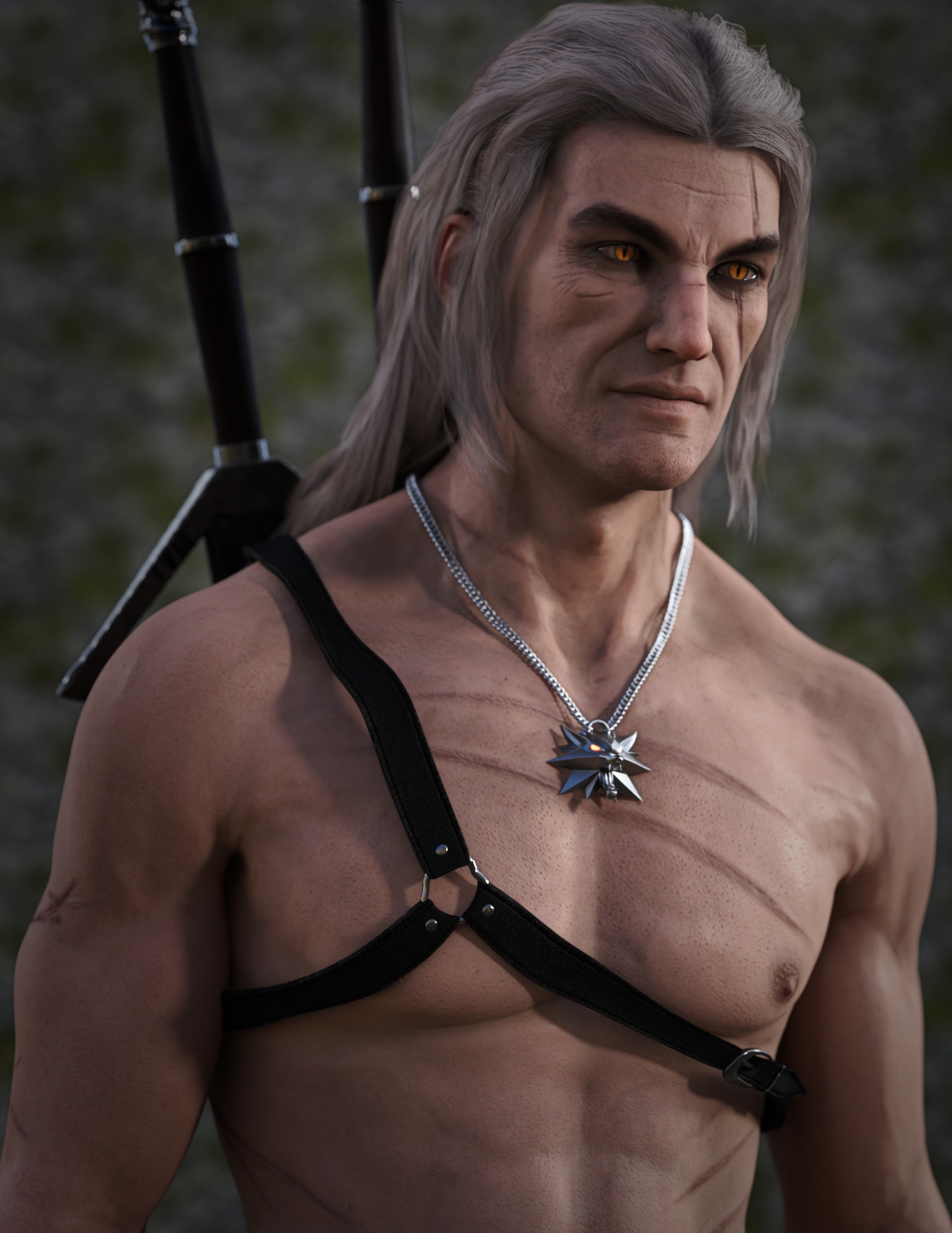
All things The Witcher...Ah, this is the Witcher thread.
Okay, testing conversion of Kayleyss' Gwenbleiz to the new PBR skin shader... so, G3M with PBR (since the HD morph is G3M, and not transferrable by mere mortals to the 8.1).
 Fit to without moving or morphing
The intent is a clean weld on a morphed character. (Leda 8 with additional morphs on top)
Starting from the base creates really ugly folds and disruption in the final graft once it's fit and the morphs are applied.
I'd rather start from the morphed character and just transfer the rigging over if that's possible.
Q: How to Fit in Place.In the Transfer utility set the Source Shape to the morph used or Current, then in the options enable reverse Source Shape from Target
Daz 3D is part of

Connect
DAZ Productions, Inc.
7533 S Center View Ct #4664
West Jordan, UT 84084Licensing Agreement | Terms of Service | Privacy Policy | EULA
© 2026 Daz Productions Inc. All Rights Reserved.