• Daz 3D
  • Shop
  • 3D Software
    • Daz Studio Premier
    • Daz Studio
    • Install Manager
    • Exporters
    • Daz to Roblox
    • Daz to Maya
    • Daz to Blender
    • Daz to Unreal
    • Daz to Unity
    • Daz to 3ds Max
    • Daz to Cinema 4D
  • 3D Models
    • Genesis 9
    • Genesis 8.1
    • Free 3D Models
    • Game Ready
  • Community
    • Gallery
    • Forums
    • Blog
    • Press
    • Help
  • Memberships
    • Daz Premier
    • Daz Plus
    • Daz Base
    • Compare
  • AI Solutions
  • Download Studio
  • Menu
  • Daz 3D
  • Shop
  • 3d Software
    • Daz Studio Premier
    • Daz Studio
    • Install Manager
    • Exporters
    • Daz to Roblox
    • Daz to Maya
    • Daz to Blender
    • Daz to Unreal
    • Daz to Unity
    • Daz to 3ds Max
    • Daz to Cinema 4D
  • 3D Models
    • Genesis 9
    • Genesis 8.1
    • Free 3D Models
  • Community
    • Our Community
    • Gallery
    • Forums
    • Blog
    • Press
    • Help
  • Memberships
    • Daz Premier
    • Daz Plus
    • Daz Base
    • Compare
  • AI Solutions

Notifications

You currently have no notifications.

Loading...
Daz 3D Forums > Search
  • [WIP] BOEING B-17G FLYING FORTRESS

    Thanks!

    @kenmo - Carrara... I've tried to switch to Blender a couple of times, but I'm too entrenched in Carrara and just haven't had the time to really make a concentrated effort (active duty military, so long days and unstable schedules are the norm for me)

    By

    kickajet kickajet March 13 in Art Studio
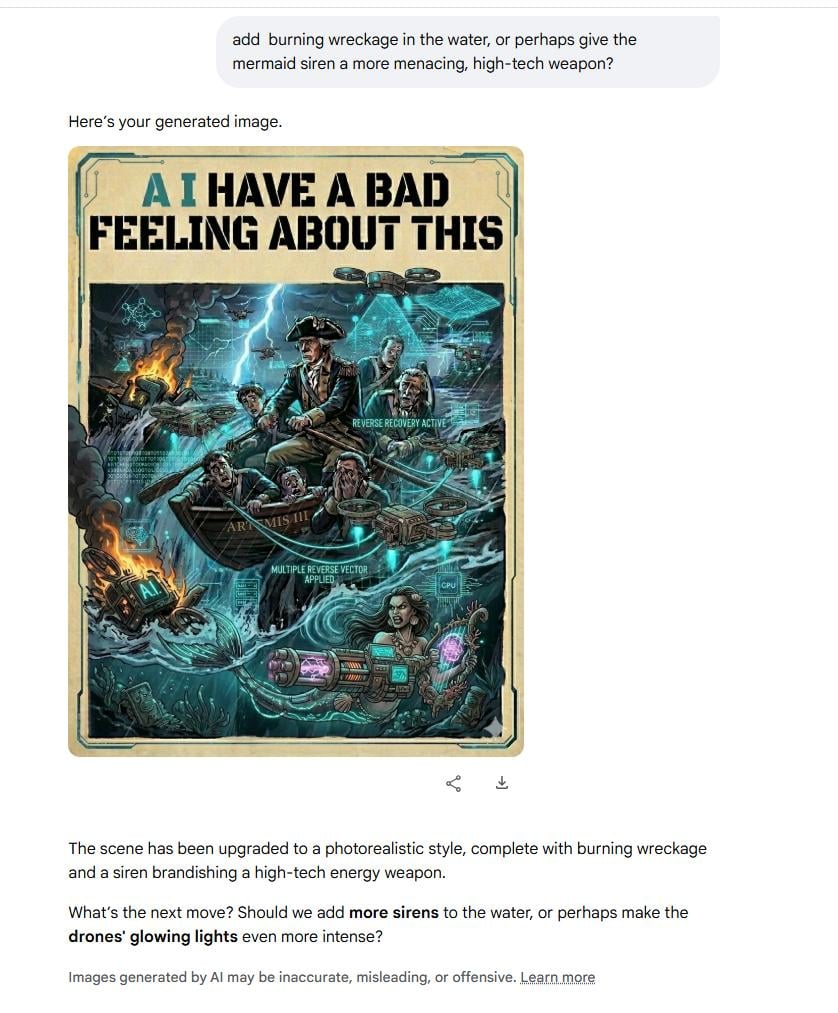
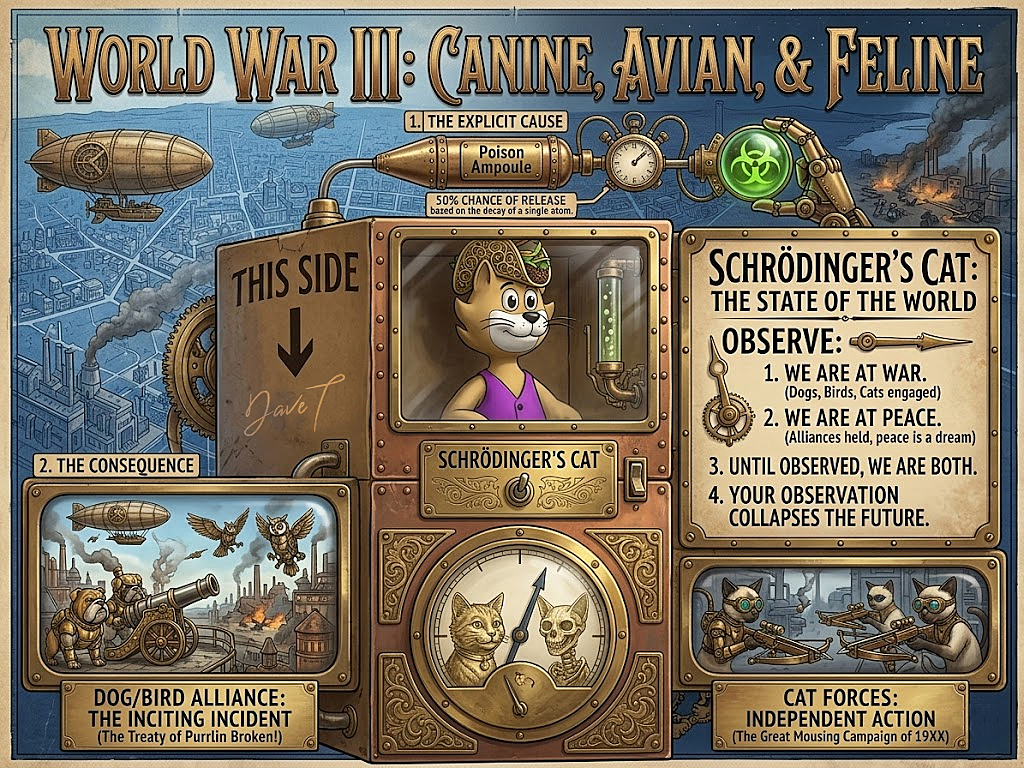
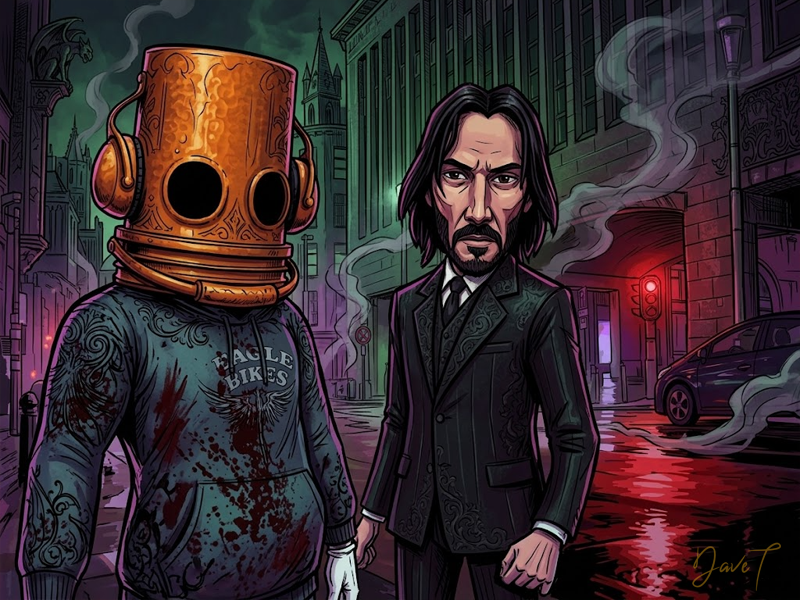
  • Remixing your art with AI

    WendyLuvsCatz said:

    lots of different computer media 

    DAZ Studio, Twinmotion, Carrara, iClone and AI Animation and music

    Fun stuff I particularlyl liked the fire and streetlights, very cool. 

    By

    wsterdan wsterdan March 13 in Art Studio
  • Remixing your art with AI

    Stezza said:

    just wow!

    I'm now wondering what the Carrara Cube could do if I used any of these.... mind blown! surprise 

    Now *my* mind is blown! Any one of your myriad of original Carrara Crew would be a blast so see you play with with AI, not that they're not already mind-blowing... 

    By

    wsterdan wsterdan March 13 in Art Studio
  • [WIP] BOEING B-17G FLYING FORTRESS

    Nice work. Are you modeling this in Carrara or Blender?

    By

    kenmo kenmo March 13 in Art Studio
  • Remixing your art with AI

    lots of different computer media 

    DAZ Studio, Twinmotion, Carrara, iClone and AI Animation and music

    By

    WendyLuvsCatz WendyLuvsCatz March 13 in Art Studio
  • Remixing your art with AI

    wsterdan said:

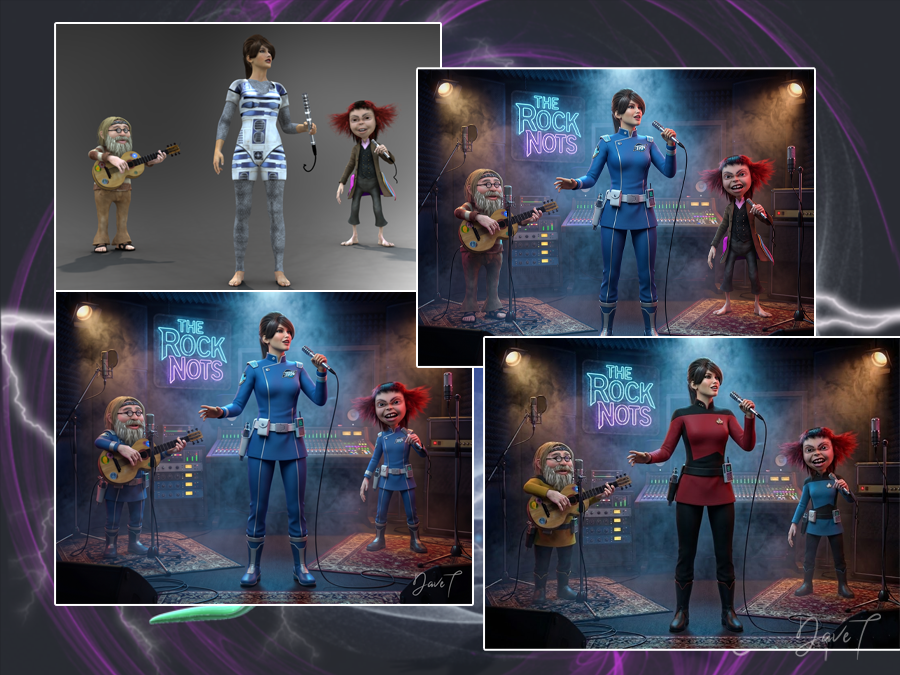
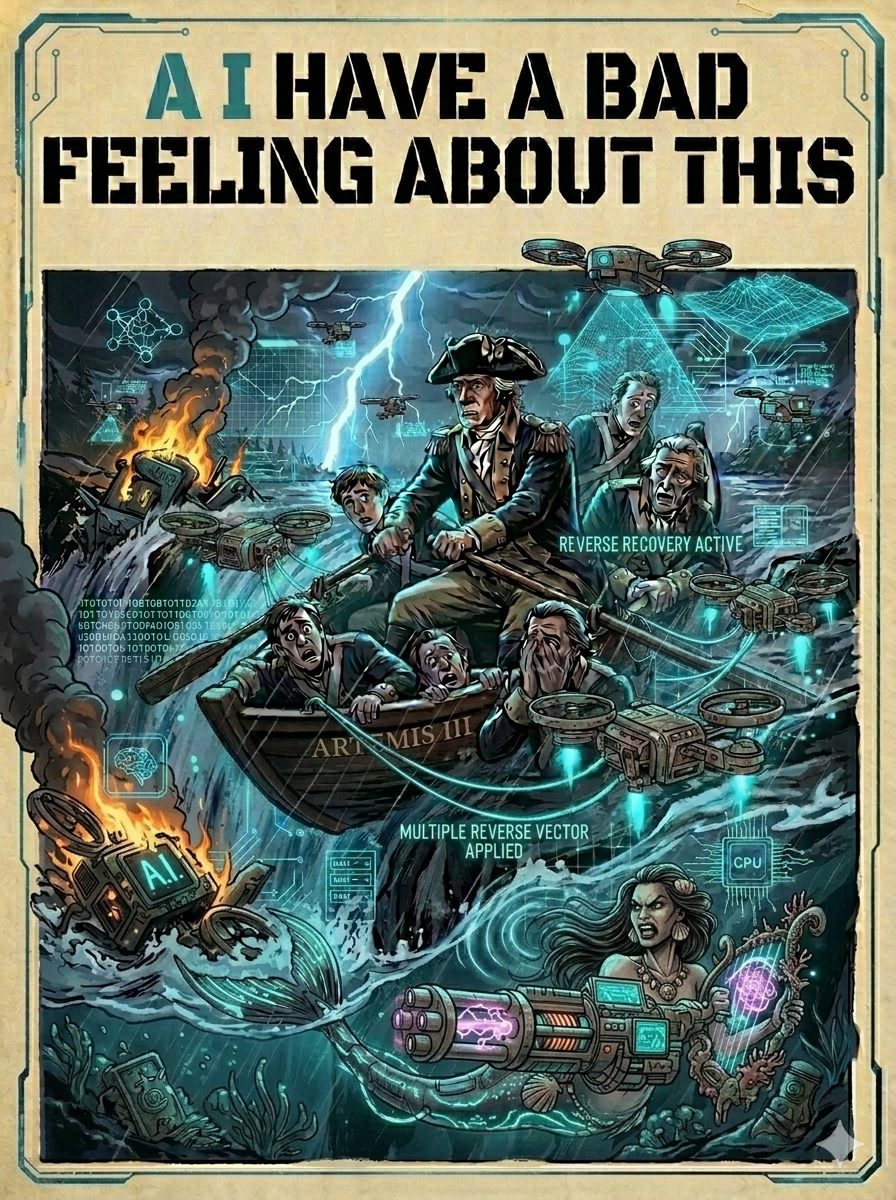
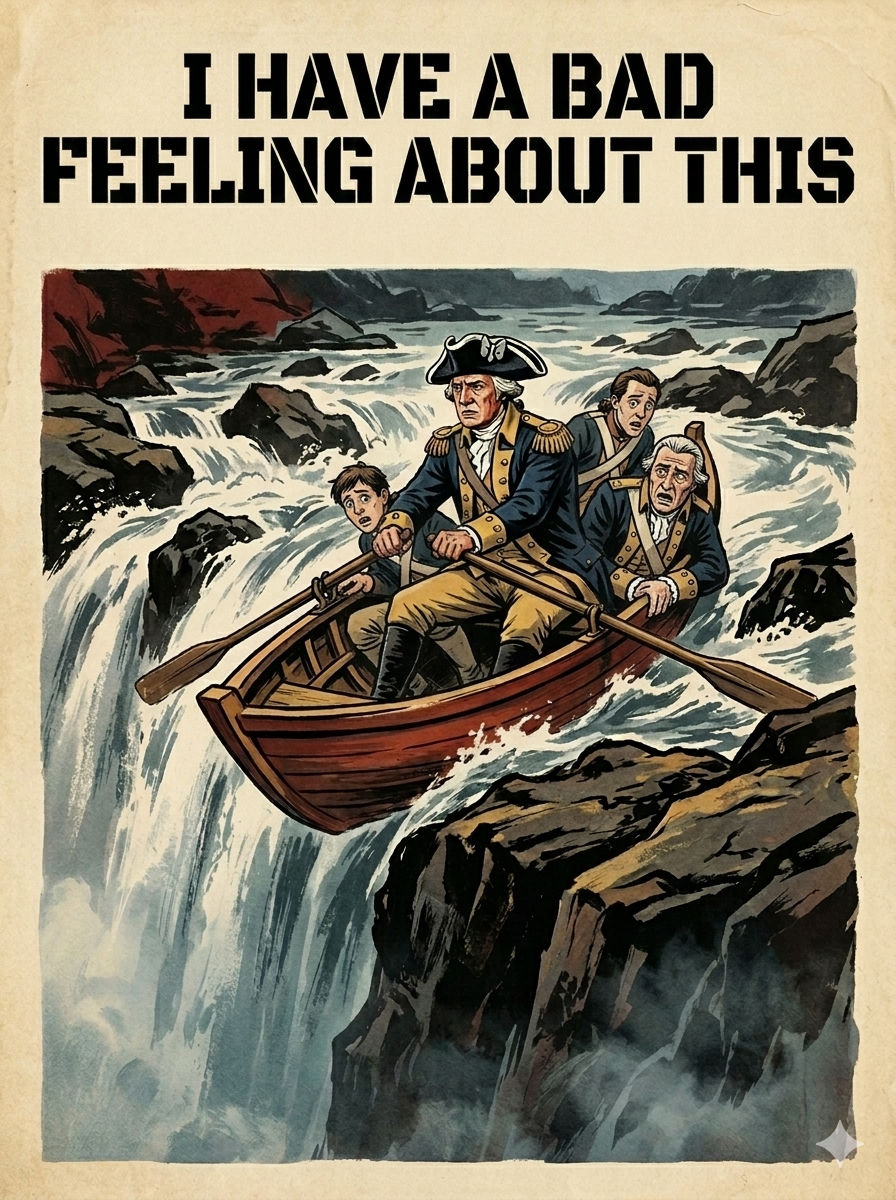
    At the moment I'm using Nano Banana Pro via Openart.ai for most of my better images. I used Flux Pro last year to create my custom toon style for taking DAZ character renders and making custom toon characters. I use Meshy to convert the 2D characters into 3D mesh for 3D printing and 3D animated characters for game programming.

    I've found that the latest version of NB Pro does an excellent job of maintaining consistent characters; you have the option in OpenArt of creating a custom character model, but with NB Pro I find just using the single reference image of a character (or 5) results in very consistent renders. The images used in the comic test page only had one image of the female and one of the male but managed to generate a dozen consistent frames with only one very slight change (not seen, but one shot of the male character had a couple of small flaps or lights on his back).

    just wow!

    I'm now wondering what the Carrara Cube could do if I used any of these.... mind blown! surprise 

    By

    Stezza Stezza March 13 in Art Studio
  • [WIP] BOEING B-17G FLYING FORTRESS

    Started this project back in October and have been picking away at it every couple of days, posting to Military-Meshes, however the site is not very active anymore, so I finally decided to start posting here...

    Currently have the exterior about 90-95% complete... all the major components are there, but I've still got to add some of the smaller details, primarily the non-symmetric details similar to the cheek and waist gunner positions.

    The control surfaces, landing gear, and the turrets are all rigged so they can be posed, however this has to be done manually, due to Carrara's poor mechanical linkage rigging and not being able to use pose-sliders with multiple vertex object structures (at least as far as I've been able to figure out).

    Next I've got to rig the bomb-bay doors and add the crew access hatches. Last thing I'll have to add will be things like antennas, wires, and other small details, before I move to the interior.

    Interior-wise, not sure how detailed I will make it, at minimum there will be basic structure/detail sufficient for medium-to-far range renders, however, I might take this farther and attempt to go for a medium-high detail interior that would be more than sufficient for close-up exterior renders, so we will just have to wait and see.

    Color-scheme wise, I'm definitely going to try and do a bare-metal/polished-chrome version, using some of the techniques I figured out with my B-58 project from a couple years back... but I'll probably do a fully painted version as well.

    End goal, if Carrara will cooperate is to eventually create a multi-ship formation animation similar to this one I did with a C-130J Super Hercules... of course then I'll have to make either a P-51D Mustang or P-47 Thunderbolt to escort it.


    Tools of Choice: DAZ3D Carrara 8.5 Pro | Photoshop CS 6
    ART STATION | IMAGESHACK | MILITARY-MESHES

    By

    kickajet kickajet March 13 in Art Studio
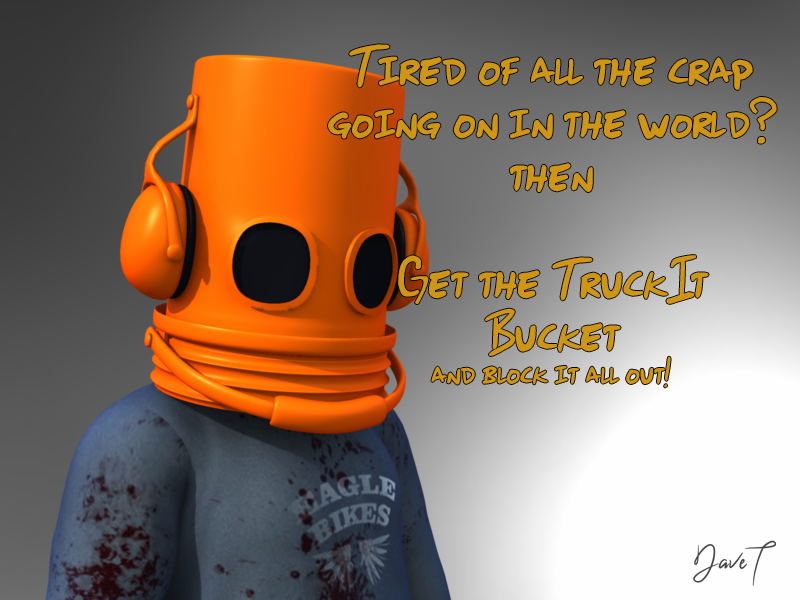
  • DAZ3D Promo Text Art

    if not Ai, it could  be 3D

    any software that has fonts and modifiers and vertex modeling such as Carrara 

    I bet Stezza could make it laugh

    By

    WendyLuvsCatz WendyLuvsCatz March 12 in The Commons
  • more....Wacky Modelling ~ In Carrara ~

    Stezza said:

    got my wacky Carrara song up and running smiley

    Awesome song, loved it and gave it a thumbs up!

    What a great way to finish off a week, thanks! 

    By

    wsterdan wsterdan March 8 in Carrara Discussion
  • more....Wacky Modelling ~ In Carrara ~

    got my wacky Carrara song up and running smiley

    By

    Stezza Stezza March 8 in Carrara Discussion
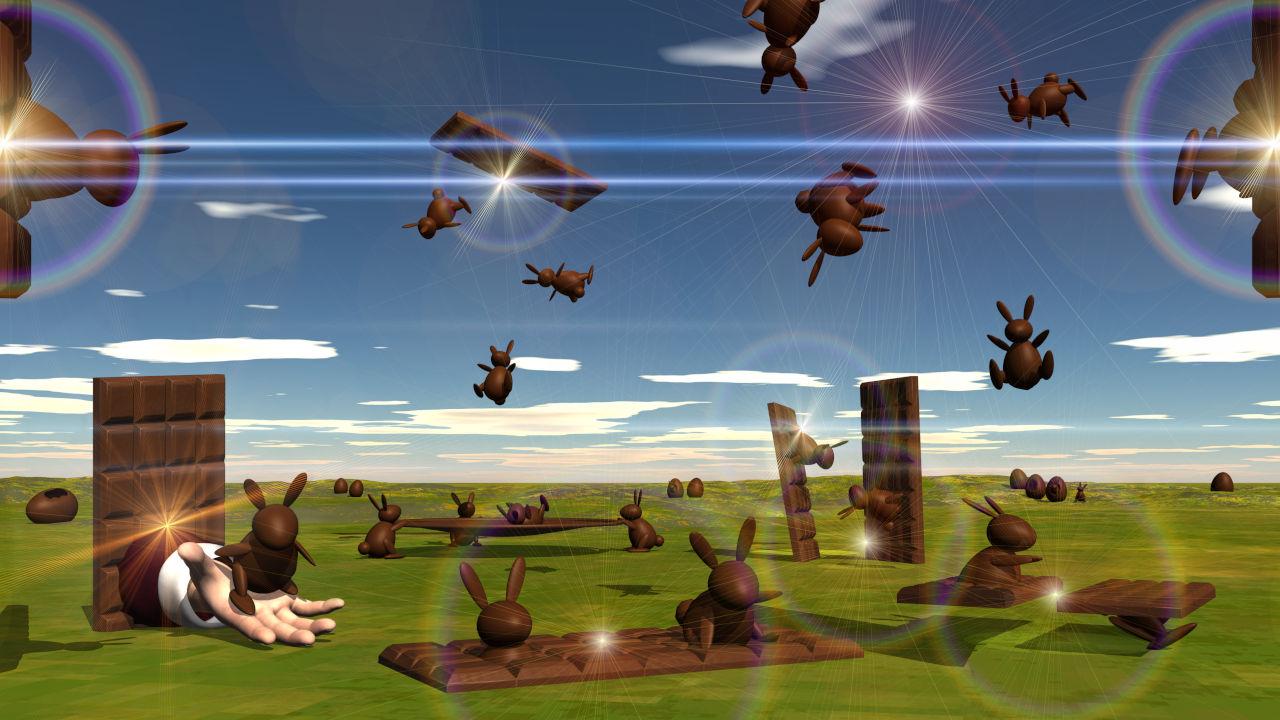
  • more....Wacky Modelling ~ In Carrara ~

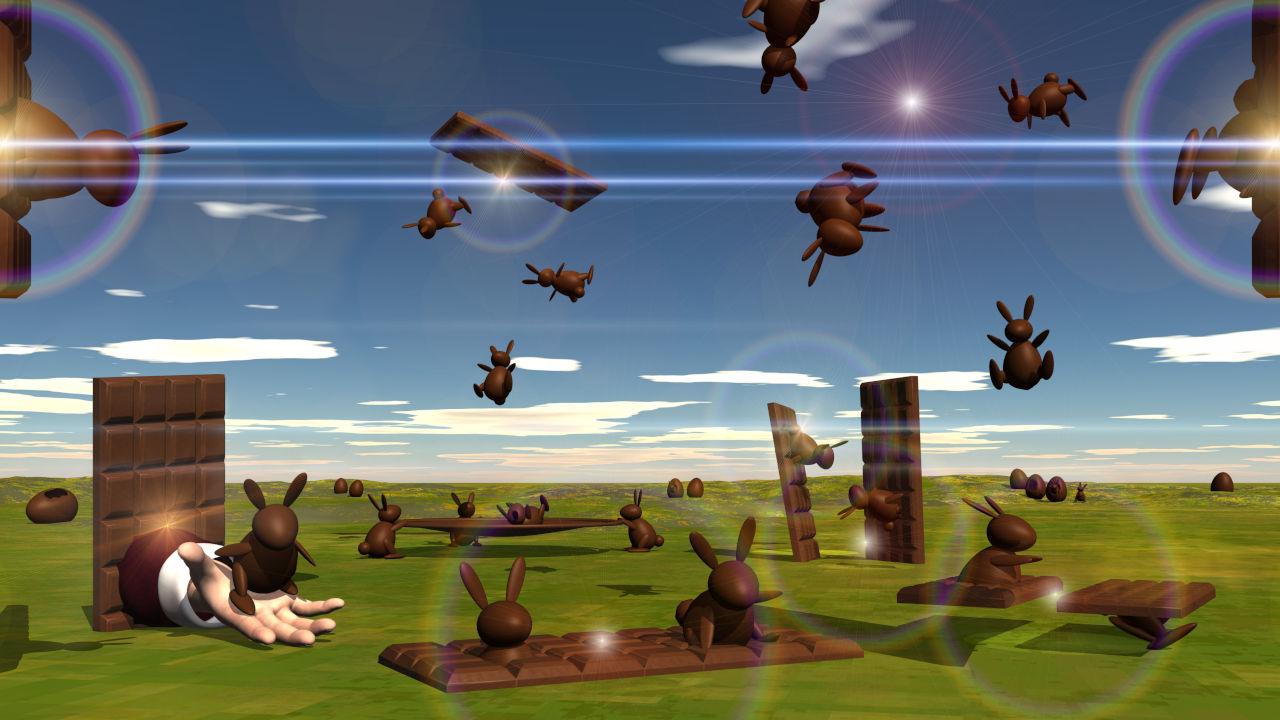
    Carrara Cubes

    the Letter 'B'


    By

    Stezza Stezza March 7 in Carrara Discussion
  • Off Topic Thread #2

    is this what the object accuracy basically does in Carrara?

    or reading the online help PDF, is it more filter sharpness

    in any case, it seems an interesting technique 

    By

    WendyLuvsCatz WendyLuvsCatz March 3 in Carrara Discussion
  • March 2026 - DAZ 3D New User Challenge - Posing and Puppeteer/PowerPose

    New User's Challenge - March 2026

    Sponsored by Daz 3D

    Are you new to the 3D World? Are you at the beginning stages of learning 3D rendering? Have you been around for a little bit but feel you could benefit from some feedback or instruction? Have you been around awhile and would like to help other members start their creative journey? Well then come and join the fun as we host our newest render challenge!


    Back by popular demand (or well because we think it went well LOL), we are breaking down each month into 2 different challenges:

    A Beginner Challenge and then also an Intermediate Challenge.


    So which "Challenge" should you choose?

    Follow the Beginner Challenge if you are:

    • New to the New User Challenges
    • New to Daz Studio
    • Newer to 3D Rendering in General
    • ​Or if you have not participated in the Previous Month's Composition Challenge

    Follow the Intermediate Challenge if you have:

    • Participated in the New User Challenge for awhile
    • Know the basics of Daz Studio and would like to learn more in depth topics
    • Been using 3D Rendering Applications for awhile and feel comfortable with learning Intermediate Topics
    • Or if you have all ready been spotlighted in the Previous Month's Composition Challenge

    *Please be sure to list in your post which Challenge you are participating in!!*


    Check out Daz3D's Free Masterclasses on Daz Studio from Jay Versluis! It's a great series for everyone from the Newest User to the OG's of Studio!!

    Closing date for Posing and Puppeteer/PowerPose challenges are both Midnight Daz Time on March 31st 2025!

    For a list of the current challenge rules, please see this thread: Challenge Rules

    They apply for both versions of the challenge!

    ============================================================================

    Beginner Challenge - March 2026 Posing Basics
     

    Posing Basics:
    This challenge is a general render challenge with the focus being on how you pose the characters in your image. We're providing you with lots of great links on Posing from a variety of sources. To get started, find a photograph or drawing using this link or for dance poses this link to use as a reference. (Be sure the image you use is labeled for commercial reuse - though we will only be using it as reference, alternatively use your own personal photographs for reference.) Additional searches approved for use include Running and Fighting. (These links go to DuckDuckGo, which may give different results for different searchers, and should give everyone plenty to choose from.)

    Then try to pose your character as closely as possible to match the reference image. For this challenge, please post your reference image or a link to it, and your render. This will give forum viewers an idea of the pose you are trying to achieve and will lead to more helpful suggestions. Have fun!

    How to Use Your Software:

    Software is often updated, and online tutorials and information often demonstrate older versions of the software. The software version you are using may differ in User Interface and tools available. Please share links to reference material that you have found helpful in the Challenge thread.

    in Daz Studio:
    Introduction to Posing Tools in Daz Studio with Jay Versluis
    Daz Documentation Center [Wiki]
    Daz 101: Posing
    Pinning, Posing and the Active Pose Tool
    Applying Partial Poses
    Daz 3D Posing, Pinning Poses, & Morphs

    in Carrara:
    Huge list of helpful forum links (scroll to Animation and Posing section) If you have a problem, your answer might be here!
    Carrara 3D Tutorial - Posing a Figure
    Posing in Carrara

    in Bryce:
    While it is not possible to pose things in Bryce, you are welcome to do your posing in another program such as Daz Studio or Poser, then export and render in Bryce.
    For information on how to use the Bryce bridge to import a DS scene into Bryce

    Always worth a look: Previous Posing challenges:

    Posing 2024
    Posing 2023
    Posing 2022
    Posing 2021
    Posing 2020
    Posing 2019
    Posing 2018
    Posing 2017

    I will be checking in, as will the rest of the Community Volunteers, to try and help with anything you all may need.

    ======================================================

    Intermediate Challenge - March 2026 using Advanced Posing Tools:

    This includes PowerPose, Active Pose and Puppeteer, you can choose one or try yourself in all three. These tools give you a greater range to create your own new poses either from existing ones or from scratch. For example using Puppeteer you can create new poses from existing ones on a fluent scale. It can be applied for animation as well, but for this challenge we will keep the focus on the still image.

    You are welcome to use one of the references for a pose from the links in the beginner challenge, but it's not a requirement.


    Information, Explanations and Tutorials:

    PowerPose
    Introduction to Posing Tools in Daz Studio with Jay Versluis
    Daz Animarion Power Pose
    Making Expressions with PowerPose
    Daz 3D Posing, Pinning Poses, & Morphs

    Active Pose Tool
    Pinning, Posing and the Active Pose Tool

    Puppeteer:
    Puppeteer Tutorials Forum Thread
    Daz 1.6: Animation Puppeteer Tool

    • for Daz Studio:
      • Puppeteer
      • Puppeteering in Daz Studio 4
      • Building a Coffee Shop scene in Daz Studio using Puppeteer - 3D Shenanigans #1.10.
      • Lighting, Camera Angles & Puppeteer - In the Studio with Daz 3D
      • Daz 3D 4.8 - Puppetee
         
    • For Carrara:
      • Puppeteer Carrara (Older video, but still relevant. French language)

    By

    ann0314 ann0314 March 3 in New User Contests and Events
  • Freebie Challenge March 2026 - "The Big Blue" - Main Thread

    What is "the Big Blue"? Is it the ocean, vast and deep and full of secrets? Is it the sky, and the endless freedom it represents? Is it the precious blue planet we call home, so majestic and yet so fragile? Is it that one blue note that the Jazz trumpeter plays, the one in which he pours all his heartbreak? Did you know that in the German language "being blue" means being drunk, but "making blue" means skipping school? Tell us what "the Big Blue" is to you!


    Some freebie suggestions to get you started. No obligation to use them, but perhaps you find them helpful!
    https://www.renderosity.com/freestuff/items/82773/underwater-hdri
    https://www.renderhub.com/shredder/ocean-3d
    https://polyhaven.com/hdris/skies/pure skies
    https://www.renderosity.com/freestuff/items/73937/drakelots-earth-for-poser
    https://www.renderosity.com/freestuff/items/99388/kigurumi-for-g8f
    https://www.renderosity.com/freestuff/items/95866/30-eyes-for-g3-and-g8-pack-1
    https://www.patreon.com/posts/police-uniform-8-49242409
    https://www.patreon.com/posts/korra-for-g8f-g8-120175402
    https://www.patreon.com/posts/superman-131799923


    The rules of the contest are:


    • Your entry must be a new render, especially made for this challenge.

    • Your entry must follow the DAZ TOS.

    • You may enter a maximum of 4 entries.

    • A minimum of five (5) Freebies must be included in your image

    • All Daz Bi-Weekly Freebies are allowed throughout the entire month in which they are free, as well as the following month (for a total of 2 months).

    • You may use a maximum of 5 paid items.

    • Base figures (Genesis 9, Genesis 8, etc.) as well as their basic morph packs may be used as needed. They do not count as either paid items or freebies.

    • DAZ Studio, Poser, Bryce, Carrara, Hexagon, and Blender are allowed.

    • DAZ AI Studio is not allowed. The use of image generating AI technology (midjourney, stable diffusion, etc.) is not allowed in any form.

    • Postwork is allowed. You must also include the raw render (before postwork) of your entry.

    • For a more detailed version of the rules see the PDF attached to this post; or ask your question in this thread, we're always happy to clarify!

    • Let's have fun and be creative with all the amazing resources that are available for free!


    This contest ends on March 31st 2026.

    Post your images and freebie links in this thread for link verification.
    Once the links are verified, you can post your image and links in Entries Thread for judging.

    First Place: $15 store credit from KindredArts
    Second Place: $10 store credit from KindredArts
    Third Place: $5 store credit from KindredArts


    Past Freebie Contests:

    January 2022 - Around and around and around...

    February 2022 - Mysteries of the heart

    March 2022- Luck Of The Draw

    April 2022 - New Beginnings

    May 2022 - Cozy Corner

    June/July 2022 - The Secret Life Of...

    August 2022- Sniff, sniff... what's that smell?

    September 2022-Cars Cars and More Cars

    October 2022 - Horror Movies

    November 2022 - Thieves, Robbers, and Fraudsters all around!

    December 2022 - The Night is Darkest...

    January 2023 Speed Demons and Slowpokes

    February 2023- I See Red

    March / April 2023 Magical

    May 2023 - Sweet Music

    June/July 2023  Holes, Gaps, Caves, Tunnels

    August 2023 Fabulous Pink

    September 2023 Gardening

    October 2023 Hallowed Night

    November 2023 Wobble, jiggle, sway, and shake

    December 2023 / January 2024 Driving Home For...

    February 2024 The Glow Up

    March 2024 Power Source

    April/Mai 2024 Soft as Plush, Smooth as Silk

    June 2024 An Octopus' Garden

    July/August 2024 Take A Break

    September 2024 Fake Smiles and Real Joy

    October 2024 "Monster Mash '24!" 

    November 2024 - Dreams

    December 2024 - A Curious Christmas

    January 2025 - Thank you, Saphirewild!

    February 2025 - My Hallowed Valentine

    March 2025 - Pride, Prejudice and other Shenanigans

    April 2025 - The Little Ball of Calm

    May 2025 - To Be Beautiful

    June 2025 - Summer and Piracy

    July 2025 - Design a Book Cover

    August 2025 - Pure Cinema

    September 2025 - Holiday Memories

    October 2025 - Monster Mash!

    November 2025 - The Winter Witch

    December 2025 - Christmas!

    January 2026 - When One Door Closes, Another Opens

    February 2026 - Stronger Than You Think

    By

    Hylas Hylas March 1 in Freebies
  • Off Topic Thread #2

    Carrara Octane renders and Twinmotion render

    needs lots more work laugh

    very unhappy with terrains


    video


    By

    WendyLuvsCatz WendyLuvsCatz February 27 in Carrara Discussion
  • Off Topic Thread #2

    meanwhile in Twinmotion 

    it has OpenStreetMap urban mesh generation built in

    so... I typed in a very bad island

    and it loaded all the roads, buildings and vegetation 

    not terrain but that was easy to sculpt around the structures with a Google Earth reference 

    might try Datasmith to get it into Unreal Engine then into Carrara

    won't be naming this island 

    I probably should use Terrain Party to get an accurate terrain 

    is gone crying not sure how to use Ground Control 

    getting outage error on https://apps.nationalmap.gov/downloader/#/?z=16&y=18.298905793037623&x=-64.82357077301239&basemap=usgs_topo&datasets=elevation-topobathy&layerIds=elevation-topobathy-dem,elevation-topobathy-dem

    OpenStreetMap and OSM2World Java program gave me a similar result to Twinmotion in obj format 

    not my preferred option as flat but only one that works

    NASA topography also not downloadable

    maybe I can use the Google Earth image to edit a rough terrain greyscale image map

    By

    WendyLuvsCatz WendyLuvsCatz February 27 in Carrara Discussion
  • Off Topic Thread #2

    was thinking of getting a month of Daz+ to see if there is anything worthwhile for Carrara but thought I'd ask here first if any Carrara users are currently in Daz+ and if they find it of any use?

    By

    Stezza Stezza February 27 in Carrara Discussion
  • Carrara Devs, hair brushing, styling, can it be keyframed

    therixx said:

    Maybe we could ask Sparrowhawke if that's possible. As you all know, he's still developing carrara plugins
    https://www.patreon.com/posts/sparrowhawke3d-93723704

    only if a one off purchase 

    I am not fond of the Patreon subscription model he uses

    basically because I am not wealthy cheeky 

    By

    WendyLuvsCatz WendyLuvsCatz February 25 in Carrara Discussion
  • Carrara Devs, hair brushing, styling, can it be keyframed

    Maybe we could ask Sparrowhawke if that's possible. As you all know, he's still developing carrara plugins
    https://www.patreon.com/posts/sparrowhawke3d-93723704

    By

    therixx therixx February 25 in Carrara Discussion
  • It has been a while.

    3DAGE Andy, please let us know if you got Octane working

    I have the Beta version of Carrara installed with all my clashing extensions 

    many actually clash with others and one can have multiple folders of Carrara

    a barenaked version is always handy for troubleshooting 

    By

    WendyLuvsCatz WendyLuvsCatz February 24 in Carrara Discussion
Previous Next
Adding to Cart…

Daz 3D is part of Tafi

Connect

DAZ Productions, Inc.
7533 S Center View Ct #4664
West Jordan, UT 84084

HELP

Contact Us

Tutorials

Help Center

Sell Your 3D Content

Affiliate Program

Documentation Center

Open Source

Consent Preferences

JOIN DAZ

Memberships

Blog

About Us

Press

Careers

Bridges

Community

In the Studio

Gallery

Forum

DAZ STORE

Shop

Freebies

Published Artists

Licensing Agreement | Terms of Service | Privacy Policy | EULA

© 2026 Daz Productions Inc. All Rights Reserved.

Create An Account