-
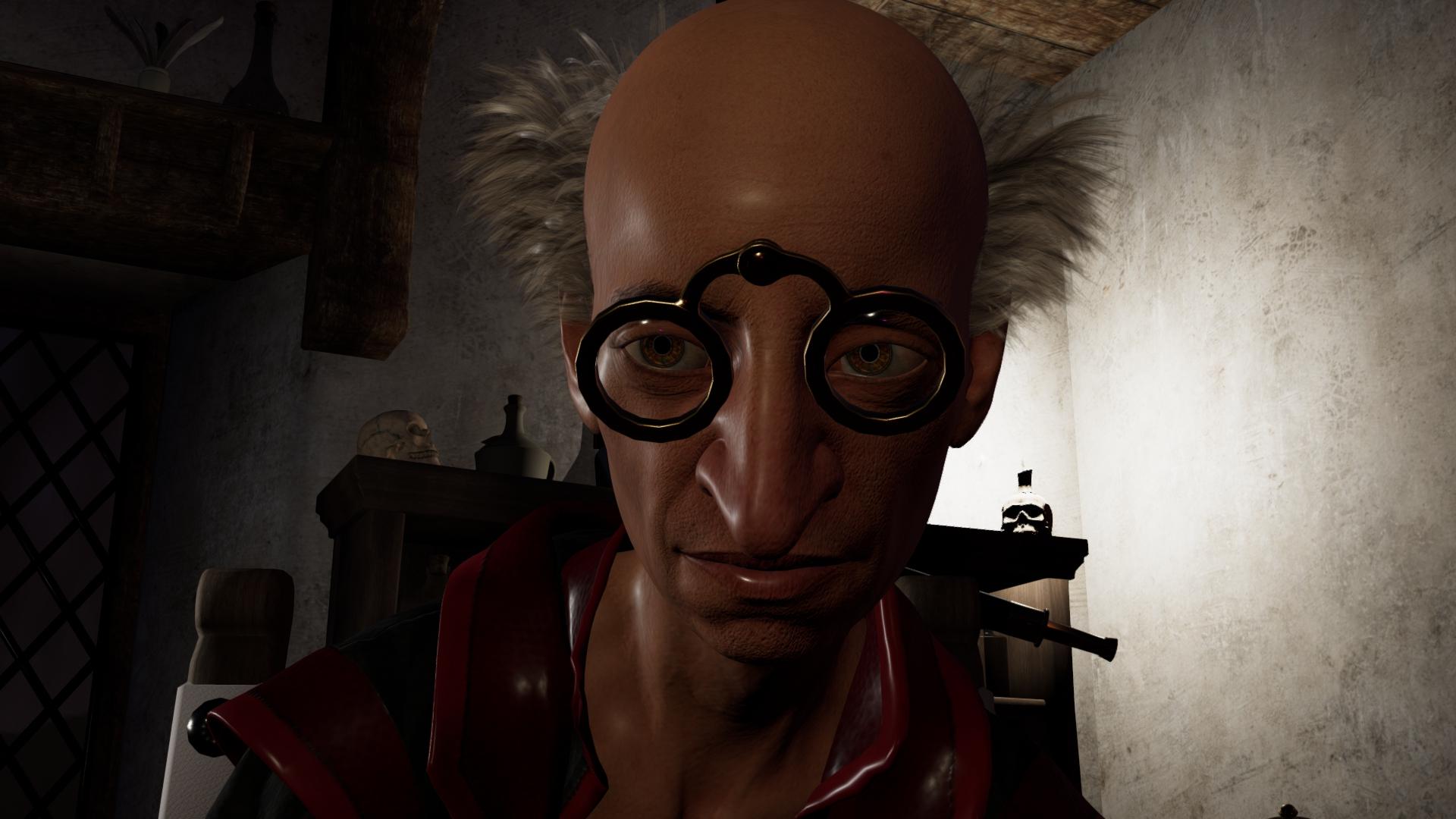
AIUTO...CHI CONOSCE L’ITALIANO? PARTE TREDICIChe Iray sia fotorealistico non c'è dubbio, è stato creato per questo. Il problema di Filament è la mancanza di shader e materiali dedicati, specie quando si tratta di transmap"medieval" glasses for Gen 8 ?AIUTO...CHI CONOSCE L’ITALIANO? PARTE TREDICI
Uso abbastanza spesso Filament (il cui livello poi fondo di sovente giusta PS con quello di Iray o Octane, rarissimamente di Reality/LuxRender), tuttavia per alcune superfici tipo capelli occhi ecc., Iray rende attualmente un servigio decisamente più fotorealistico nei risultati.
AIUTO...CHI CONOSCE L’ITALIANO? PARTE TREDICICrios said:
Per quanto riguarda Iray, sto notando che alcuni PA stiano tornando a mettere il doppio shader nei loro prodotti.
Anche perchè un buon 60% dei materiali 3Delight funzionano bene anche in Filament.
DAZ3D dovrebbe spostarsi su quello e seppellire IRay come è giusto che sia, la sua anima tormentata è strappata dal suo giusto riposo eterno da troppo tempo...
Shopping Street and GPU VramWebsoul said:
Ghosty12 said:
Got this product https://www.daz3d.com/shopping-street and it does look really good, but know you will need to do a lot of scene optimization and other tricks to render it unless you have a 3090 or better, as even my 12GB 3060 could not render this out of the box without doing a lot of optimizing..
Is there a quality difference between GPU and CPU rendering or is it just speed?
I have a 1050 so I work in fillament and my renders are usually just CPU based, would that be a problem for this set to render at all or will it just take more time?That is something that I could not say as don't use filament, but if using only CPU for rendering I think that then the only limiting factor, would probably be how much ram you have in your system..
All lights on, but still black? or super white?I've tried the second scene and it renders correctly in Iray as loaded.
I also get it going to black in Filament, are you trying to render it in Filament?
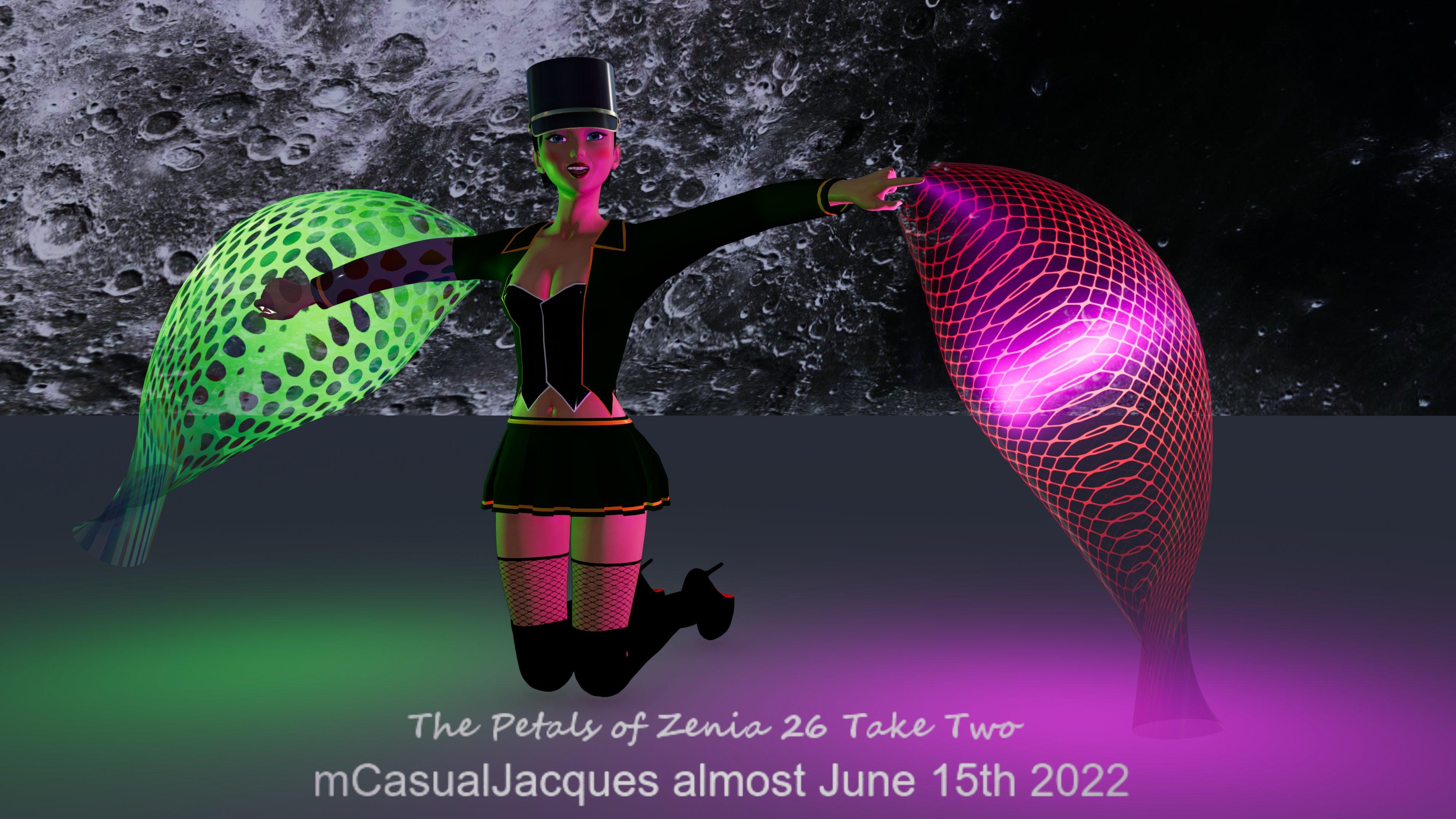
Coming Up This Week - mcjPetals - Plant and grow petals of any shapewell i'll release it on my freebies web site when the UV maps will be correct
maybe i'll call it the beta version
i didnt get hard crashes during my tests so that's good news
maybe 1 day or 2
i will also add some code to prevent doing things like generating 4 million polygons
oh and an abort process button
and there's the dang manual/instructions to write :)
filament render yesterday, the twist at the base of the 'petals' is being fixed presently
later on i may add a .exe or plugin accelerator for cases where you do want to generate 4 million polygons
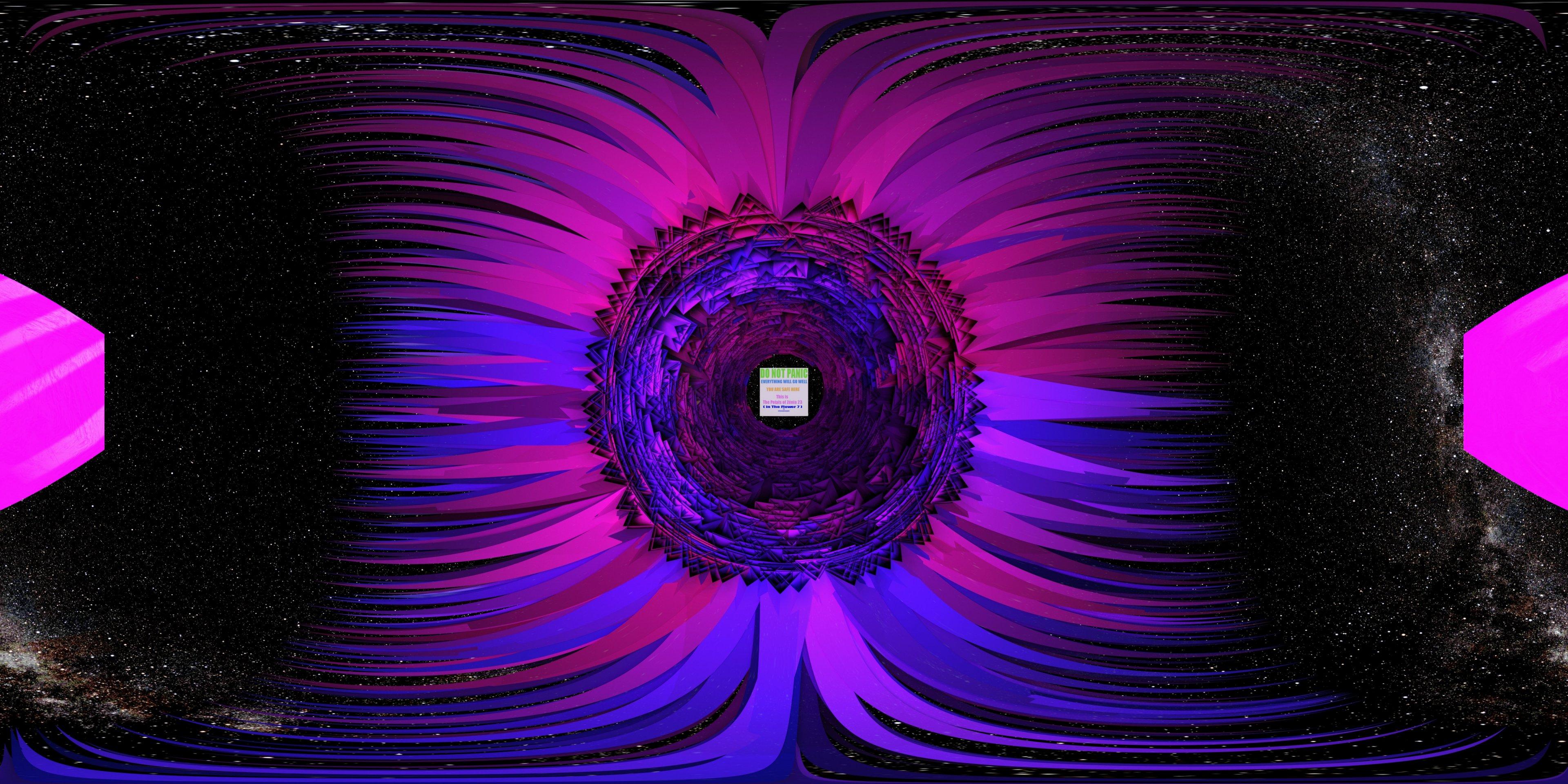
picture: VR360 view from the ground looking up at petals that grew on a skirt-shape
perlk said:
This looks super cool. Are you looking for beta testers at any point? Specifically novice users who don't know how to run scripts in DS? :-)
Coming Up This Week - mcjPetals - Plant and grow petals of any shapenewer tests with better per-petal uv mapping
1- Filament
2 -iRay
 All lights on, but still black? or super white?
So I started and loaded up this enviroment/set/scene and it had lights on it, however it is not showing up and only as pitch black on Iray. Earlier I had an opposite issue with a gym with the iray showing lights and everything but the filament view then being pitch black, or super bright when I go to dome and scene only.
I run a pretty powerful PC and Ithought maybe use one of the bright renders but obviously that did nothing, only lights will show up if I turn lumens to 150k plus.
Would anyone know a fix to this please?
Compact Mirror Freebiemaikdecker said:
Catherine3678ab said:
Using spot renders to check the mirrors, gently rotated the compact to catch the reflections.With this, You just explained a use for spot renders I never ever thought about before... Thank You very much

I use spot renders a lot because I only have a 1050 videocard and always work in Filament mode, I use spot renders to quickly check the lights or Iray layers for a small part without having to render the whole scene.
Thank you for the mirror, I love the textures on the back.How/Which one is better, DAZ3D Iray VS UE5 Character Render Result?You cannot compare a path or ray tracer, and a real time 3D engine.
If you ask what's better, Filament (real time) or Unreal Engine... well in real time, there's no better engine than Epic's Engine. So the answer would be UE5, of course.
So I'm thinking to rendered it on UE5.
Same, Unreal Engine is NOT a rendering engine. It's a real time rendering engine ;)
Rendering engines : it takes time to get 1 image.
Real time rendering engine : you get 60 (more or less) images per second.
Rendering engines are for movies, still images.
Real time are for games, AR, VR.
Does it look like plastic
The whole workflow, from 3D modeling to shadering, texturing, etc. is very different. You can't get a great result out of the box. Everything sold for iRay needs extra work to be converted properly to another rendering engine, whether it be ray/path tracing or real-time. And even in real-time you've got different approaches. 3D models and their textures have to be prepared differently for Unreal (Specular-Glossiness) or for Unity (Metallic-Roughness).
The differences between 3D worlds is less visible nowadays (polycount becomes less and less an issue, Lumen / RTX brought approximations of Global Illumination in real time, ect.). But still, it's different worlds with each its specific workflows. To get something look "good" you need to know a lot about both 3D worlds in order to "convert" your items and recreate the shaders nodes that will give a similar aspect to skin, hair or anything.
my graphic card can't handled vray
I guess you meant iRay ? ;) What you could try in DAZ : Render Settings > Phtoreal Mode > Check CPU, uncheck CUDA / RTX.
This way you render only with CPU. Render your still images using ManFriday Render Queue for example, over night :
- You don't have to wait.
- You can set max samples and max time to the maximum available. And trust instead a high enough Converged Ratio (95-98%) to decide when your render is fine enough to be stopped. This way, rays will take their time to bounce and tint properly each pixel with its final RGB value. Converged Ratio will decides for you when the render is good enough.
- Your computer stops alone when the render is done (thanks to ManFriday's Render Queue).
- You wake up happy because everything calculated while you were asleep ;)
Speech Recognition and Facial animationthe 32bit lipsync saved as a pose and rendered in the 64bit using Filament

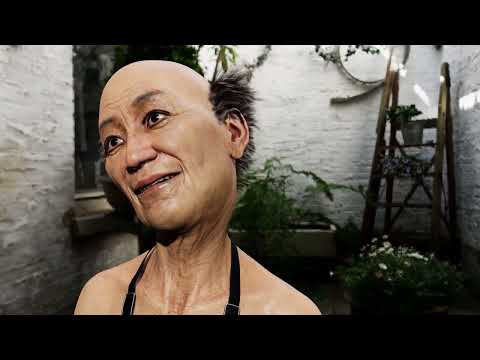
but overlayed with facial aniblocks it is not great
My PC/Daz won't render (again)PerttiA said:
One doesn't rule out the other, you can have your AMD CPU and just add the Nvidia card.
Richard Haseltine said:
Quote a few of us do that - I have a Ryzen 3900X with nVidia 1660 Super and 2080Ti
 I didn't know that was possible.
Is it a "plug n' play" modification, or does certains part of the PC have to be moved/modified in order for it to be seated, and working? My machine is eight years old, wouldn't it be too old for that sort of addition/modification? (I hope that maskes sense ^^' )
~~~~~~~~~~~~~~~~~
Good news! The problem has been sorted. The RAM was loose. I hurt my thumbs when I was pressing the boards back into their slots. So I don't get how/why this has happened... Again...
When I was in the PC, I found a magnet with some small screws attached/attracted to it (attached pic of "offending article"). It's pretty strong. I just hope it hasn't caused any lasting damage to my machine.
I'm now wishing that I hadn't converted most of my scenes to Filament. They could've actually been rendered in Iray after all :(
Thanks for all of the replies ^^
Filament shortcut keyStill can't see that Filament has a shortcut key nor a that it works with a user defined shortcut. Anybody know if there is a way to switch to switch to Filament via a macro or something that can be mapped to a key shortcut?
[Released] Unofficial DTU Bridge v1.2 (2021-10-31)eonian_839392445b said:
Hey Guys,
just started to take a look at the unofficial DTU bridge.
I can say for sure that skin looks a lot better than the official unity bride. It was still a little to platic to my taste but that was an easy fix with the parameters available.
Still there is problem with the hair on top of the head. For whatever reason, the bangs looks perfect and very silky, but the hair on top have this kind of transparency that make them "see through" when you rotate the head and create weird visual artifact.
Removing some of the transparency by bumping the alphaStrength at 2 solve the see through effect but not the visual artifact when in movement.
I tried the hair Shader coming as a sample with HDRP but the quality is really really bad.
Any idea on how to solve this issue?
screencap taken from unity in HDRP
Unfortunately, the problem is that realtime graphics / game engines use a technique to draw "see through" objects to the screen that requires they always be drawn "back to front". This requires the triangles in the mesh be "z-sorted" which is a huge FPS performance hit. You are seeing the "see through" artifact as you rotate the head because the hair strands that should be in front of other strands will be behind those strands as you rotate. The exact same visual artifact can be seen in the Filament viewport renderer in Daz Studio.
One workaround for this is to disable the "Alpha Blending" effect (Change Material Type from TRANSPARENT to OPAQUE) and only use "Alpha Clipping". You can add another step and set only one layer of hair as "alpha blend" enabled and leave all other hair layers as "alpha clip". The only problem is that most hair models have multiple layers using the same materials, so you can not separate them easily to "alpha blend" one layer and not all layers.
Also, have you tried the Official Daz to Unity Bridge recently? It was updated about 2 weeks ago and contains new features that I believe make it superior to the unofficial DTU. Due to my work schedule, I don't know when I will be updating the unofficial DTU again, but when/if I do, it will be something based off the latest Official Daz To Unity Bridge.
Genesis 8 white eyesI fixed this by
- selecting G8 Male in the Scene tab
- selecting the G8 Male in the Surfaces/Editor tab
- moving to the Surfaces/Presets tab, and picking Materials - Iray - Genesis 8 Male - Base Mat All Maps.
It worked immediately, and it was even visible in Filament (PBR) preview.
Studio crashing at various timesRichard Haseltine said:
Aside from the operating system what are your system details? memory, GPU, or GPU driver (especially if the preview Drawstyle is Iray or Filament) would be the obvious potential issues.
My System has a Ryzen 7 1700 CPU with 16 gigs of memory. I have 2 GPUs, one is NVIDIA GeForce GTX 1050 Ti Diver : 23.21.13.8813, the other is NVIDIA GeForce GTX 760 Driver : 23.21.13.8813.
My operating system is WIN 7 pro
Gus
Studio crashing at various timesAside from the operating system what are your system details? memory, GPU, or GPU driver (especially if the preview Drawstyle is Iray or Filament) would be the obvious potential issues.
Octagonal GlassesPlease may I offer you another glass in this sporadic series. This one is an octagonal tumbler glass. Once again, the contents are separate from the glass and have two morphs - a tilt and level morph. Again the contents can rotate independently of the glass, to get the tilt at the right angle.
The glass and contents are once again invisible in Filament, so you may need the 8 shaders included.
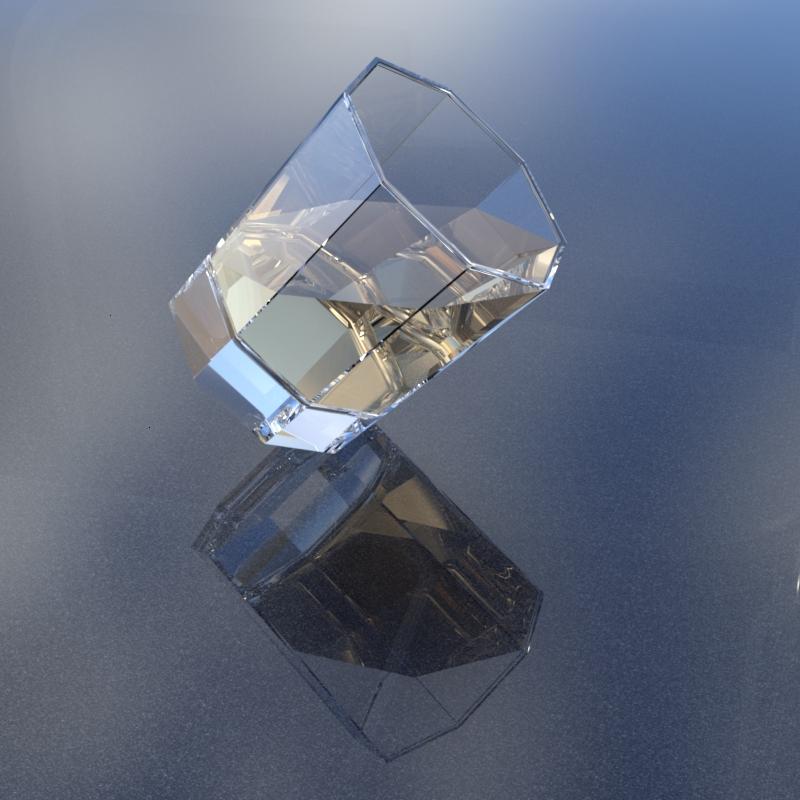
Hope they are useful.
Regards,
Richard.
More Non-photorealistic Renders (NPR III)vrba79 said:
Been chewing the fat with another Daz artist on Comicfury. He's under the unfortunate assumption that realistic renders are all but impossible to turn into NPR via postwork, citing Filament renders as an example, but I regulary turn Filament renders into nice comic-style backgrounds.
That came out well vrba79!
Daz 3D is part of

Connect
DAZ Productions, Inc.
7533 S Center View Ct #4664
West Jordan, UT 84084Licensing Agreement | Terms of Service | Privacy Policy | EULA
© 2026 Daz Productions Inc. All Rights Reserved.