-
DaztoMax dissapear
I've been using DaztoMax for a while, and today it doesn't show up even though in Daz Central, it says it's installed. How can fix it?
New Computer and Daz Connect problemRiceLover said:
So if I delete the My Daz Connect files and folders then Daz will think there is no such item installed and I might be able to re-install to the current valid location?
No, if you delete the Connect files 9or just have them where DS can't find them) but the database still shows them as installed then DS will try to load them, and ignore any Install Manager/Daz Central files for the product.
METAMIXERI understand the question. You want to use all the MetaMixer addon characters that you purchased, not just the three samples that came with MetaMixer Toolkit. If you have installed the extra MetaMixer addon products, you will find those shapes in your Content Library pane under People/Genesis 8 male/Shapes/MetaMixer/Characters if you are working with G8M or People/Genesis 8 Female/Shapes/MetaMixer/Characters for G8F. All of the MetaMixer characters that you have purchased and installed will appear in one of those paths. If they don't, you probably have not installed them correctly. I use Daz Install Manager (DIM), not Daz Central, so I can't help you there. If you are still unsuccessful, you'd better submit a help request and see if customer service can assist you. I don't seem to be able to phrase an answer here that helps you.
Product installs that cannot be foundRecently I have had an issue with a couple of products. The first was Toon Hero. I installed the product using Connect, but when I go to the product, all I get is the empty box with the exclamation point and an error saying "file does not exist". I submitted a ticket, and was instructed to uninstall and reinstall through DIM, which I did. No change, DAZ still can't find the product. The ticket is still open, as apparently the help team can't figure it out either.
Recenlty I brought another product, "Sci-Fi Rover: Titan" and am getting the same problem. I installed through Connect, DIM, and DAZ Central and nothing works.
Before I request a refund, has anyone else had this problem and solved it?
New Computer and Daz Connect problemThe database store only the relative path (the location within the content directory), not the location of the content directory itself, so as long as DS knows where the content directory (in this case the My Daz Connect Library folder as this is a Connect install) is it should be fine. Alternatively, copy the data folder from the My Daz Connect Library to C:\Daz 3D\Applications\Data\DAZ 3D\My DAZ 3D Library (where it should merge with the existing data folder). Reinstalling from Daz Central or Install Manager won't help as those get ignored when there is a Connect install.
zBrush not appearing in Daz after GoZ InstallI have installed the plugin from DAZ Central, but ZBrush is not showing as an option in Bridges nor Send To. I had both closed when I did the install. I have also uninstalled and re-installed to no avail.
New Computer and Daz Connect problemI guess the pro bundles don't have their own file per se, at least after Michael 4. Everything seems to be ok then, save for a few items that apparently installed in OneDrive. See screen shots. When I click on them in the Smart Content tab a message pops up saying the resource cannot be found. The Honey character for V7 for instance. I've tried uninstalling from Daz Central and re-installing, and directly copying the shown folders/files to my "C:\Daz 3D\Applications\Data\DAZ 3D\My DAZ 3D Library" folder and re-starting Daz. So far no luck. Still getting that error message. From your last note, I suspect changing the local files does not change the postgresql cms entries that specify where Daz expects the resource files to be?
METAMIXERRichard Haseltine said:
What is the first screenshot showing?
Thats my daz central showing what i got...
Can Filament Render 360/Spherical Images? If so, how?WendyLuvsCatz said:
well no because it is no longer available
I certainly used it to create spherical images from rotating videos
(which is what one can do with Filament, rotate the camera up and down on X axis and progressively rotate the Y axis after each sweep, definitely easier than doing it with my Nikon on unsteady feet getting dizzy)
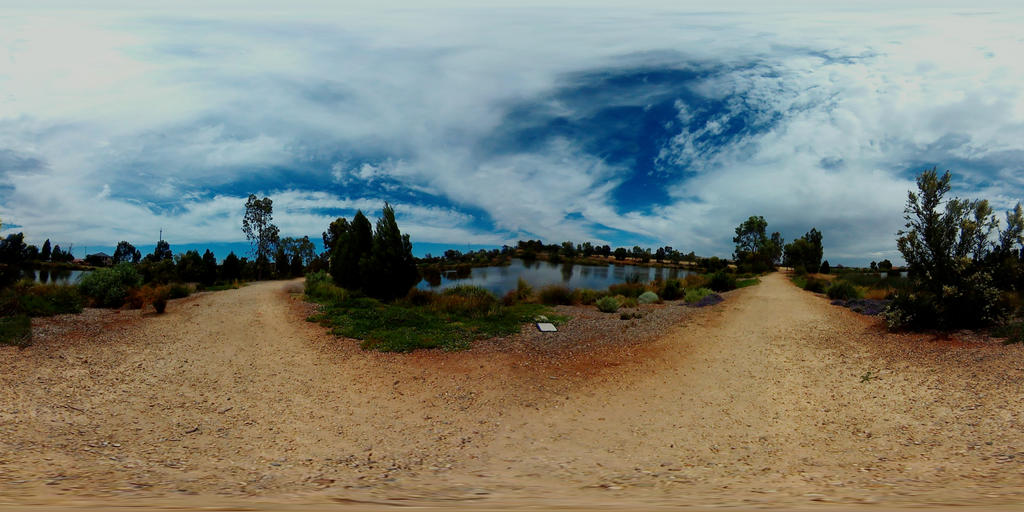
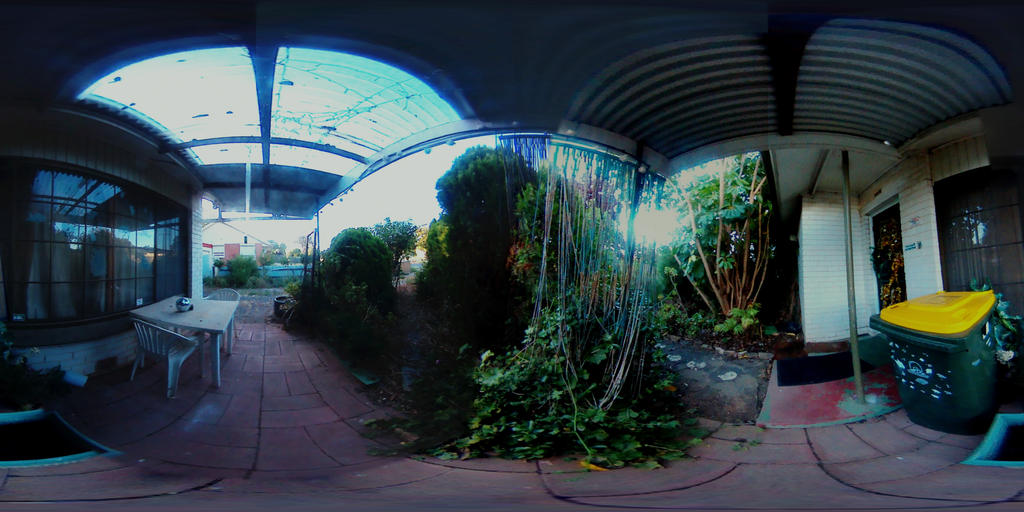
you may be able to find another panorama stitcher, Google Streetview has one I believe for making VR balls
I can find 2 paid options
ptgui and Panoweaver
there is another way using a mirror sphere, I think casual has a script with one
Yes, there are a few ways to go about creating the desired effect using software. Unfortunately, that route is time-consuming and the results may not always be perfect. I came across the thread from mCasual about creating spherical renders from a series of viewport images (someone give that guy a pay rise):
https://www.daz3d.com/forums/discussion/57539/ready-rendering-daz-studio-scenes-as-skyballs-equirectangular-spherical-images/p1A central reason I'm asking about native spherical camera support via Filament is because Filament is extremely fast compared to Iray. Filament renders can also look decent!
To be able to rapidly create spherical images via Filament would make it trivially easy to check whether a scene has been set up properly before starting multi-hour Iray renders. Thus far, I have been rendering a low resolution version with as few iterations as possible. This is okay for catching the more obvious problems with a render, but Filament would save the day.
Furthermore, if Filament could render spherical images, it would be possible to create 3D VR-360 animations that can be viewed with a VR headset. Sadly, I feel that 3D VR animations with Iray (at 6K+ resolution) are perhaps a decade away from being practical.
I have seen your animations, and I think you could do some impressive and immersive VR animations using Filament - if only it were possible!
So, if someone out there knows whether Filament is capable of spherical rendering, but hasn't been implemented yet, please speak up!
New Computer and Daz Connect problemThanks for the feedback. Changing the folder might have fixed the issue. I see my icons for content now in the Smart Content tab. Most items seem to be loading ok. The only funny things I see are that 1.) Some items don't have that circle in the upper right (see third item in screen shot) and 2.) Victoria 7 Pro and Michael 7 Pro don't show up in Daz Central. In fact none of the Pro Packs for any character are listing in Daz Central anymore, save for Michael 4 Pro Pack odly enough. Everything else seems to be listed so I'm puzzled as to why those aren't.
Multi-Install With DazCentral?+1 @MelanieL
I'd rather use DIM because it handles everything and has the easiest configuration when you want to put downloads on a separate drive and your library on yet another drive.Neither Connect nor Central can do that as far as I know.
Connect installed scripts/plugins may not function at all.I've not used Central.Too many war stories and help requests on the forum asking for help to sort out the "install stir fry" one gets trying to use Connect and Central together.
btw, you can set DIM max connections from 1-6 on the advanced settings Downloads tab(gear icon>Advanced Settings>Downloads tab.
So you get between 1-6 downloads at the same time.
Multi-Install With DazCentral?I agree with felis - from what Richard Hazeltine says (often) in other threads, they use the same basic process under the covers. The point of Daz Central was said to be that it's an easier interface to use for new users. I'm sticking with DIM for as long as it exists, then I'll go to manual installs!
Multi-Install With DazCentral?As far as I understand it is the same core in DIM and Daz Central, so a bug in one might also be in the other.
And I am not aware of the bugs in DIM you are talking about. At least I have been using DIM since I started, and I have no plans of changing.
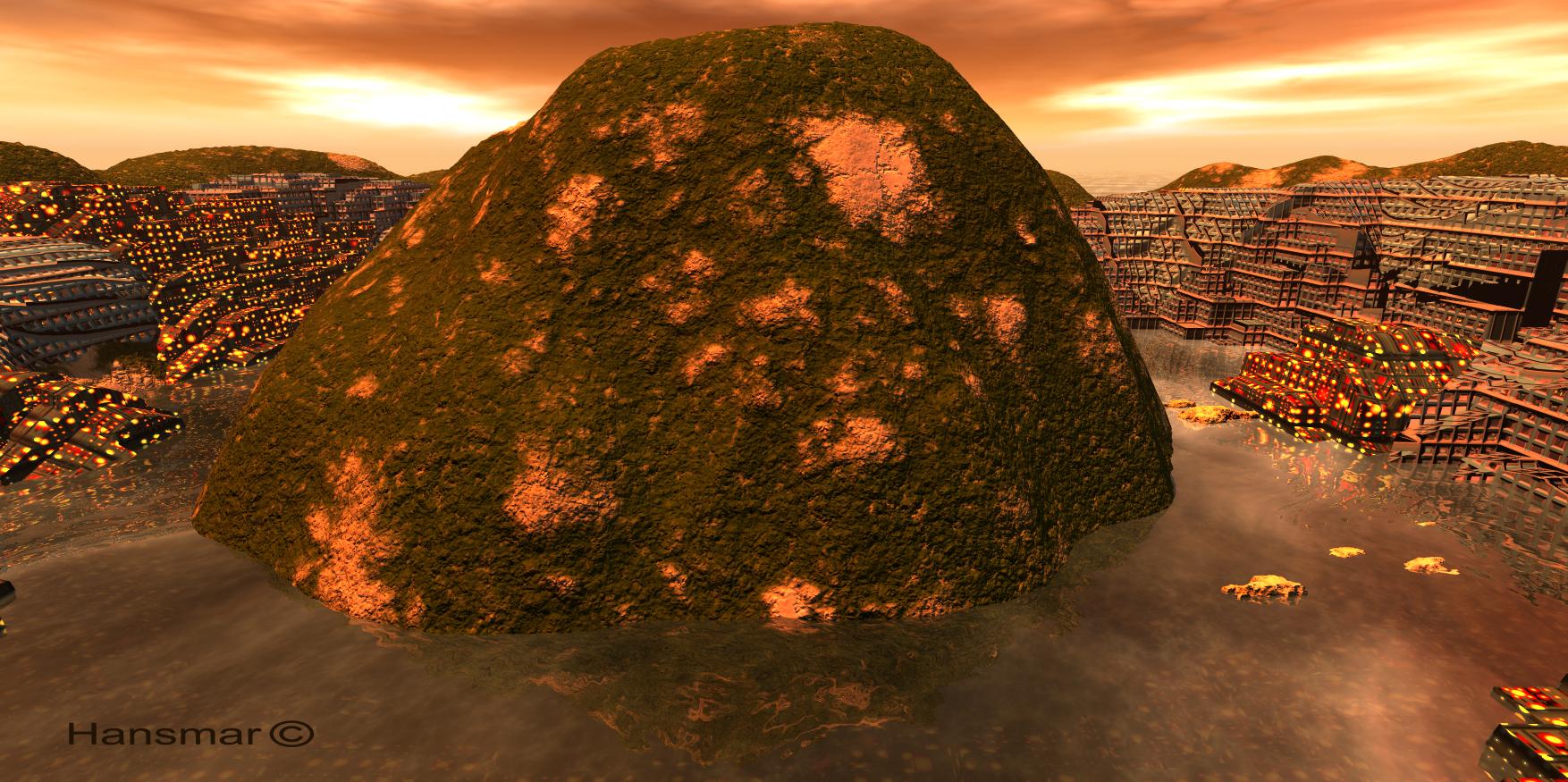
Show Us Your Bryce Renders Part 12Hi all,
I see a lot of interesting and beautiful new renders. I have been a bit absent from the site for a while, so I will not react on all renders, sorry.
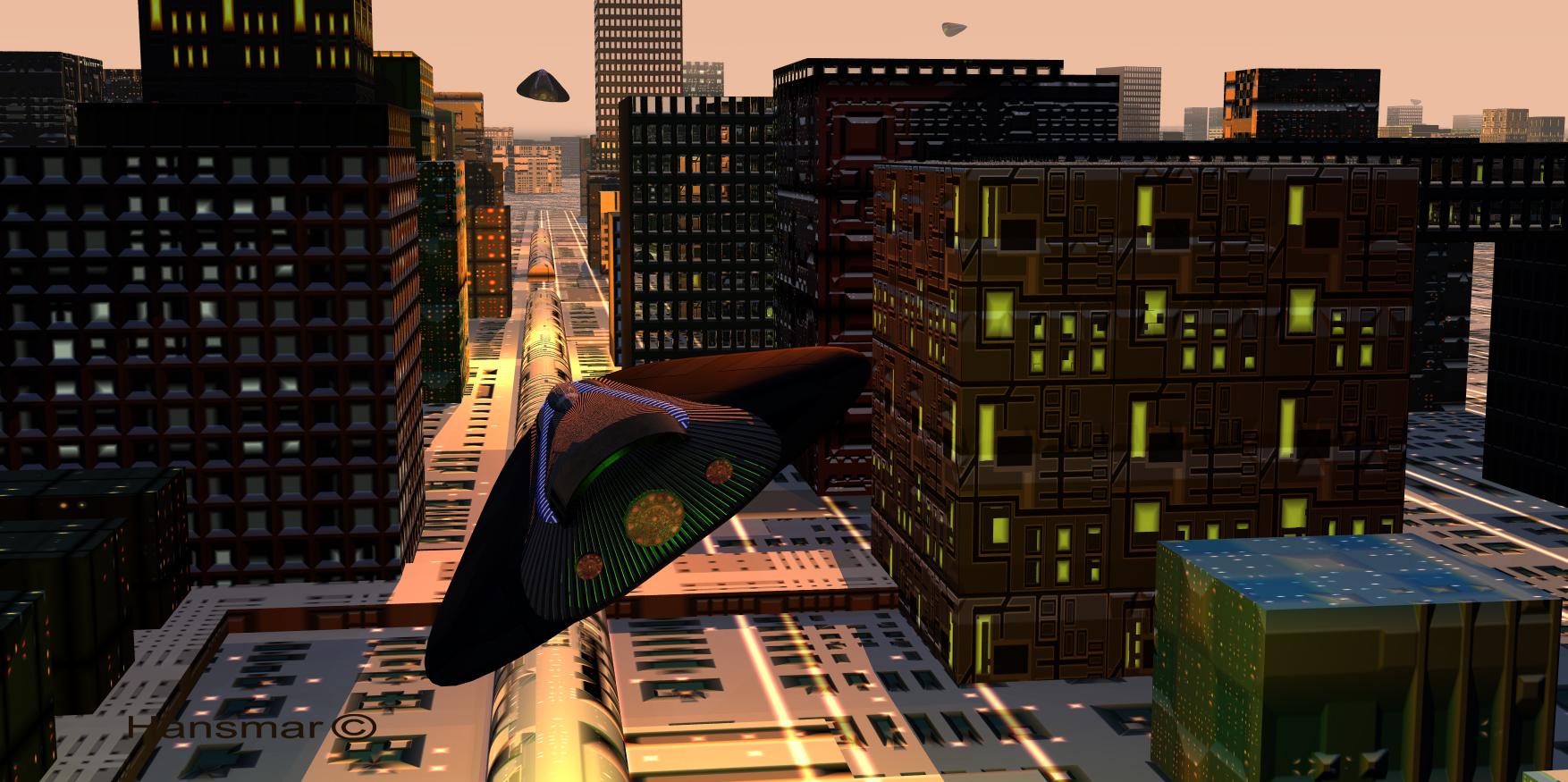
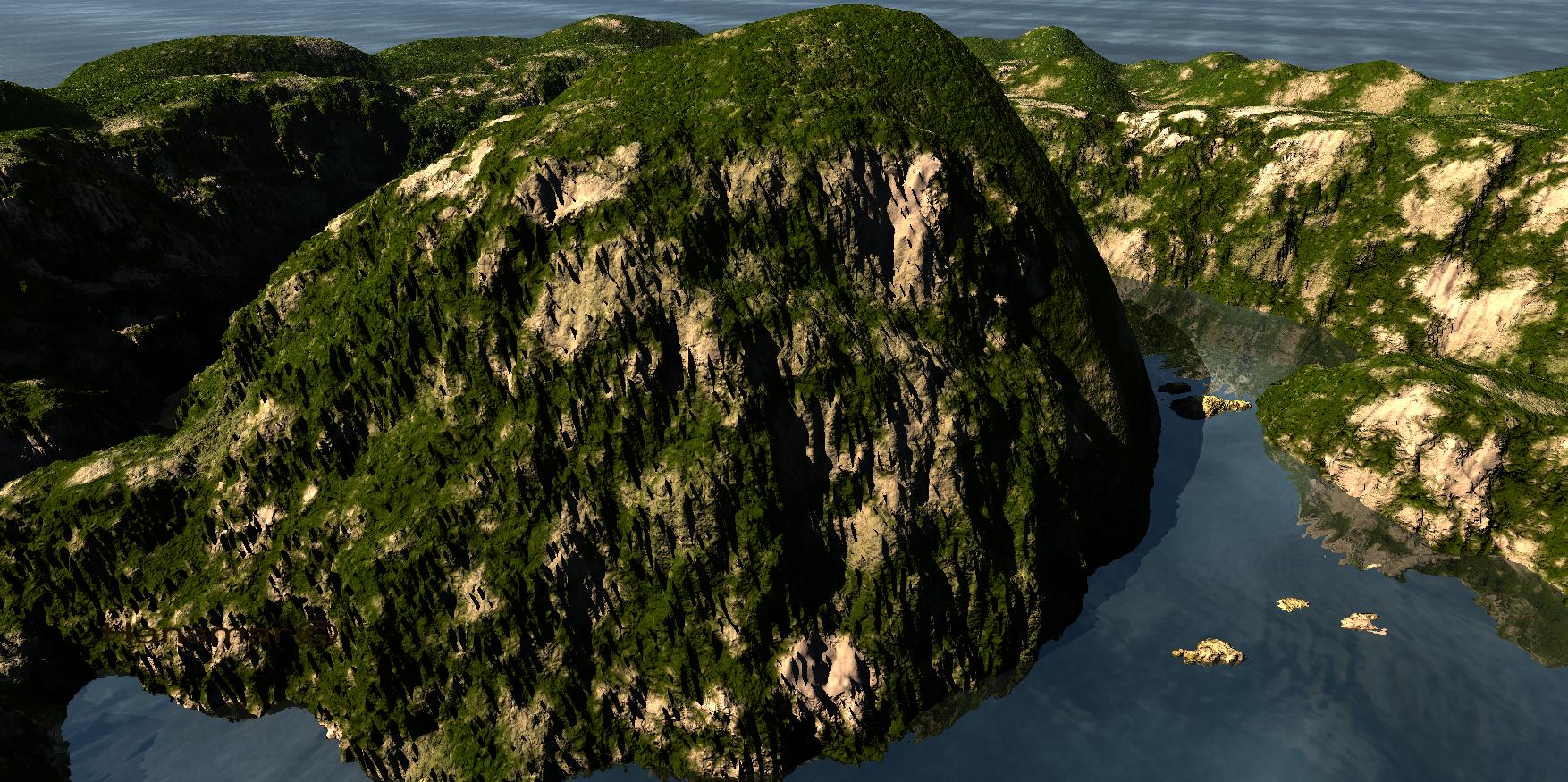
I made a couple of new renders. A sci-fi city render with the black UFO (retextured by me) and two versions made with the spiral landscape by Karanta, of which one with stacked terrains to create the city around the central mount.
 Render Restarting from Beginning
Render Restarting from Beginning
Scenario: While trying to render the below scene. It would start to render then get about 56% convergence. Then it would start to render from the beginning to about 56%, then again.
Step 1: I took to correct the problem. Save the scene. Close DAZ. Waited. Restated DAZ. loaded scene. Render same.
Step 2: Close DAZ restarted Machine. Open DAZ. Then I loaded the scene, hit render, the same.
Step 3: Reinstalled Drivers. Same
Step 4: Uninstalled DAZ with DAZ Central. Reinstall DAZ via Dim Content was still installed. Just had to install the default set. Then loaded the scene, same.
Step 5:Rebuilt Scene same
Step: Last resort Since I don't want to bother others on these forums. Since my Mantrum about support. IMHO is lacking. Wiped Drives reinstall OS and DAZ via DIM Working
Oh, Misty, I forgot my Complaint Threadkyoto kid said:
...@ Rezca, thank you for the information on the price . It was late, watched two much news, was tired.
However one of the other things I read a while bak in the description is that it seems you have to remain online while working as they sell a special dongle for those with the professional version to be able to work in offline.mode (which costs 55 USD and had to be updated every 6 months). That was my other beef. I have never have the net connection in Daz open as I don't use Daz Central as well as close the browser and Net connection during work sessions to save as much in system resources as I can.
Yeah the Always Online can certainly be a major drawback depending the situation :(
Where I lived previously network stuff was never reliable. A single rain shower could kill our internet. Lived way out in the hills smack in the middle of a forest. Beautiful place, but anything internet-related was.... Tough.Also for a long time we were on a plan that had a strict quota with how much internet you used, so online games were a no-go most of the time, and I had to invest mostly in books and stuff for my learning material as online courses and youtube sometimes could be a problem as the streaming would really cut into our limited internet use. That much got better later on, but the finnicky internet from being in the middle of nowhere didn't.
Oh, Misty, I forgot my Complaint Thread...@ Rezca, thank you for the information on the price . It was late, watched two much news, was tired.
However one of the other things I read a while bak in the description is that it seems you have to remain online while working as they sell a special dongle for those with the professional version to be able to work in offline.mode (which costs 55 USD and had to be updated every 6 months). That was my other beef. I have never have the net connection in Daz open as I don't use Daz Central as well as close the browser and Net connection during work sessions to save as much in system resources as I can.
Active Training for Genesis 8.1 Females Bundle how to download this for offline installation?Richard Haseltine said:
This seemed to have gone live with bad links from the bendle. Those have now been corrected, are the individual products now available to you?
Just tried again. Not fixed for me yet. Nothing showing in DIM or Daz Central.
Active Training for Genesis 8.1 Females Bundle how to download this for offline installation?I too am unable to download this product in either DAZ Central or DIM. I have raised a ticket with Daz Customer Services.
New! Novica & Forum Members Tips & Product Reviews Pt 14Wow, I woke up with fifteen minutes to spare on the flash sale expiring in a minute. Got 79% off so happy camper. When did it start? (Expired 8am central)
Daz 3D is part of

Connect
DAZ Productions, Inc.
7533 S Center View Ct #4664
West Jordan, UT 84084Licensing Agreement | Terms of Service | Privacy Policy | EULA
© 2026 Daz Productions Inc. All Rights Reserved.