How to reduce glare & shine when rendering a render?
 Drogo Nazhur
Posts: 1,275
Drogo Nazhur
Posts: 1,275
Here is the DAZ render of the front cover ...

... and here is the DAZ render of the back cover ...

... here are those two put together in the editor (so far, so good) ...
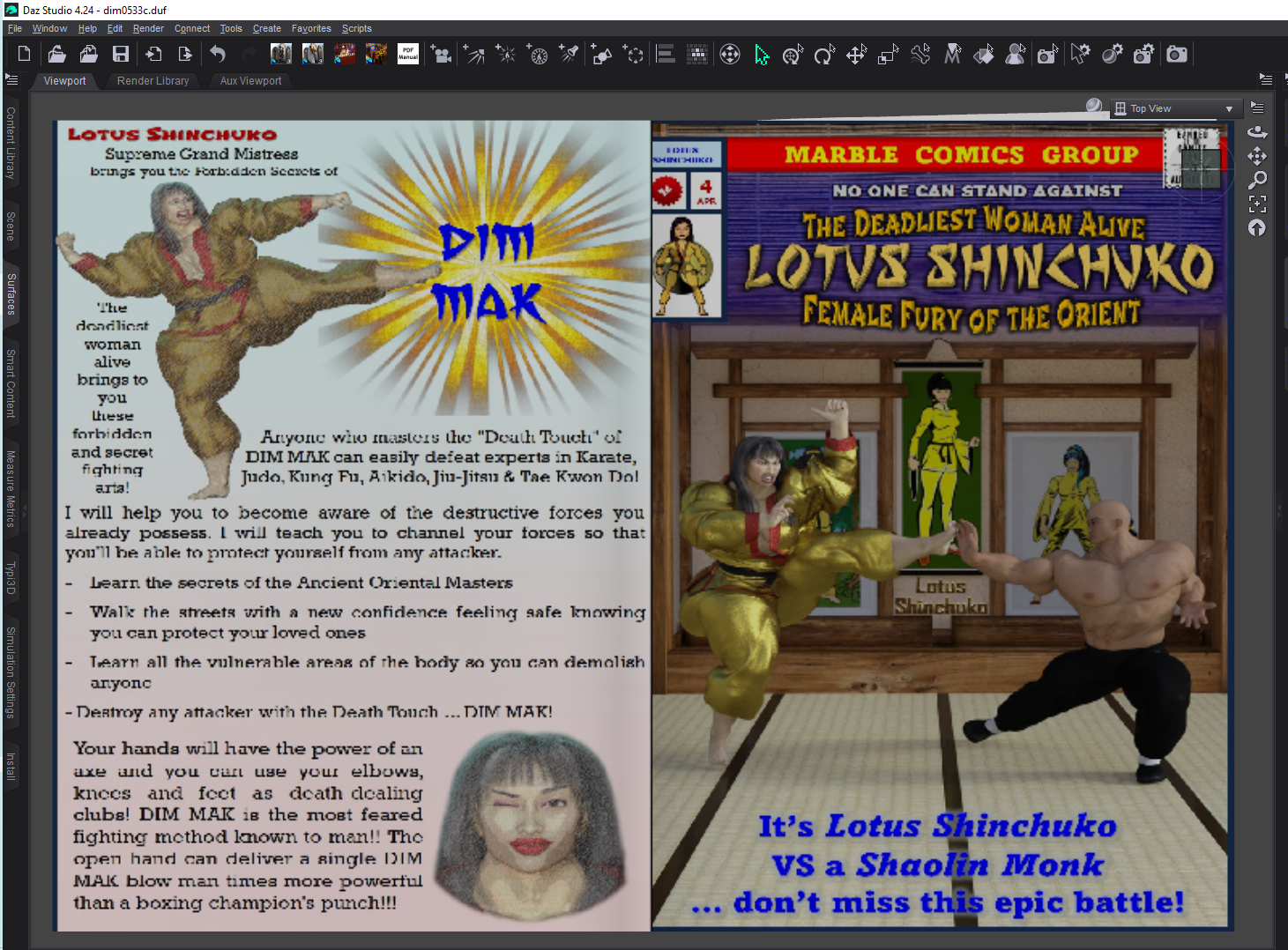
... but when I render it again, I lose color and gain shine which I don't want ...
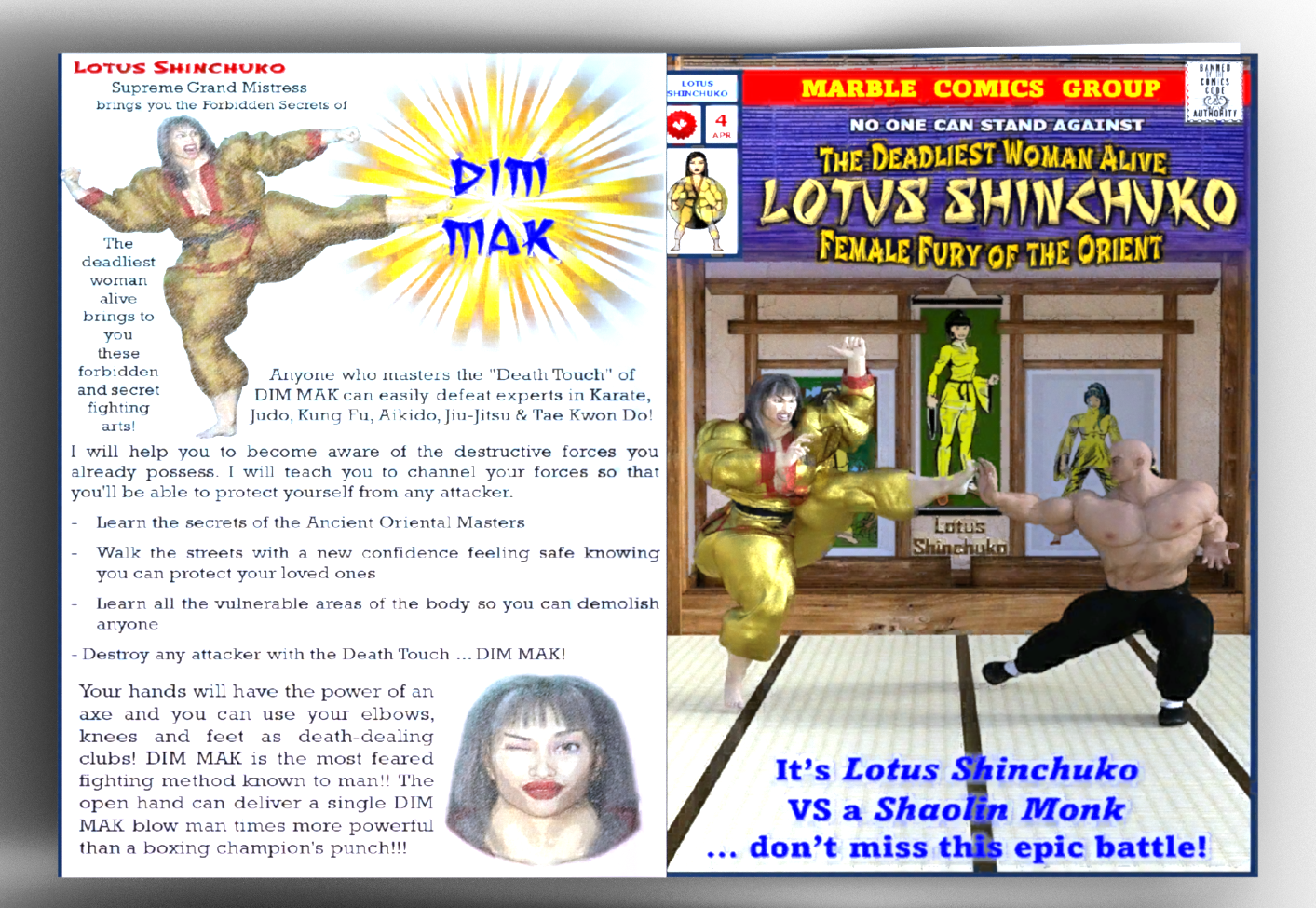
... Suggestions and recommendations welcome and appreciated. Thank you in advance.
Post edited by Drogo Nazhur on

Daz 3D is part of 
Connect
DAZ Productions, Inc.
7533 S Center View Ct #4664
West Jordan, UT 84084
Licensing Agreement | Terms of Service | Privacy Policy | EULA
© 2026 Daz Productions Inc. All Rights Reserved.
Comments
Why not just combine them in an image editor? Anyway, I would think reduce all of the Weight proeprties in the Surfaces pane to 0% so you are left with just the base colour.
"... Why not just combine them in an image editor? ..."
The prop is a folding magazine and I'm going to have a character standing and holding and reading the magazine.Sort of like what I have going on in the below image where the guy is reading the newspaper ...
... I created the front and back cover of that newspaper. I want to do the same thing with this magazine.
Well, it will depend to a certain extent on what the magazine is made of - is it a comic with fairly rough, matt paper, or a better quaity comic/graphic novel with smother paper, or a glossy magazine? Lighting also matters - the more even it is the more spread out any highlights will be - as does the shape of the model - the flatter it is the more highlights wil spread, especially with more even lighting.